
What do I do about false positives?
If a finding is wrong, mark it as a false positive. Qodex keeps the finding so the item stays out of the default open list while remaining searchable for audit and history.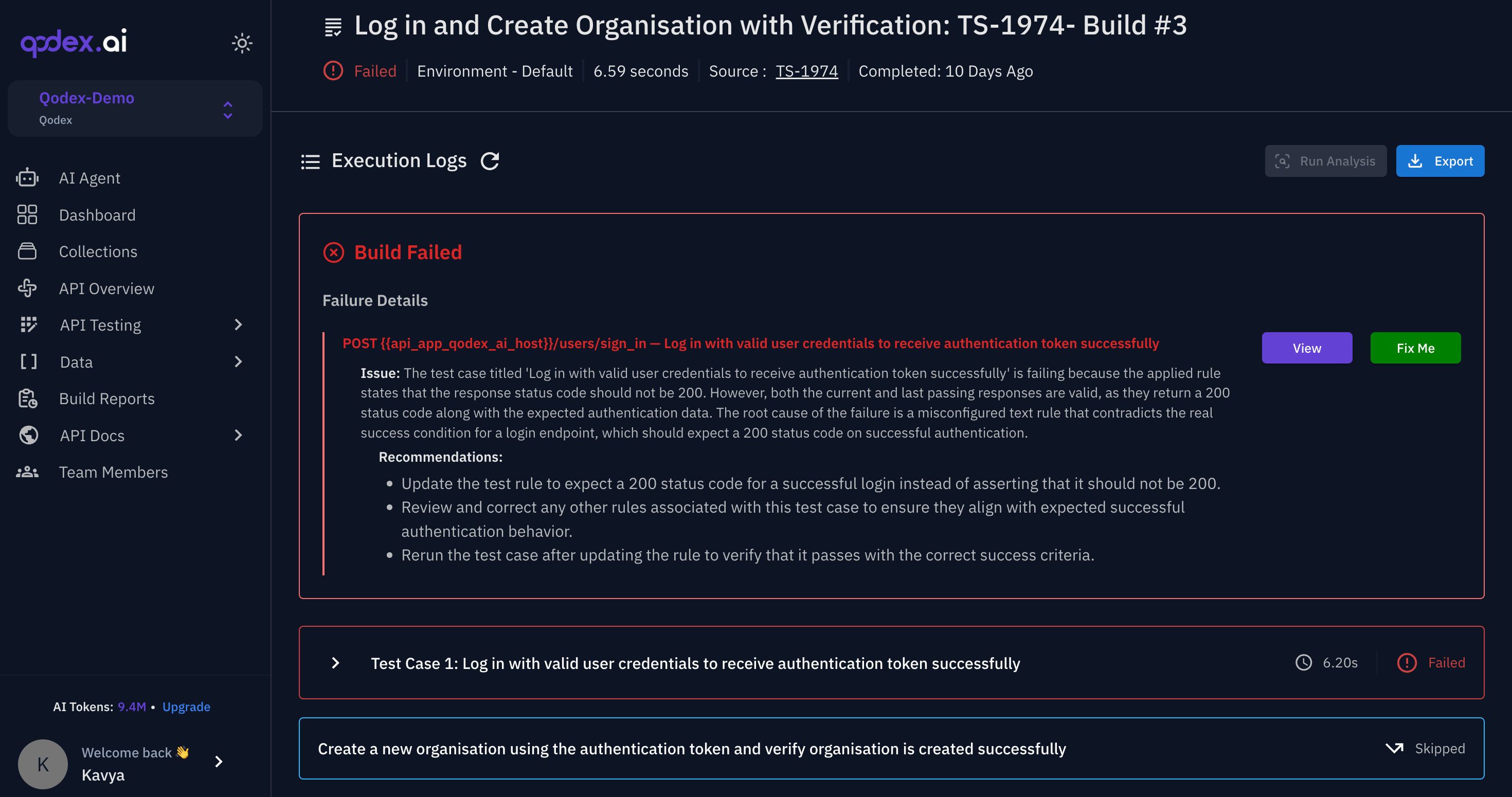
Before a finding reaches you
Qodex applies guards to reduce common false positives:
These guards reduce noise, but reviewers should still triage findings.
Mark a false positive
Open Findings, click the finding, and under Mark as click False positive. The finding remains in history, but it no longer appears in the default open list. To see it again, add False positive in the Status filter. For a finding in Needs review, click Dismiss under Waiting for you. That closes it as a false positive and records who decided. A code scan finding you mark as false positive or won’t fix is not filed again on the next scan.False positive vs won’t fix
Use False positive when Qodex is wrong. Use Won’t fix when Qodex is right but your team intentionally accepts the risk or chooses not to change the behavior. If the finding is real but rated too high or too low, keep it open and change its severity under Review instead, with a note saying why.PR review notes
Inline PR findings can occasionally be advisory when the anchor is uncertain. Review the surrounding code and evidence before treating the finding as confirmed.Next steps
Inline findings
See how PR comments are anchored.
Slash commands
Learn the current PR command surface.
Findings
Understand Qodex findings.
Triage workflow
Move findings through review.