
How do I scope a scan to one route?
Use the lightest control that matches how precise you need the run to be. For one-off work, tell Qodex the exact route in chat. For repeatable subsets, use tags. For strict control, run one pre-authored scenario.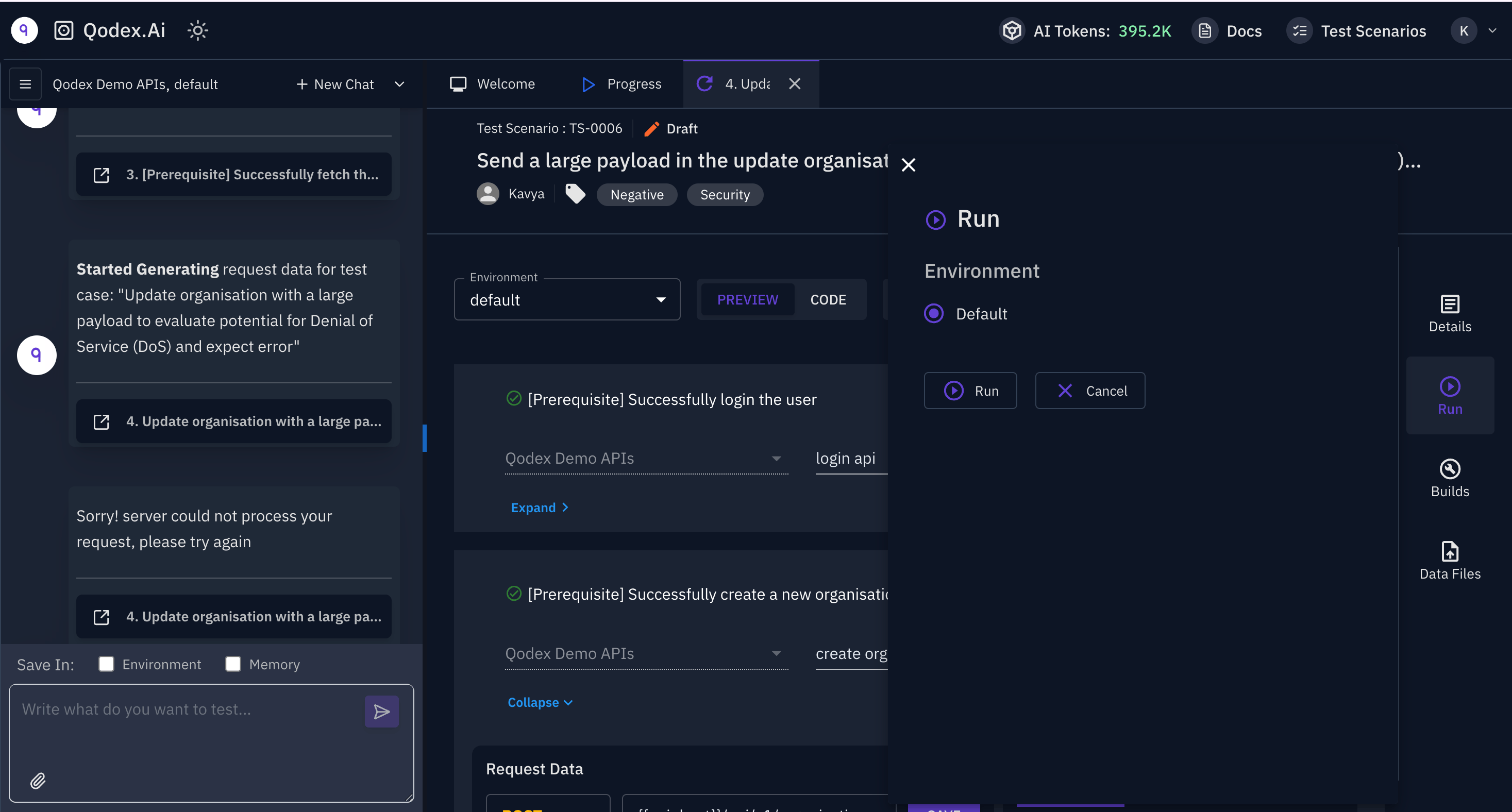
Option 1: Tell Qodex in chat
Use this while Qodex is exploring or authoring tests.Option 2: Use tags
Use tags when the same scope should run again.smoke, checkout, security, critical, or auth.
Option 3: Run one scenario
Use this when you know exactly what should execute. A single pre-authored scenario gives the tightest scope: one route, one test shape, and no extra exploration. Open Test > Scenarios, hover the scenario, and click Run. A whole-target Security scan cannot be narrowed to one route. It covers the verified origin you pick, so use chat or a saved scenario when you need one route.Which option should I choose?
Next steps
API testing scenarios
Learn the API scenario model.
Run a single scenario
Execute one saved test.
Run tag-filtered scenarios
Run a reusable subset.
API governance
Keep endpoint coverage organized.