8 Best Puppeteer Alternatives for Browser Automation in 2026
Need an alternative to Puppeteer for browser automation and testing? The best options are below, plus a full comparison of Qodex versus every major QA tool.
Quick Comparison: Best Puppeteer Alternatives at a Glance
| Tool | Best For | Pricing | Standout Limit |
|---|---|---|---|
| Playwright | Cross-browser testing and automation, the natural Puppeteer successor | Free open source (Apache 2.0) | Larger API surface; browsers are patched builds, not stock |
| Qodex | Teams that want UI test suites generated and maintained by an AI agent | Free tier; paid plans via sales | A testing platform, not a scripting library for scraping |
| Cypress | Front-end developers who want fast feedback while writing E2E tests | Free open-source app; Cypress Cloud free tier, paid from $67/month (billed annually) | Runs inside the browser, so multi-tab and some cross-origin flows are awkward |
| Selenium WebDriver | Maximum browser and language coverage on a W3C standard | Free open source (Apache 2.0) | No auto-waiting; more boilerplate and flake management |
| WebdriverIO | Node.js teams that want one framework for web and native mobile | Free open source (MIT) | Configuration-heavy setup compared to Playwright |
| TestCafe | Quick cross-browser test setup without WebDriver or browser plugins | Free open source (MIT) | Proxy-injection architecture limits some low-level browser control |
| Nightwatch.js | An integrated test framework with WebDriver and CDP support | Free open source (MIT) | Smaller ecosystem than Playwright or Cypress |
| chromedp | Go developers automating Chrome without a Node.js dependency | Free open source (MIT) | Chrome/Chromium only, Go only |
Puppeteer is still a solid library. The Chrome team maintains it, it drives Chrome and Firefox over the DevTools Protocol and WebDriver BiDi, and for scraping or PDF generation it remains a sensible default. But most of the momentum in browser automation has moved elsewhere: to tools with broader browser coverage, built-in test runners, and less selector babysitting. Every claim about pricing below was checked against the vendor's live pricing page in June 2026; the open-source tools are free, full stop.
Why Look for Puppeteer Alternatives?
Five pain points come up again and again when teams outgrow Puppeteer:
1. Cross-Browser Coverage
Puppeteer is Chrome-first. Firefox support has improved via WebDriver BiDi, but there is no WebKit coverage at all, so you cannot reproduce Safari-specific bugs. If your users are on iOS, that is a blind spot.
2. No Built-In Test Runner
Puppeteer is an automation library, not a test framework. You bring your own runner (Jest, Mocha), your own assertions, your own retry logic, your own reporting. Tools like Playwright, Cypress, and Nightwatch ship all of that out of the box.
3. Manual Waiting and Flake
Puppeteer makes you manage waits explicitly. Forget one waitForSelector and you get an intermittent failure that wastes an afternoon. Playwright's auto-waiting and Cypress's built-in retryability exist precisely because this class of flake burned so many teams.
4. The Ecosystem Moved
The team that built Puppeteer at Google largely moved to Microsoft and built Playwright. Most new tooling, community content, and CI integrations now target Playwright first. Betting on the ecosystem's direction matters when you are choosing what to train your team on.
5. Scripts Are Still Handwritten
Whichever library you pick, someone still writes and maintains every selector, assertion, and edge case by hand. A newer class of tools, Qodex among them, generates the test code from a plain-English description of the flow and keeps it updated, which changes how much of this work a team does at all.
Top 8 Puppeteer Alternatives in 2026
1. Playwright
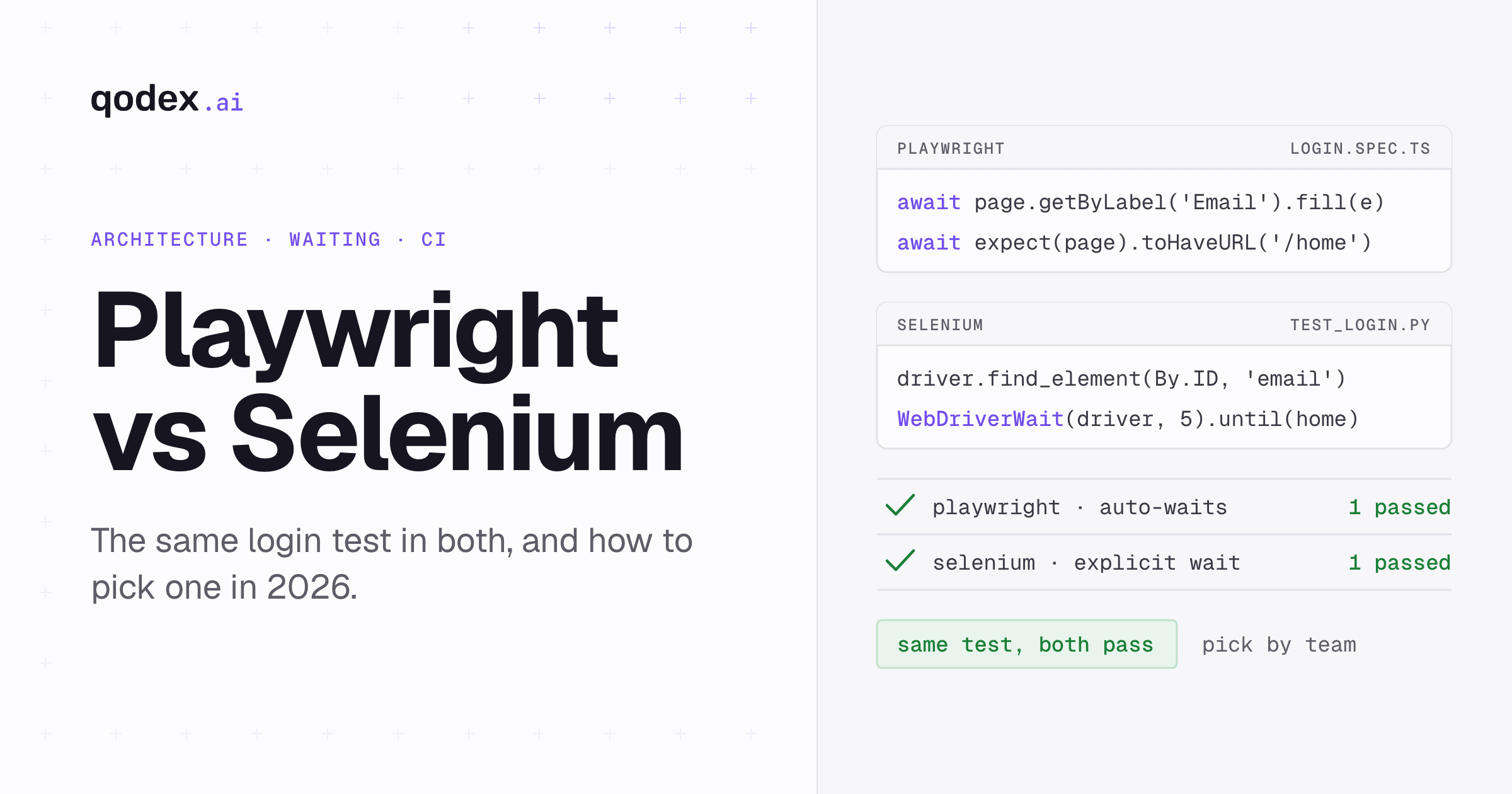
Playwright is the obvious first candidate, and for most teams it is the right one. Built by Microsoft, largely by the same engineers who created Puppeteer, it keeps the parts people liked (fast CDP-based automation, headless support, a familiar API) and fixes the parts they did not.
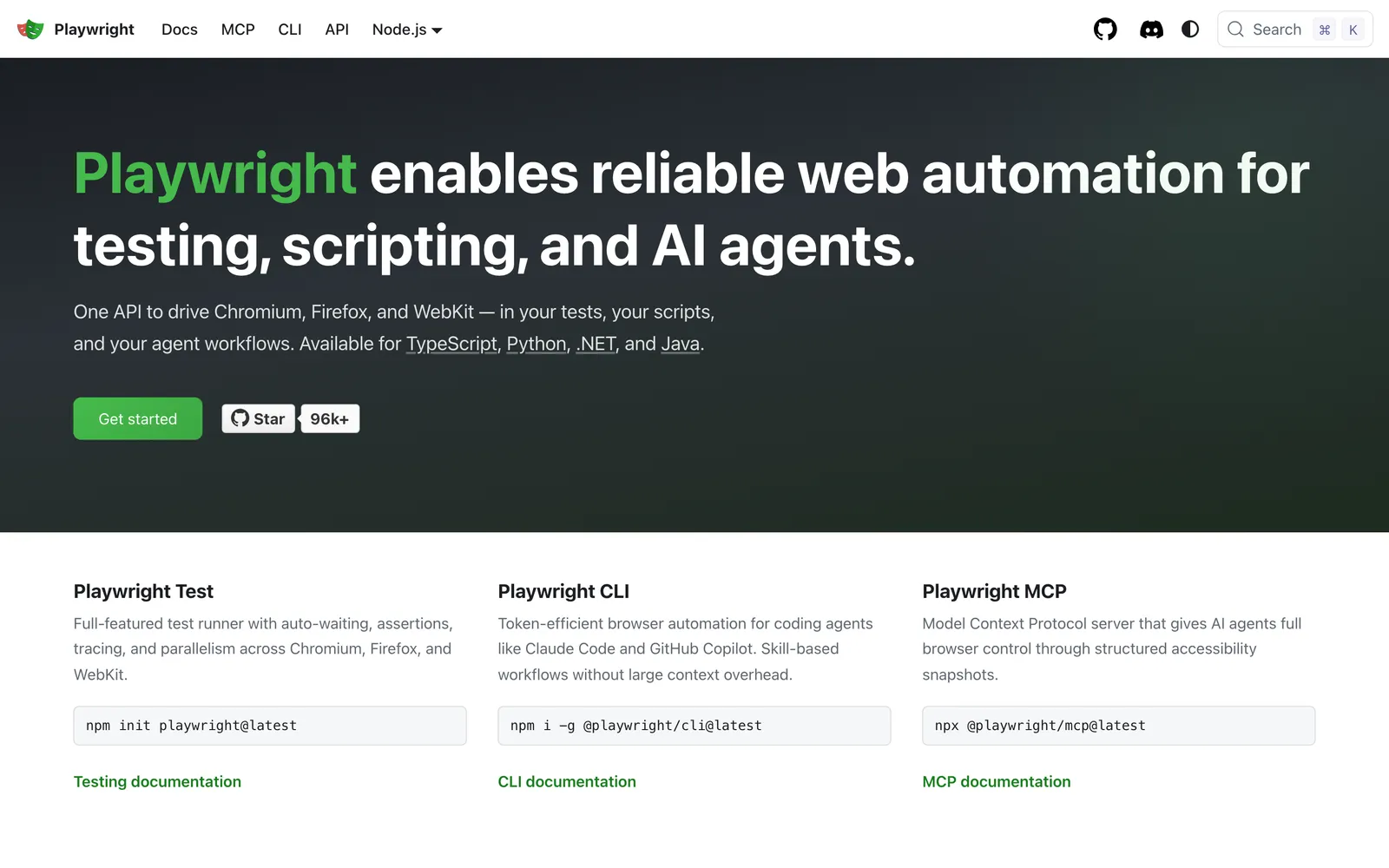
What it does: Playwright automates Chromium, Firefox, and WebKit from a single API, with bindings for JavaScript/TypeScript, Python, Java, and .NET. It auto-waits for elements to be actionable before clicking, ships a first-class test runner with parallelism and retries, and includes a code generator, trace viewer, and UI mode for debugging failures step by step.
Pricing: Free and open source (Apache 2.0)
Pros:
True cross-browser coverage including WebKit, so Safari-class bugs are reproducible
Auto-waiting removes most manual
waitForSelectorflakeComplete test framework: runner, fixtures, parallelism, tracing, reporting
Migration from Puppeteer is straightforward; the APIs are conceptually close
Very active development and the largest momentum in the category
Cons:
Bigger API surface and more concepts to learn than plain Puppeteer
Tests run against Playwright's patched browser builds, not the stock browsers your users run
Heavier install footprint (three browser engines by default)
Best for: Almost any team leaving Puppeteer for testing or automation. For a direct head-to-head, see our Playwright vs Puppeteer comparison.
2. Qodex
Qodex answers a different question than the other tools here. The libraries below give you a better way to write browser automation code. Qodex asks whether you should be writing that code by hand at all. It is an AI QA agent: you describe the flow you want covered in chat, the agent explores your app in a real Chromium browser, and it generates runnable Playwright-based test scenarios with assertions.
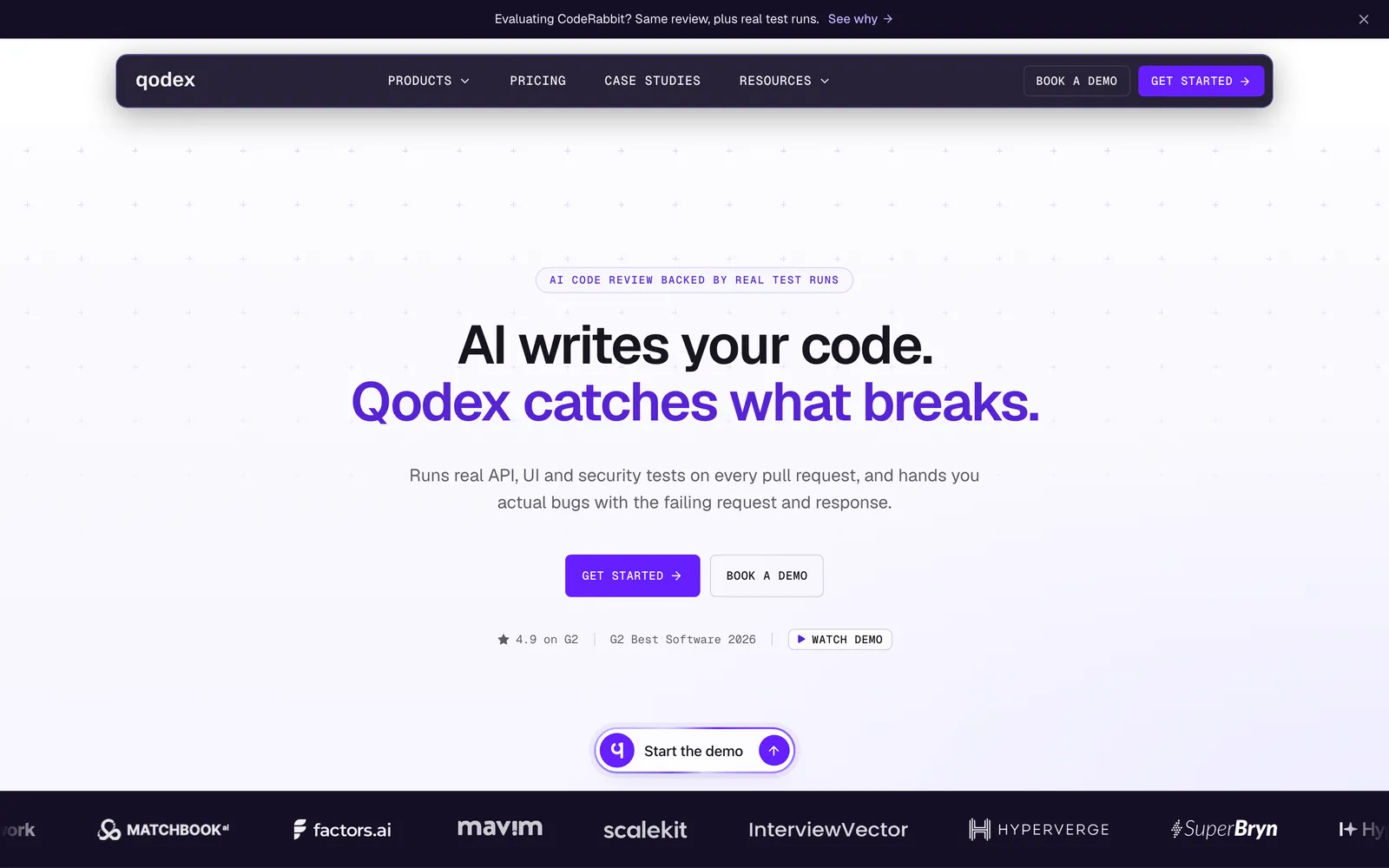
What it does: The agent crawls your web app, builds a catalog of pages and endpoints, and writes UI test scenarios from plain-English instructions. Steps are expressed as natural-language intents that the runner resolves against a live accessibility snapshot of the page, so a renamed CSS class does not break the test the way it breaks a hardcoded selector. After the first successful run, scenarios replay from a cache with no LLM in the loop, so scheduled regression runs add zero AI cost. When a run fails, the agent classifies the failure as a real bug, a stale test, or an environment issue instead of leaving you a wall of red. It covers API testing from the same chat, so a checkout flow and the payment API behind it can live in one suite.
Pricing:
Free: Basic plan to start generating and running scenarios
Premium / Enterprise: Higher limits, CI/CD integrations, via sales (see pricing)
Pros:
Test scenarios are generated from plain-English briefs, not handwritten selector code
Intent-based steps self-heal against cosmetic UI changes that break selector-based scripts
Cached replays cost nothing extra, so the suite stays cheap as it grows
Generated scripts are standard Playwright code you can eject and run anywhere
UI, API, and security testing from one agent instead of three toolchains
Cons:
Not a scripting library: if you need Puppeteer for scraping, crawling, or PDF generation, this is not a replacement
AI-generated scenarios deserve human review before they gate a release
Newer platform with a smaller community than the established frameworks
Best for: Teams using Puppeteer for end-to-end testing who want coverage without the script-maintenance treadmill. Not for scraping workloads.
3. Cypress
Cypress is a developer-experience-first end-to-end testing framework. It runs your test code inside the browser alongside your app, which gives it a distinctive interactive workflow: you watch commands execute in real time and travel back through snapshots of each step.
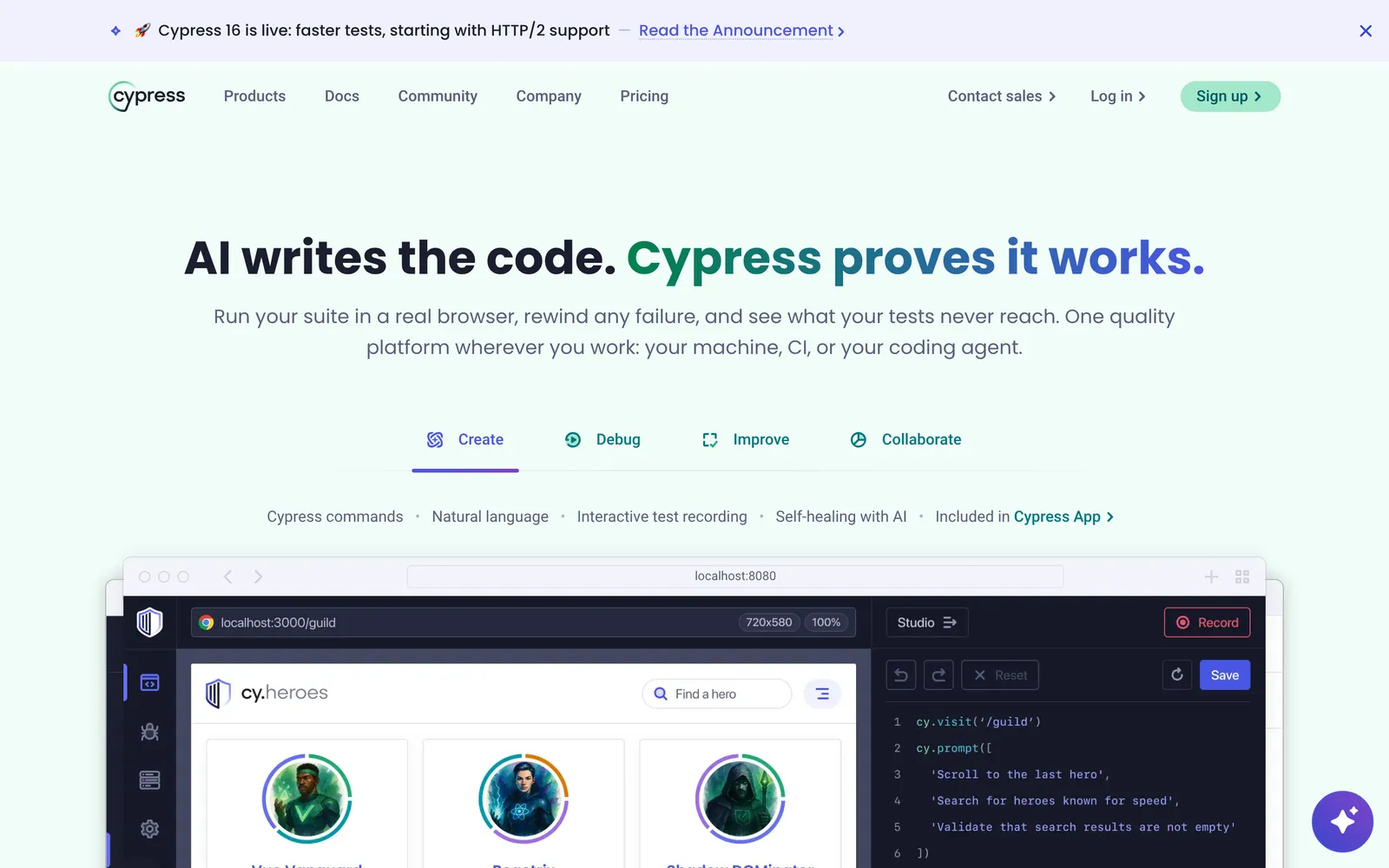
What it does: Cypress provides a complete testing experience with automatic waiting, time-travel debugging, network stubbing, and component testing for React, Vue, Angular, and Svelte. The open-source app is free; Cypress Cloud adds parallelization, flake detection, and analytics as a paid service.
Pricing: The Cypress app is free and open source. Cypress Cloud has a free Starter tier; the Team plan starts at $67/month billed annually, with usage-based test result limits.
Pros:
Best-in-class interactive debugging while writing tests
Automatic waiting and retryability reduce flake
Strong documentation and a large community
Component testing and E2E testing in one tool
Cons:
In-browser architecture makes multi-tab and some cross-origin scenarios awkward
WebKit support is experimental, so Safari coverage is limited
Parallelization at scale effectively requires paid Cypress Cloud
JavaScript/TypeScript only
Best for: Front-end teams that prioritize developer experience while authoring tests and live mostly in Chromium and Firefox.
4. Selenium WebDriver
Selenium is the elder statesman of browser automation and still the most widely deployed framework in enterprise QA. It drives browsers through the W3C WebDriver standard, which every major browser vendor implements natively.
What it does: Selenium automates every major browser (Chrome, Firefox, Safari, Edge) with official bindings for Java, Python, C#, Ruby, JavaScript, and more. Selenium Grid distributes tests across machines and browsers at scale, and the WebDriver standard means you test against real, unpatched browsers.
Pricing: Free and open source (Apache 2.0)
Pros:
Broadest browser and language coverage of any framework
W3C standard protocol, supported natively by browser vendors
Massive ecosystem: cloud grids, wrappers, two decades of answers to every question
Tests run against stock browsers, including real Safari
Cons:
No auto-waiting; explicit wait management is on you
More verbose and boilerplate-heavy than modern alternatives
No bundled test runner, assertions, or reporting
Generally slower than CDP-based tools
Best for: Enterprises that need maximum browser/language coverage or already have Selenium infrastructure. See our Selenium vs Puppeteer comparison for a deeper look.
5. WebdriverIO
WebdriverIO is a Node.js automation framework that wraps the WebDriver and DevTools protocols in a modern, batteries-included developer experience. It is the strongest option if your testing scope includes native mobile apps.
What it does: WebdriverIO automates web apps in all major browsers and, through Appium, native iOS and Android apps with the same API. It ships a test runner with smart waits, parallel execution, and a large plugin ecosystem for reporters and services.
Pricing: Free and open source (MIT)
Pros:
One framework for web and native mobile automation
Supports both WebDriver standard and Chrome DevTools Protocol
Built-in smart waiting reduces flake versus raw Selenium
Active community within the OpenJS Foundation
Cons:
Setup and configuration are heavier than Playwright or Cypress
JavaScript/TypeScript only
Smaller community than Selenium or Playwright
Best for: Node.js teams covering web and mobile apps with one framework, especially where Appium is already in the picture.
6. TestCafe
TestCafe takes a different architectural route: no WebDriver, no browser plugins, no patched binaries. It injects an automation script into the page through a proxy, which means it runs in any browser that can open a URL, including cloud and mobile browsers.
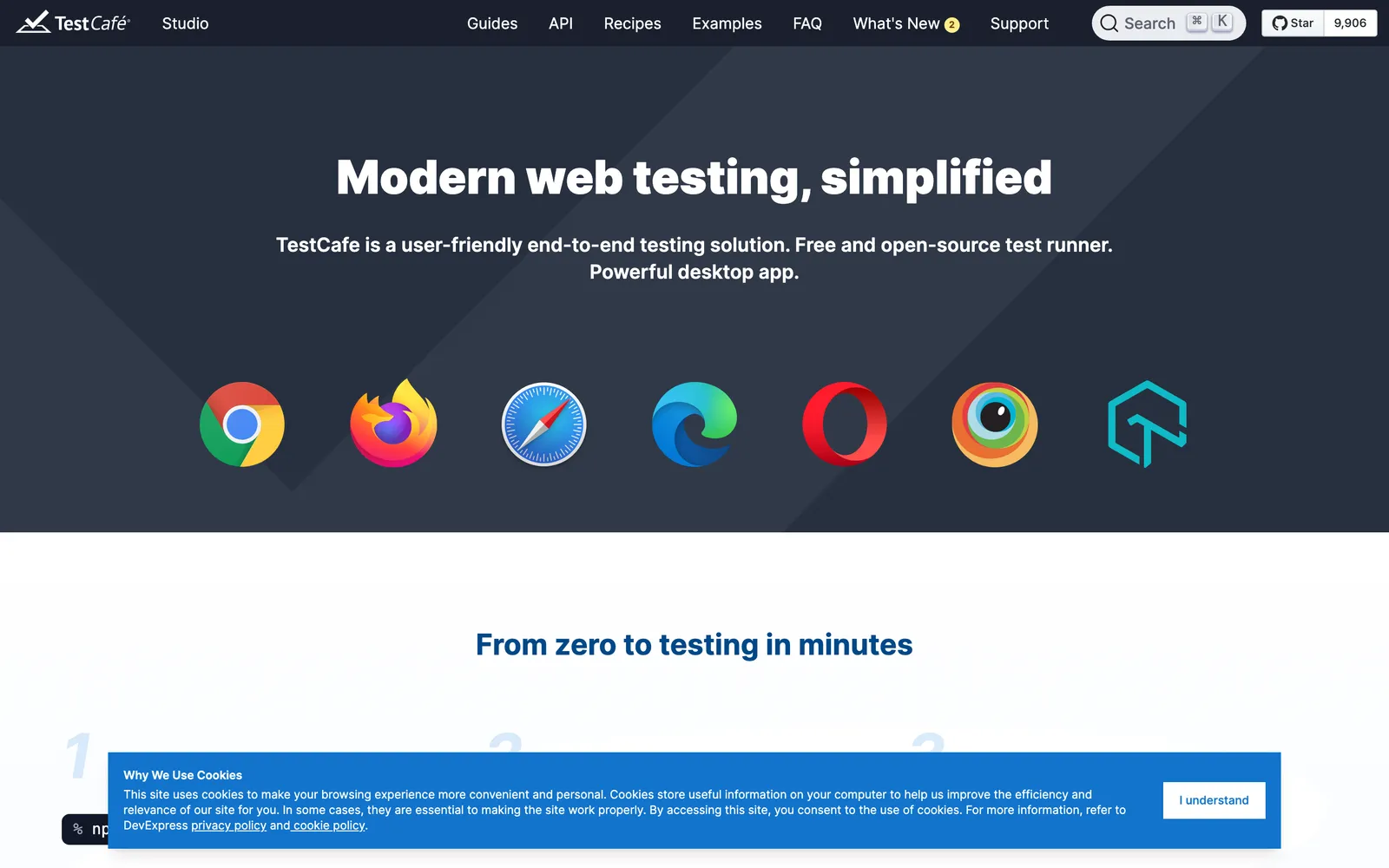
What it does: TestCafe runs end-to-end tests in JavaScript or TypeScript across Chrome, Firefox, Safari, and Edge with zero browser configuration. It includes automatic waiting, parallel execution, and built-in test isolation with clean user roles for auth flows.
Pricing: Free and open source (MIT)
Pros:
Easiest cross-browser setup in the category: install one npm package and run
Works on browsers you cannot drive with CDP, including real Safari
Automatic waiting built in
User roles make multi-account auth testing clean
Cons:
Proxy architecture limits low-level control (no raw CDP access)
Slower release cadence than Playwright or Cypress in recent years
Smaller plugin ecosystem and community
Best for: Teams that want real cross-browser coverage with minimal setup and do not need deep protocol-level browser control.
7. Nightwatch.js
Nightwatch.js is an integrated end-to-end testing framework backed by BrowserStack. It pairs a readable, fluent API with support for both the WebDriver standard and the Chrome DevTools Protocol.
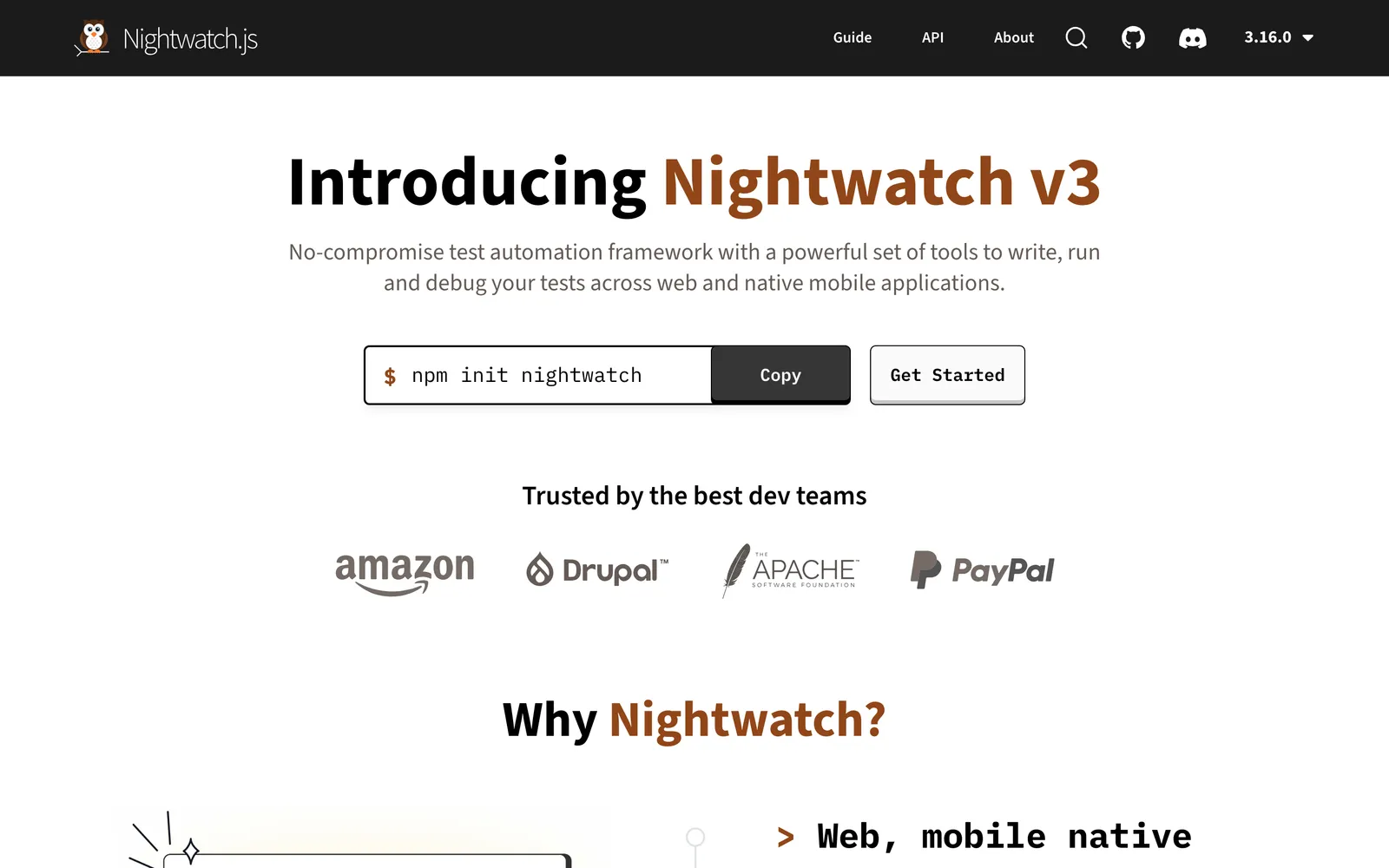
What it does: Nightwatch runs E2E tests across all major browsers, plus component testing for React, Vue, and Storybook, and mobile web and native app testing via Appium. Assertions, retries, parallelism, and reporting are built in, so there is no runner assembly required.
Pricing: Free and open source (MIT)
Pros:
Complete framework out of the box with a clean, readable syntax
Supports WebDriver and CDP, so it can drive stock browsers or automate like Puppeteer
Mobile testing support through Appium integration
Maintained by BrowserStack, so cloud-grid integration is first-class
Cons:
Much smaller ecosystem and community than Playwright or Cypress
Fewer learning resources and third-party plugins
JavaScript/TypeScript only
Best for: Teams that want a simple, integrated framework and value BrowserStack cloud compatibility.
8. chromedp
chromedp is a Go library for driving Chrome over the DevTools Protocol. It is the closest thing to "Puppeteer for Go": fast, dependency-light, and ideal when your backend stack is Go and you do not want Node.js in the toolchain.
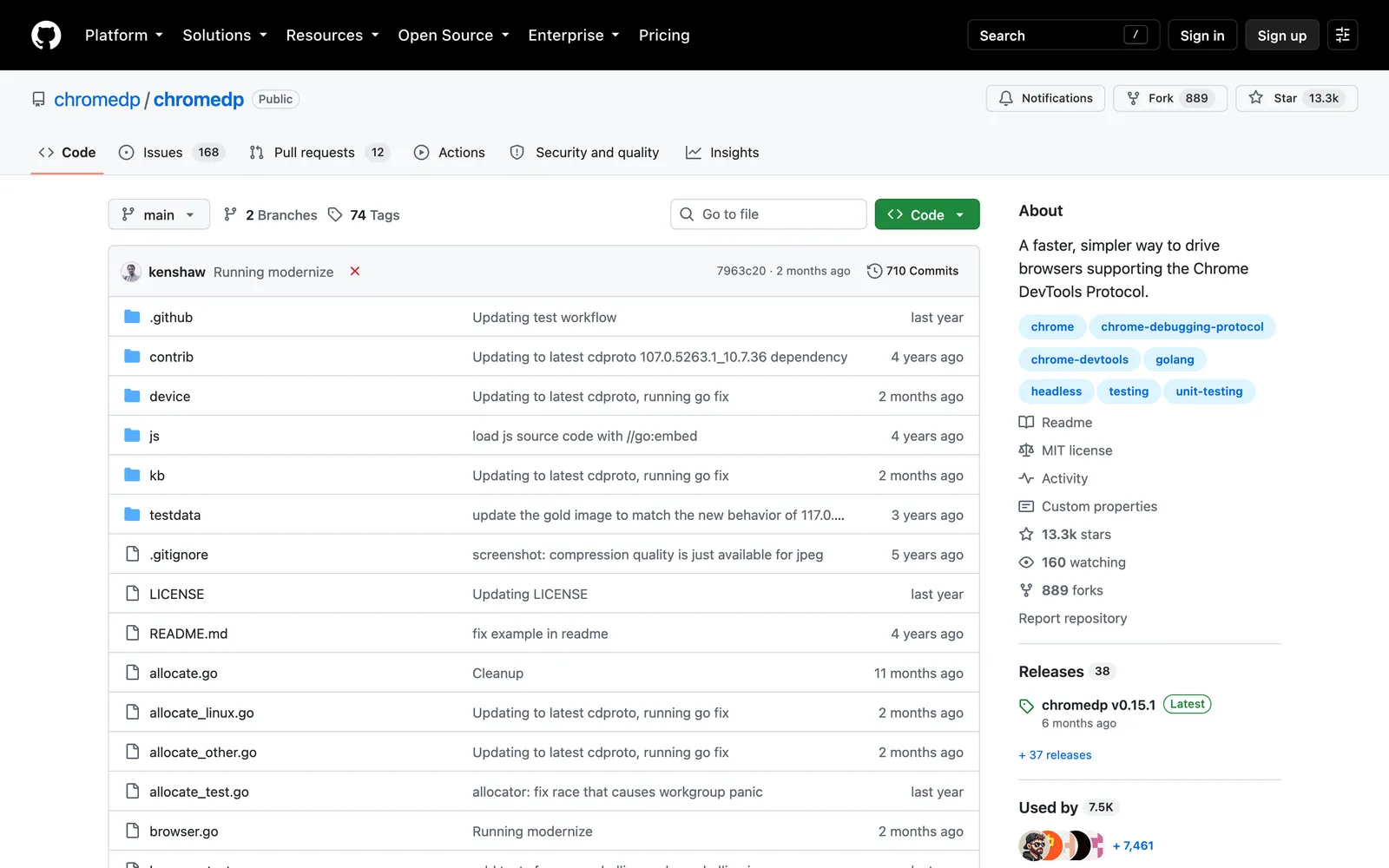
What it does: chromedp provides a native Go API for navigation, clicking, form filling, screenshots, PDF generation, and network interception against Chrome and Chromium. It compiles into your Go binary with no external runtime.
Pricing: Free and open source (MIT)
Pros:
No Node.js dependency; ships inside a single Go binary
Fast and resource-efficient for scraping and headless jobs
Direct access to the full DevTools Protocol
Cons:
Chrome/Chromium only, no cross-browser story
Go only, and the API is lower-level than Puppeteer's
Built for automation, not testing: no runner, assertions, or reporting
Best for: Go shops doing scraping, screenshot, or PDF workloads that currently bolt Puppeteer onto a separate Node service.
How to Choose the Right Puppeteer Alternative
Match the tool to the job you are actually doing:
If you are testing and want the safest default: Playwright. It is the closest migration path from Puppeteer, adds WebKit coverage, and has the strongest ecosystem momentum.
If you want tests written and maintained for you: Qodex. Describe the flow in chat, review the generated Playwright scenarios, and schedule them. The maintenance burden shifts from your team to the agent.
If developer experience while authoring matters most: Cypress. Time-travel debugging is still the best interactive authoring loop in the category.
If you need real Safari or maximum language coverage: Selenium WebDriver, or TestCafe for a lighter setup. Both drive stock browsers rather than patched builds.
If your scope includes native mobile: WebdriverIO with Appium, or Nightwatch.
If you are scraping in Go: chromedp removes the Node.js sidecar entirely.
If Puppeteer is working, stay. Honestly. For Chrome-only scraping, PDF generation, or lightweight automation, Puppeteer remains fast, maintained by the Chrome team, and dependency-light. Migration pays off when you need cross-browser coverage, a built-in test runner, or less flake management, not before.
If your end goal is reliable regression coverage rather than automation scripting, try Qodex free and let the agent generate your first UI test suite from a plain-English description.
Frequently Asked Questions
Is Playwright better than Puppeteer?
For testing, almost always. Playwright adds Firefox and WebKit coverage, auto-waiting, a built-in test runner, and trace-based debugging, and it is built by the team that originally created Puppeteer. For Chrome-only scraping or PDF generation, Puppeteer is still perfectly good and slightly lighter. See our full Playwright vs Puppeteer breakdown for the details.
Is Puppeteer still maintained in 2026?
Yes. Puppeteer is actively maintained by the Chrome team, with regular releases tracking new Chrome versions and growing Firefox support via WebDriver BiDi. Choosing an alternative is about capabilities (cross-browser coverage, test tooling, less maintenance), not about Puppeteer being abandoned.
Can I convert my existing Puppeteer scripts to Playwright?
Mostly, and without much pain. The APIs are conceptually similar (browser, context, page), and many calls map one to one. The main work is adopting Playwright's locator and auto-waiting model instead of raw selectors and manual waits, which is also where the reliability gains come from. Budget a few days for a mid-sized suite, not weeks.
What is the best Puppeteer alternative for web scraping?
Playwright is the strongest general-purpose choice, with the same CDP speed plus better stealth and cross-browser options. Go teams should look at chromedp to avoid running a Node.js service. Note that Cypress, Nightwatch, and Qodex are testing tools, not scraping tools.
What is the best free Puppeteer alternative?
They are almost all free. Playwright, Selenium, WebdriverIO, TestCafe, Nightwatch, and chromedp are fully open source. Cypress's app is free with paid cloud features. Qodex has a free tier for AI-generated test suites. The real cost difference is engineering time spent writing and maintaining scripts, not license fees.
Do any Puppeteer alternatives work without writing code?
Qodex generates and runs UI test scenarios from plain-English chat instructions, with the generated Playwright code available underneath if you want to inspect or eject it. The traditional frameworks in this list (Playwright, Cypress, Selenium, and the rest) all require writing test code by hand.