Uptime Monitoring for APIs and Web Apps
Qodex Uptime checks your websites and API endpoints around the clock, alerts your team when something fails, and publishes a status page your users can check themselves. The free plan includes 15 monitors with checks every 2 minutes.
What Is Qodex Uptime Monitoring?
Qodex Uptime Monitoring is a hosted monitoring service at uptime.qodex.ai. You add the URLs you care about, such as a marketing site, an API endpoint, or a customer dashboard, and Qodex requests each one on a fixed schedule: every 2 minutes on the free Starter plan, every 30 seconds on paid plans. When a check fails, the incident is recorded, your on-call members are alerted, and your status page updates.
It is built for engineering teams that want dependable monitoring and a real status page without paying observability-suite prices. The free tier is a usable product, not a demo: 15 monitors, email alerts, a team of 5, and a public status page with up to 200 subscribers. If you outgrow it, the Pro plan is $15 per month for 50 monitors at 30-second intervals.
The same monitoring engine powers our live status checks for 100+ popular services. If you are still evaluating options, our guides to the best free uptime monitoring tools and the top UptimeRobot alternatives compare the field honestly, including where competitors beat us.
What You Get: Monitors, Alerts, and Status Pages
HTTP Checks for Websites and APIs
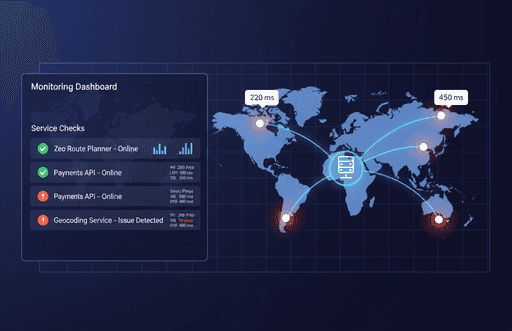
Point a monitor at any HTTP or HTTPS endpoint: a homepage, an API route, a customer dashboard. Every check records whether the endpoint responded and how long it took.
Email, SMS, and Call Alerts
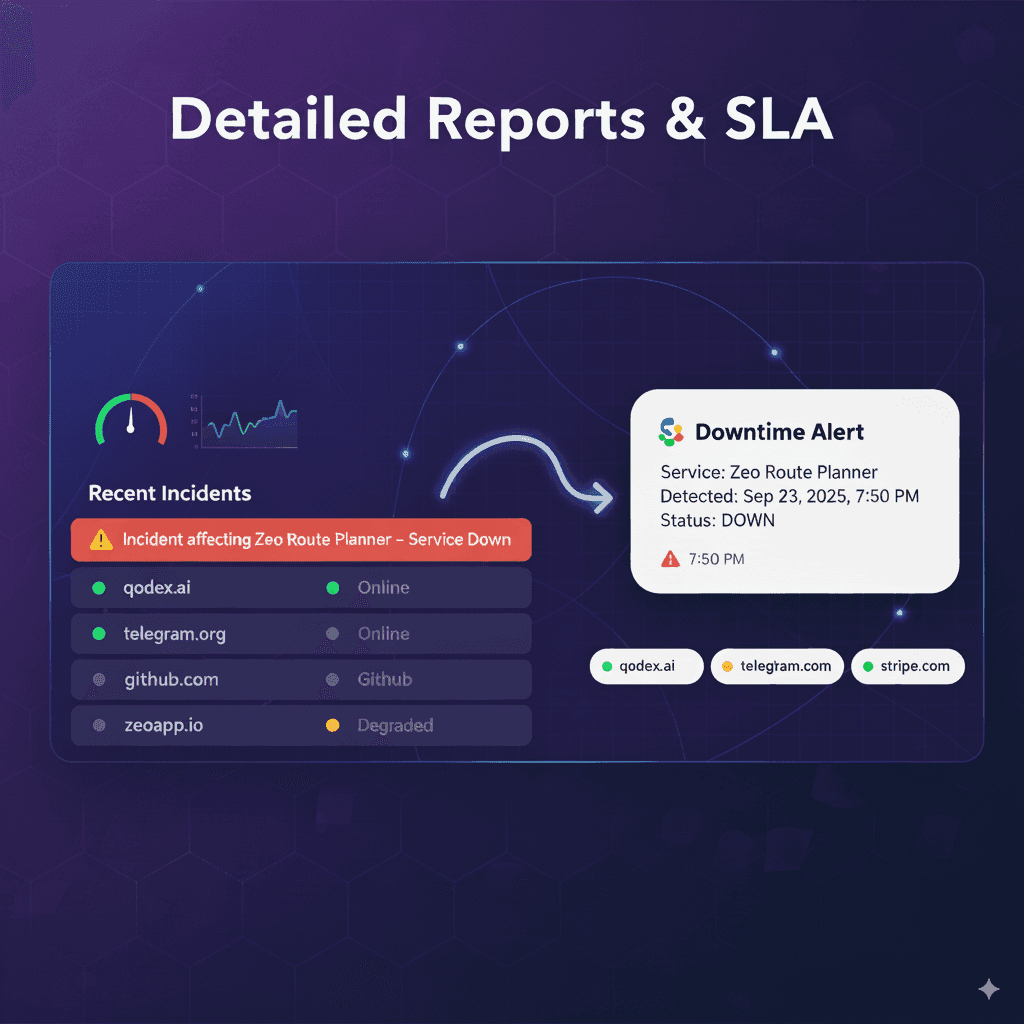
Starter sends email alerts. Pro adds SMS, and Business adds phone calls. Route alerts to on-call team members: 2 on the free plan, up to 50 on Business.
Hosted Status Pages
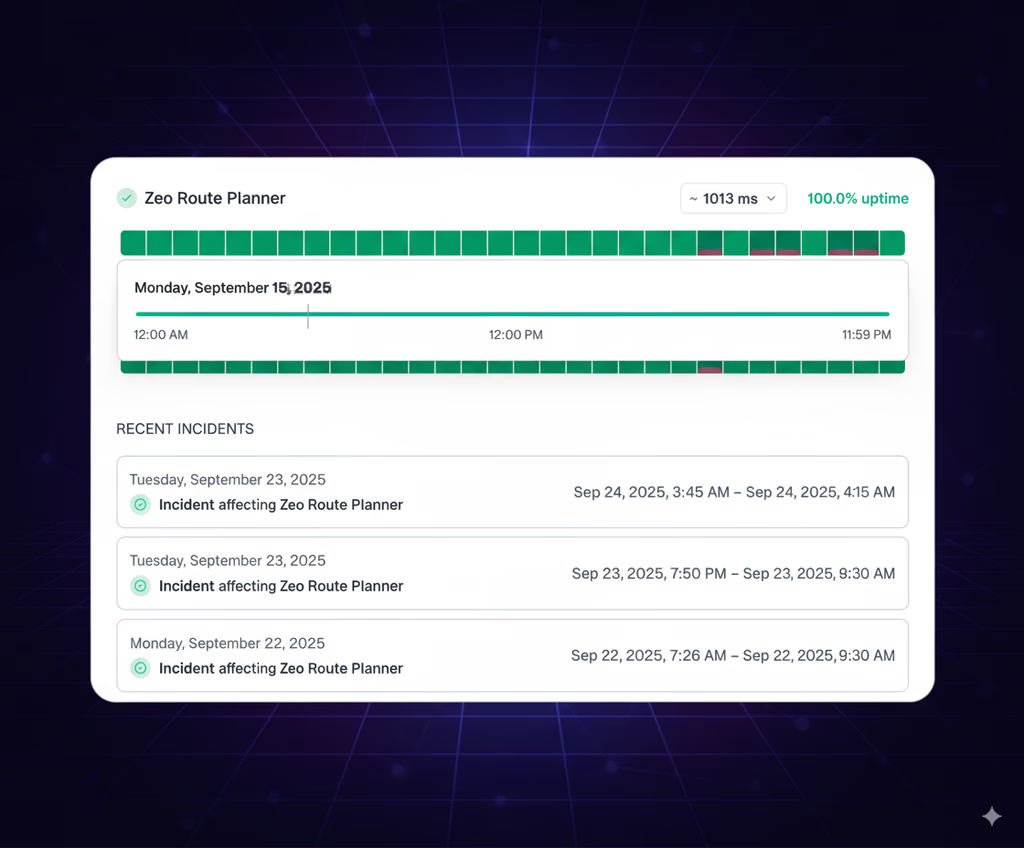
Every plan includes a status page with live monitor status, incident history, an RSS feed, and email subscriptions. Host it on uptime.qodex.ai, or on your own domain with a paid plan.
Response Time and Uptime Tracking
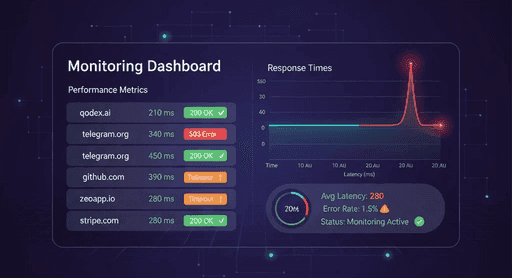
Each monitor shows its current response time in milliseconds and its uptime percentage, both on your dashboard and on your public status page.
How It Works
From signup to your first alert in three steps
Add Your Monitors
Sign up with an email address or a Google account, then add the URLs you want to watch. The free Starter plan includes 15 monitors and 5 team members.
Checks Run on a Fixed Schedule
Qodex requests each endpoint every 2 minutes on Starter, or every 30 seconds on Pro and Business, and records the response time of every check.
Alerts Fire, Status Page Updates
When a check fails, your on-call members are alerted by email, SMS, or phone call depending on your plan, and the incident appears on your status page.
Pricing
Three plans, billed monthly. Starter is free for as long as you want to use it.
Starter
$0/month
- 15 monitors
- Checks every 2 minutes
- Email alerts
- 5 team members
- 2 on-call members
- Public status page
- 200 status page subscribers
Pro
$15/month
- 50 monitors
- Checks every 30 seconds
- Email and SMS alerts
- 25 team members
- 20 on-call members
- Choice of status page type
- 1 custom domain
- 5,000 status page subscribers
Business
$225/month
- 1,000 monitors
- Checks every 30 seconds
- SMS and call alerts
- Unlimited team members
- 50 on-call members
- All status page types
- 3 custom domains
- 25,000 status page subscribers
If you are unsure where to start, start free. Starter's 2-minute interval surfaces most outages within a couple of minutes, which is enough for side projects and internal tools. Move to Pro when one of three limits bites: you need more than 15 monitors, you want failures caught in 30 seconds instead of minutes, or your status page needs to live on your own domain. Business is for teams running hundreds of endpoints with larger on-call rotations, and it adds phone call alerts on top of SMS.
Qodex Uptime vs UptimeRobot vs Better Stack
These are the two tools we get compared against most often, and both are good at what they do. UptimeRobot has the most generous free monitor count in the category: 50 monitors, checked every 5 minutes, with basic status pages. The catch is check frequency. Its 60-second intervals start on paid plans, and 30-second intervals are reserved for the Enterprise tier at $64 per month on monthly billing.
Better Stack bundles uptime monitoring into a full observability platform with logs, traces, incident management, and on-call scheduling. If you want all of that in one product, it is a strong choice. Its free plan covers 10 monitors and heartbeats with 1 status page, and paid access runs on responder licenses from $29 per month on annual billing. Qodex Uptime sits in between: 30-second checks and a custom-domain status page on a $15 per month plan, without adopting a whole platform. Prices and limits below were checked against each vendor's public pricing page on June 11, 2026.
| Qodex Uptime | UptimeRobot | Better Stack | |
|---|---|---|---|
| Free monitors | 15 | 50 | 10 monitors and heartbeats |
| Free check interval | Every 2 minutes | Every 5 minutes | Not compared |
| Free status page | Public page, 200 subscribers, RSS | Basic status pages | 1 status page |
| Cheapest paid plan | $15/mo (Pro) | $8/mo (Solo, monthly billing) | $29/mo per responder (annual billing) |
| 30-second checks | Pro, $15/mo | Enterprise, $64/mo (monthly billing) | Not compared |
| Phone call alerts | Business plan | Paid notify seats (email and phone) | Included with responder license |
Already Checking If a Service Is Down?
Many people find this page from our is-it-down status checks, where we publish live uptime data for more than 100 popular services. Those pages answer one question: is the outage on their end or yours?
Qodex Uptime answers the harder follow-up: when your own site or API breaks, who finds out first, you or your users? A monitor on your endpoints means the alert reaches you before the support tickets do, and your status page gives users somewhere to look besides your inbox.
Setting it up takes one signup and a URL. Start with the free plan, point a monitor at your most important endpoint, and share your status page link. If you want to compare options first, our free uptime monitoring tools guide covers ten tools, including the two above.
Uptime Monitoring FAQ
Plan limits, check intervals, and how alerts and status pages behave.
How often does Qodex check my website or API?+−
What does the free plan include?+−
What counts as downtime?+−
Do I get a status page on the free plan?+−
How do downtime alerts work?+−
Can I monitor APIs as well as websites?+−
Know your site is down before your users do
Free plan with 15 monitors, checks every 2 minutes, email alerts, and a public status page. Sign up with an email address or a Google account.