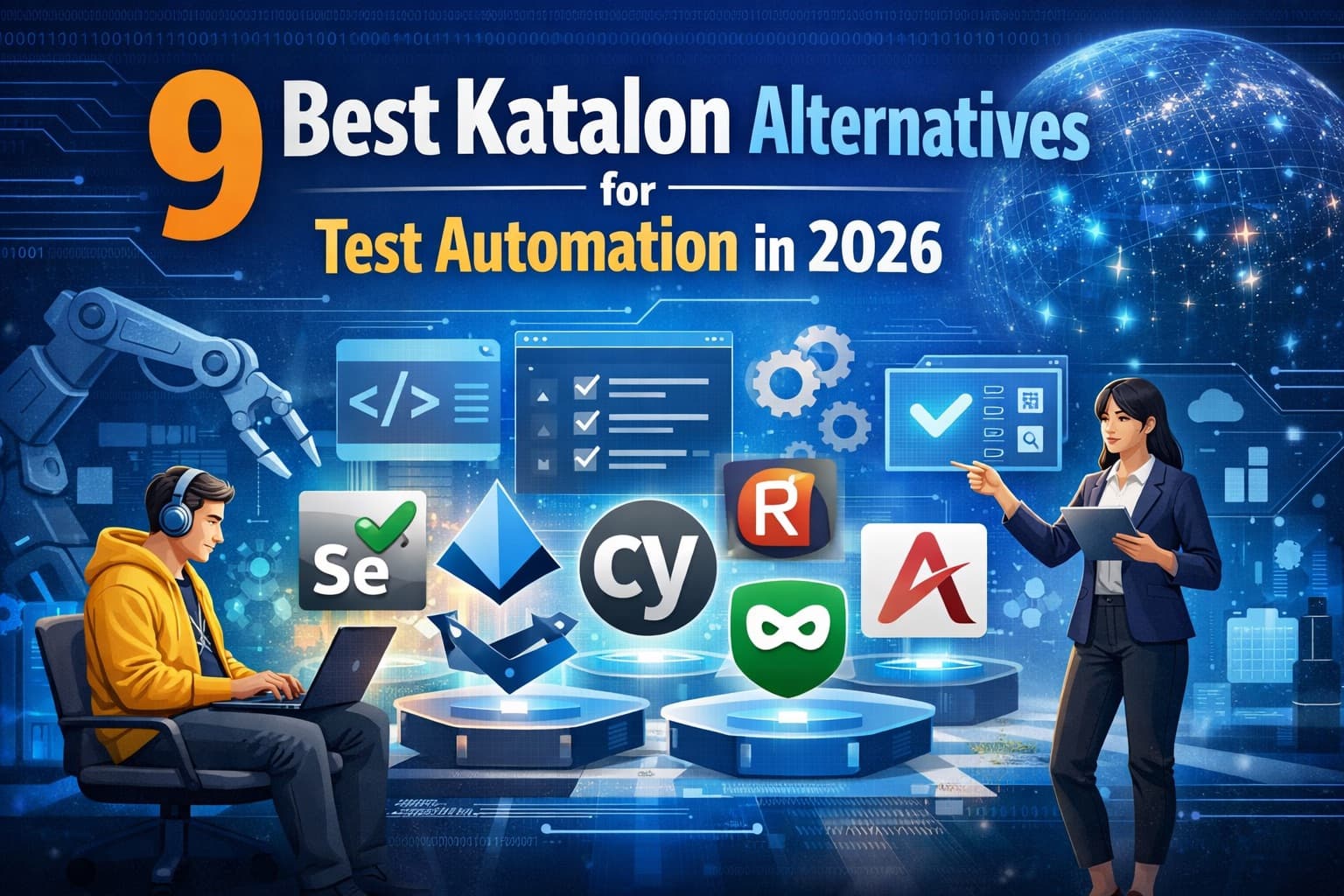
9 Best Katalon Alternatives for Test Automation in 2026
Looking for a Katalon replacement? Compare the top alternatives below, or see how Qodex stacks up against every major QA and testing tool.
Quick Comparison: Best Katalon Alternatives at a Glance
| Tool | Best For | Pricing | Key Feature | Rating |
|---|---|---|---|---|
| Selenium | Teams wanting full control with code | Free (open-source) | Multi-language, multi-browser automation standard | 4.5/5 |
| Playwright | Modern web app testing | Free (open-source) | Auto-wait, multi-browser, built-in tracing | 4.7/5 |
| Cypress | JavaScript/TypeScript teams | Free (open-source); Cloud from $67/mo | Real-time reloading, time-travel debugging | 4.6/5 |
| Qodex | AI-powered test generation | Free tier; Paid plans available | AI agents create and maintain test suites | 4.5/5 |
| TestComplete | Codeless + scripted desktop/web testing | From $4,836/year per user | Desktop app testing, keyword-driven testing | 4.3/5 |
| Appium | Mobile app testing | Free (open-source) | Cross-platform mobile automation standard | 4.4/5 |
| Ranorex | Teams needing codeless + coded approach | From $3,590/year | Ranorex Spy for UI element capture | 4.2/5 |
| Robot Framework | Keyword-driven testing teams | Free (open-source) | Readable keyword syntax, extensible libraries | 4.3/5 |
| Mabl | Low-code cloud testing | From $100/mo | Auto-healing tests, visual regression | 4.4/5 |
Katalon Studio has carved out a niche as an all-in-one test automation platform that bridges the gap between codeless and coded testing. It covers web, mobile, API, and desktop testing in a single IDE. However, as test automation needs grow more specialized, many teams find themselves outgrowing Katalon or bumping into its limitations. Whether your concern is pricing, performance, scripting flexibility, or ecosystem lock-in, there are strong alternatives to consider in 2026.
Why Look for Katalon Alternatives?
Katalon Studio is a solid tool, but several factors lead teams to explore other options:
1. Pricing Escalation
Katalon's free tier (Katalon Studio SE) works for individual use but lacks team features, parallel execution, and advanced reporting. The paid plans start at $208/month for the Platform tier, and enterprise pricing goes higher. For teams of five or more, costs add up quickly. Open-source alternatives like Selenium, Playwright, and Cypress provide comparable (or superior) test execution capabilities at no licensing cost.
2. Performance at Scale
Katalon Studio is built on Eclipse IDE, which means it inherits Eclipse's memory footprint and startup overhead. Large test suites with hundreds of test cases can slow down significantly. Teams running thousands of tests in CI/CD pipelines often find that framework-based tools (Playwright, Cypress) execute faster because they skip the IDE layer.
3. Limited Scripting Flexibility
Katalon uses Groovy as its scripting language, which is less common than Python, Java, JavaScript, or TypeScript in the testing community. While Groovy is capable, it means fewer online resources, smaller talent pools, and less transferable skills. Teams with JavaScript or Python expertise may prefer tools native to those languages.
4. Ecosystem Lock-In
Katalon stores test projects in its proprietary format. Migrating test suites from Katalon to another tool requires significant effort. The platform also pushes users toward its own execution environment (Katalon TestOps) for CI/CD, reporting, and test management, creating dependency on the Katalon ecosystem.
5. Community and Ecosystem Size
While Katalon has a growing community, it does not match the size or activity of the Selenium, Playwright, or Cypress communities. This affects the availability of tutorials, Stack Overflow answers, third-party plugins, and integration support. Teams troubleshooting edge cases may find fewer resources available.
If these pain points resonate, the alternatives below offer different tradeoffs. For additional testing tool comparisons, check our guide to top UI test automation frameworks.
Top 9 Katalon Alternatives in 2026
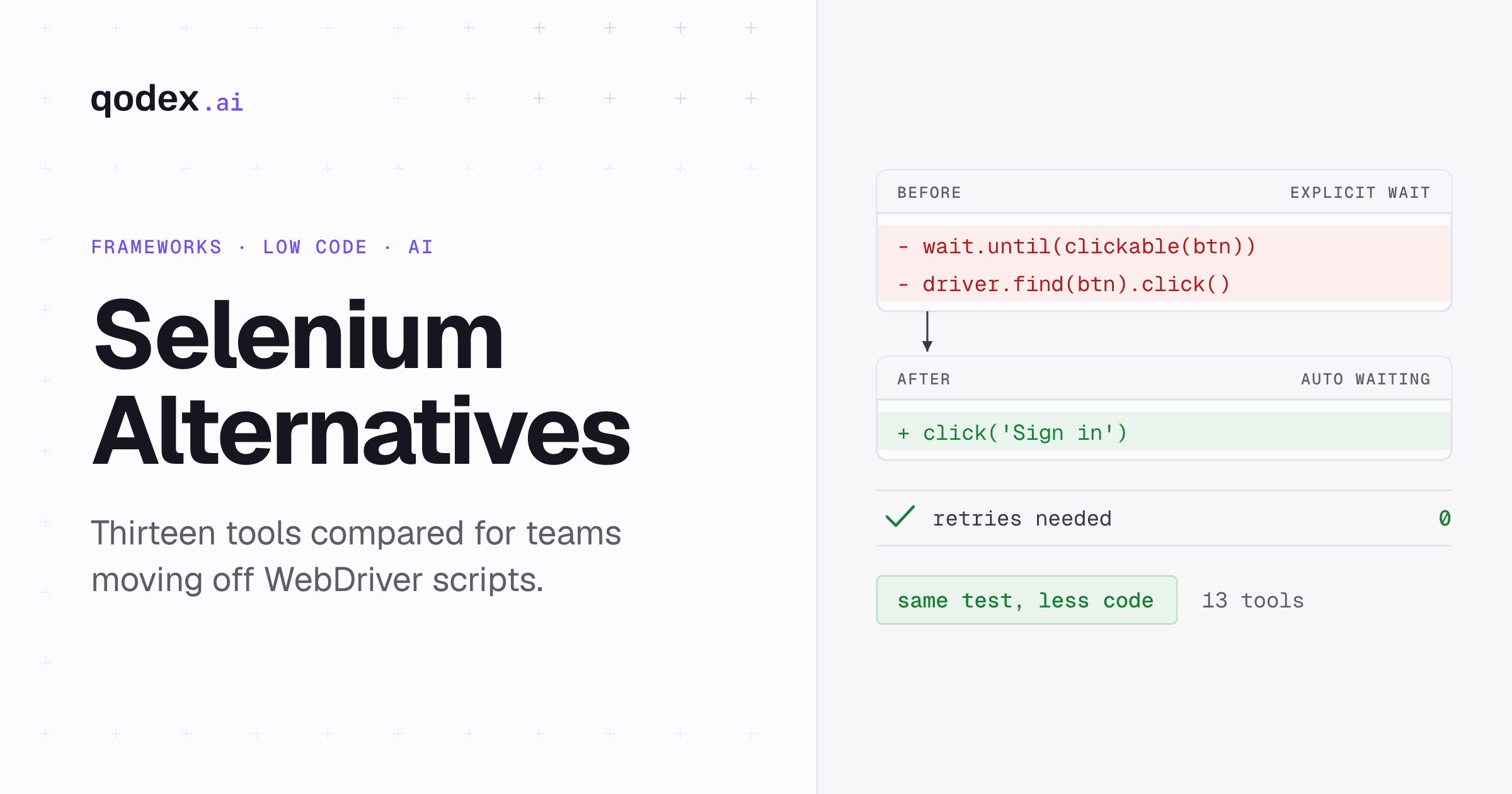
1. Selenium
Selenium is the original web automation framework and remains the most widely adopted tool for browser-based testing. It is the de facto standard that most other tools are built upon or compared against.
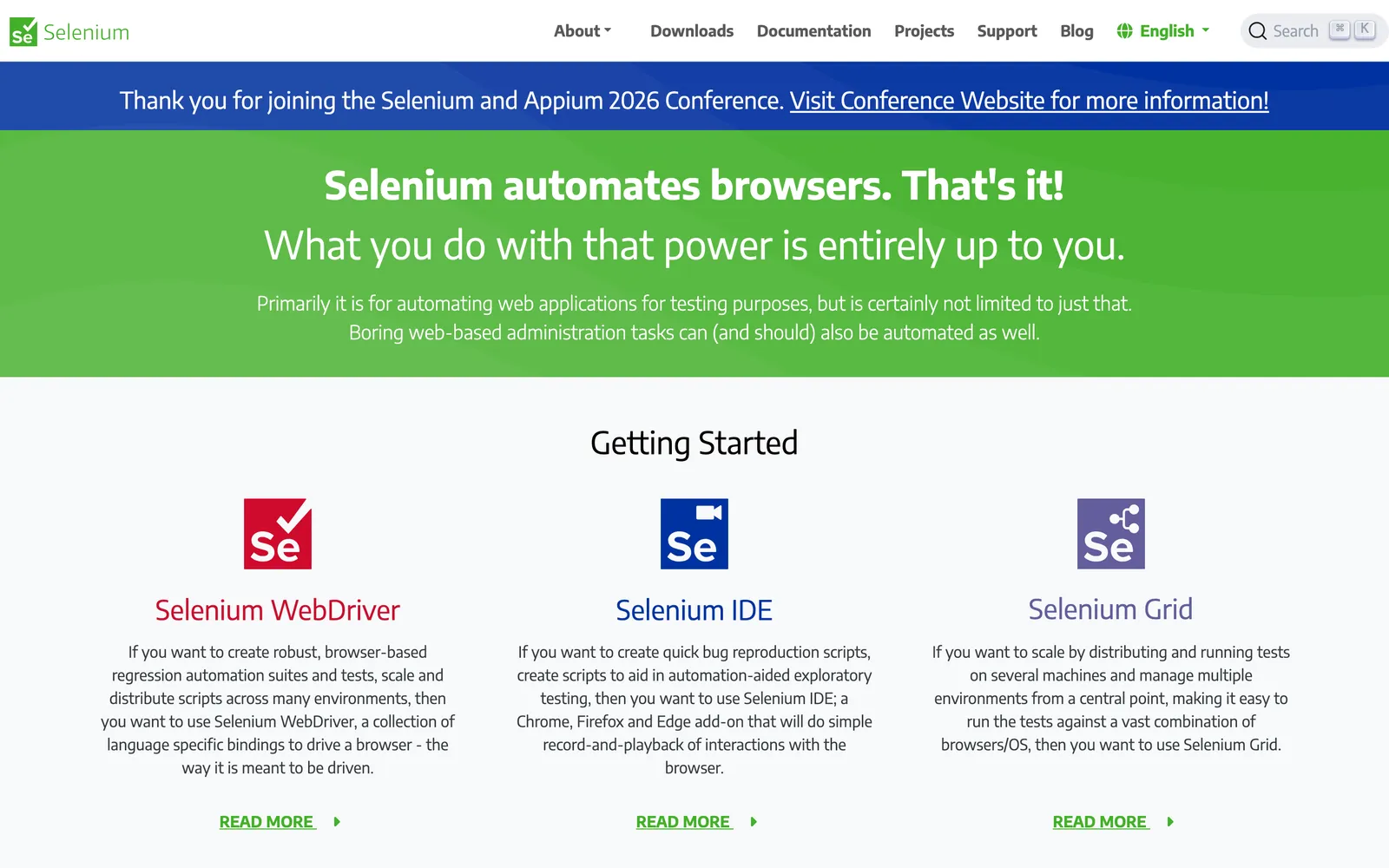
What it does: Selenium WebDriver provides a programming API for controlling web browsers programmatically. It supports Chrome, Firefox, Safari, Edge, and other browsers through driver executables. Tests can be written in Java, Python, C#, JavaScript, Ruby, or Kotlin. Selenium Grid enables parallel test execution across multiple machines.
Pricing: Free and open-source (Apache 2.0)
Pros:
Industry standard with the largest community and ecosystem
Supports all major browsers and programming languages
Massive library of tutorials, courses, and Stack Overflow answers
Selenium Grid for distributed parallel execution
Highly flexible and customizable
Cons:
Requires significant setup and configuration
No built-in test runner, reporting, or assertions (need TestNG, JUnit, etc.)
Tests can be flaky without proper wait strategies
No native mobile testing (need Appium as a bridge)
Steeper learning curve for beginners
Best for: Teams wanting maximum flexibility and language choice. Organizations with existing Selenium expertise. Projects requiring cross-browser testing at scale.
2. Playwright
Playwright (by Microsoft) is the fastest-growing test automation framework, designed for modern web applications. It addresses many of Selenium's pain points with built-in auto-waiting, tracing, and reliable execution.
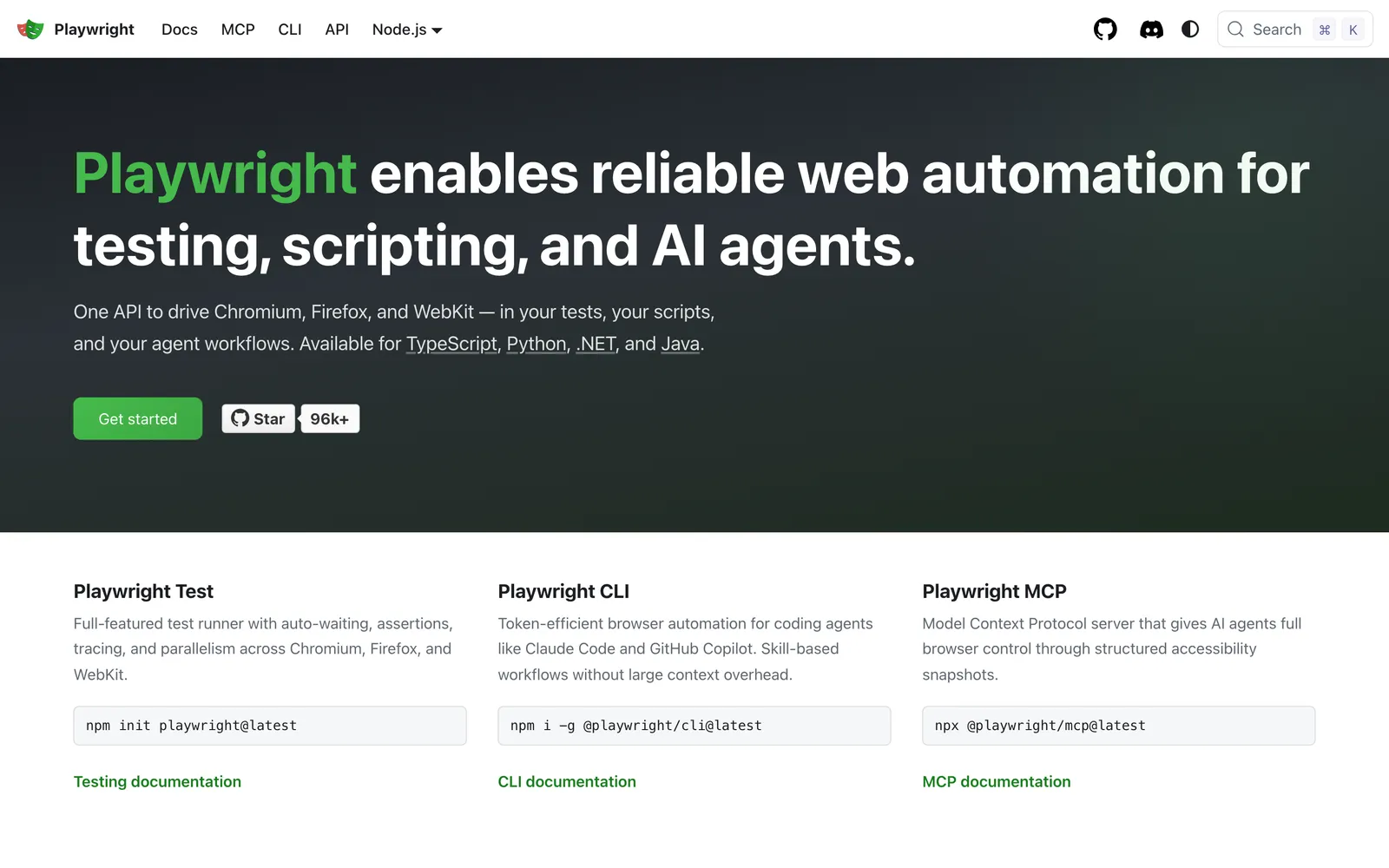
What it does: Playwright automates Chromium, Firefox, and WebKit browsers through a single API. It provides auto-wait for elements, network interception, API testing, visual comparisons, and a test generator (codegen). It supports JavaScript, TypeScript, Python, Java, and .NET.
Pricing: Free and open-source (Apache 2.0)
Pros:
Built-in auto-wait eliminates most flaky test issues
Trace viewer for powerful debugging
Built-in API testing alongside browser testing
Cross-browser support including WebKit (Safari engine)
Codegen for recording tests interactively
Multiple language support
Cons:
Requires programming knowledge (no codeless mode)
Newer tool, so some enterprise integrations are still maturing
No native mobile testing (browser-only)
Community is large but younger than Selenium's
Best for: Teams building modern web applications who want reliable, fast test execution. JavaScript/TypeScript teams especially benefit from its native support. See our Selenium vs Puppeteer comparison for related browser automation comparisons.
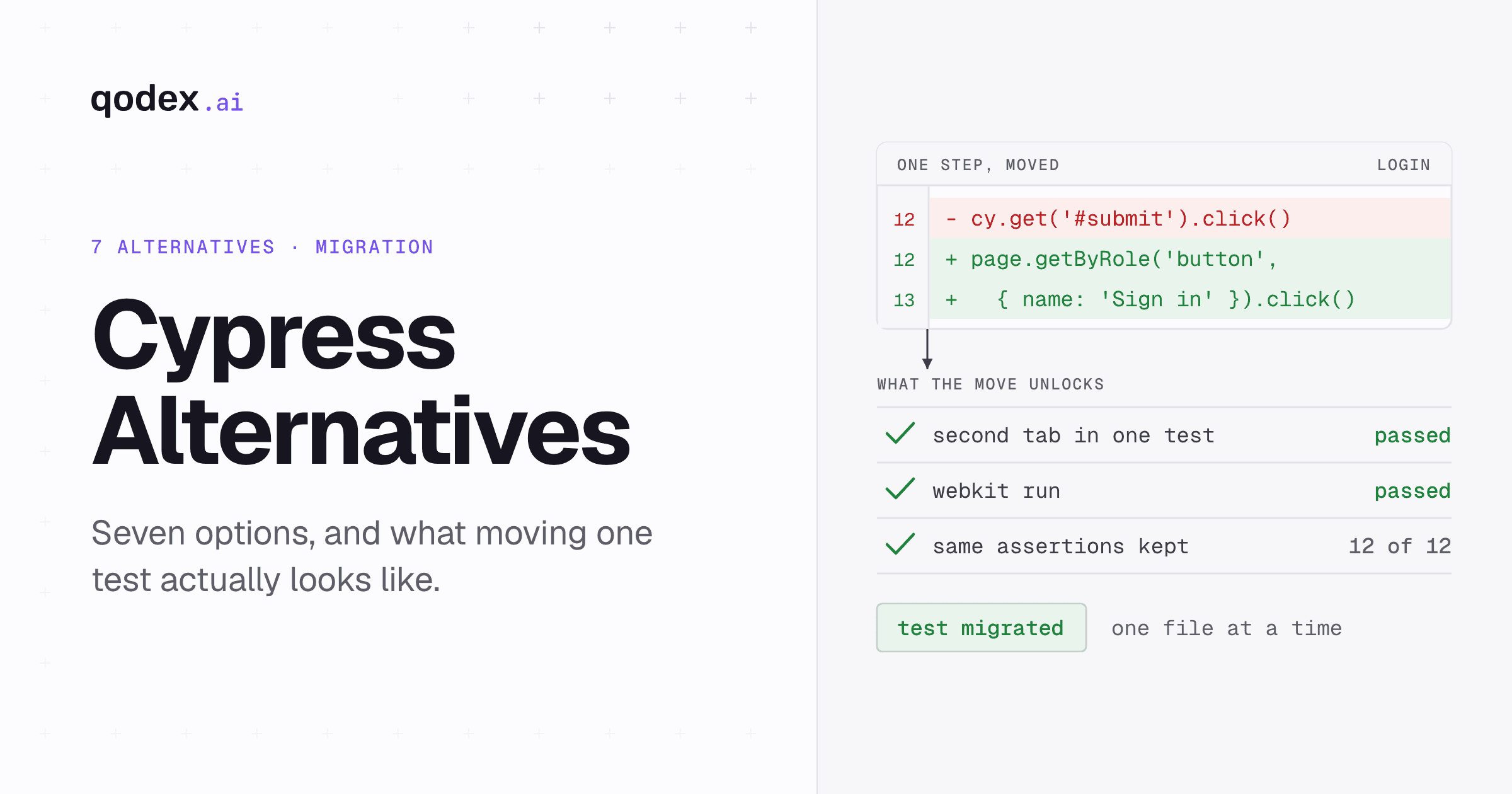
3. Cypress
Cypress is a JavaScript-native end-to-end testing framework known for its exceptional developer experience. It runs tests directly in the browser, enabling real-time reloading and interactive debugging.
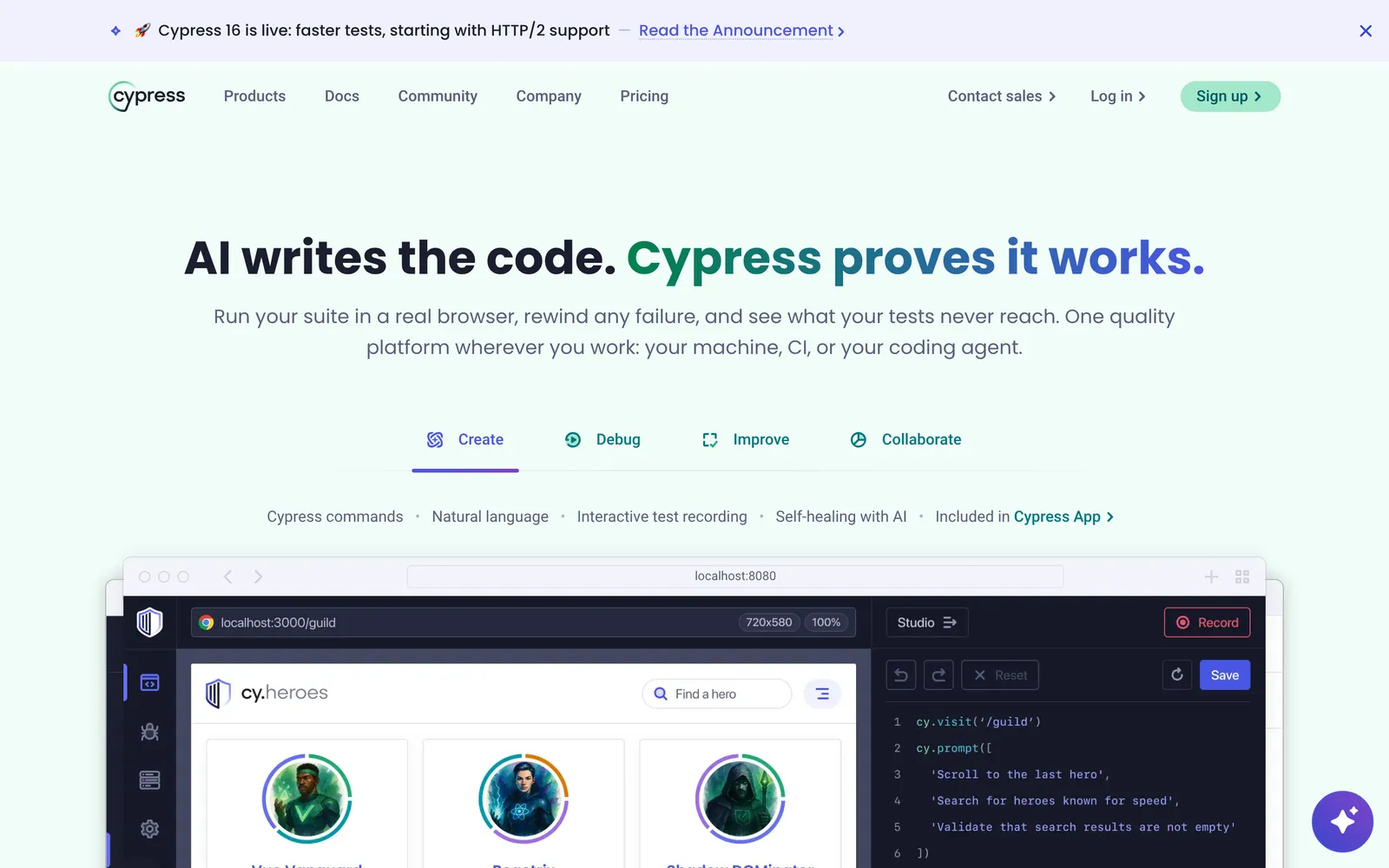
What it does: Cypress runs tests inside the browser alongside your application, providing direct access to the DOM, network layer, and application state. It includes automatic waiting, network stubbing/interception, time-travel debugging with screenshots, and a visual test runner.
Pricing:
Free: Open-source test runner
Cypress Cloud: From $67/month (parallelization, analytics, flake detection)
Pros:
Best-in-class developer experience
Time-travel debugging with DOM snapshots
Automatic waiting built into every command
Network interception and stubbing
Extensive plugin ecosystem
Cons:
JavaScript/TypeScript only
Limited cross-browser support (Chromium-based + Firefox, no Safari)
Cannot test across multiple domains easily
No native mobile testing
Some advanced parallelization requires Cypress Cloud (paid)
Best for: JavaScript-heavy teams that value developer experience. Single-page application (SPA) testing where Chrome/Firefox coverage is sufficient.
4. Qodex
Qodex represents a newer category of test automation tools that uses AI agents to generate and maintain tests. Instead of writing tests manually or recording them, you let AI analyze your application and create comprehensive test suites.
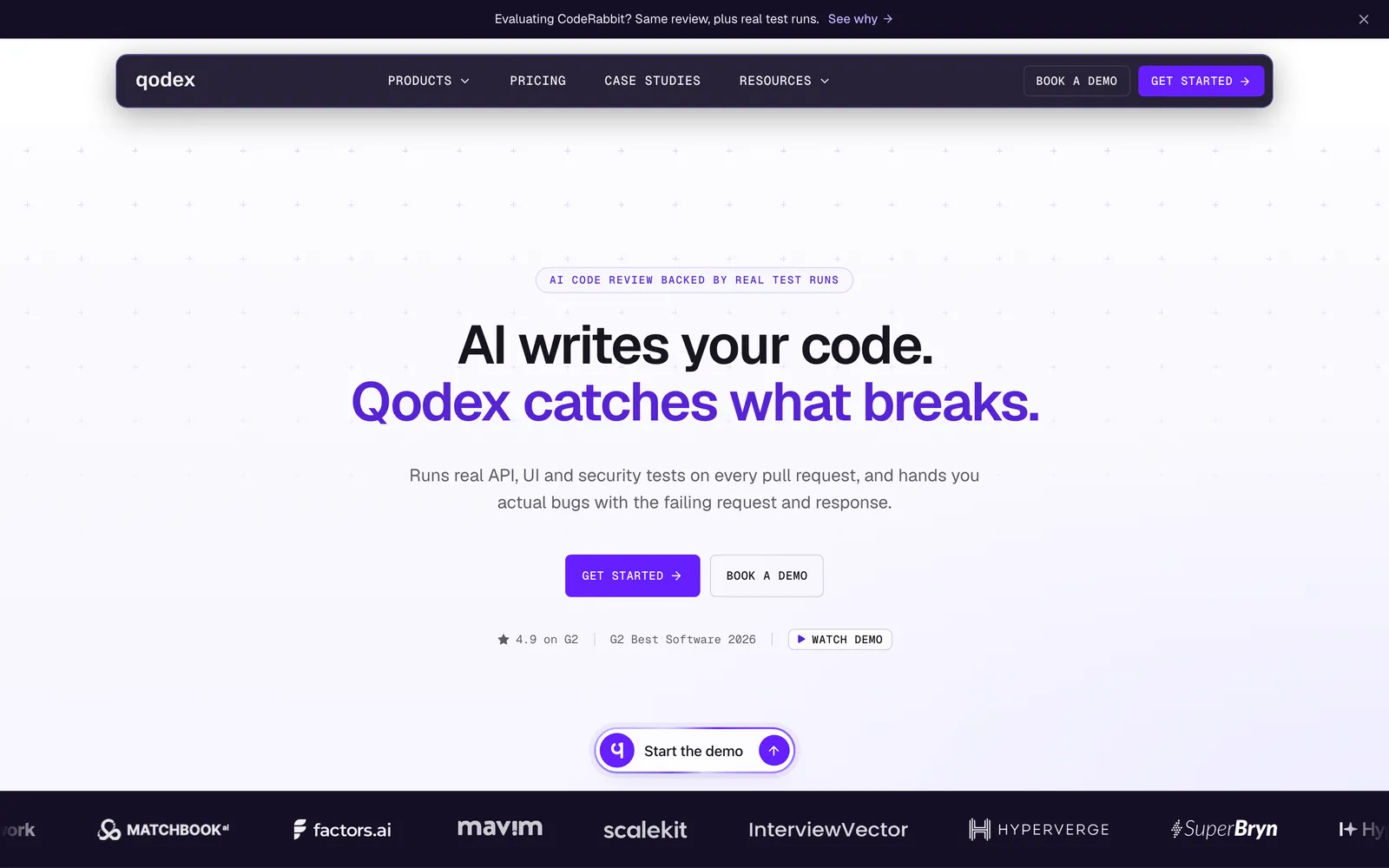
What it does: Qodex's AI agents analyze your API endpoints, web applications, and documentation to generate test cases automatically. The platform handles API testing, security scanning, and uptime monitoring. Tests integrate into CI/CD pipelines with detailed reporting and trend analysis.
Pricing:
Free: a generous free tier (see pricing for current limits)
Paid: Tiered plans for teams and higher volume
Pros:
AI generates tests automatically, dramatically reducing setup time
No scripting language to learn
Covers API testing, security, and monitoring in one platform
CI/CD integration for continuous test execution
Tests adapt as APIs change (AI-powered maintenance)
Cons:
AI-generated tests need human review for business logic
Currently focused on API testing (web UI testing is secondary)
Newer platform with a smaller community
Less control over test implementation details compared to coded frameworks
Best for: Teams that want to accelerate test creation without extensive coding. QA teams with limited resources who need broad coverage quickly. API-heavy applications.
5. TestComplete
TestComplete by SmartBear is a commercial test automation platform with strong desktop application testing capabilities, something most modern frameworks lack.
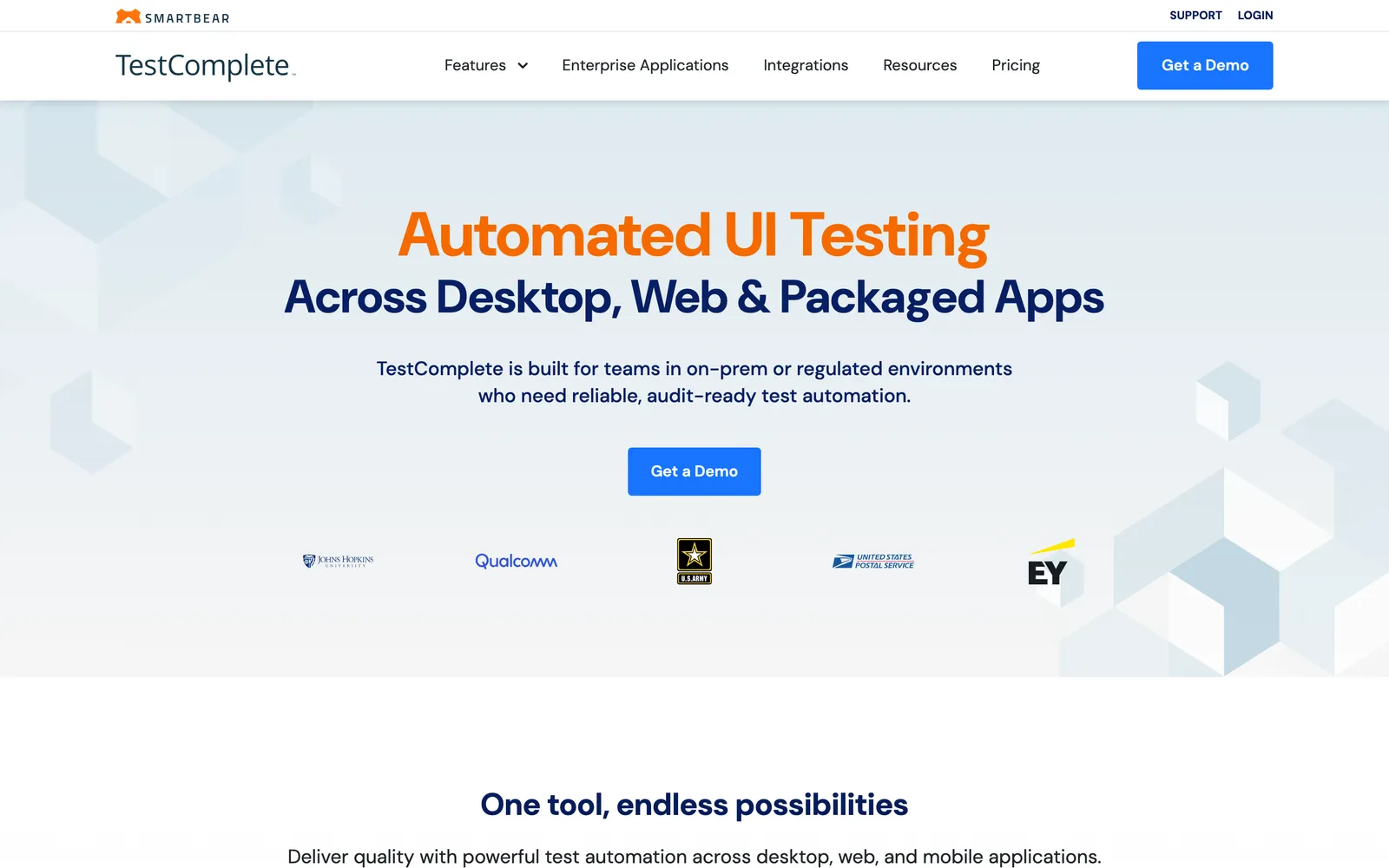
What it does: TestComplete automates web, desktop, and mobile application testing. It supports keyword-driven, data-driven, and scripted testing approaches. The tool can recognize UI objects in desktop applications (Win32, WPF, Java, .NET), web browsers, and mobile platforms.
Pricing: From $4,836/year per fixed user; floating licenses available
Pros:
Strong desktop application testing (Win32, WPF, Java apps)
Record-and-playback with intelligent object recognition
Supports multiple scripting languages (JavaScript, Python, VBScript)
Keyword-driven testing for non-programmers
Good integration with SmartBear ecosystem (ReadyAPI, Zephyr)
Cons:
Expensive licensing
Windows-only (no macOS or Linux native support)
Can be slow with complex test suites
UI feels dated compared to modern tools
Best for: Organizations testing desktop applications alongside web apps. Teams needing keyword-driven testing for non-technical testers. Windows-centric environments.
6. Appium
Appium is the open-source standard for mobile application test automation. It drives iOS and Android apps using the WebDriver protocol, and also supports desktop application testing.
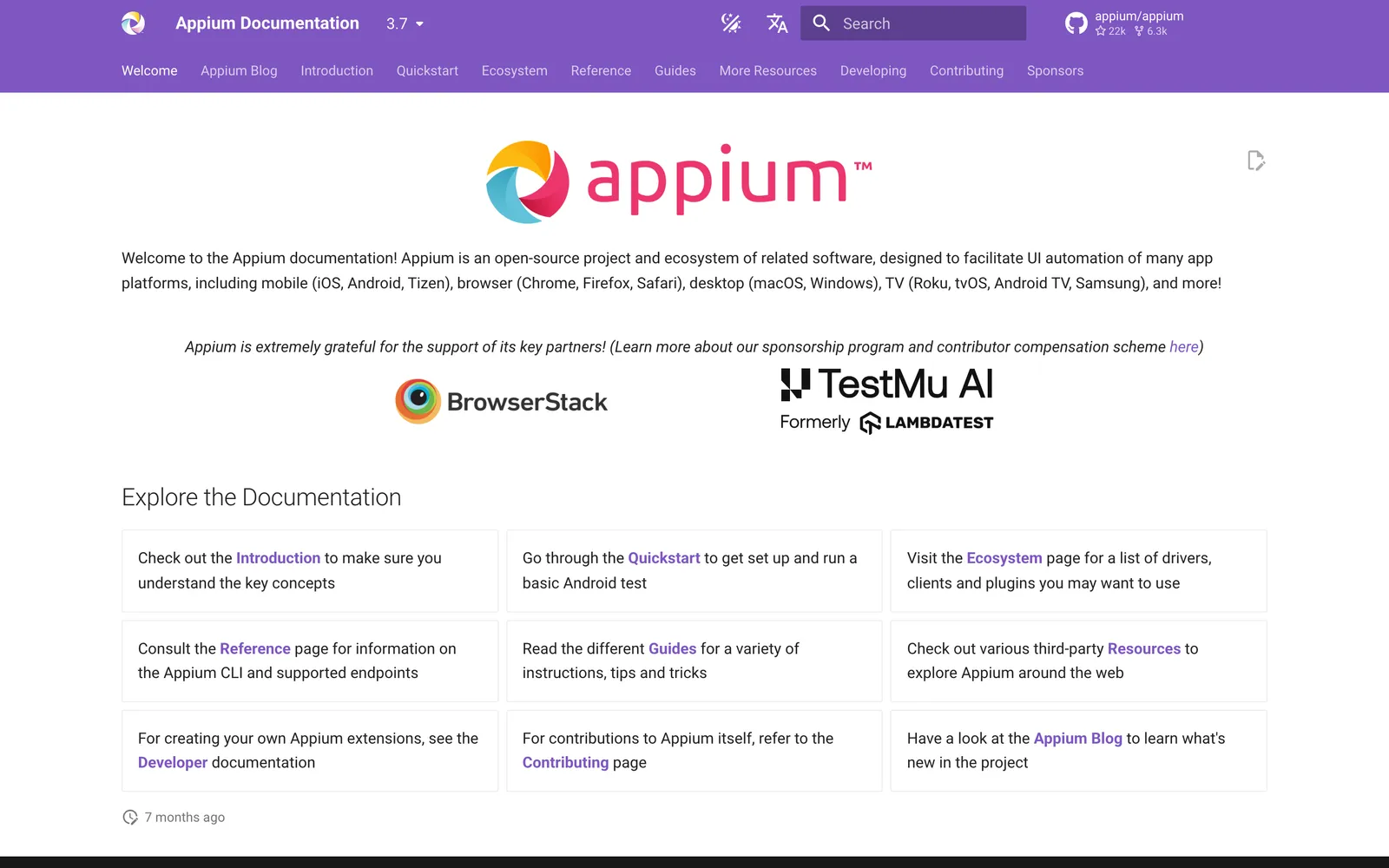
What it does: Appium automates native, hybrid, and mobile web applications on iOS and Android. It uses the same WebDriver API as Selenium, so teams familiar with Selenium can adopt Appium quickly. It supports multiple programming languages and integrates with cloud device providers like BrowserStack and Sauce Labs.
Pricing: Free and open-source (Apache 2.0)
Pros:
The standard for mobile test automation
Supports native, hybrid, and mobile web apps
Cross-platform (iOS and Android with the same API)
Uses WebDriver protocol (familiar to Selenium users)
Large community and cloud provider integrations
Cons:
Setup can be complex (Android SDK, Xcode, etc.)
Tests can be slower than native mobile testing frameworks
Flakiness is a common complaint
No built-in test runner or reporting
Best for: Teams that need mobile app testing. Organizations already using Selenium for web testing who want consistent mobile automation. Cross-platform mobile testing needs.
7. Ranorex
Ranorex is a commercial test automation tool that combines codeless recording with a full IDE for scripted tests. Its standout feature is the Ranorex Spy, which captures and identifies UI elements across web, desktop, and mobile applications.
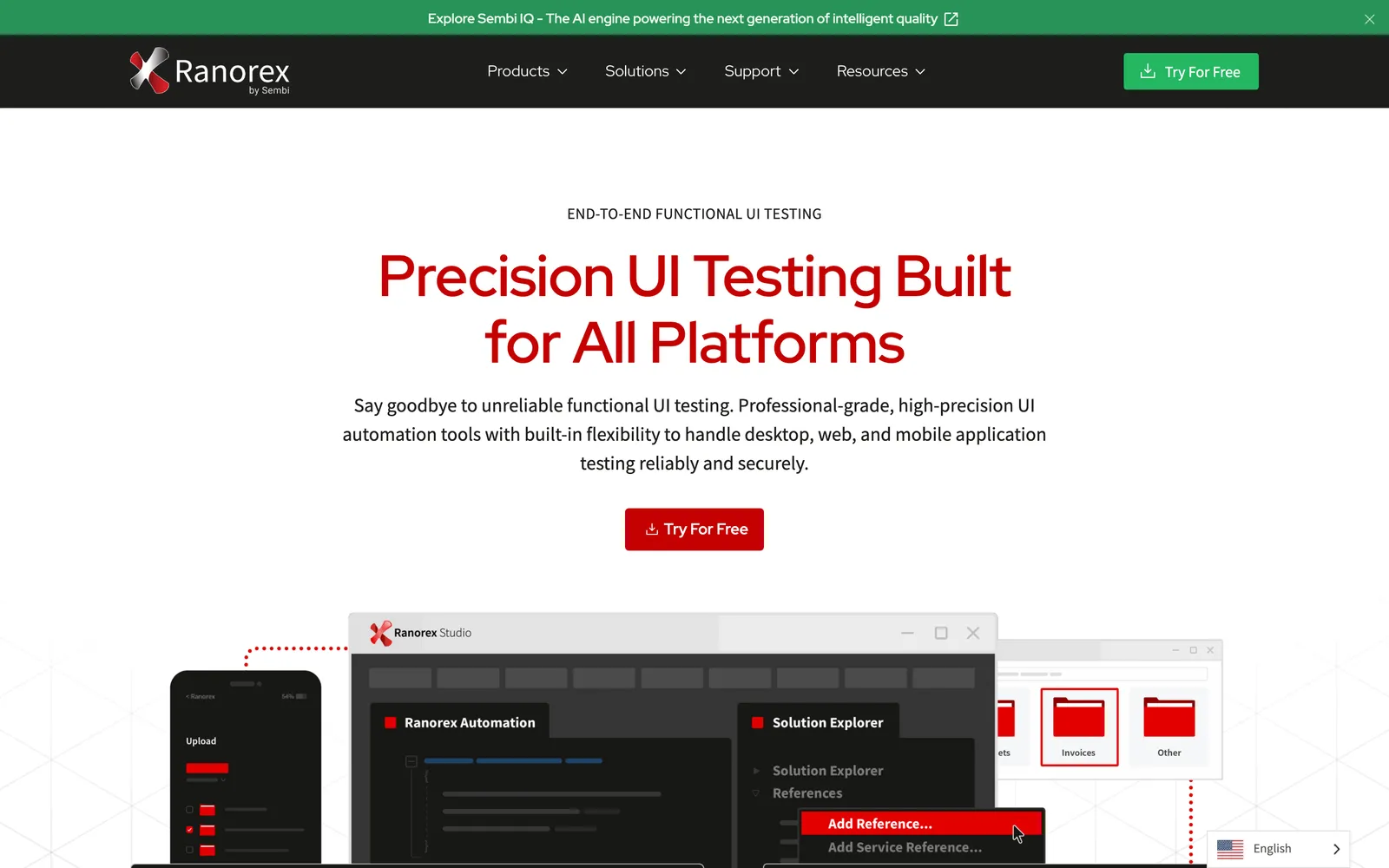
What it does: Ranorex provides record-and-playback test creation, a visual object repository (Ranorex Spy), data-driven testing, and cross-browser/cross-device execution. It supports C# and VB.NET for scripted tests and includes built-in reporting and Selenium WebDriver integration.
Pricing: From $3,590/year per floating license
Pros:
Ranorex Spy provides excellent UI object identification
Combines codeless and coded testing approaches
Good desktop application testing support
Built-in reporting and CI/CD integration
Selenium WebDriver integration for web testing
Cons:
Expensive commercial license
Windows-only IDE
.NET-centric (C#/VB.NET for scripting)
Smaller community compared to open-source tools
Best for: Teams needing a mix of codeless and coded testing with strong UI object recognition. Organizations testing complex desktop applications alongside web apps.
8. Robot Framework
Robot Framework is an open-source, keyword-driven test automation framework built in Python. Its human-readable test syntax makes it accessible to non-programmers while remaining extensible for advanced users.
What it does: Robot Framework uses a tabular, keyword-based syntax for writing tests. It supports web testing (via SeleniumLibrary or Browser Library), API testing (via RequestsLibrary), database testing, and more through its extensive library ecosystem. Tests read like natural language.
Pricing: Free and open-source (Apache 2.0)
Pros:
Human-readable keyword-driven syntax
Extensive library ecosystem (500+ libraries)
Python-based (easy to extend with custom keywords)
Good reporting built-in
Active community with regular updates
Cons:
Keyword syntax can feel verbose for complex logic
Performance overhead from the keyword abstraction layer
IDE support is less polished than modern frameworks
Setup for web/mobile testing requires additional libraries
Best for: Teams wanting readable, keyword-driven tests accessible to non-programmers. Python-based development organizations. Teams that value test readability over raw performance.
9. Mabl
Mabl is a cloud-native, low-code test automation platform with AI-powered auto-healing and visual regression testing. It aims to make test automation accessible without deep programming skills.
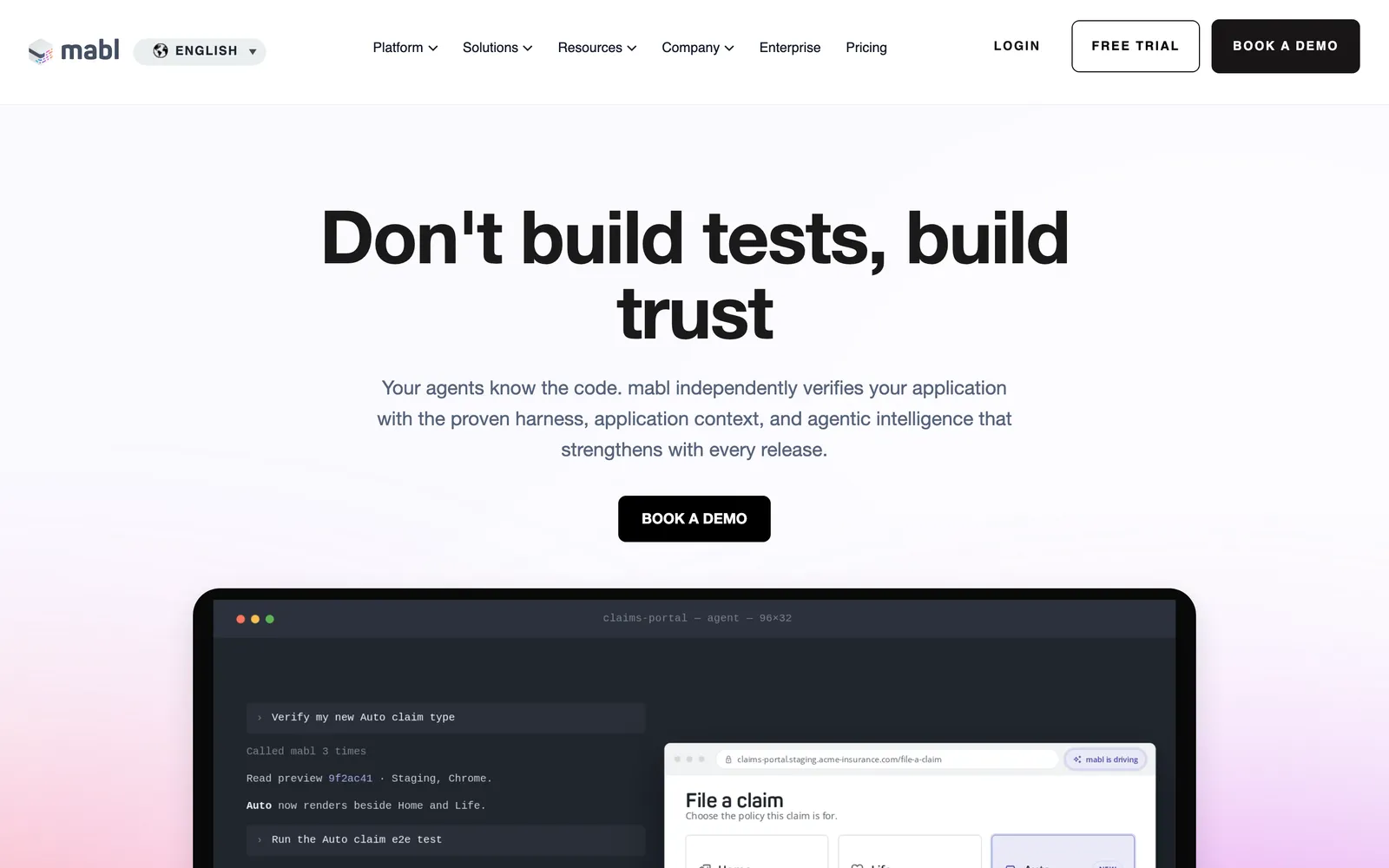
What it does: Mabl provides a browser-based test recorder for creating web tests without coding. It includes auto-healing (tests adapt to minor UI changes automatically), visual regression detection, API testing, and integrated CI/CD pipeline support. All execution happens in the cloud.
Pricing:
Starter: From $100/month
Professional: Custom pricing
Enterprise: Custom pricing
Pros:
Auto-healing reduces test maintenance burden
Visual regression testing built-in
Low-code approach accessible to non-engineers
Cloud-native, no infrastructure to manage
Good CI/CD integration and reporting
Cons:
Limited flexibility for complex test scenarios
Cloud-only (no self-hosted option)
Pricing can be high for larger teams
Less control than coded frameworks for advanced users
Best for: Teams wanting low-maintenance, low-code test automation. Organizations with limited QA engineering resources who need reliable web testing.
Related: Top Alternatives for Zephyr
How to Choose the Right Katalon Alternative
The right choice depends on your team composition, application type, and testing philosophy:
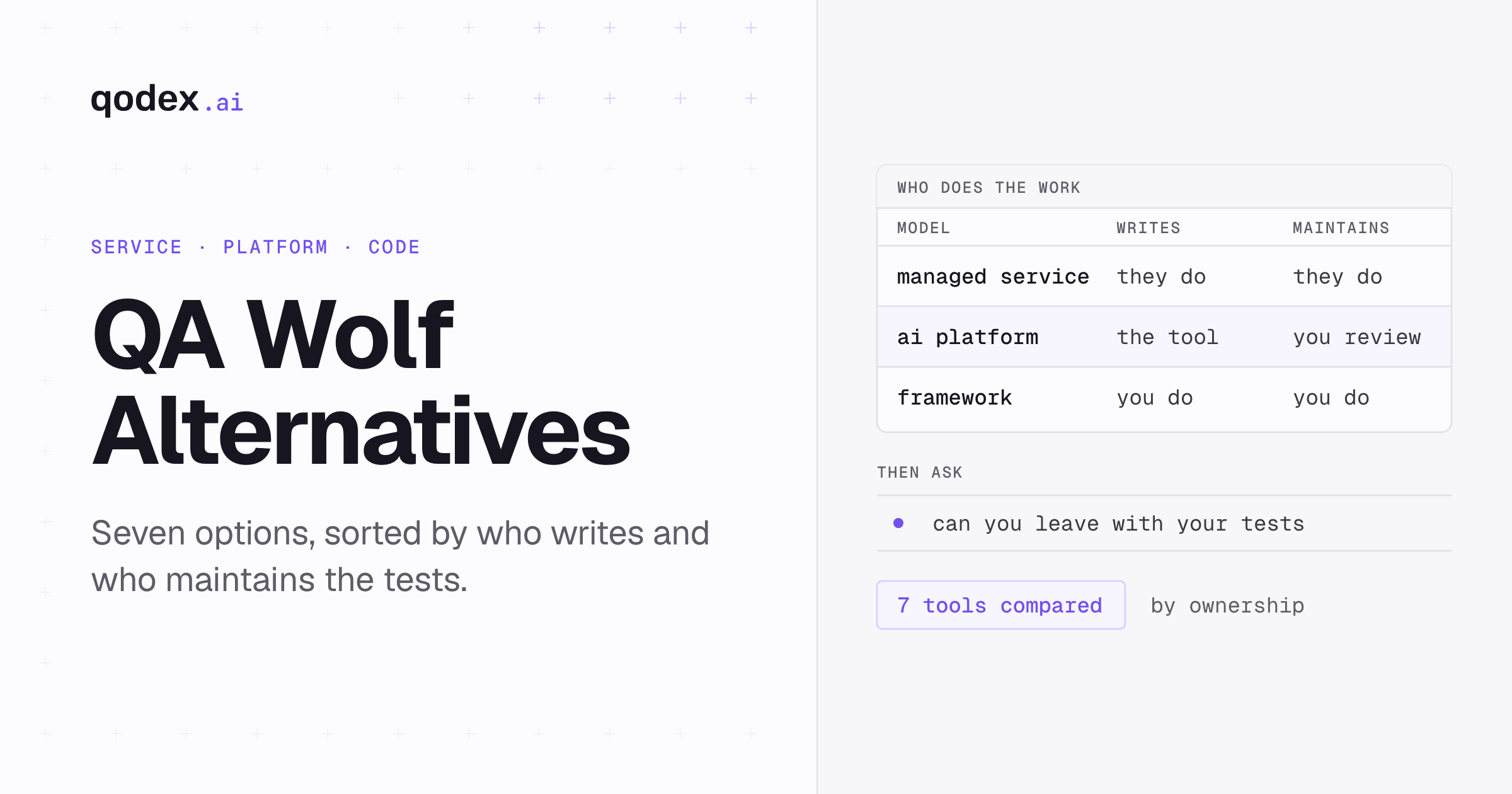
If your team writes code: Playwright (modern, reliable) or Selenium (maximum flexibility) are the standard choices. Cypress is excellent for JavaScript teams. REST Assured or Qodex for API-focused testing.
If you need codeless testing: Mabl (cloud-native, auto-healing) or TestComplete (desktop + web). Both offer record-and-playback with visual test design.
If you test mobile apps: Appium is the open-source standard. Katalon's mobile testing is often replaced by combining Appium with a web framework like Playwright or Selenium.
If you need desktop app testing: TestComplete or Ranorex. Most modern frameworks focus on web and mobile, leaving desktop apps underserved.
If budget matters: Selenium, Playwright, Cypress, Appium, Robot Framework, and Karate DSL are all free and open-source. Qodex offers a generous free tier for API testing.
If you want AI-powered testing: Qodex for API test generation, Mabl for web test auto-healing. Both use AI to reduce manual effort, but in different ways.
The best approach is to evaluate two or three alternatives against your actual test suite. Create a small proof-of-concept that represents your typical test scenarios, run it in each tool, and compare the setup effort, execution speed, debugging experience, and maintenance burden.
Frequently Asked Questions
Is Katalon Studio truly free?
Katalon Studio SE (Standard Edition) is free for individual use with basic features. However, it lacks team collaboration, parallel execution, advanced reporting, and TestOps integration. These capabilities require paid plans starting at $208/month. For serious team usage, Katalon is effectively a paid tool. Open-source alternatives like Selenium and Playwright are genuinely free with no feature gates.
What is the best open-source alternative to Katalon?
Playwright is arguably the best open-source alternative in 2026. It provides modern browser automation with built-in auto-wait, tracing, API testing, and multi-language support. For the most mature ecosystem and language flexibility, Selenium remains the standard. For JavaScript teams, Cypress offers an exceptional developer experience. Each has different strengths depending on your use case.
Can I migrate tests from Katalon to another tool?
Migration from Katalon requires effort since test projects use a proprietary format. Katalon tests written in Groovy need to be rewritten in the target tool's language. For API tests, the request definitions can often be extracted and recreated. For web tests, the page object patterns and test logic need rewriting. There is no automated migration tool, so plan for a gradual transition where new tests are written in the new framework while existing Katalon tests continue running.
Which Katalon alternative is best for API testing?
For automated API test generation, Qodex uses AI to create comprehensive test suites from API specifications. For code-based API testing in Java, REST Assured is the standard. For BDD-style API tests, Karate DSL uses a readable Gherkin syntax. Playwright also includes built-in API testing alongside browser automation, making it a good choice for teams that need both.
How does Playwright compare to Katalon?
Playwright is free, open-source, and faster. It provides reliable browser automation with built-in auto-wait, trace viewer debugging, and multi-language support. Katalon offers a codeless test designer and unified web/mobile/API testing, which Playwright does not. Playwright requires programming knowledge, while Katalon is more accessible to non-programmers. For technical teams, Playwright is generally preferred. For mixed-skill teams, Katalon's codeless approach may be more accessible.
What is the cheapest Katalon alternative for team use?
Open-source frameworks (Selenium, Playwright, Cypress, Robot Framework) are free with no licensing cost. The total cost involves engineering time for setup, test development, and infrastructure. Cloud execution services like Sauce Labs or BrowserStack add cost but are optional. Mabl starts at $100/month and includes cloud execution. Qodex offers a free tier for API testing. For teams with programming skills, open-source tools are the most cost-effective.