10 Best UptimeRobot Alternatives for Website Monitoring in 2026
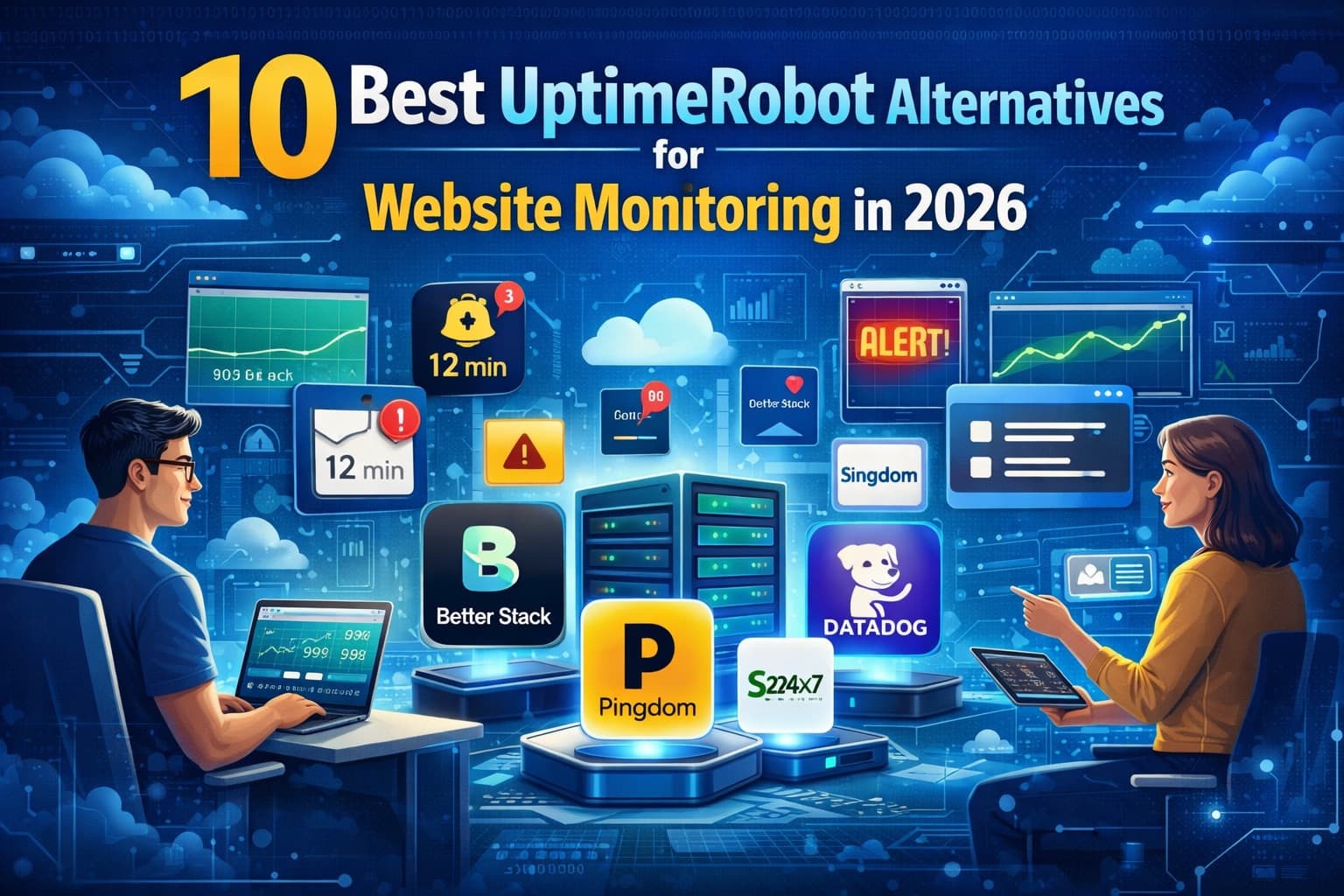
Outgrowing UptimeRobot? Compare the best uptime monitoring alternatives below, and see how Qodex compares across QA, API, and monitoring tools.
Quick Comparison: Best UptimeRobot Alternatives at a Glance
| Tool | Best For | Pricing | Standout Limit |
|---|---|---|---|
| Better Stack | Monitoring plus on-call and incident management | Free (10 monitors); responder licenses from $29/mo (annual) | Per-responder pricing adds up; no self-hosting |
| Uptime Kuma | Self-hosted monitoring with full data control | Free, open source (MIT) | You run the infrastructure; single vantage point per instance |
| Qodex Uptime | Cheap 30-second checks with a real free tier | Free (15 monitors, 2-min checks); Pro $15/mo; Business $225/mo | Fewer monitoring locations than the big incumbents |
| Pingdom | Established synthetic + real user monitoring | Paid only; priced by check volume and pageviews, via SolarWinds | No free tier; pricing not published statically |
| HetrixTools | Uptime plus IP/domain blacklist monitoring | Free tier; low-cost paid plans | Status pages are basic; no incident management |
| Checkly | Monitoring as code with Playwright | Free Hobby tier; Starter $24/mo, Team $64/mo (annual) | Code-first workflow; non-developers will struggle |
| StatusCake | Bundled uptime, page speed, SSL, and domain checks | Free (10 monitors); Superior $20.41/mo, Business $66.66/mo (annual) | Free tier is 5-minute checks only |
| Site24x7 | Full-stack monitoring (server, APM, network) | Paid plans by monitor count, via Zoho | Sprawling product; heavy for uptime-only needs |
| Cronitor | Cron job and heartbeat monitoring | Free (5 monitors); usage-based from $2/monitor/mo | Free tier is small; costs scale per monitor |
| Pulsetic | Beautiful branded status pages | Free (10 monitors); Solo $9/mo, Team $19/mo | Monitoring depth is thinner than dedicated tools |
UptimeRobot earned its place as the default uptime monitor: 50 free monitors is still the most generous monitor count in the industry. The catch has always been everything around those monitors: 5-minute checks on the free plan, 30-second checks locked behind the Enterprise tier, basic status pages, and no incident management. Depending on which of those limits is biting you, a different alternative wins. Every price below was checked against the vendor's public pricing page on June 11, 2026.
Why Look for UptimeRobot Alternatives?
1. Check Frequency Costs Real Money
UptimeRobot's free plan checks every 5 minutes, which means a short outage can come and go unseen. Paid plans move to 60-second checks (Solo from $7/month billed annually), but 30-second checks require the Enterprise plan at $54/month billed annually ($64 monthly). Several competitors sell 30-second checks for a fraction of that.
2. Basic Status Pages
Full-featured status pages start on UptimeRobot's Team plan ($29/month annual). If a branded, custom-domain status page is the main thing you need, status-page-first tools deliver more for less.
3. No Incident Management
UptimeRobot alerts you; it does not manage what happens next. There is no on-call scheduling or escalation logic, so teams with rotations end up paying for PagerDuty or Opsgenie on top.
4. Single-Purpose Checks
An HTTP 200 does not mean your service works. UptimeRobot covers HTTP, keyword, ping, and port checks, but it cannot run a browser flow, validate an API response body in depth, or catch a JavaScript error on your checkout page. Synthetic-monitoring tools and testing platforms cover that gap.
5. Data Residency and Control
Some teams simply want monitoring on their own infrastructure with no third-party cloud involved. That is a real category now, and Uptime Kuma leads it.
For a deeper look at how uptime monitoring works and what the free tiers actually include, see our uptime monitoring page and our roundup of the best free uptime monitoring tools.
Top 10 UptimeRobot Alternatives in 2026
1. Better Stack
Better Stack combines uptime monitoring, incident management, on-call scheduling, and status pages in one well-designed platform. It is the strongest pick when "monitoring" really means "monitoring plus what happens when things break."
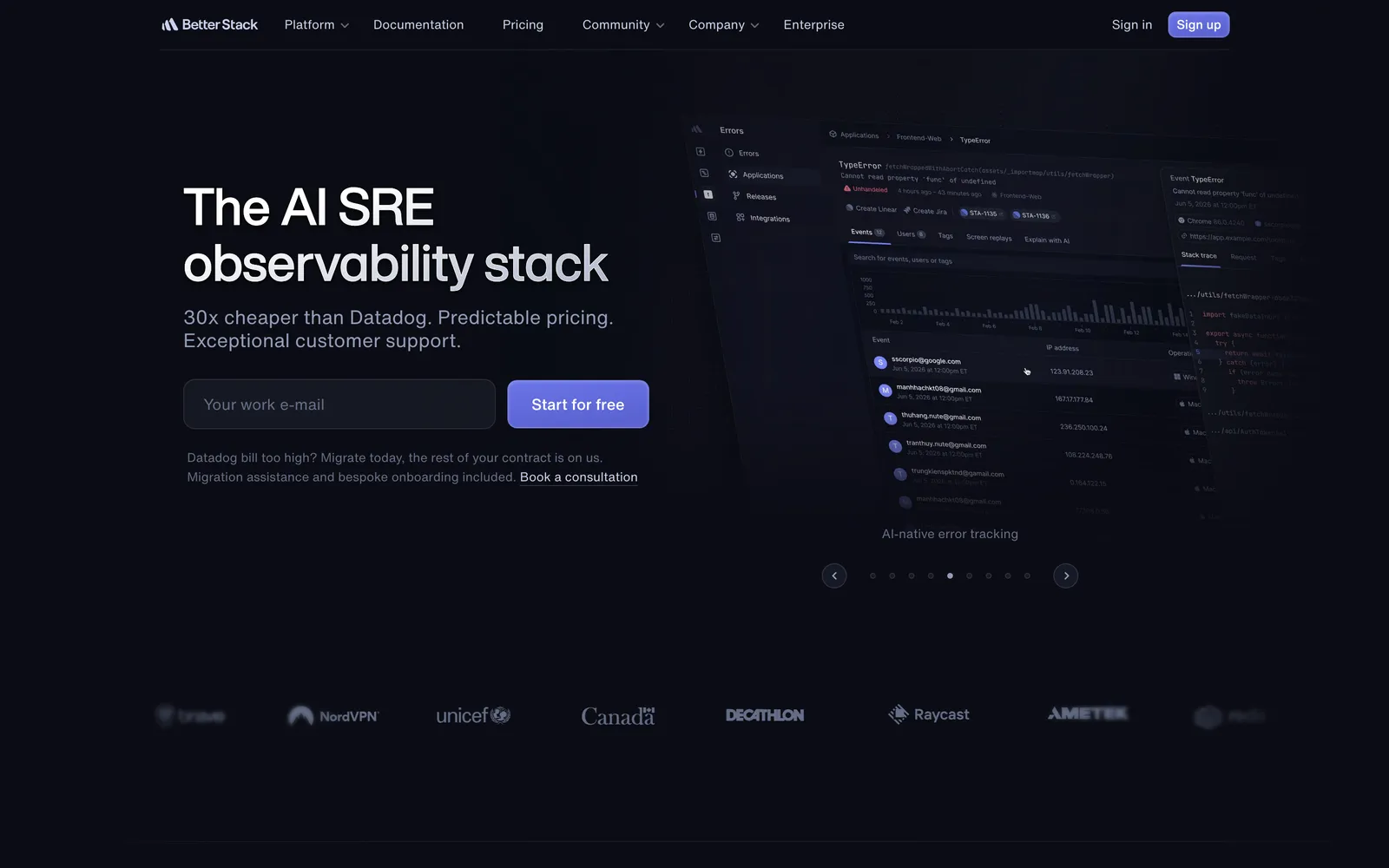
What it does: Monitors websites, APIs, and heartbeats with checks as frequent as 30 seconds, creates incidents when checks fail, pages on-call responders with unlimited phone call and SMS alerts, and publishes polished status pages. It sits inside a broader observability platform with logs, metrics, and traces.
Pricing: Free plan covers 10 monitors and heartbeats with 1 status page. Paid access runs on responder licenses at $29 per license/month billed annually ($34 monthly), each with unlimited call and SMS alerts. Extra monitor packs and premium status-page features are add-ons.
Pros:
On-call scheduling and escalation policies built in, no PagerDuty needed
30-second checks with unlimited phone and SMS alerts on responder licenses
Best-in-class UI and status pages
Logs and metrics in the same platform if you want them
Cons:
Per-responder pricing grows with the team, and add-ons stack up
No self-hosted option
More platform than a team with simple uptime needs requires
Best for: Teams that want monitoring, alerting, and incident response in one product instead of three.
2. Uptime Kuma
Uptime Kuma is the self-hosted, open-source monitoring tool that took over the homelab and privacy-conscious corners of the internet. It delivers a commercial-grade UI on your own server.
What it does: Monitors HTTP(S), TCP, keywords, ping, DNS, and Docker containers with intervals as low as 20 seconds, notifies through 90+ services (Slack, Discord, Telegram, PagerDuty, email, and more), and includes built-in status pages. Deploys as a single Docker container.
Pricing: Free and open source (MIT)
Pros:
No feature gates, no monitor limits, no subscription
Full data ownership and privacy
Modern UI that rivals paid tools
90+ notification integrations
Cons:
You manage the infrastructure, updates, and backups
Monitors from one location unless you run multiple instances
If your server goes down, so does your monitoring
No on-call scheduling or SLA reporting
Best for: Developers and teams comfortable with self-hosting who want zero license cost and full control. Internal service monitoring behind the firewall.
3. Qodex Uptime
Qodex Uptime is our own monitoring product, so judge this entry accordingly; the numbers are public and checkable. It is a hosted uptime monitor at uptime.qodex.ai built around one pricing argument: 30-second checks and a custom-domain status page should not require an enterprise plan.
What it does: HTTP checks for websites and API endpoints with response-time tracking on every check. The free Starter plan includes 15 monitors checked every 2 minutes, email alerts, 5 team members, 2 on-call members, and a public status page with incident history, an RSS feed, and up to 200 email subscribers. Paid plans move every monitor to 30-second checks and add SMS alerts (Pro) and phone call alerts (Business), plus custom-domain status pages.
Pricing:
Starter: $0/month. 15 monitors, 2-minute checks, email alerts, public status page, 200 subscribers
Pro: $15/month. 50 monitors, 30-second checks, email and SMS alerts, 1 custom domain, 5,000 subscribers
Business: $225/month. 1,000 monitors, 30-second checks, SMS and call alerts, 3 custom domains, 25,000 subscribers
Pros:
30-second checks at $15/month; UptimeRobot prices the same interval at $54/month annual on Enterprise
Free tier is a usable product: 15 monitors, status page, and team seats, not a demo
Status pages with subscribers and RSS on every plan, including free
Same engine powers our public is-it-down status checks, so you can see live data before signing up
Cons:
Fewer global monitoring locations than Pingdom or StatusCake
HTTP checks only; no synthetic browser flows or RUM
Free plan checks every 2 minutes, slower than paid intervals
Newer product than the incumbents on this list
Best for: Teams that want fast checks and a real status page at small-team prices, especially API-focused teams already thinking about response times, not just up/down.
4. Pingdom
Pingdom by SolarWinds is one of the oldest names in the category and still a benchmark for synthetic monitoring depth and global coverage.
What it does: Uptime checks from 100+ global locations, page speed monitoring, multi-step transaction monitoring (simulated user flows), and Real User Monitoring (RUM) that measures what actual visitors experience.
Pricing: Paid only. Synthetic monitoring is priced by check volume and RUM by pageviews; current numbers are quoted through SolarWinds rather than published on a static page, so verify against your own usage during a trial.
Pros:
Long track record and reliable infrastructure
RUM and transaction monitoring beyond basic uptime checks
100+ monitoring locations
Cons:
No free tier
Costs escalate with check count and features
UI and product pace feel dated next to newer rivals
Best for: E-commerce and revenue-critical sites where page performance data matters as much as availability.
5. HetrixTools
HetrixTools pairs uptime monitoring with a feature almost nobody else bundles: IP and domain blacklist monitoring, which matters if you send email or run your own servers.
What it does: HTTP, ping, SMTP, DNS, and port monitoring from multiple global locations, plus blacklist monitoring that alerts you when your IPs or domains land on spam and abuse lists. Includes SSL monitoring and uptime/SLA reporting.
Pricing: Free tier available, with low-cost paid plans above it. HetrixTools' pricing page blocks automated access, so we are not quoting numbers we could not re-verify today; their published tiers have historically undercut most competitors.
Pros:
Blacklist monitoring bundled with uptime, valuable for email deliverability
Multiple monitoring locations on all tiers
Aggressively affordable
Cons:
Functional but unpolished UI
Basic status pages
No incident management or on-call features
Best for: Server operators and email senders who need reputation monitoring alongside uptime checks.
6. Checkly
Checkly treats monitoring as code. Checks are written in JavaScript/TypeScript with Playwright, stored in Git, and deployed via CLI, which makes it the natural choice for teams already doing infrastructure-as-code.
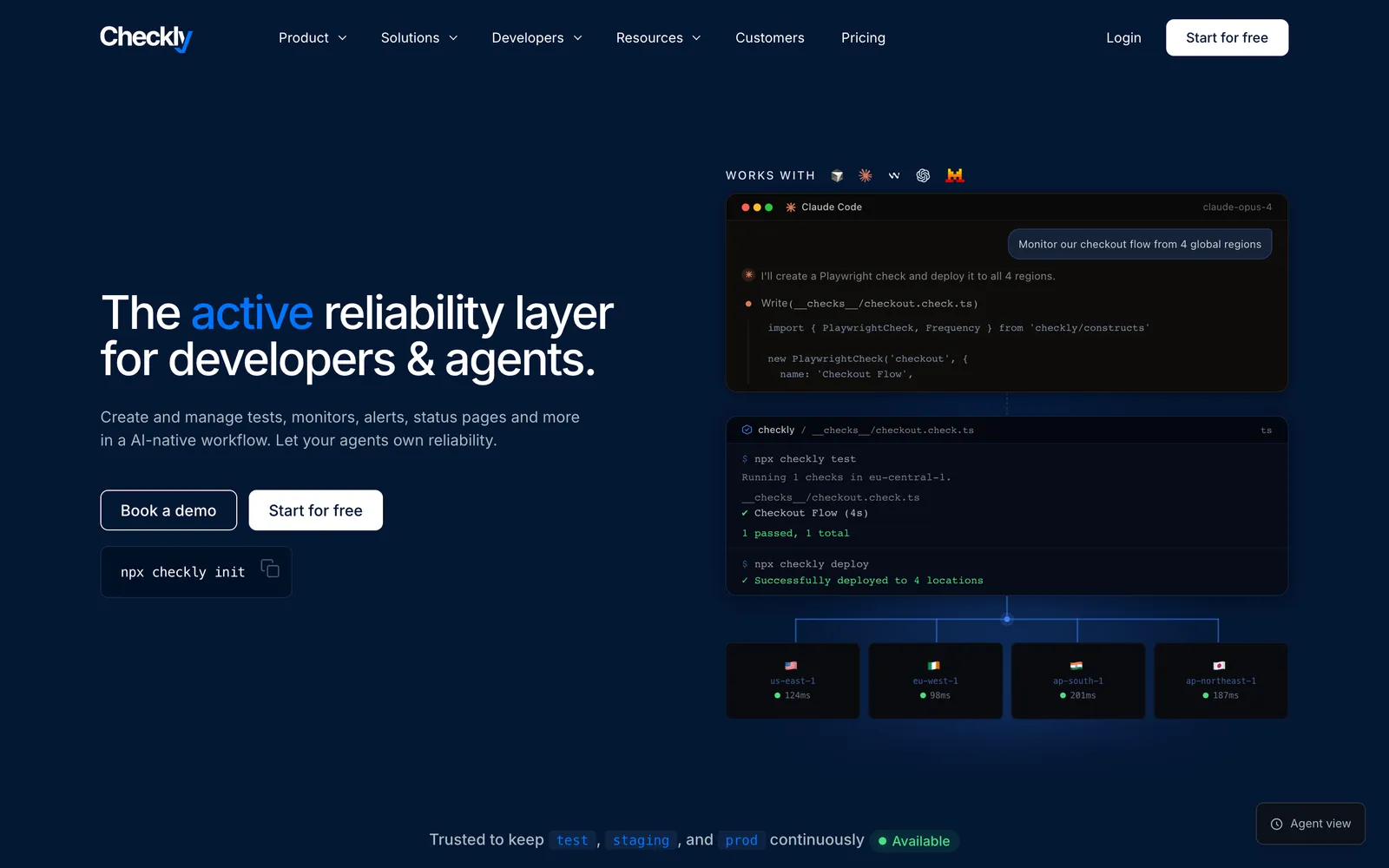
What it does: Uptime monitors, API checks with deep assertions, and Playwright-based browser checks that run real user flows from global locations. Integrates with Terraform and Pulumi, and pairs detection with AI-assisted root cause analysis on higher tiers.
Pricing: Hobby plan is free with 10 uptime monitors at up to 2-minute frequency. Starter is $24/month and Team $64/month billed annually, raising monitor counts, frequencies (30 seconds on Team), and locations (checked June 2026).
Pros:
Monitoring as code: version-controlled, reviewable, CI-deployed
Playwright browser checks double as production smoke tests
Strong API check assertions, not just status codes
Cons:
Requires developer workflow buy-in; not for non-technical users
Usage-based components make budgeting less predictable
Free tier is modest
Best for: Developer teams that want monitors reviewed in pull requests and reused from their Playwright test suites.
7. StatusCake
StatusCake is a UK-based monitoring service that bundles uptime, page speed, SSL, domain expiry, and basic server monitoring into simple plans.
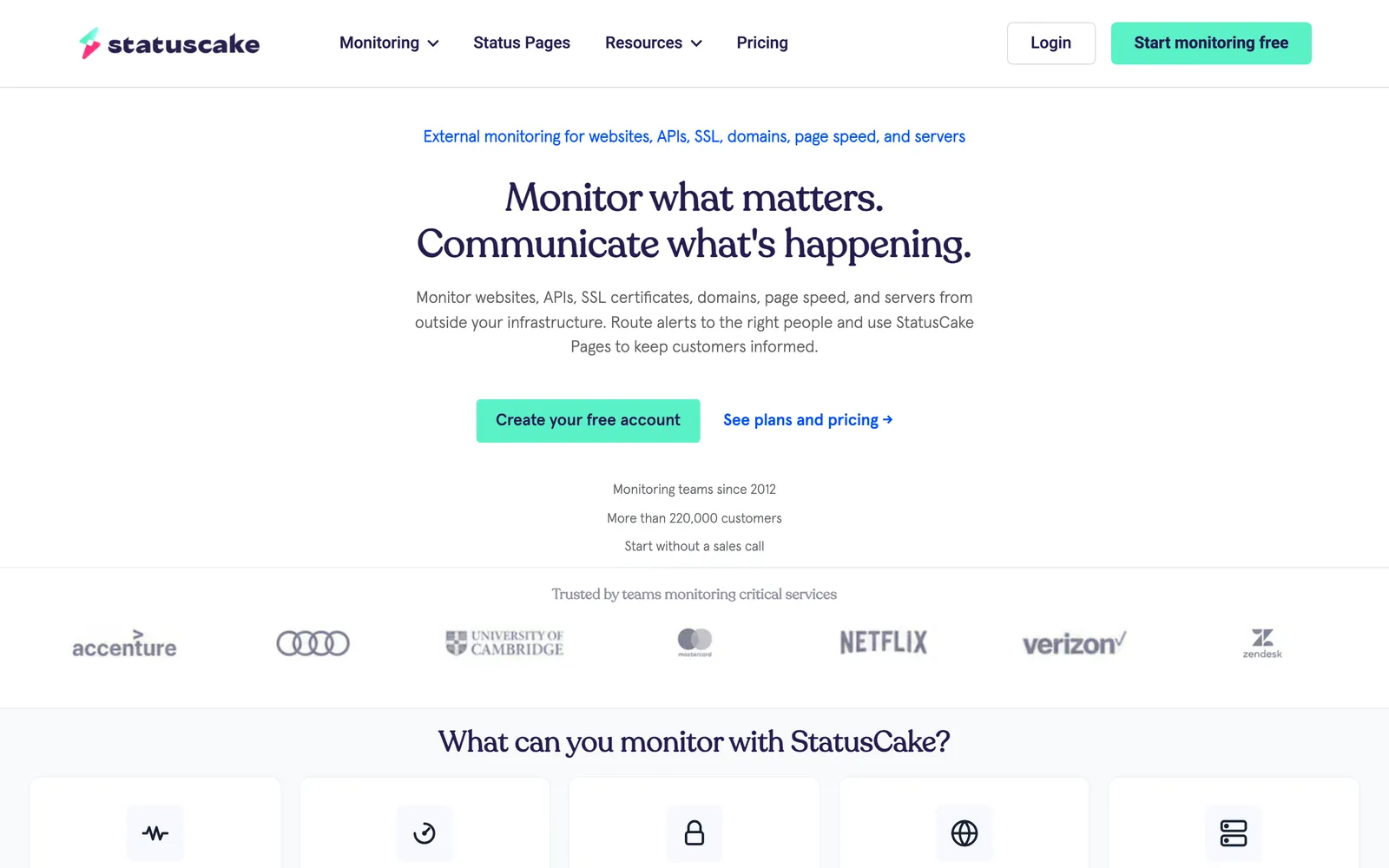
What it does: HTTP(S), TCP, DNS, SMTP, SSH, and ping monitoring from a large global network, with page speed tracking, SSL and domain expiration alerts, and status pages included.
Pricing: Free plan covers 10 monitors at 5-minute intervals. Superior is $20.41/month billed annually ($24.49 monthly) with 100 monitors at 1-minute intervals; Business is $66.66/month annually ($79.99 monthly) with 300 monitors at 30-second intervals (checked June 2026).
Pros:
Good value bundle: uptime, speed, SSL, and domain monitoring together
Large network of monitoring locations
Straightforward plan structure
Cons:
Free tier is limited to 5-minute checks
No on-call or incident management
UI is workmanlike rather than modern
Best for: Small and mid-sized businesses that want several monitoring types in one affordable subscription.
8. Site24x7
Site24x7 by Zoho is the "everything" option: website monitoring is one module in a platform that also covers servers, applications (APM), networks, and cloud infrastructure.
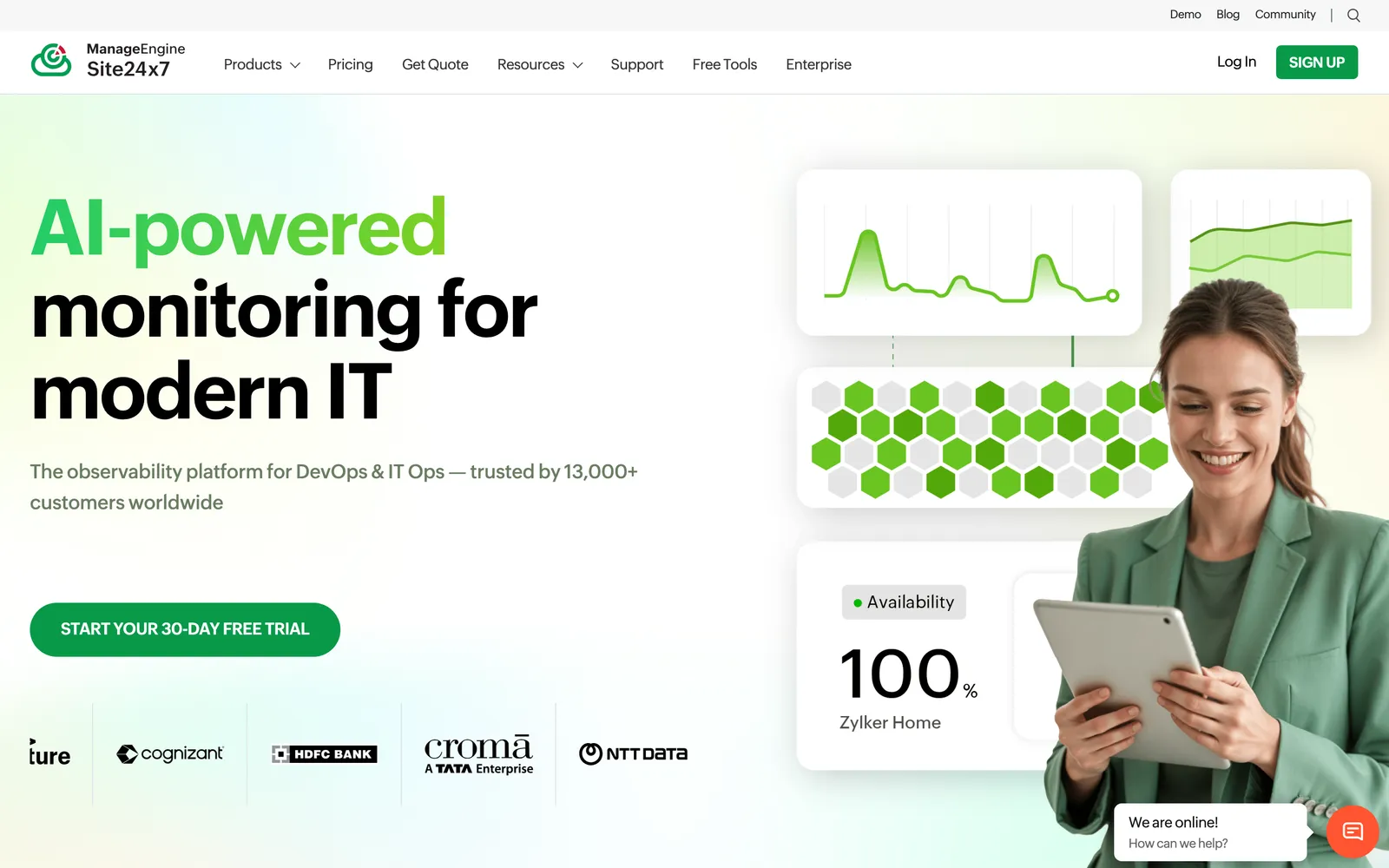
What it does: Uptime and synthetic transaction monitoring, Real User Monitoring, server metrics (CPU, memory, disk), APM, network device monitoring, and AWS/Azure/GCP integrations, with status pages and a unified alerting layer.
Pricing: Paid plans tiered by monitor count and modules, sold through Zoho; their pricing page renders dynamically, so check current numbers there. Entry plans are positioned at small-business price points, with APM and full-stack tiers above.
Pros:
One platform from uptime checks to server and application metrics
RUM and synthetic monitoring included in the portfolio
Strong value relative to assembling separate tools
Cons:
Breadth brings complexity; the console takes learning
Overkill if uptime monitoring is all you need
No meaningful free tier
Best for: Ops teams consolidating uptime, server, and application monitoring into a single vendor.
9. Cronitor
Cronitor approaches monitoring from a different angle: it began with cron job and background task monitoring and grew into uptime and synthetic checks. If silent cron failures have ever burned you, this is the specialist.
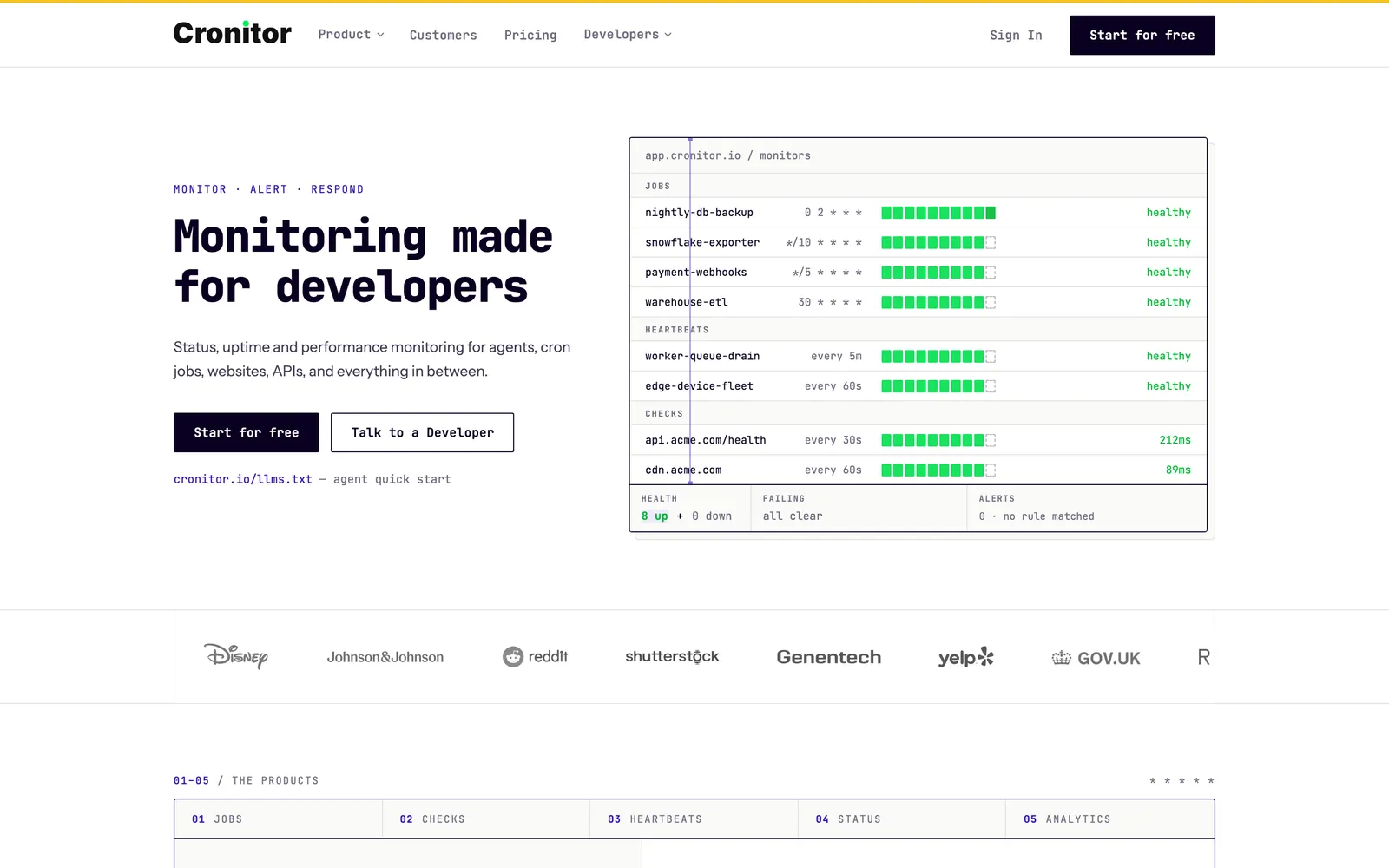
What it does: Heartbeat monitoring for cron jobs and scheduled tasks (your job pings Cronitor; no ping means an alert), plus website and API uptime checks, synthetic browser checks, real user monitoring, and status pages.
Pricing: Free Hacker plan includes 5 monitors. The Business plan is usage-based at $2/month per monitor plus $5/month per user; Enterprise starts at $6,000/year (checked June 2026).
Pros:
Best-in-class cron and heartbeat monitoring, a genuine blind spot for most uptime tools
Usage-based pricing scales smoothly from small setups
Uptime, synthetic, and RUM checks in the same product
Cons:
Small free tier (5 monitors)
Per-monitor pricing gets expensive for large fleets
Status pages are functional, not a differentiator
Best for: Teams whose real reliability risk is scheduled jobs and pipelines silently failing, not just websites going down.
10. Pulsetic
Pulsetic leads with status pages: if the public-facing page is the product you actually need, with monitoring behind it, Pulsetic is purpose-built for that.
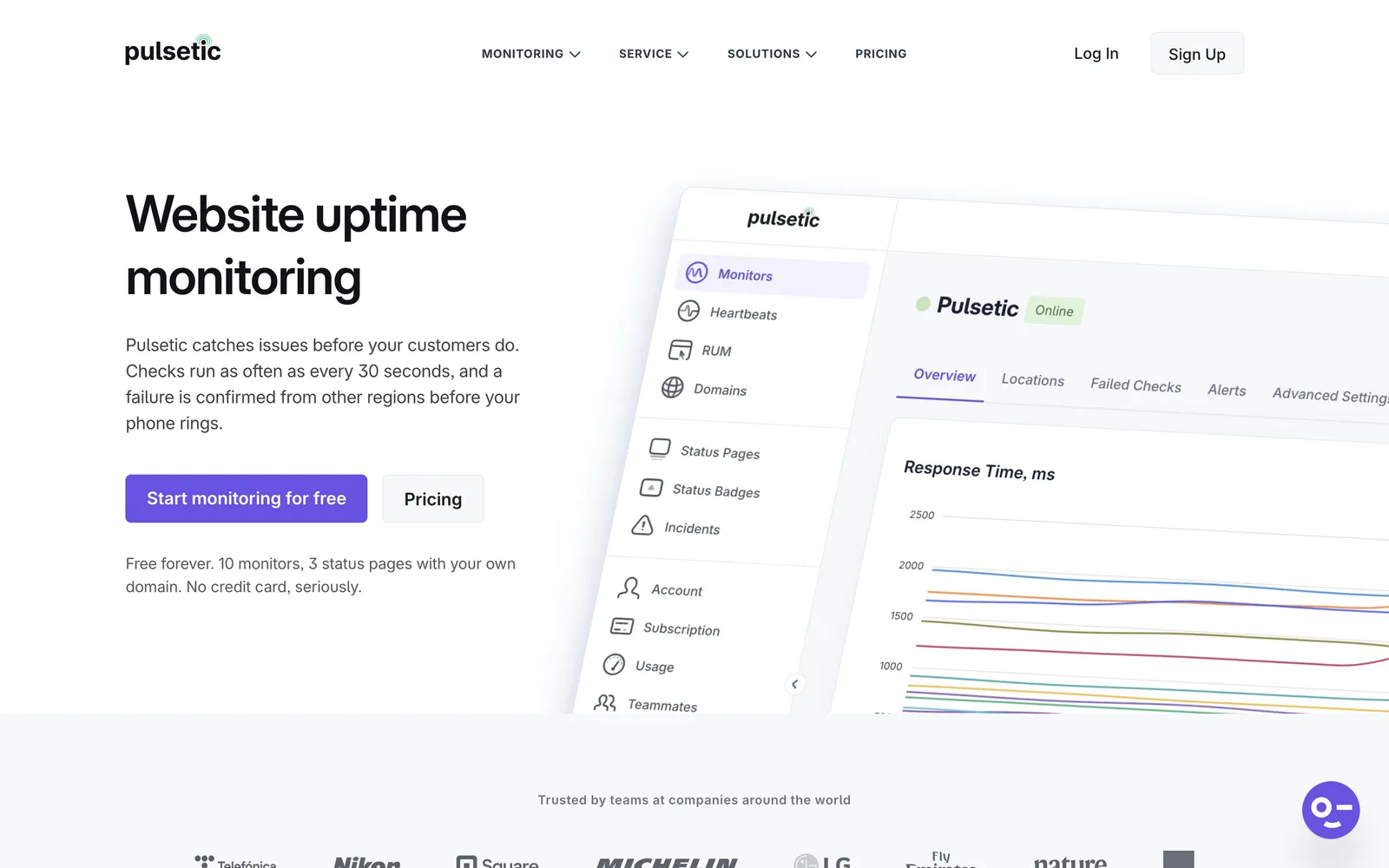
What it does: HTTP uptime monitoring from multiple global locations feeding customizable, branded status pages with incident reporting, scheduled maintenance, and subscriber notifications by email and SMS.
Pricing: Free plan includes 10 monitors at 5-minute checks. Solo is $9/month, Team $19/month, and Organization $49/month, scaling monitors, check frequency, and team features (checked June 2026).
Pros:
The best-looking status pages in the category
Custom domains and full branding control
Free tier now includes 10 monitors
Cons:
Monitoring depth is thinner than dedicated tools (no TCP/DNS/server checks)
No incident management or on-call features
Add-on pricing for monitors and seats beyond plan limits
Best for: SaaS companies and agencies where a polished, branded status page is the priority.
How to Choose the Right UptimeRobot Alternative
Decide which UptimeRobot limit you are escaping, then pick accordingly:
If you want faster checks without enterprise pricing: Qodex Uptime puts every monitor on 30-second checks at $15/month. Start free with 15 monitors and upgrade when the interval matters.
If you want self-hosting: Uptime Kuma, no contest. Free, open source, and better-looking than most paid dashboards. Accept that you run it and it watches from one location.
If you need on-call and incident management: Better Stack. Bundling escalations and unlimited call/SMS alerts into responder licenses beats stapling PagerDuty onto a cheaper monitor.
If you want monitoring as code: Checkly. Monitors live in Git next to the Playwright tests they reuse.
If you monitor cron jobs and pipelines: Cronitor. Heartbeat monitoring catches the failures uptime checks never see.
If status pages are the point: Pulsetic, or Better Stack if you also need the incident tooling behind the page.
If you want one platform for everything: Site24x7 covers uptime through APM; StatusCake bundles the website-adjacent checks affordably.
If UptimeRobot is working, stay. Seriously: 50 free monitors at 5-minute intervals is still the most generous free monitor count available, and the paid Solo plan at $7/month (annual) is cheap for 60-second checks. Leave when you need 30-second detection, real status pages, or incident workflows, because that is where its pricing stops being friendly.
Frequently Asked Questions
What is the best free UptimeRobot alternative?
It depends on which free limit you care about. Uptime Kuma is free forever with unlimited monitors if you self-host. Among hosted options, Qodex Uptime's free plan includes 15 monitors at 2-minute checks (faster than UptimeRobot's free 5-minute interval) plus a status page with 200 subscribers. Checkly, StatusCake, and Pulsetic all offer 10-monitor free tiers with different strengths.
Is Uptime Kuma better than UptimeRobot?
For control and cost, yes: unlimited monitors, 20-second intervals, 90+ notification channels, and full data privacy, all free. For convenience, no: you maintain the server, you monitor from one location, and if your host goes down your monitoring goes with it. Tech-savvy teams and homelabs love it; teams that want zero maintenance should pick a hosted tool.
How often should uptime checks run?
One minute is the right baseline for production websites and APIs. Revenue-critical or real-time services justify 30-second checks, which cost $15/month on Qodex Uptime or $54/month (annual) on UptimeRobot's Enterprise plan. Five-minute checks, the free-tier default on most tools, are fine for side projects and internal tools but can miss short outages entirely.
Do I need to pay for uptime monitoring?
Often not. Free tiers from Uptime Kuma (self-hosted), Qodex Uptime, StatusCake, and Pulsetic cover basic HTTP monitoring with alerts. Paying makes sense for sub-minute checks, SMS and phone call alerts, custom-domain status pages, on-call scheduling, or SLA reporting.
Can I use uptime monitoring for API endpoints?
Yes, any HTTP monitor can watch an API URL. The limitation is depth: a basic check confirms the endpoint returns a response, not that the response is correct. Qodex Uptime tracks response times per endpoint, Checkly runs full assertion suites against API responses, and pairing monitoring with an API testing suite catches the failures a 200 status code hides.
What is the difference between uptime monitoring and synthetic monitoring?
Uptime monitoring asks "does this URL respond?" on a fixed schedule. Synthetic monitoring runs scripted user journeys, logging in, adding to cart, checking out, in a real browser, and catches JavaScript errors, broken forms, and slow rendering that a ping never sees. Checkly, Pingdom, and Site24x7 offer both; most budget tools, including UptimeRobot, only do the former.
If uptime is the goal, Qodex pairs uptime monitoring with real API and UI test runs, so you know not just that an endpoint responds, but that it still works.