9 Best Swagger Alternatives for API Documentation in 2026
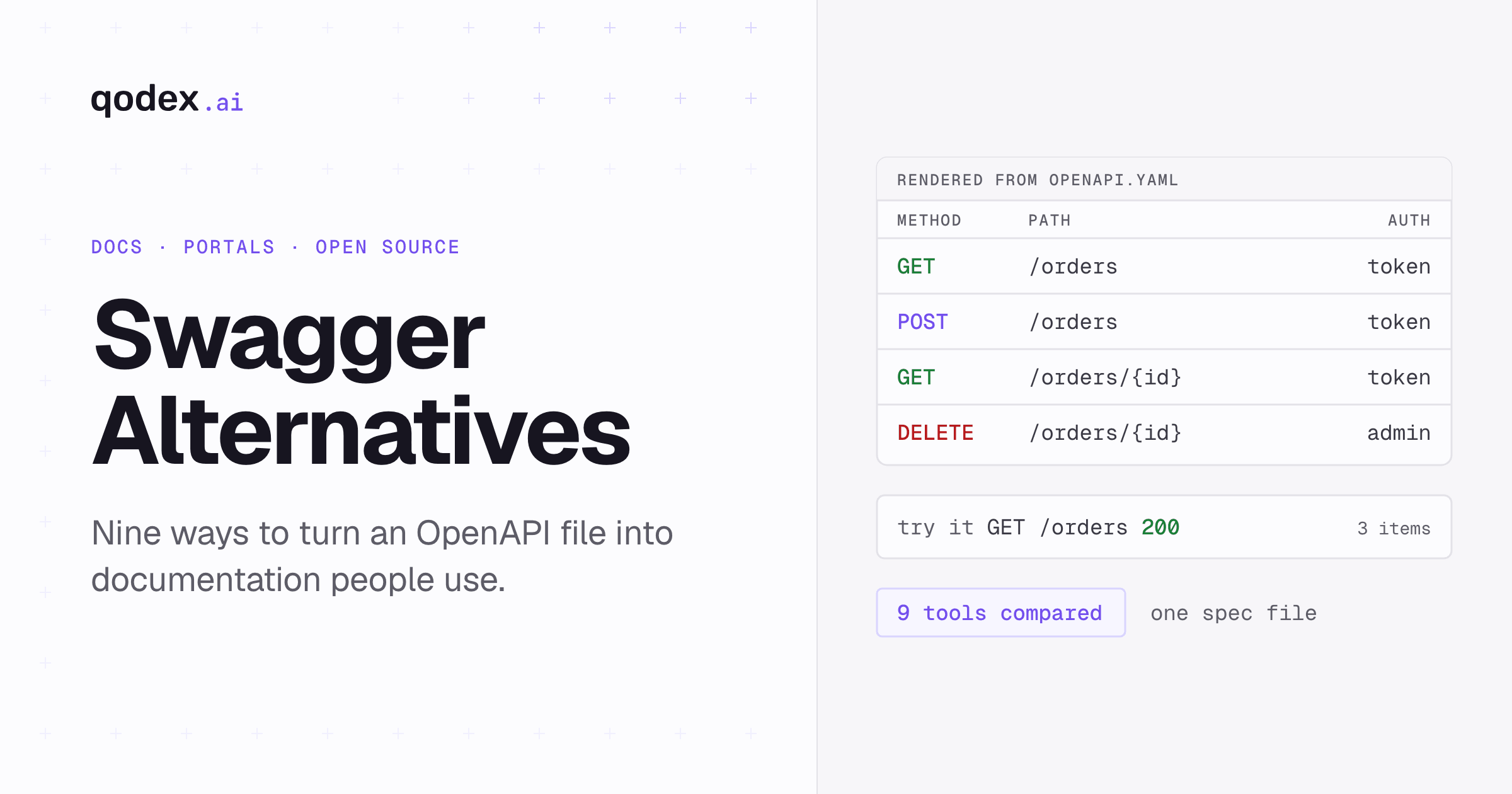
Looking beyond Swagger for API documentation and testing? The side-by-side is below, and if AI-driven testing is part of your evaluation, see our roundup of the best AI QA tools.
Quick Comparison: Best Swagger Alternatives at a Glance
| Tool | Best For | Pricing | Key Feature | Rating |
|---|---|---|---|---|
| Redoc | Beautiful API reference docs | Free (open-source); Redocly from $10/seat/mo | Three-panel responsive layout | 4.6/5 |
| Stoplight | API design-first workflow | From $44/mo (annual); first 3 users free | Visual OpenAPI editor + governance | 4.5/5 |
| Postman | Teams already using Postman | Free tier; Team from $19/user/mo | Auto-generated docs from collections | 4.5/5 |
| Qodex | Keeping the API behind the docs tested | Free tier; Paid plans available | Tests the spec your docs are built from | 4.5/5 |
| RapiDoc | Developers wanting a web component | Free (open-source) | Custom element, highly themeable | 4.4/5 |
| ReadMe | Developer portal + docs | Free Starter; Pro from $250/mo | Interactive docs with metrics | 4.6/5 |
| Scalar | Modern Swagger UI replacement | Free (open-source); hosted Pro $72/mo | Drop-in Swagger UI replacement | 4.5/5 |
| Mintlify | Beautiful developer docs | Free Starter; Enterprise via sales | MDX-based docs with API playground | 4.7/5 |
| Fern | Docs plus SDK generation from one spec | Free (open-source); hosted docs from $150/mo | Generates SDKs alongside docs | 4.5/5 |
Swagger (now the OpenAPI ecosystem) has been the standard for API documentation and design since SmartBear acquired the project in 2015. Swagger UI, Swagger Editor, and SwaggerHub form the core toolset used by millions of API developers. However, as API documentation expectations have evolved, many teams are looking beyond the default Swagger UI for more polished, customizable, and feature-rich alternatives.
For a broader survey beyond Swagger-style tools, see the full comparison of API testing tools and where each one fits.
Why Look for Swagger Alternatives?
The Swagger/OpenAPI ecosystem remains foundational, but specific pain points push teams to explore other tools:
1. Swagger UI Looks Dated
The default Swagger UI, while functional, has a utilitarian appearance that many teams find insufficient for public-facing API documentation. Modern developer portals expect polished design, custom branding, and responsive layouts. Swagger UI's green/blue theme and flat layout do not meet these expectations without significant CSS customization.
2. SwaggerHub Pricing
SwaggerHub, SmartBear's hosted platform (now folded into SmartBear API Hub), provides collaboration, design governance, and API mocking on per-designer subscriptions that scale to enterprise pricing. For teams that primarily need documentation generation from OpenAPI specs, that cost is hard to justify when free alternatives produce better-looking output.
3. Limited Content Beyond API Reference
Swagger UI generates API reference documentation from OpenAPI specs. But good API documentation needs more than endpoint lists: getting-started guides, authentication tutorials, code examples, use-case walkthroughs, and changelogs. Swagger UI does not support these supplementary content types natively, requiring teams to maintain separate documentation alongside their API reference.
4. Customization Constraints
While Swagger UI is open-source and technically customizable, deep customization requires forking or wrapping the React components. Theming is limited to CSS overrides. Teams wanting custom navigation, search, versioning workflows, or analytics integration often find it easier to adopt a purpose-built documentation tool.
5. Editor Experience
Swagger Editor provides a split-pane YAML editor and preview, but the editing experience can feel primitive compared to modern visual API designers. Autocomplete is basic, validation error messages can be cryptic, and there is no visual form-based editing for those who prefer not to write YAML directly.
If these issues resonate, the alternatives below offer improved documentation rendering, better design tools, or more comprehensive developer portal capabilities. For broader API tooling, see our guide to writing API documentation, or compare Qodex to every major alternative across the wider QA tooling landscape.
Top 9 Swagger Alternatives in 2026
1. Redoc (Redocly)
Redocly (makers of Redoc) provides the most popular open-source alternative to Swagger UI for rendering OpenAPI documentation. Redoc's three-panel layout has become the standard for professional API reference documentation.
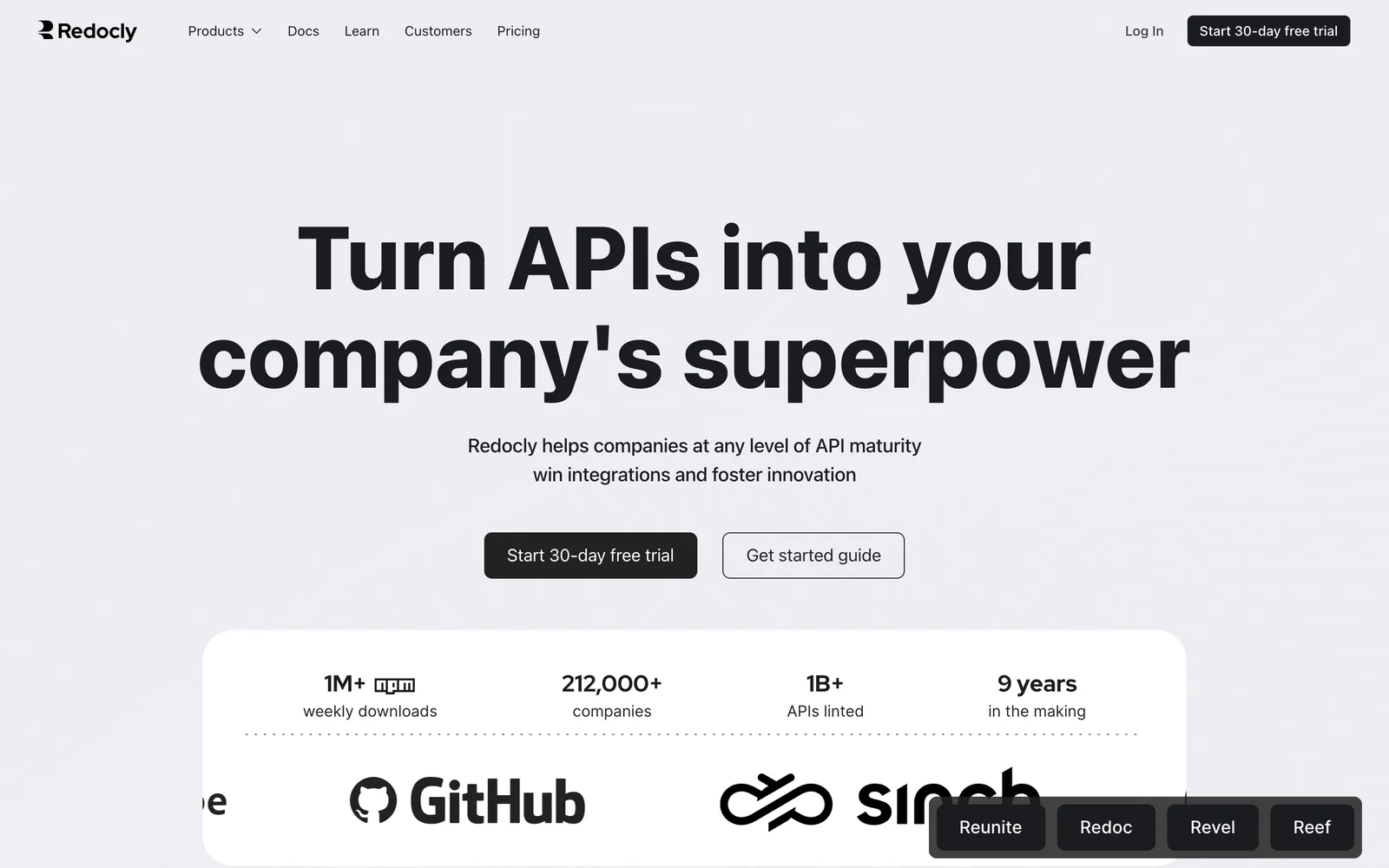
What it does: Redoc generates beautiful, responsive API reference documentation from OpenAPI 2.0 and 3.x specifications. The open-source Redoc library renders a three-panel layout (navigation, content, code samples) that is clean, searchable, and mobile-friendly. Redocly's commercial platform adds API governance (linting), a visual editor, versioning, and hosting.
Pricing:
Redoc: Free and open-source
Redocly Pro: $10 per seat/month, billed monthly (checked June 2026)
Redocly Enterprise: $24 per seat/month, with usage-based add-ons
Pros:
Best-in-class three-panel documentation layout
Open-source core that is production-ready
Responsive design that works on mobile
Supports OpenAPI 3.1 and JSON Schema
Commercial platform adds governance and CI/CD linting
Cons:
Open-source Redoc is reference-only (no guides, tutorials, or extra content)
Commercial platform pricing escalates with API count
No built-in "Try It" interactive playground in free Redoc (available in paid Redocly)
Customization beyond theming requires development effort
Best for: Teams wanting polished, professional API reference documentation from OpenAPI specs. The open-source Redoc library is the top choice for self-hosted API docs. The commercial Redocly platform suits teams needing governance and hosting.
2. Stoplight
Stoplight is an API design and documentation platform that promotes a design-first workflow. Instead of writing OpenAPI YAML by hand, you design APIs visually and generate both specs and documentation.
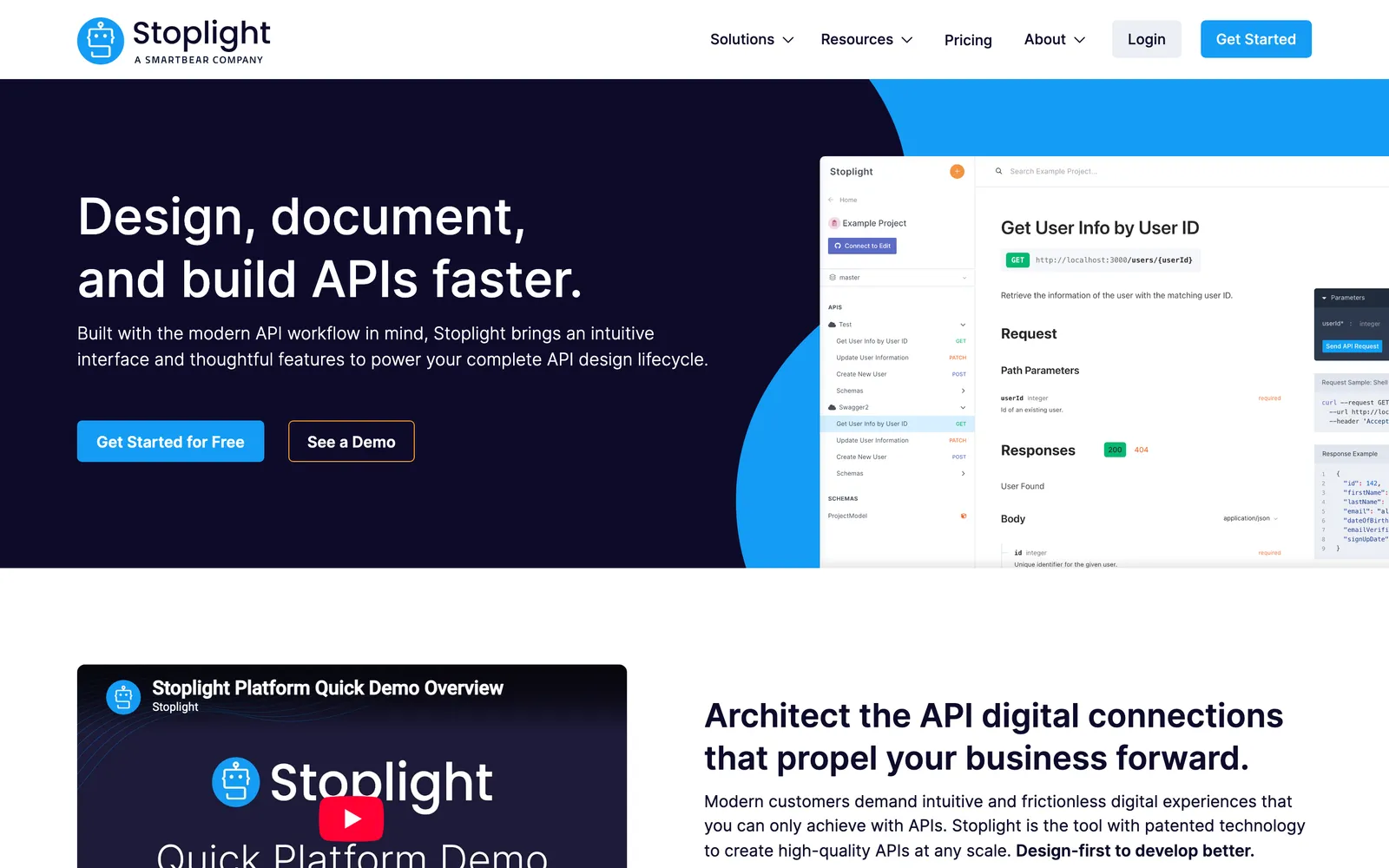
What it does: Stoplight provides a visual, form-based OpenAPI editor (Stoplight Studio), API documentation hosting, mock servers, style guides for API governance, and Git-based workflow integration. Documentation is generated automatically from your OpenAPI specs with customizable theming.
Pricing:
Basic: $44/month billed annually ($56 monthly), first 3 users free
Startup: $113/month billed annually, first 8 users free
Pro Team: $362/month billed annually
All plans include a 14-day free trial (checked June 2026)
Pros:
Visual API designer reduces YAML editing pain
Style guides enforce API design consistency
Auto-generated documentation from designs
Git-based workflow integrates with existing repos
Mock servers for rapid API prototyping
Cons:
No permanent free tier, only a 14-day trial
Pricing can be steep for small teams
Documentation customization is limited compared to custom solutions
Learning curve for the visual editor
Best for: Teams adopting a design-first API workflow. Organizations wanting to enforce API design standards across multiple teams. Product managers who participate in API design without writing YAML.
3. Postman
Postman generates API documentation automatically from collections, making it a convenient option for teams already using Postman for API development and testing.
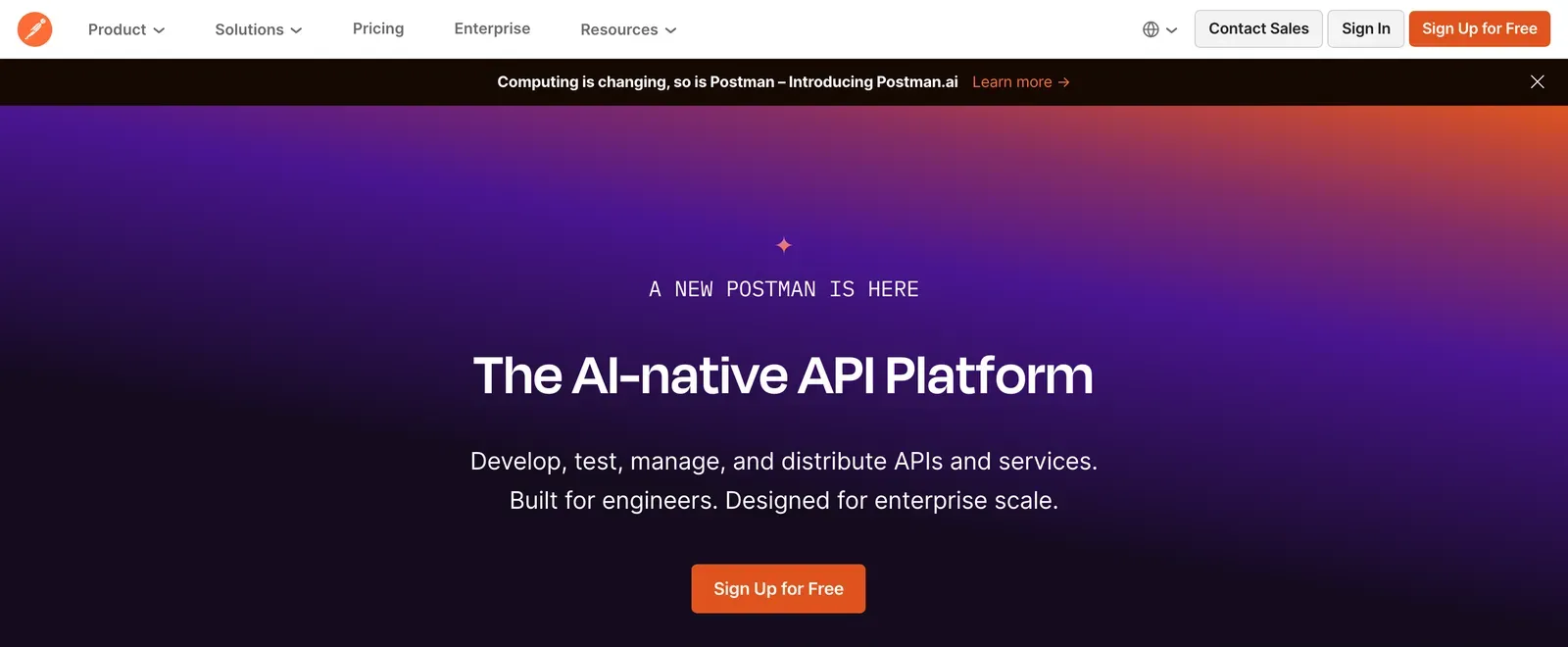
What it does: Postman auto-generates documentation from your API collections, including endpoint descriptions, request/response examples, and authentication details. Documentation can be published publicly or shared privately. It supports custom branding, versioning, and "Run in Postman" buttons that let readers import and try your API.
Pricing:
Free: Basic documentation with Postman branding
Solo: $9/month, billed annually
Team: $19 per user/month, billed annually
Enterprise: $49 per user/month, billed annually (checked June 2026)
Pros:
Zero additional setup if you already use Postman
"Run in Postman" buttons for interactive exploration
Stays in sync with your API collections automatically
Easy to publish and share
Includes example requests and responses
Cons:
Documentation layout is basic compared to dedicated docs tools
Limited content types (no Markdown guides or tutorials alongside reference)
Ties documentation to Postman platform
Custom branding requires paid plans
Best for: Teams already using Postman who want quick, low-effort documentation. Internal API documentation where polish is less critical than convenience. See our Postman alternatives guide for broader tool comparisons.
4. Qodex
Qodex earns its spot on this list from a different angle: it is not a documentation renderer, and we will not pretend it is. Qodex is an AI agent for API testing that consumes the same OpenAPI and Swagger specs your docs are built from, and it attacks the problem every docs tool inherits: a spec that has drifted from how the API actually behaves.
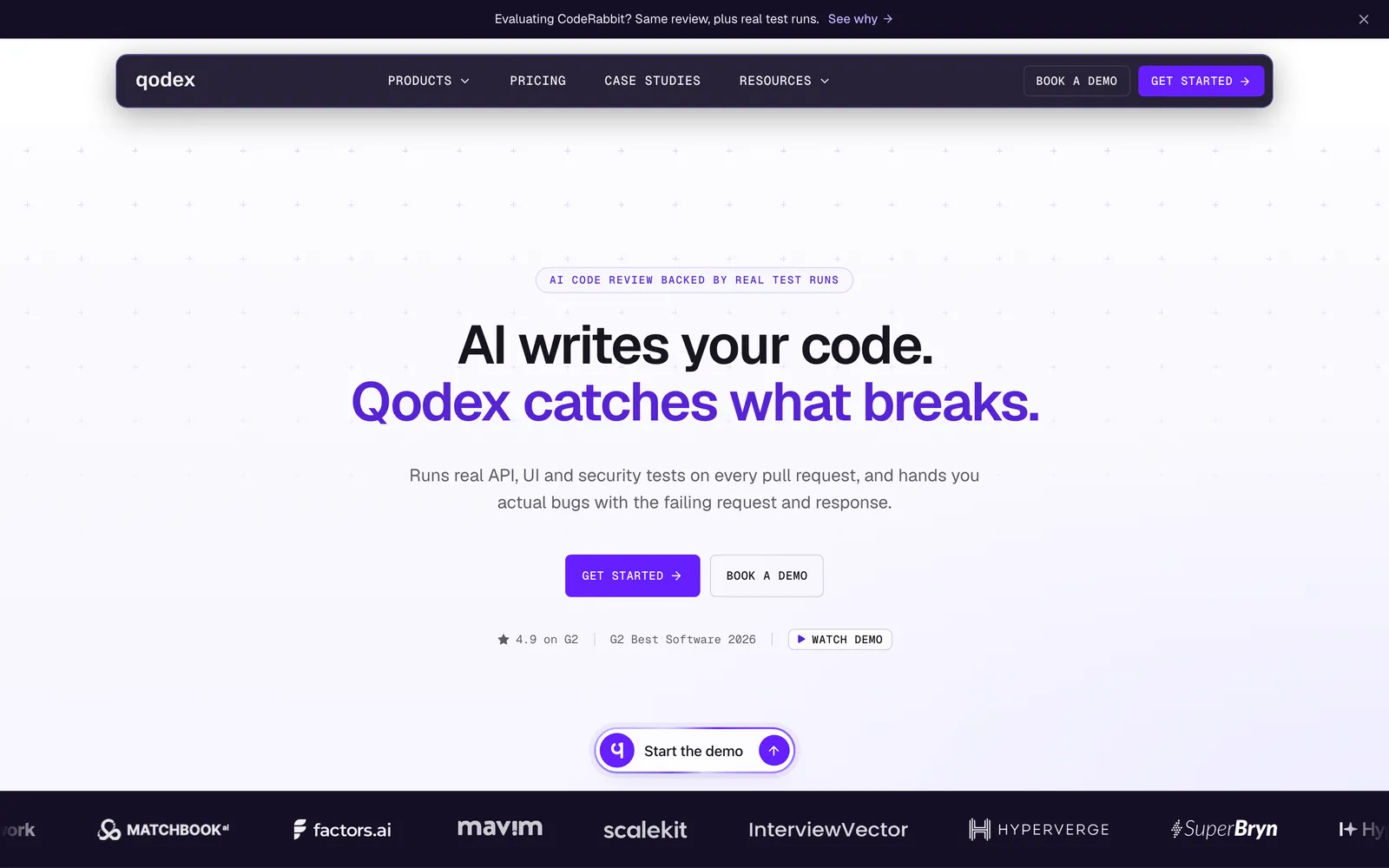
What it does: Import an OpenAPI 3.x or Swagger 2.0 spec (or a Postman collection) and Qodex maps every endpoint, infers the auth scheme, and generates runnable test scenarios against the live API. When the API's real behavior diverges from the spec, wrong status codes, undocumented error shapes, endpoints the spec never mentions, the failing tests surface the drift. Saved scenarios replay on a schedule or from CI with no LLM cost per run, so the spec-versus-reality check happens continuously rather than whenever someone remembers.
Pricing:
Free: Basic plan, a generous free tier (see the pricing page for current limits)
Premium / Enterprise: Higher limits and integrations, via sales (see pricing)
Pros:
Keeps OpenAPI specs honest by continuously testing them against the live API
Surfaces undocumented endpoints and behavior drift that make docs wrong
Adds security checks (auth bypass, IDOR, injection) on the same spec
Works alongside any renderer on this list, not instead of it
Cons:
Does not render or host documentation; you still need Redoc, Scalar, or similar
AI-generated test scenarios deserve human review before scheduling
Newer platform with a smaller community than established tools
Best for: Teams whose documentation problem is actually a spec-accuracy problem. Pair it with any docs renderer here to keep what the docs promise and what the API does in sync.
5. RapiDoc
RapiDoc is an open-source web component that renders OpenAPI specifications as interactive API documentation. It is designed as a customizable, embeddable drop-in replacement for Swagger UI.
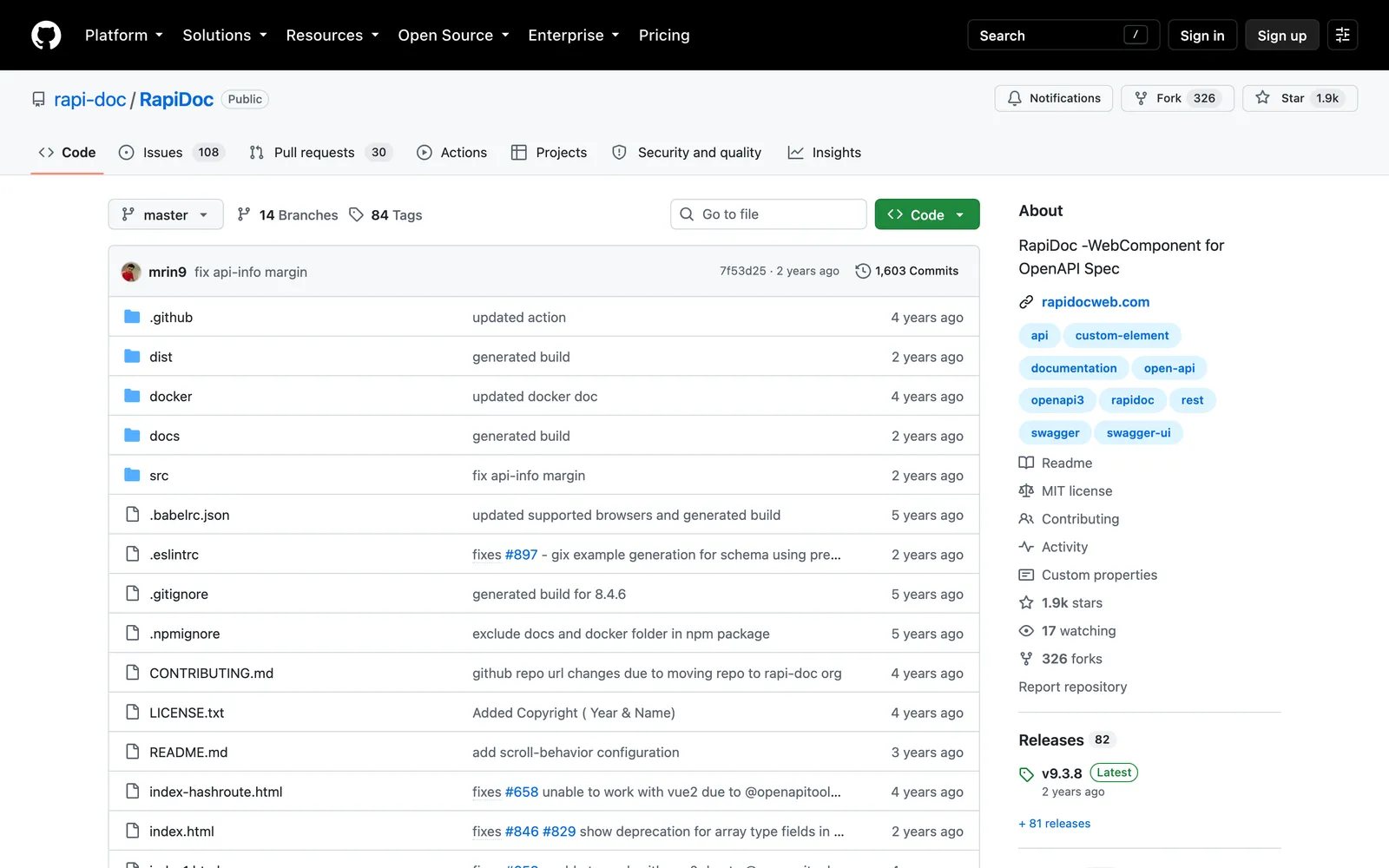
What it does: RapiDoc renders your OpenAPI spec as a web component (<rapi-doc>) that can be embedded in any HTML page. It includes an interactive "Try It" console, multiple layout options (focused, read, view), theming with CSS variables, authentication support, and search functionality.
Pricing: Free and open-source (MIT license)
Pros:
Web component architecture embeds anywhere
Highly themeable with CSS custom properties
Interactive "Try It" API console built-in
Multiple layout modes for different use cases
Lightweight and fast rendering
Cons:
Smaller community than Redoc or Swagger UI
Limited supplementary content support
Documentation and examples are less extensive
Fewer out-of-the-box integrations
Best for: Developers wanting a customizable, embeddable API documentation component. Teams that need interactive "Try It" functionality without Swagger UI's default styling.
6. ReadMe
ReadMe is a developer hub platform that combines API reference documentation with guides, changelogs, and usage analytics. It is designed for teams building public-facing developer portals.
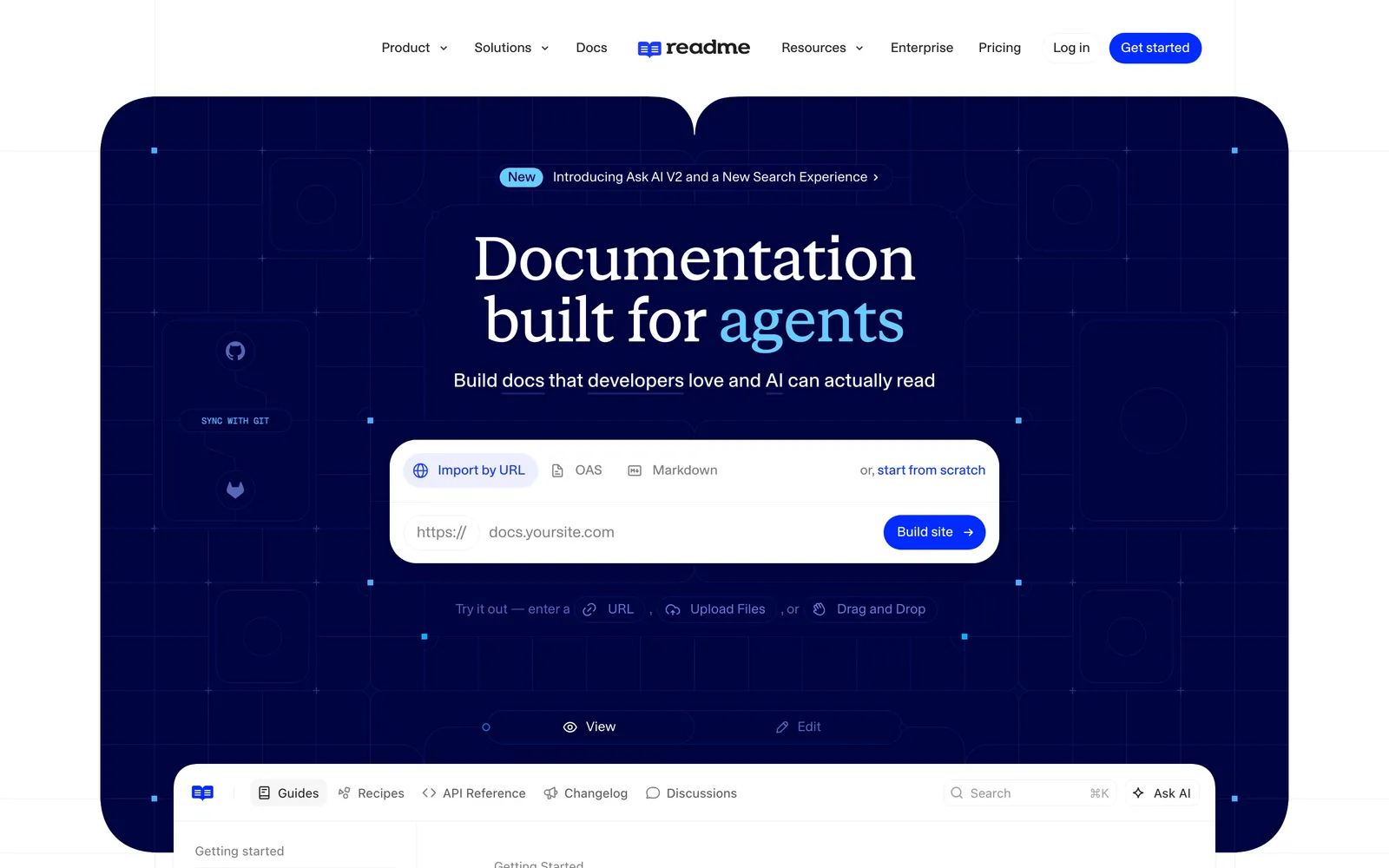
What it does: ReadMe generates interactive API reference documentation from OpenAPI specs and supplements it with Markdown-based guides, tutorials, and changelogs. Uniquely, it tracks API usage metrics and shows developers their own API call history. It includes a "Try It" playground, code examples in multiple languages, and customizable theming.
Pricing:
Starter: Free
Pro: $250/month, billed annually
Enterprise: From $3,000/month, annual billing (checked June 2026)
Pros:
Complete developer portal (reference + guides + changelogs)
API usage metrics and developer-specific dashboards
Interactive "Try It" playground
Clean, modern design out of the box
Multi-language code examples
Cons:
Paid plans jump straight to $250/month, expensive for small teams
Free Starter tier is limited
Hosted-only (no self-hosted option)
Customization has limits compared to custom-built portals
Best for: SaaS companies building public developer portals. API-first businesses where developer experience directly impacts adoption and revenue.
7. Scalar
Scalar is an open-source API documentation tool designed as a modern, drop-in replacement for Swagger UI. It renders OpenAPI specs with a contemporary design and interactive features.
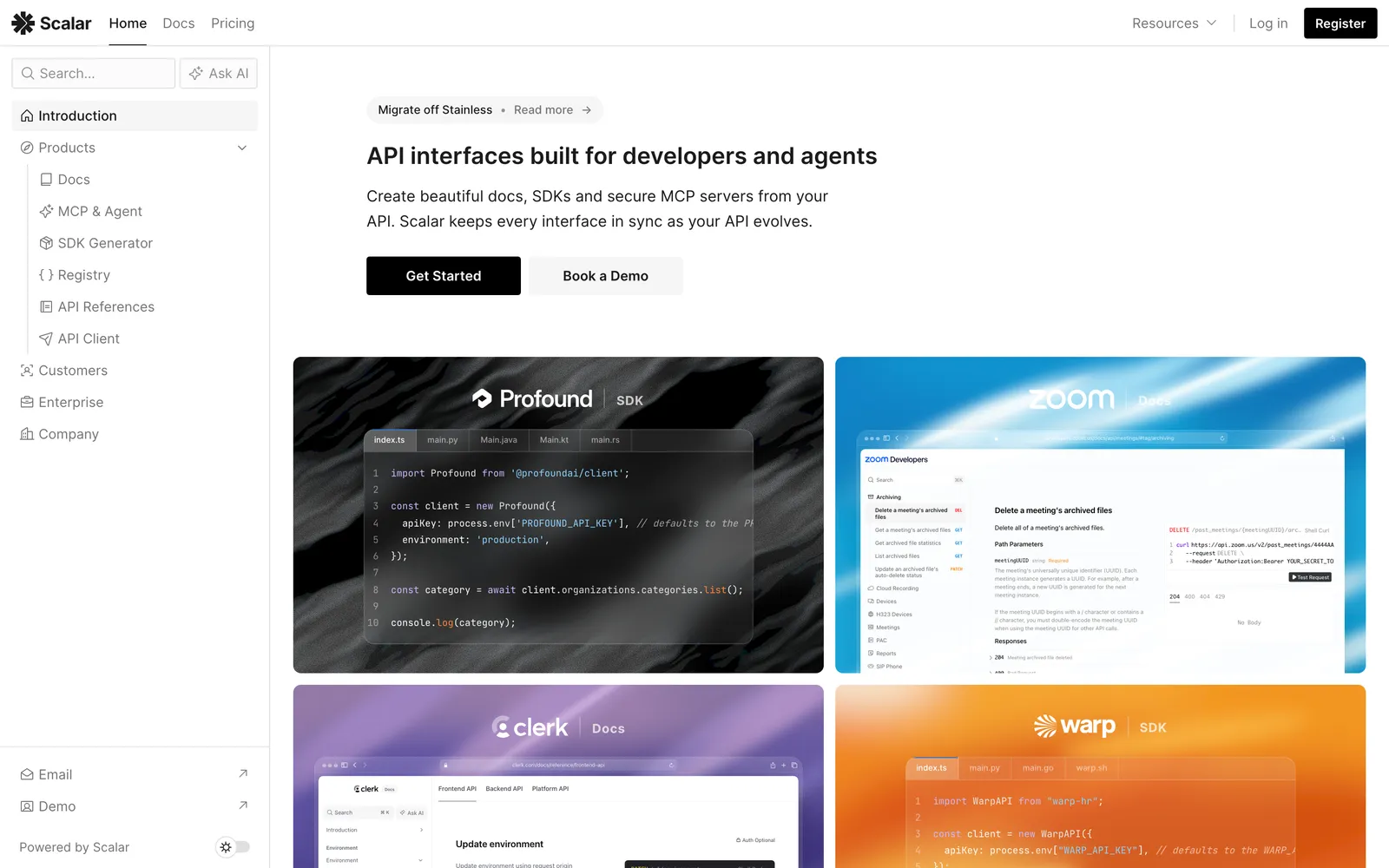
What it does: Scalar generates clean, interactive API documentation from OpenAPI 3.x and Swagger 2.0 specs. It includes a request playground (send API calls from the docs), dark/light themes, code examples in multiple languages, and search. It works as a standalone page, an Express/Hono/Fastify middleware, or a CDN-loaded script, and now also as a hosted platform with guides and custom domains.
Pricing: The open-source renderer is free (MIT license). The hosted platform has a free tier; Scalar Pro is $72/month with custom domains and SDK features, and Enterprise is custom (checked June 2026).
Pros:
Drop-in Swagger UI replacement with modern design
Built-in API request playground
Easy integration (CDN, Express, Fastify, etc.)
Dark and light themes out of the box
Actively maintained and growing quickly
Cons:
Newer project, may have edge cases with complex specs
Fewer customization options than Redoc or RapiDoc currently
Community is still growing
Hosted platform is newer than ReadMe or Redocly's
Best for: Teams wanting a modern Swagger UI replacement with minimal effort. Node.js/Express developers who want beautiful API docs embedded in their application.
8. Mintlify
Mintlify is a documentation platform that has gained massive traction for building beautiful developer documentation. While not solely an API docs tool, its OpenAPI integration makes it a strong Swagger alternative for teams wanting comprehensive developer docs.
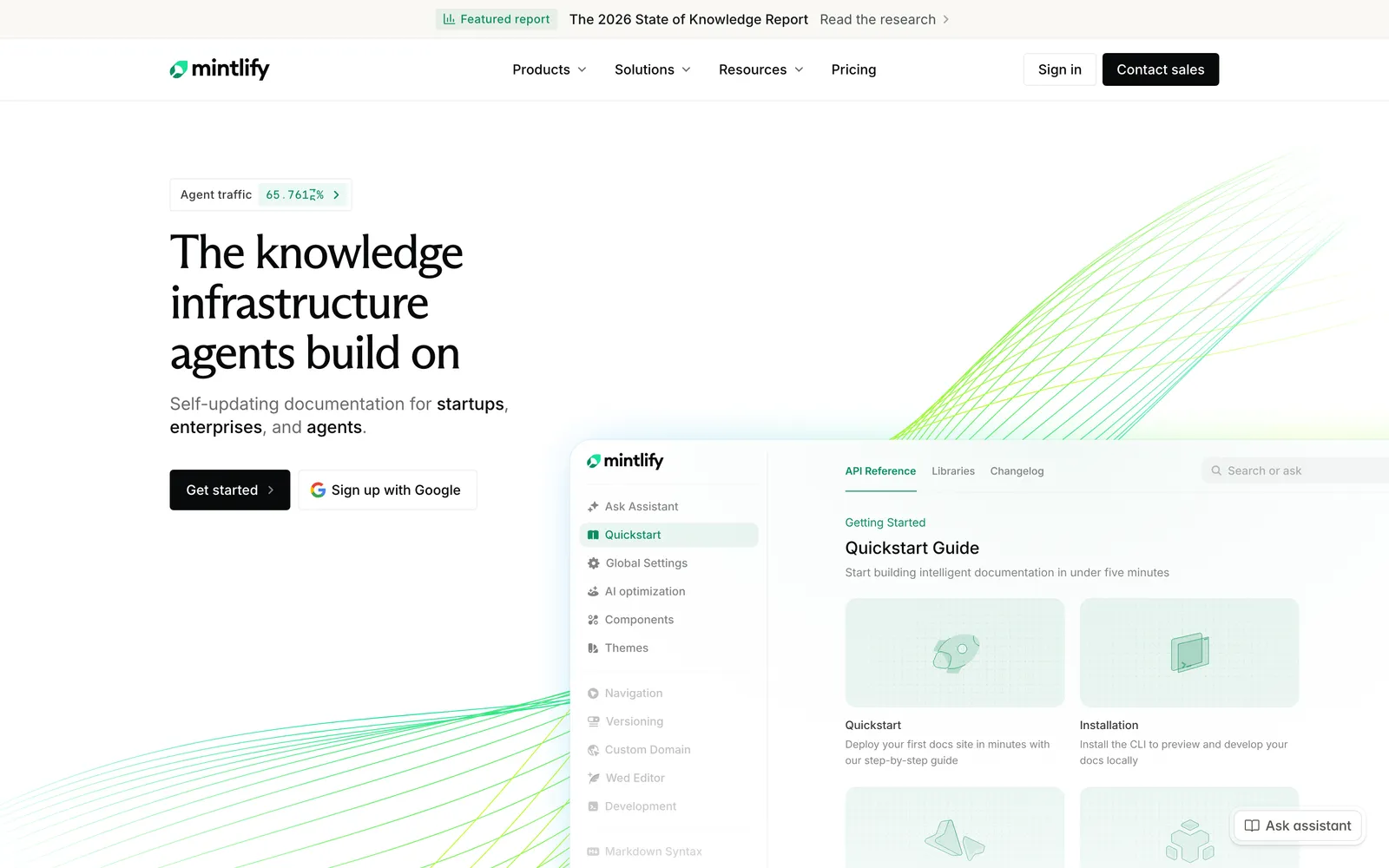
What it does: Mintlify generates documentation sites from MDX (Markdown with JSX components). It includes native OpenAPI rendering for API reference pages, a built-in API playground, analytics, search, versioning, and custom component support. Docs are stored in Git and deployed automatically.
Pricing:
Starter: Free, including custom domain and the web editor
Enterprise: Custom pricing via sales, with SSO, permissions, and SLAs
AI features run on usage-based credits beyond a trial allowance (checked June 2026)
Pros:
Beautiful, modern documentation design
Combines guides and API reference in one platform
Git-based workflow with auto-deployment
Built-in API playground
Fast search and excellent SEO
Cons:
Everything beyond the free Starter plan is quote-based Enterprise pricing
MDX requires some learning for non-developers
More of a general docs platform than a pure API docs tool
Fewer API-specific features than dedicated tools like Redocly
Best for: Startups and SaaS companies wanting beautiful developer documentation that includes both guides and API reference. Teams already comfortable with Markdown/MDX workflows.
9. Fern
Fern generates two things from one API definition: documentation and client SDKs. If your developer experience plan includes "official libraries in Python, TypeScript, and Go" alongside the docs, Fern collapses that into a single pipeline. (It replaces DapperDox in this list, whose project site has gone offline.)
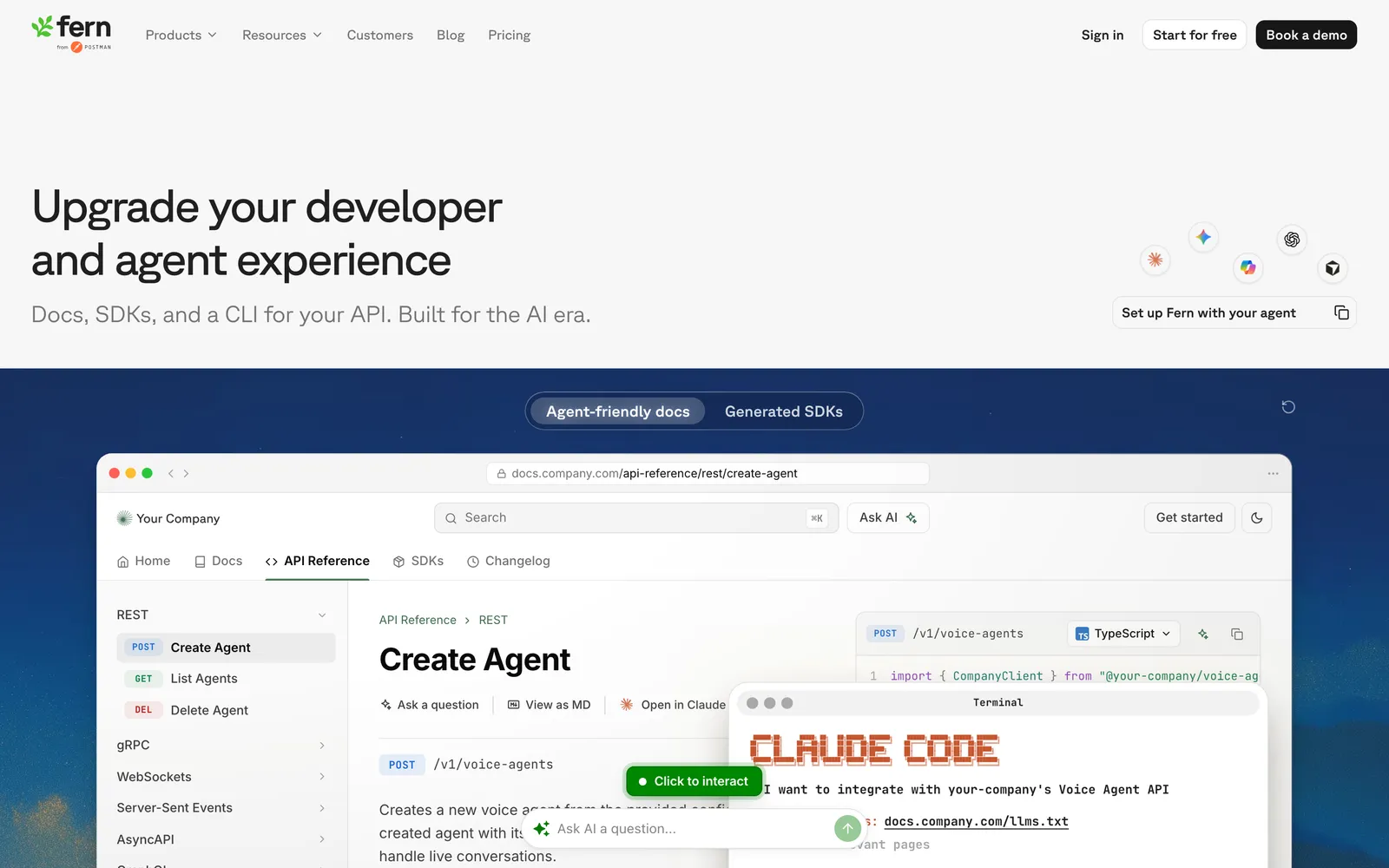
What it does: Fern takes your OpenAPI spec (or its own Fern definition format) and produces a polished docs site with an API playground plus idiomatic SDKs in multiple languages, all kept in sync with the spec through a Git-based workflow. The SDK generator is open source on GitHub.
Pricing: The open-source generator is free. Hosted docs start with a free Hobby plan; the Team plan is $150/month, and Enterprise is custom (checked June 2026).
Pros:
Docs and SDKs generated from the same source of truth
Modern docs output competitive with Mintlify and ReadMe
Open-source core with a free hosted tier
Git-based workflow fits engineering teams
Cons:
Paid docs hosting jumps to $150/month after the Hobby tier
Smaller community than the established docs platforms
SDK quality still benefits from per-language review
Best for: API-first companies that want official SDKs and documentation maintained together rather than as separate projects.
How to Choose the Right Swagger Alternative
Choosing the right tool depends on what you are trying to improve:
If you just want better-looking API reference docs: Redoc (open-source, three-panel layout), Scalar (modern Swagger UI replacement), or RapiDoc (embeddable web component). All three are free and work directly with your existing OpenAPI specs.
If you need a complete developer portal: ReadMe (hosted, with analytics), Mintlify (MDX-based, beautiful), or Stoplight (design + docs). These combine API reference with guides, tutorials, and changelogs.
If you want a design-first workflow: Stoplight provides a visual OpenAPI editor with governance. Redocly's commercial platform adds linting and CI/CD validation.
If your docs keep drifting from the real API: Pair your renderer with Qodex, which continuously tests the live API against the OpenAPI spec your docs are generated from. Start free and see current limits on the pricing page.
If you also need SDKs: Fern generates client libraries and docs from the same spec.
If you want zero cost: Redoc, Scalar, and RapiDoc are free and open-source, as is Fern's generator. Deploy them yourself and host your documentation wherever you prefer.
If you already use Postman: Postman's built-in documentation is the easiest path if your collections are already maintained there. No additional tooling required.
Regardless of which tool you choose, make sure your OpenAPI specification is well-maintained. All these tools render what your spec defines, so the quality of your documentation ultimately depends on the quality of your API definition. For tips, see our API documentation best practices guide. And remember that documentation is only half of API quality: the other half is a disciplined testing practice, which our guide to software testing basics covers from test levels through metrics.
Frequently Asked Questions
What is the best free Swagger UI alternative?
Redoc is the most popular free alternative, providing a polished three-panel layout used by companies like Docker, Netlify, and many others. Scalar is a newer option that offers a modern design as a drop-in Swagger UI replacement. RapiDoc provides a customizable web component with an interactive playground. All three are open-source and free to self-host.
Is SwaggerHub worth paying for?
SwaggerHub provides collaborative API design, governance, mock servers, and hosted documentation. It is worth it for larger teams that need centralized API design management, style guide enforcement, and team collaboration. For teams that primarily need documentation rendering, free tools like Redoc or Scalar produce better-looking output at no cost. Stoplight offers a competitive alternative with visual editing at a lower price point.
Can I use Swagger alternatives with OpenAPI specs?
Yes. All major Swagger alternatives (Redoc, Stoplight, ReadMe, Scalar, RapiDoc, Mintlify, Fern) support OpenAPI 3.x specifications. Most also support Swagger 2.0 (OpenAPI 2.0). Your existing OpenAPI spec works with these tools without modification. The key difference is how each tool renders and supplements the spec content.
What is the difference between Swagger UI and Swagger Editor?
Swagger UI is a documentation renderer that displays your OpenAPI spec as interactive documentation. Swagger Editor is a browser-based editor for writing and validating OpenAPI specifications with a split-pane view (YAML/JSON on the left, preview on the right). They serve different purposes: Editor is for creating specs, UI is for displaying them. Alternatives like Stoplight Studio replace the Editor, while tools like Redoc and Scalar replace the UI.
Which Swagger alternative has the best interactive playground?
ReadMe and Scalar offer the most polished interactive API playgrounds where users can send requests directly from the documentation. Swagger UI's "Try It Out" feature works but looks dated. RapiDoc also includes a clean interactive console. For the most complete developer experience with analytics and personalized dashboards, ReadMe leads the category.
How do I migrate from Swagger UI to a different tool?
Migration is straightforward because all tools read the same OpenAPI specification. Simply point the new tool at your existing OpenAPI JSON/YAML file. For Redoc: add a single HTML tag referencing your spec URL. For Scalar: swap the Swagger UI script tag with Scalar's. For hosted platforms (ReadMe, Stoplight, Mintlify): upload your spec to their platform. The migration effort is minimal since no spec changes are needed, only the rendering tool changes.
Swagger and its alternatives document your API. Qodex tests what they only describe: automated API testing that turns your spec into runnable, self-verifying scenarios.