10 Best Postman Alternatives in 2026: Free, Open Source and Self-Hosted
The free and open-source Postman alternatives to try first in 2026 are Bruno (MIT, collections as files on disk) and Hoppscotch (MIT, runs in the browser and self-hosts). Insomnia (Apache 2.0 source) and Hurl (Apache 2.0, plain-text tests for CI) round out the open-source set. Yaak's source is MIT too, but commercial use of its prebuilt app needs a license, $79 a year or $399 once. If the work you resent is writing the tests rather than sending requests, Qodex writes them for you. Every price and license below was read off the vendor's own pages on 4 October 2026. You can also see how Qodex compares to every major QA and API tool.
Quick answer: choose by job
Start from the job, not the tool list.
Free and open source, on the desktop: Bruno. MIT core, collections as plain-text files in Git, Pro $6 per user per month annual.
Free and open source, in the browser or self-hosted: Hoppscotch. MIT, nothing to install, and you can run it on your own server.
Closest to Postman's layout: Insomnia. Apache 2.0 source, imports Postman v2.0 and v2.1 collections, free Git Sync for three users.
CLI and CI: Hurl. Apache 2.0, plain-text test files, JUnit, TAP and HTML reports.
Local only, no account: Yaak. MIT source, free for personal use, $79 a year for commercial use.
Inside VS Code: Thunder Client. Its free plan is usable at work; CLI, CI and gRPC start at Starter, $3.
gRPC: Kreya, or Yaak, Bruno and Insomnia if you need REST and GraphQL too.
SOAP: SoapUI Open Source, under the EUPL.
Automated API testing: Qodex. It writes and runs the tests rather than giving you a window to send requests from.
Several of those cost nothing and one starts at $1,299 a month, which is the point. "Postman alternative" hides two questions: a cheaper window to send requests from, or no window at all because the work you resented was writing the tests.
How we evaluated
On 4 October 2026 we opened each vendor's homepage, pricing page, docs and license file, and wrote down what each one states. Then we sorted every tool on three questions. What does it test? Who writes the tests? What do you have to move to switch? We did not import a real Postman workspace into each tool, so the import notes below are what each vendor documents, not what we measured. Where a page states nothing, this guide says so instead of guessing.
What changed in Postman
Prices first, because that is what starts many of these searches. On 4 October 2026 Postman's pricing page lists Solo at $9 a month and Team at $19 per user per month, billed annually. Enterprise now says to contact sales. Free includes 50 AI credits a month.
Free and Solo cover one user; Team and Enterprise list unlimited users. The Collection Runner is unlimited, native Git is listed, and the Postman CLI runs collections in CI. Postman supports HTTP, GraphQL, gRPC, WebSocket and MQTT.
What a team gains by leaving: a license it can read, storage it controls, and in several cases a bill of zero. What it loses: the shared workspace everyone knows, and scripts written against Postman's pm API. Bruno translates common pm calls on import, Hoppscotch imports scripts as an experimental option, and Yaak says scripts do not come across. Check with your own collection before you count on any of them.
Decision table: what each tool tests, who writes the tests, what you move
| Tool | What it tests | Who writes tests | What moves | Price; free option |
|---|---|---|---|---|
| Postman (baseline) | Manual requests, scripted tests, collection runs | Developers and QA, by hand plus scripts | Nothing: this is the tool you are leaving | Solo $9/mo; Team $19/user/mo. Free: One user, 50 AI credits a month |
| Bruno | Manual requests; collection runs from a CLI in CI | Developers, with files in Git | Imports Postman collections; translates common pm script calls | Pro $6/user/mo. Free: MIT core; unlimited Collection Runner |
| Qodex | API, UI and security tests that an AI agent writes | An AI agent, from your spec or running app | Imports Postman collections and builds runnable scenarios | Startup from $1,299 per project/mo. Free: 25 scenarios, 100 runs a month |
| Yaak | Manual REST, GraphQL and gRPC requests | Developers, with files in Git | Imports Postman collections and environments; not scripts | $79/yr commercial license. Free: for personal use |
| Insomnia | Manual requests; collection runs; Inso CLI in CI | Developers and QA | Imports Postman v2.0 and v2.1 collections and environments | Pro $12/user/mo. Free: Git Sync for 3 users, unlimited runs |
| Hoppscotch | Manual requests in the browser; CLI collection tests | Developers and QA | Imports Postman collections and environments; scripts experimental | Business $6/user/mo. Free: MIT, self-hostable |
| Thunder Client | Manual requests inside VS Code | Developers | Paid import of Postman 2.1 collections and environments | Starter $3/user/mo. Free: a plan usable at work |
| HTTPie | Manual requests from a terminal or desktop app | Developers | Desktop imports Postman collections and environments | Not stated. Free: CLI under BSD 3-Clause |
| Hurl | Requests and assertions in plain-text files, run in CI | Developers, with files in Git | No Postman import on the pages read | No price stated. Free: Apache 2.0 |
| Kreya | Manual REST, GraphQL and gRPC requests; CLI in CI | Developers | Imports Postman data | Amounts not stated; 10-day trial. Free: a plan for individuals |
| Testfully | Requests, tests and monitoring | Developers and QA | Direct transfer from Postman and Insomnia | Team $14/user/mo. Free: 5 users per workspace, commercial use allowed |
Read on 4 October 2026. Per-user prices are billed annually; Qodex prices per project per month. Licenses, storage and protocols sit in each tool's fact block below.
Free versus open source
Two different claims, mixed constantly. Open source is about the license on the code: you can read it, fork it, and nobody can change the terms on the copy you have. Free is about the price of a plan. A proprietary product can cost nothing, and an open-source project can sell you a cloud.
Open source, license confirmed: Bruno's core, Hoppscotch and Karate's core framework are MIT. Insomnia's source, Hurl and Swagger UI are Apache 2.0. HTTPie's CLI is BSD 3-Clause, and SoapUI's source is EUPL. cURL uses the curl license, MIT-inspired but not identical. In several of these, the hosted or paid product is a separate business: Insomnia's cloud plans, Hoppscotch's Business and Enterprise Cloud plans, and Karate's IDE plans sit beside the open-source project.
Yaak is the interesting case. The source is MIT, but the prebuilt app is free for personal use only, so commercial use costs $79 a year or $399 once. Open source and free at work are not the same sentence.
Proprietary, with a free plan you can use at work: Thunder Client's and Testfully's terms allow commercial use on free. Kreya is free for individuals. RapidAPI for Mac is free for personal and professional use. Qodex Individual is $0 with 25 scenarios and 100 runs a month.
Trial only: Requestly's API Platform now advertises a 30-day trial, with Team at $10 and Team Pro at $15 per user per month billed annually and a five-user minimum shown.
Offline, local-first, Git-native and self-hosted are four different things
All four get sold as "your data stays yours". They mean different things once you are using them.
Offline means it works with no network, so you can test a service on a plane or in an air-gapped network. Yaak works offline with no account. Bruno says it is offline-only, with no cloud sync planned. Hoppscotch is a PWA with offline support, Testfully has an offline workspace, Kreya an offline license on Enterprise, Thunder Client offline activation on Enterprise. HTTPie's CLI has an --offline flag, but it prints the request instead of sending it: a debugging feature, not offline collections.
Local-first means the collection lives on your disk and any cloud is optional, so the work survives a cancelled subscription. Bruno keeps collections in a folder on your filesystem. Yaak keeps request data local. Insomnia has a Scratch Pad and a Local Vault. Requestly has local file-backed projects. Apidog has an Offline Space. Thunder Client stores collections locally.
Git-native means the on-disk format is meant to be committed, so a changed request shows up in a pull request diff. Bruno and Yaak store plain files for Git. Insomnia has Git Sync, Requestly two-way Git sync, and Kreya structured JSON for readable diffs. Testfully adds Git for offline workspaces on paid plans, and Thunder Client sells Git Sync as a paid feature. Postman lists native Git too.
Self-hosted means you run the server, so the data stays on infrastructure you control and someone owns the upgrades. Hoppscotch self-hosts. Requestly offers it through Enterprise sales. Apidog On-Premises hosts the full platform. Karate's commercial products run on your own infrastructure.
A desktop app is not self-hosted. A local file is not a Git workflow. And the license tells you nothing about any of the four.
The 10 best Postman alternatives in 2026
Grouped by what they replace, because a terminal runner and a team platform are not competing for the same slot. Every fact block was read on the vendor's own pages on 4 October 2026. Where it says "not stated", the pages we read did not say, so confirm it in a trial first.
1. Bruno
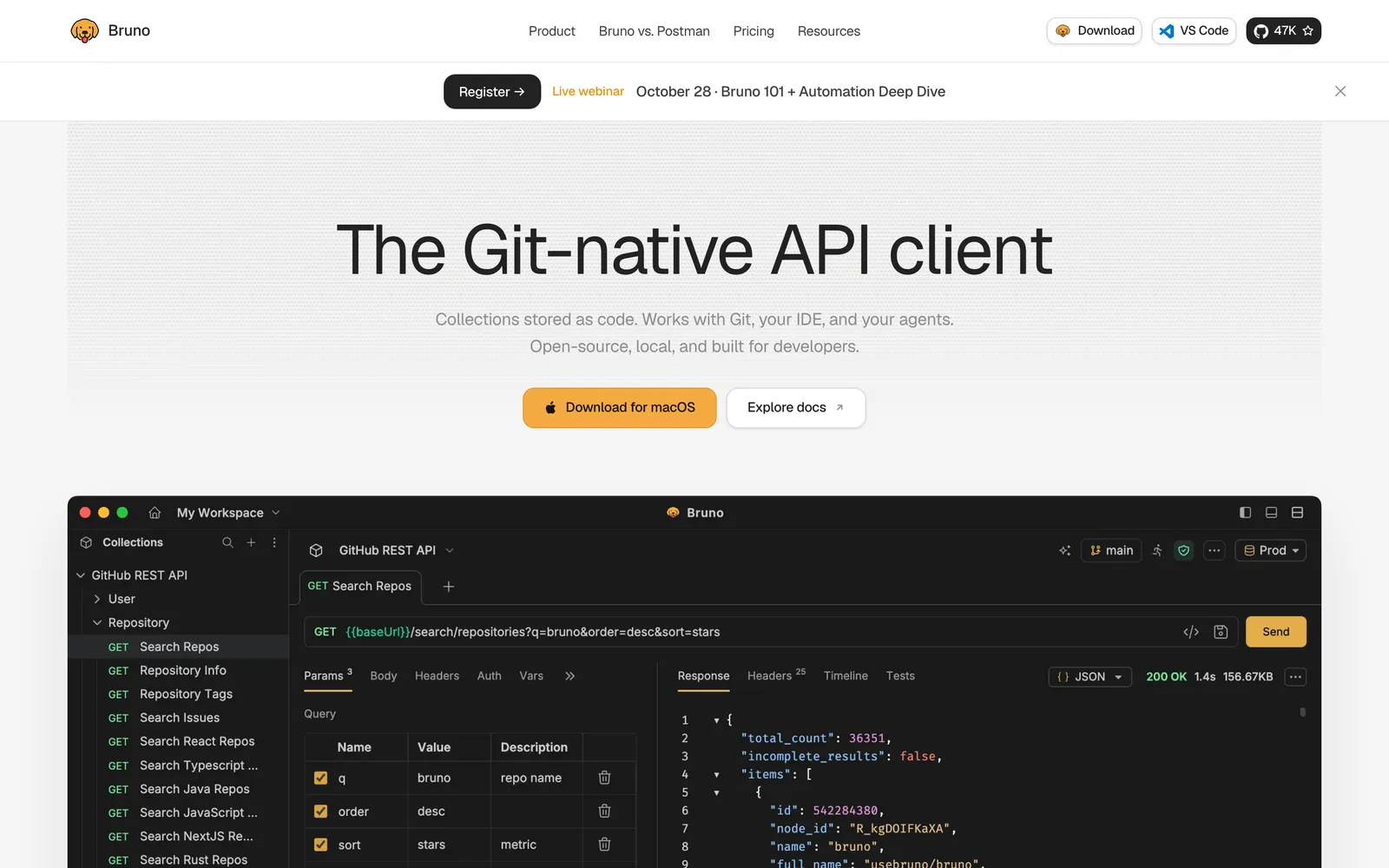
Bruno keeps collections as plain-text files in a folder and shares them through Git.
License: the core is MIT.
Price, 4 Oct 2026: Pro $6, Ultimate $11 per user per month, annual.
Free: unlimited Collection Runner, two workspaces and five OpenAPI syncs a month.
Storage and Git: collections live in a folder on your filesystem. Bruno says it is offline-only, with no cloud sync planned.
Postman import: yes. Common pm script calls are translated on import, with an option to keep scripts as they are.
CLI and CI: the Bruno CLI runs collections in CI/CD, including Docker and GitHub Actions.
Protocols: REST, GraphQL and gRPC.
Best for: teams that want API requests reviewed in a pull request, beside the code that changed them.
Watch out for: script translation covers common pm calls, not all of them. Run your messiest collection through the importer first.
2. Qodex
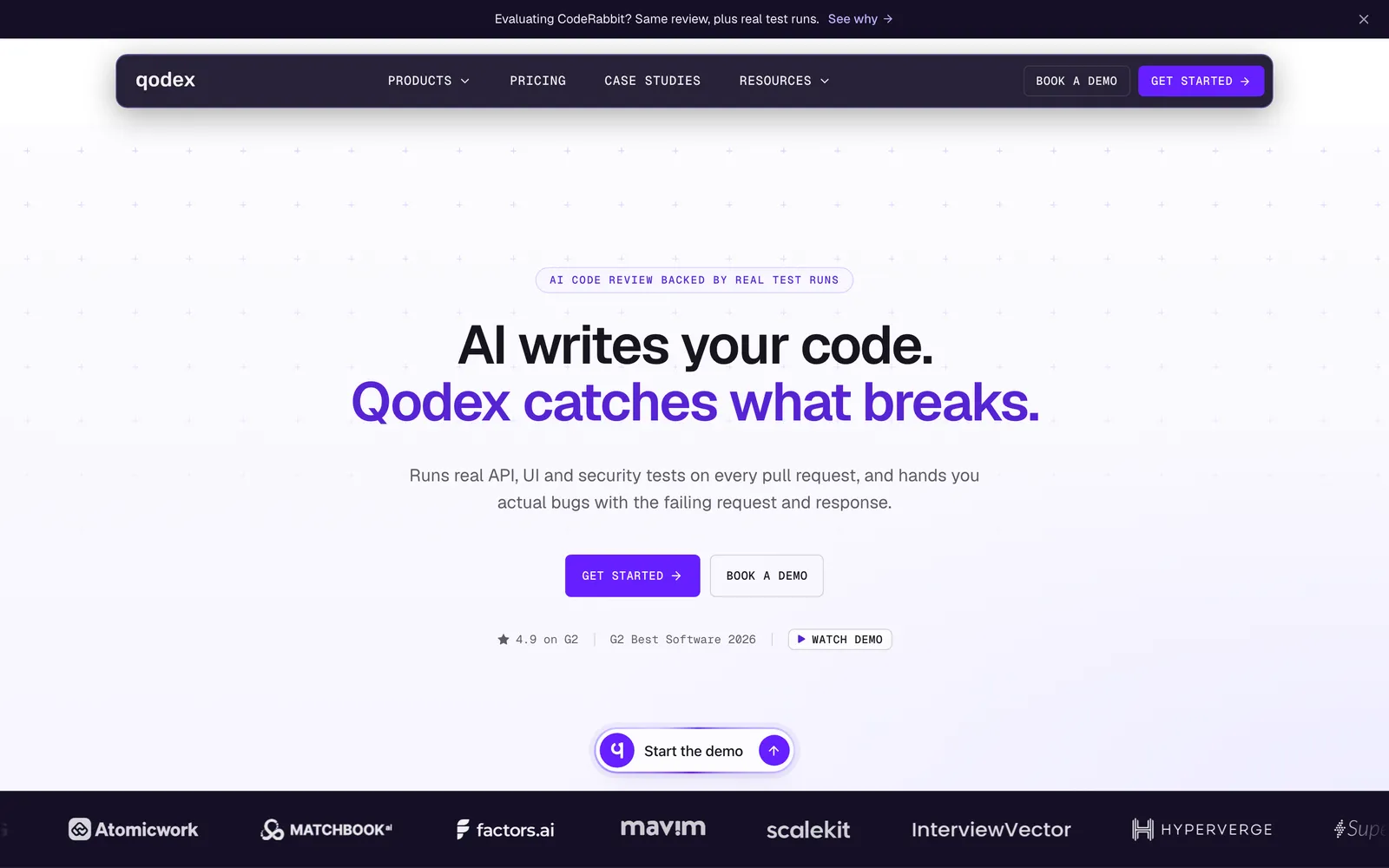
Qodex is an AI QA agent that writes and runs API, UI and security tests on every pull request, from your spec and your running app. It is not a request client: you do not compose requests by hand in it. It is here because "Postman alternative" can be a search for less manual work, not a different window.
Price, 4 Oct 2026: Startup from $1,299 per project per month, Scale from $2,500. See Qodex pricing.
Free: Individual is $0 with 25 scenarios, 100 runs a month, one GitHub repository.
Storage and Git: generated tests are exportable Playwright and HTTP code, synced to Git. Data is encrypted on US servers and isolated per project.
Postman import: yes. It imports collections and builds runnable scenarios, adding new assertions.
CLI and CI: a CLI is listed. CI/CD integration starts at Startup.
Protocols: HTTP and GraphQL.
Best for: teams whose API tests are a to-do rather than a suite, and whose incidents come from contract breaks nobody tested. See API testing, or start free against staging.
Watch out for: free to $1,299 per project per month is a steep step, and the unit is the project, not the seat. If you want a window to poke an endpoint in, a request client below is the better answer.
3. Yaak
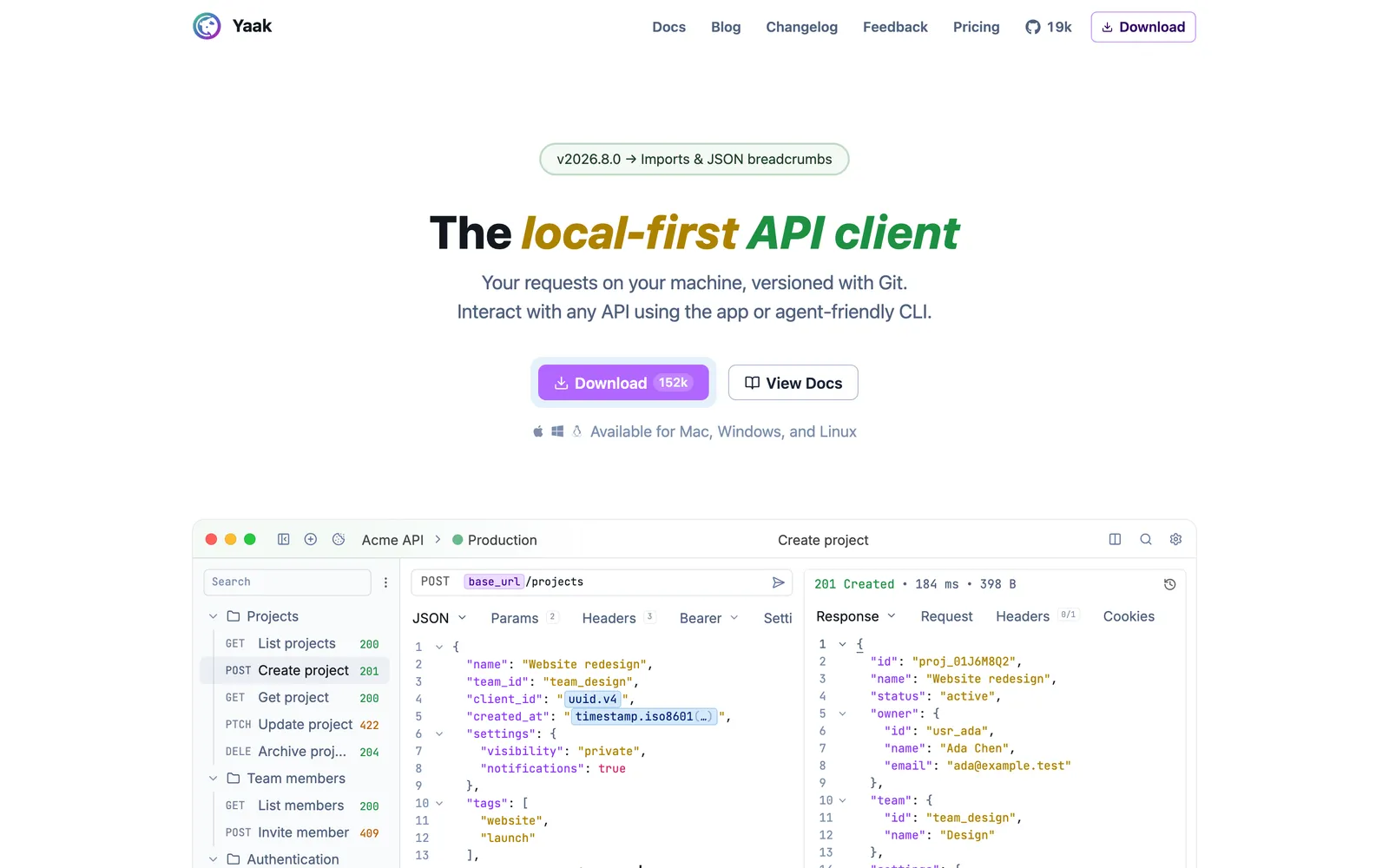
Yaak states its local-first design plainly: no account, offline use and local data, all stated on its own pages.
License: the source is MIT. The prebuilt app is free for personal use; commercial use needs a license.
Price, 4 Oct 2026: $79 a year or $399 once for an individual commercial license, $149 per user per year for Business, with a 30-day trial.
Storage and Git: local data, offline, no account, YAML files you sync with Git.
Postman import: collections and environments. Postman scripts are not imported; you replace them with Yaak templates or scripting.
CLI: a CLI connected to the desktop workspace.
Protocols: REST, GraphQL and gRPC.
Best for: developers who want a desktop client whose data never touches a vendor's servers.
Watch out for: the MIT source does not make the download free at work. Commercial use is a license.
4. Insomnia
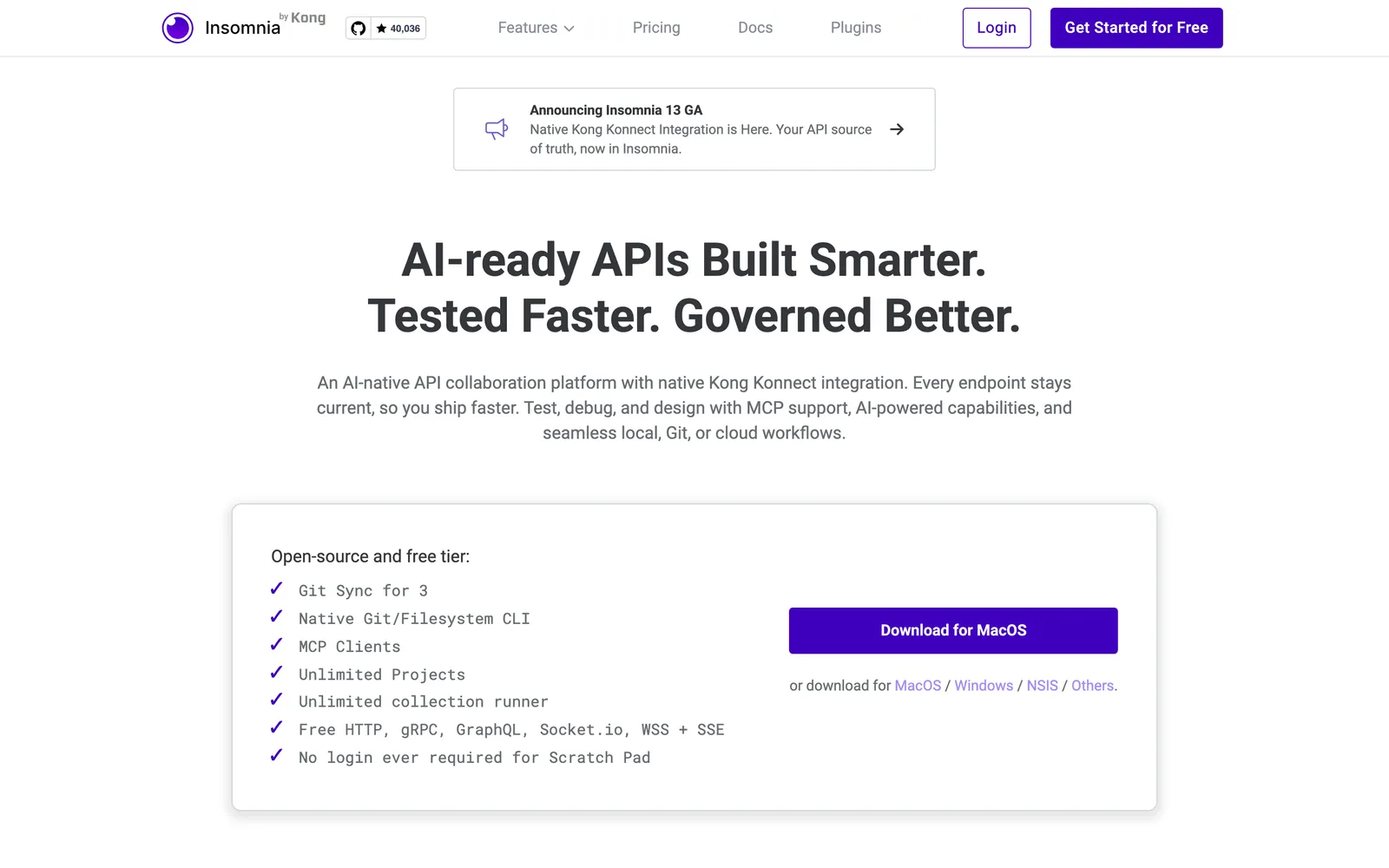
Insomnia, owned by Kong, is the closest thing to a like-for-like Postman swap: same GUI shape, same request-and-environment model, Apache 2.0 source.
License: the source is Apache 2.0. The cloud plans are a separate commercial product.
Price, 4 Oct 2026: Pro $12, Enterprise $45 per user per month, annual.
Free: Essentials gives Git Sync for up to three users, unlimited runs, and unlimited collaborators on one project.
Storage and Git: a Scratch Pad and Local Vault, or cloud and local projects, with native Git Sync.
Postman import: Postman v2.0 and v2.1 collections, plus Postman environments.
CLI and CI: Inso CLI for CI/CD, on the free plan.
Protocols: REST, GraphQL and gRPC.
Best for: a team that wants Postman's workflow with an open-source core and a free CLI. See our Insomnia vs Postman comparison.
Watch out for: free Git Sync stops at three users. The fourth means paid seats.
5. Hoppscotch
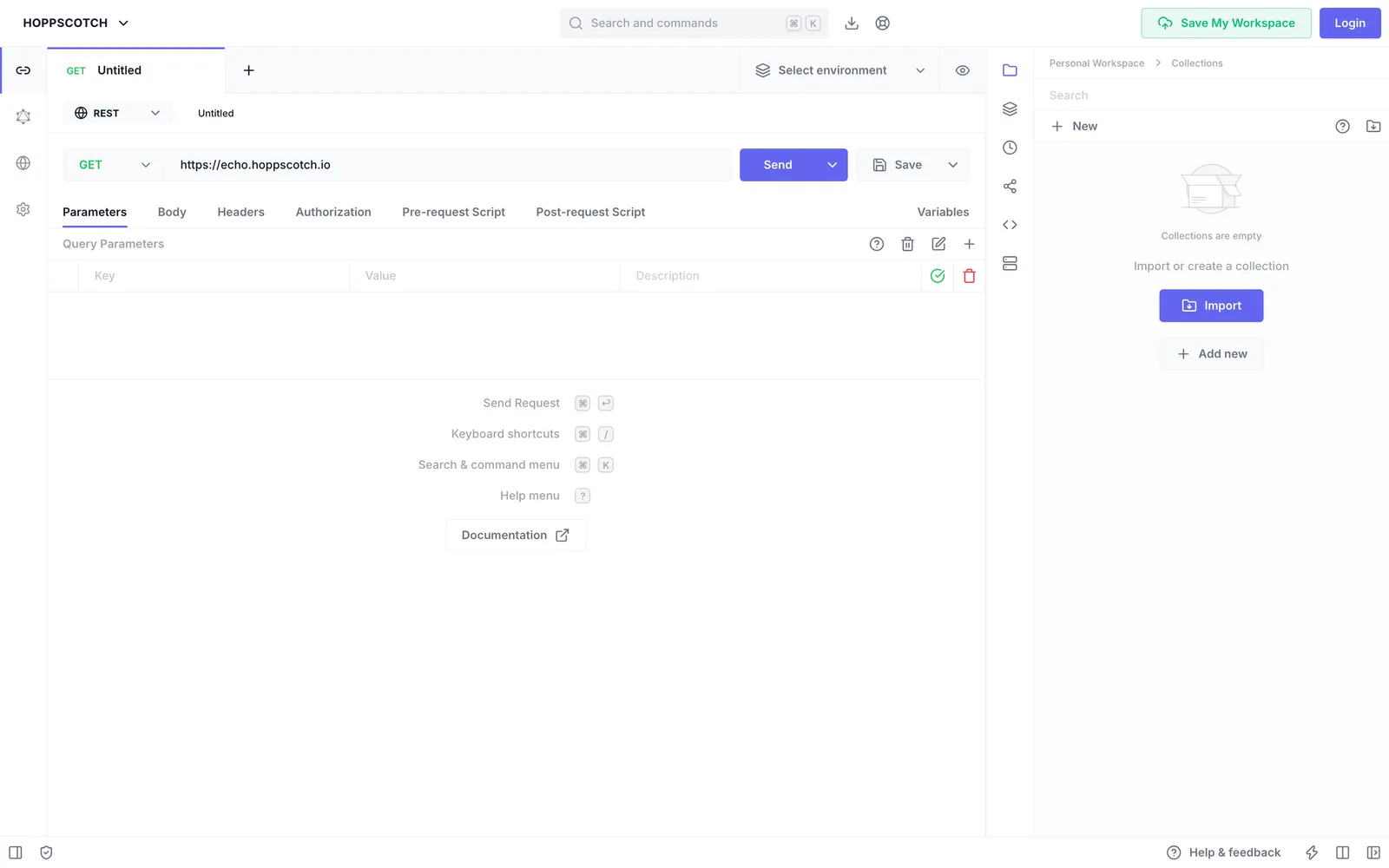
Hoppscotch runs in the browser and installs nothing, and you can host it yourself.
License: MIT. The cloud plans are separate.
Price, 4 Oct 2026: Business $6 per user per month, annual. Enterprise Cloud, added on 29 September 2026, is $11 annual or $14 monthly.
Free: the cloud plan lists a personal workspace, collections, environments and a runner. The open-source project lists unlimited collections and requests.
Storage: sessions kept locally or in the cloud, with PWA offline support. Self-hosting is documented.
Postman import: collections and environments, with script import as an experimental option.
CLI and CI: the CLI runs collection tests, exits non-zero on failure and writes JUnit reports.
Protocols: REST and GraphQL.
Best for: teams wanting a shared client with no install, or whose rules say the tool runs on their own infrastructure.
Watch out for: self-hosting is a server you now patch and back up.
6. Thunder Client
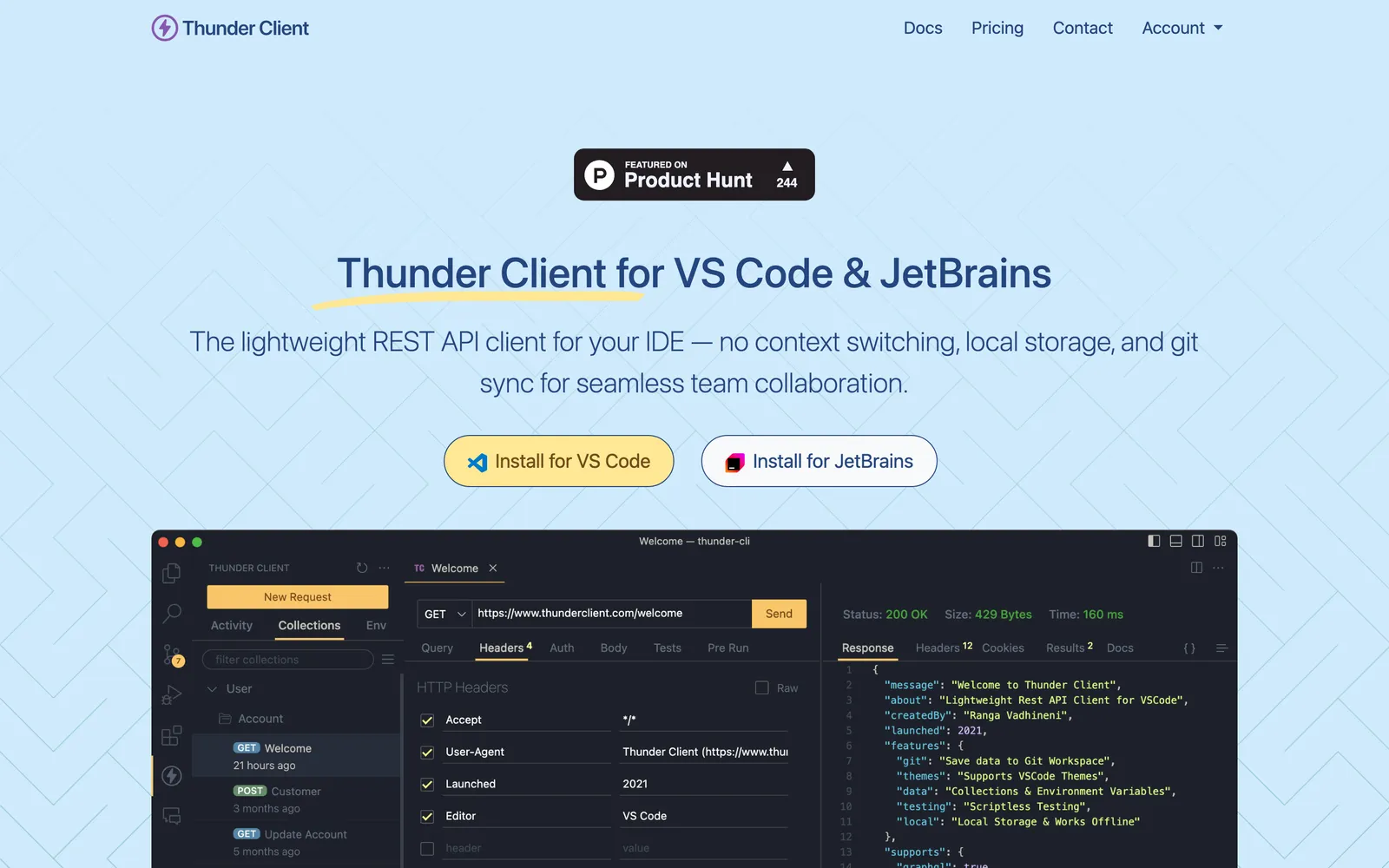
Thunder Client lives inside your editor, so the request sits next to the code that calls it.
License: proprietary subscription terms. The free plan's terms allow commercial use.
Price, 4 Oct 2026: Starter $3, Business $7, Enterprise $16 per user per month, annual.
Runs: Starter allows 250 local collection runs per user a month, Business 500, Enterprise unlimited. CI/CD runs are unlimited on paid plans.
Storage and Git: collections stored locally. Git Sync is a paid feature, and offline license activation is Enterprise only.
Postman import: Postman 2.1 collections and environments, on paid plans.
CLI and CI: both from Starter. gRPC is included from Starter too.
Best for: VS Code users doing straightforward REST work.
Watch out for: import, the CLI, CI and gRPC all start at Starter, so a migration means a paid seat from day one.
7. HTTPie
HTTPie is the terminal client people quote for readable syntax. http POST api.example.com name=John is the whole idea.
License: the CLI is BSD 3-Clause.
Price, 4 Oct 2026: not stated. The official pricing URL returned HTTP 404.
Apps: Web and Desktop clients are in public beta. The CLI documents persistent sessions, and its
--offlineflag prints a request instead of sending it.Postman import: the Desktop app imports Postman collections, environments and data-dump ZIP files.
Protocols: the CLI speaks HTTP and HTTPS; the Desktop app covers REST and GraphQL.
Best for: ad-hoc requests from a terminal, where readable syntax beats a wall of cURL flags.
Watch out for: the pricing URL returned 404 on 4 October 2026, so no app price is stated here, and both apps are still in beta.
8. Hurl
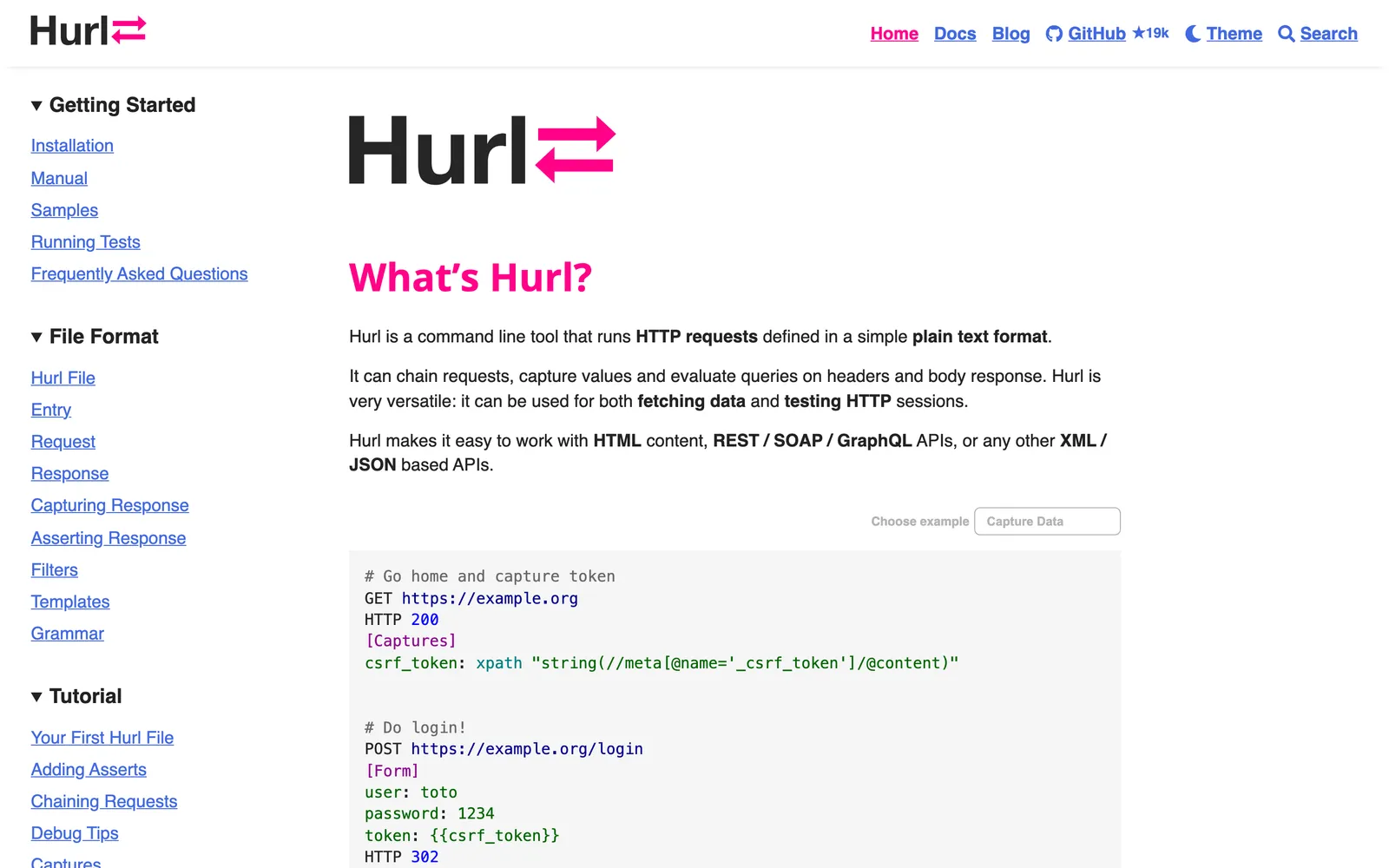
Hurl is not a client at all. You write requests and assertions in plain-text files, commit them, and a build runs them, like unit tests.
License: Apache 2.0.
Storage: local plain-text files run by a CLI.
CLI and CI: the project names CI/CD use plus text, JUnit, TAP and HTML reports.
Protocols: REST and GraphQL.
Best for: backend teams that want API checks in the pipeline and nothing to click.
Watch out for: the pages we read document no Postman importer, so check how you will move requests before you start.
9. Kreya
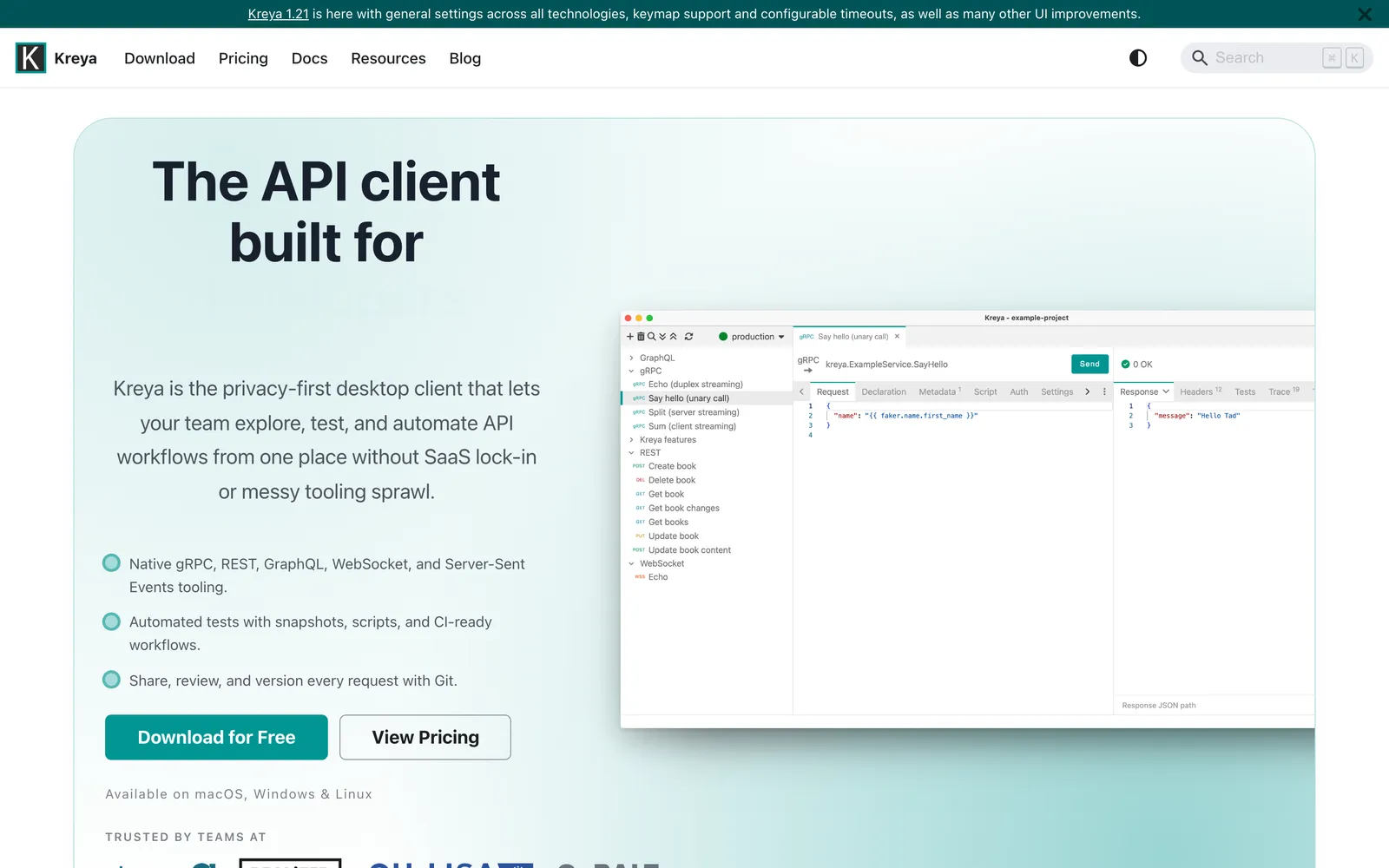
Kreya is the gRPC specialist: a desktop client that treats gRPC as first-class next to REST and GraphQL.
License: proprietary Terms of Service.
Price, 4 Oct 2026: paid plans have a 10-day trial. Enterprise is flat-rate with unlimited users, through sales.
Free: free for individuals, with request history limited to the latest request.
Storage and Git: structured JSON files, so changes read cleanly in a Git diff. An offline license is offered on Enterprise.
Postman import: yes.
CLI and CI: the CLI runs in CI/CD and writes JUnit reports.
Protocols: REST, GraphQL and gRPC.
Best for: microservice teams whose day is mostly gRPC and want a GUI for it.
Watch out for: no amounts appeared on the pricing page we read, so ask Kreya for a quote.
10. Testfully
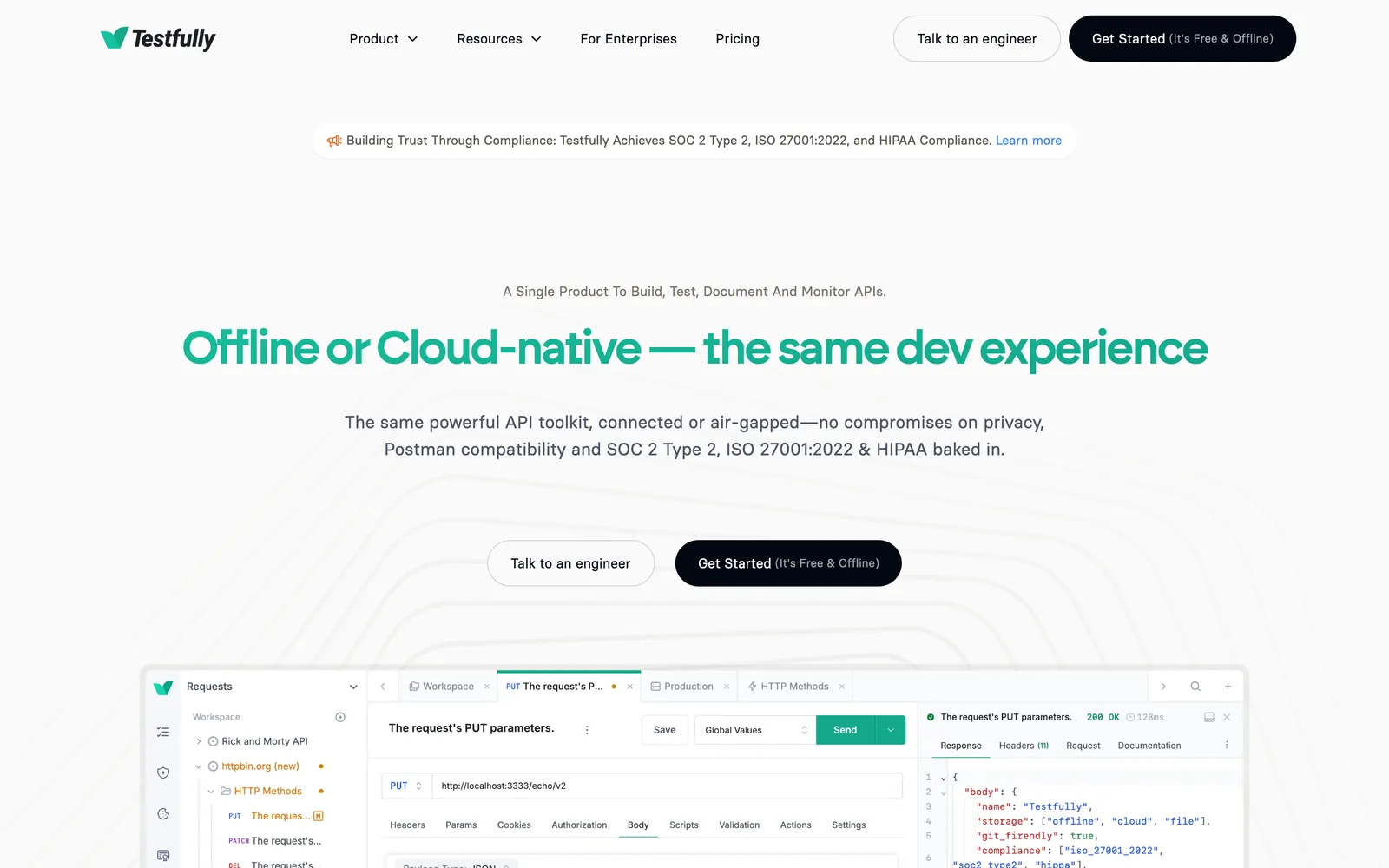
Testfully is built around team API testing and monitoring rather than exploration.
License: the free plan is licensed for commercial use.
Price, 4 Oct 2026: Team $14, Enterprise $29 per user per month, annual.
Free: five users per workspace, one offline and one cloud workspace, unlimited Collection Runner.
Storage and Git: an offline workspace plus a cloud one, with Git for offline workspaces on paid plans.
Postman import: direct transfer from Postman and Insomnia.
CLI and CI: the Testfully CLI runs in CI/CD pipelines.
Protocols: REST, GraphQL and XML APIs.
Best for: small teams wanting shared API tests on a free tier that survives commercial use.
Watch out for: five users per workspace is the free ceiling.
Beyond request clients: seven more tools people compare
These come up in "Postman alternative" threads, because they solve a job Postman was never built around.
Apidog bundles API design, documentation and testing in one app. Its pricing page did not load for us on 4 October 2026, so this guide states no price. It documents Postman import of collections and environments, a local Offline Space, CLI and CI/CD runs, a self-hosted runner, and an On-Premises edition that hosts the full platform. Its Git connection backs up OpenAPI specs. See API testing tools.
Requestly, which its homepage calls "A BrowserStack product", pairs an API client with request interception and mocking. Its API Platform now advertises a 30-day trial, with Team at $10 and Team Pro at $15 per user per month billed annually and a five-user minimum shown. It documents local file-backed projects, two-way Git sync, Postman import of collections, folders and environments, a CLI that runs collections in CI, GraphQL and gRPC, and self-hosting through Enterprise sales. It also says existing test scripts run without a rewrite.
RapidAPI for Mac is a native Mac HTTP client. Its license terms are public, it is free for personal and professional use, and it names individual, volume and Teams licenses. Requests save locally or sync to RapidAPI Studio.
SoapUI and ReadyAPI are the classic answer when the requirement is SOAP. SoapUI Open Source covers SOAP, REST and GraphQL, and its source is EUPL. ReadyAPI is the commercial edition: its pricing page sends you to sales, and it stores tests locally or in Git. The SoapUI Maven plugin runs tests in CI such as Jenkins. See our SoapUI alternatives and ReadyAPI vs Postman.
cURL is a command-line transfer tool, free and open source under the curl license. It is not an assertion framework, but --fail-with-body makes a failing HTTP status end the command with an error, which is enough for a smoke check.
Karate is a test framework rather than a client: API tests live in your repository and run through JUnit, a CLI or CI. The core is MIT and free for commercial use. IDE Plus is $100 per user per year, and paid packs add gRPC, Kafka and WebSocket. Java teams should read our Karate alternatives guide.
Swagger UI renders an OpenAPI document as a page where you can fire requests at documented endpoints, locally or on the web. Apache 2.0. The hosted design product is now called Swagger Studio. See Swagger alternatives if documentation is the real need.
Best by interface
Desktop app: Bruno, Yaak, Insomnia, Kreya, RapidAPI for Mac. Yaak local-only, Insomnia closest to Postman's layout, Kreya for gRPC.
Browser: Hoppscotch. MIT and self-hostable.
Editor: Thunder Client, with paid plans from $3 per user per month.
Terminal: HTTPie for ad-hoc requests, Hurl for tests in CI, cURL for a box you just connected to.
Best by protocol and test depth
REST only: everything here handles it. Choose on license, price and interface.
GraphQL: Bruno, Yaak, Insomnia, Kreya, Hoppscotch, Testfully, Apidog, Requestly, Hurl, HTTPie Desktop and Qodex.
gRPC: Bruno, Yaak, Insomnia, Kreya, Apidog and Requestly. Thunder Client adds it from Starter at $3.
SOAP: SoapUI, with ReadyAPI as the commercial edition. Karate also covers SOAP in its core.
Generated automation: Qodex writes the scenarios from your spec and running app. Karate and Hurl are the write-it-yourself version, run by CI.
Collaboration and limits
Where free plans stop being free.
Postman: Free and Solo are one user. Team is $19 per user per month with unlimited users.
Insomnia: free Git Sync for three users. Pro $12, Enterprise $45 per user per month.
Testfully: free is five users per workspace. Team $14, Enterprise $29 per user per month.
Hoppscotch: free cloud is a personal workspace. Business is $6 per user per month, or self-host.
Thunder Client: Starter $3 gives 250 local runs per user a month, Business $7 gives 500, Enterprise $16 unlimited.
Requestly: a 30-day trial, then Team $10 or Team Pro $15 per user per month, with a five-user minimum shown.
Bruno, Yaak, Kreya: Bruno $6 and $11 per user per month, Yaak Business $149 per user per year, Kreya Enterprise flat-rate.
Qodex: Individual is one repository, 25 scenarios and 100 runs a month. Startup starts at $1,299 per project per month.
Two billing units hide in that list. Per user means the bill grows with headcount, which is what made Postman expensive for the teams reading this. Qodex prices per project, scoped to team and usage, and Kreya Enterprise is flat-rate, so neither counts seats.
Migrating your Postman collections
An importer is not a migration. Requests move. The layer you built, the scripts and assertions, may not.
| Tool | Collections | Environments | Scripts | Notes |
|---|---|---|---|---|
| Bruno | Yes | Not stated | Common pm calls translated | Option to keep scripts as written |
| Insomnia | v2.0 and v2.1 | Yes | Not stated | Kong's import docs |
| Hoppscotch | Yes | Yes | Experimental | Script import is opt-in |
| Yaak | Yes | Yes | No | Replace with Yaak templates or scripting |
| Requestly | Yes, with folders | Yes | Says scripts run without a rewrite | Validate on your own suite |
| Thunder Client | v2.1 | Yes | Not stated | Paid plans only |
| HTTPie Desktop | Yes | Yes | Not imported | Also reads data-dump ZIP files |
| Apidog | Yes | Yes | Not stated | Documented import page |
| Testfully | Direct transfer | Not stated | Not stated | Also from Insomnia |
| Qodex | Yes | Not stated | The agent writes new assertions | Builds runnable scenarios |
Export properly. Collection v2.1 JSON, and export environments separately. They are not in the collection file.
Count what you are moving. Collections, requests, environments, and how many requests carry a script or a test block. That last number is your estimate, not the request count.
Import the messiest collection first. You want the failure early, while switching is still cheap.
Re-enter every secret by hand. Tokens and keys from a Postman environment should not land in a file you commit. Check where the new tool stores them.
Rebuild what did not come across. Compare script and assertion counts before and after the import. The gap is where the week goes.
Run both for a week. Same requests, same responses, same failures. Then cancel the Postman seats.
How to choose
Five questions. Each answer gives two candidates to trial in an afternoon.
| Question | One answer | The other |
|---|---|---|
| Manual or automated? | Manual: Bruno or Insomnia | Automated: Hurl or Qodex |
| Local or shared? | Local: Yaak or Bruno | Shared: Insomnia or Requestly |
| Git or cloud? | Git: Bruno or Yaak | Cloud: Hoppscotch or Testfully |
| Which interface? | Desktop: Yaak or Insomnia | Browser or editor: Hoppscotch or Thunder Client |
| Which protocols? | REST and GraphQL: Hoppscotch or Insomnia | gRPC: Kreya or Yaak. SOAP: SoapUI |
Solo or team. Alone, Bruno, Hoppscotch, Insomnia, Hurl and Kreya all have a free option you can work in. A team changes it: Insomnia's free Git Sync stops at three users and Testfully's free plan at five per workspace.
Collection scale. Under a hundred requests, migration is an afternoon and you can pick on taste. Over a thousand, with scripts, the importer matters more than the interface, so test Bruno's, Hoppscotch's and Requestly's script handling first.
CI use. Insomnia includes Inso CLI for CI free, and the Bruno and Hoppscotch CLIs run collections in CI. Hurl exists for it. Thunder Client puts both behind Starter at $3. Qodex includes CI from Startup, not Individual.
If you want a test platform rather than a client, start from our API testing tools comparison. If browser coverage is the other half of the problem, see BrowserStack alternatives.
Frequently Asked Questions
What is the best free alternative to Postman?
Bruno for a desktop client and Hoppscotch for the browser: both are MIT, and both run collections from a CLI. For tests in CI, Hurl is Apache 2.0. For automated tests that someone else writes, Qodex Individual is $0 with 25 scenarios and 100 runs a month.
What is the best open-source Postman alternative?
Bruno or Hoppscotch, both MIT, or Insomnia under Apache 2.0 for a desktop app closest to Postman's layout. Hurl is Apache 2.0 for CI, and HTTPie's CLI is BSD 3-Clause. Yaak's source is MIT, but the app carries commercial terms, so commercial use of the prebuilt app is $79 a year or $399 once.
Is Insomnia better than Postman?
Cheaper and more open, not categorically better. The source is Apache 2.0, Pro is $12 per user per month against Postman's $19 for Team, Inso CLI for CI is free, and it imports Postman v2.0 and v2.1 collections. If your objection is price or licensing, Insomnia answers it.
Can I import Postman collections into other tools, and what survives?
Bruno, Insomnia, Hoppscotch, Yaak, Kreya, Requestly, Apidog, HTTPie Desktop, Thunder Client on paid plans and Qodex all document Postman import. Scripts are the difference. Bruno translates common pm calls, Hoppscotch imports scripts experimentally, Requestly says scripts run without a rewrite, and Yaak does not import them.
What is the best Postman alternative for CI/CD and the command line?
Hurl: plain-text files in your repository, a CLI, and JUnit, TAP, text and HTML reports. Insomnia's Inso CLI and the Bruno and Hoppscotch CLIs also run collections in CI. Thunder Client puts its CLI behind Starter at $3. Qodex includes CI from Startup.
Are there any Postman alternatives that work offline?
Yaak works offline with no account. Bruno says it is offline-only, with no cloud sync planned. Hoppscotch is a PWA with offline support. Testfully gives one offline workspace free. Kreya and Thunder Client offer offline licenses on Enterprise.
Which Postman alternative can I self-host?
Hoppscotch documents self-hosting. Requestly offers it through Enterprise sales, Apidog sells an On-Premises edition, and Karate's commercial products run on your own infrastructure. A local desktop client is not self-hosting: it keeps data on one laptop, not a shared server.
Are there AI-powered Postman alternatives?
Yes, and they are a different category rather than a nicer client. Qodex writes and runs API, UI and security tests on every pull request from your spec and running app. Individual is free at 25 scenarios and 100 runs a month, and Startup starts at $1,299 per project per month. Postman itself includes 50 AI credits a month free.
What about load testing or SOAP APIs?
For SOAP, SoapUI Open Source covers it, with ReadyAPI as the commercial edition; Karate's core covers SOAP too. For load testing, ReadyAPI includes performance testing, Karate integrates with Gatling, and Postman lists performance testing. Request clients alone check whether a response is correct, not what happens under load.
What is the best Postman alternative inside VS Code?
Thunder Client, the editor-native option here. Its free plan allows commercial use; Starter at $3 per user per month adds the CLI, CI, gRPC and 250 local runs a month. Collections are stored locally. For the editor workflow without a per-seat bill, keep Hurl files in the repository.
Which alternatives support GraphQL and gRPC?
Bruno, Yaak, Insomnia, Kreya, Apidog and Requestly support both. Hoppscotch, Hurl, Testfully, HTTPie Desktop and Qodex support GraphQL. Thunder Client adds gRPC from Starter at $3. Postman supports both, plus WebSocket and MQTT.
How much does Postman cost in 2026, and what do teams get free elsewhere?
Solo is $9 a month and Team $19 per user per month, billed annually; Enterprise is priced by sales. Free and Solo cover one user. Free team limits elsewhere are published: Insomnia three users on Git Sync, Testfully five per workspace. Past those lines, Bruno, Hoppscotch, Insomnia and Testfully charge $6 to $14 per user per month.