10 Best Free Uptime Monitoring Tools in 2026 (Compared)
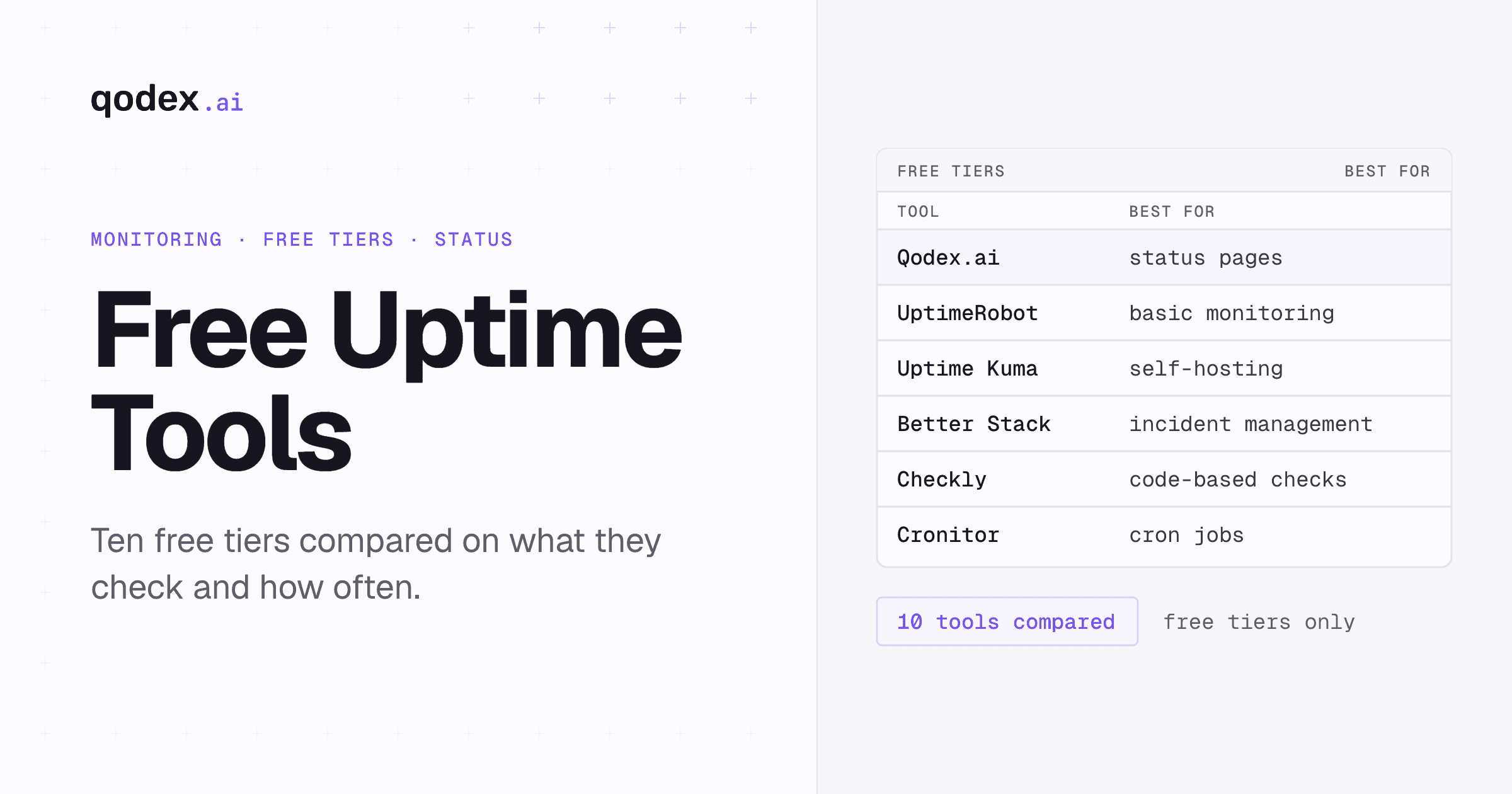
Free Uptime Monitoring Tools: Quick Comparison
| Tool | Free Monitors | Check Interval | API Monitoring | Status Page | Self-Hosted |
|---|---|---|---|---|---|
| Qodex.ai | 15 | 2 min (30s on paid) | HTTP checks | Yes | No |
| UptimeRobot | 50 | 5 min | Basic HTTP only | Yes | No |
| Uptime Kuma | Unlimited | 1 min | Basic HTTP | Yes | Yes |
| Better Stack | 10 | 3 min | Basic HTTP | Yes | No |
| Freshping | 50 | 1 min | No | Yes | No |
| Hetrix Tools | 15 | 1 min | No | Yes | No |
| Oh Dear | Trial only | 1 min | Basic | Yes | No |
| Cronitor | 5 | 30s | Yes | Yes | No |
| Checkly | 5 | 1 min | Yes (code-based) | No | No |
| Statuscake | 10 | 5 min | Basic HTTP | Yes | No |
Why Free Uptime Monitoring Matters
Every online service needs uptime monitoring. Whether you are running a side project, a startup MVP, or managing a production SaaS platform, knowing when your services go down is non-negotiable. The good news is that you do not need to spend hundreds of dollars per month to get solid monitoring coverage.
Free uptime monitoring tools have matured significantly. Many offer features that were premium-only a few years ago -- multi-location checks, SSL monitoring, status pages, and integrations with Slack and PagerDuty. The right free tool can cover your needs entirely, or serve as a foundation until your monitoring requirements outgrow the free tier.
This guide compares the 10 best free uptime monitoring tools available in 2026, covering their strengths, limitations, and ideal use cases. We evaluate each tool based on the number of free monitors, check intervals, alerting capabilities, API monitoring support, and overall developer experience.
If you are new to uptime monitoring, start with our guide on what uptime monitoring is and why it matters.
1. Qodex.ai -- Best for Status Pages and Affordable Fast Checks
Qodex.ai (Qodex Uptime) monitors any HTTP or HTTPS endpoint, so websites and API routes work the same way. Its free Starter plan is a complete small setup: 15 monitors checked every 2 minutes, email alerts, 5 team members, and a hosted public status page with up to 200 subscribers. The $15/month Pro plan moves to 30-second checks across 50 monitors, which undercuts what most competitors charge for sub-minute intervals.
Key Features
15 free monitors with 2-minute checks -- 30-second intervals start on the $15/month Pro plan
Hosted status pages on every plan -- Live monitor status, response times, incident history, an RSS feed, and email subscribers; paid plans add custom domains
Email, SMS, and call alerts -- Email on the free plan; Pro adds SMS and Business adds phone call alerts, routed to your on-call members
Response time tracking -- Every check records latency and feeds each monitor's uptime percentage
Best For
Teams that want a real status page and affordable sub-minute checks without buying a full observability platform. Because monitors are plain HTTP checks, it covers API endpoints and web pages equally well.
Limitations
The free tier includes 15 monitors, fewer than UptimeRobot's 50, and free checks run every 2 minutes rather than 30 seconds. Alerting is email, SMS, and phone call; if your team lives in Slack, check whether that fits your workflow before committing.
2. UptimeRobot -- Best Free Tier for Basic Monitoring
UptimeRobot is the most well-known free uptime monitoring tool, and for good reason. Its generous free tier with 50 monitors makes it an easy recommendation for individuals and small teams.
Key Features
50 free monitors
HTTP, ping, port, and keyword monitoring
Public status pages
Email, Slack, and webhook alerts
2-month log history on free plan
Best For
Freelancers, agencies, and small teams that need to monitor many simple websites and do not need advanced API monitoring capabilities.
Limitations
The free tier is limited to 5-minute check intervals, which means downtime can go undetected for up to 5 minutes. API monitoring is limited to basic HTTP checks -- no payload validation, no multi-step flows, and no authentication support. Logs are retained for only 2 months on the free plan.
3. Uptime Kuma -- Best Self-Hosted Solution
Uptime Kuma is an open-source, self-hosted monitoring tool that has gained massive popularity on GitHub. If you want full control over your monitoring infrastructure and unlimited monitors, Uptime Kuma is the top choice.
Key Features
Unlimited monitors (no artificial limits)
1-minute check intervals
HTTP, TCP, DNS, Docker, and ping monitoring
Beautiful built-in status pages
90+ notification integrations (Slack, Discord, Telegram, PagerDuty, and more)
Clean, modern UI
Best For
DevOps engineers and homelabbers who are comfortable running Docker containers and want unlimited monitoring without vendor lock-in. Great for monitoring both internal and external services.
Limitations
You need to host and maintain it yourself, which means managing a server, backups, and updates. Monitoring happens from a single location (your server), so you lose the multi-region verification that SaaS tools provide. No native API workflow monitoring.
4. Better Stack -- Best for Incident Management
Better Stack combines uptime monitoring with incident management, status pages, and log management in a single platform. The free tier is more limited than UptimeRobot but the integrated experience is polished.
Key Features
10 free monitors with 3-minute intervals
Built-in incident management and on-call scheduling
Beautifully designed status pages
Multi-region monitoring
Slack, PagerDuty, and email integrations
Best For
Small teams that want monitoring and incident management in one tool without stitching together multiple services.
Limitations
Only 10 monitors on the free plan. 3-minute check intervals are slower than some alternatives. Advanced features like log management require paid plans.
5. Freshping -- Best for Multi-Location Checks
Freshping offers a generous free tier with 50 monitors and checks from 10 global locations. As part of the Freshworks ecosystem, it integrates well with Freshdesk and Freshservice.
Key Features
50 free monitors
1-minute check intervals
10 global check locations
Public and private status pages
Slack, email, and webhook alerts
Best For
Teams already using Freshworks products who want a well-integrated monitoring solution with generous free limits.
Limitations
No API-specific monitoring features. The interface is less developer-focused than tools like Checkly or Qodex.ai. Limited customization options for alerts and checks.
6. Hetrix Tools -- Best for Server Monitoring
Hetrix Tools combines uptime monitoring with server resource monitoring (CPU, RAM, disk) and blacklist monitoring. The free tier covers 15 monitors.
Key Features
15 free uptime monitors
1-minute check intervals
Server resource monitoring (agent-based)
Blacklist monitoring (IP reputation)
Multi-location checks
Best For
Teams that need both uptime monitoring and server resource tracking in one dashboard, especially if you manage your own infrastructure.
Limitations
15 monitors is limiting for larger setups. The UI feels dated compared to modern tools. No API monitoring capabilities beyond basic HTTP checks.
7. Oh Dear -- Best for Detailed Website Health
Oh Dear offers comprehensive website monitoring including uptime, broken links, mixed content detection, certificate health, and performance. While primarily a paid tool, it offers a trial period.
Key Features
Uptime monitoring with 1-minute intervals
Broken link detection
Mixed content scanning
Certificate health monitoring
Application health checks
Best For
Teams that need deep website health insights beyond basic uptime checks, particularly for SEO-sensitive sites.
Limitations
No permanent free tier -- only a free trial. Pricing starts after the trial. Less suitable for API-heavy monitoring needs.
8. Cronitor -- Best for Cron Job Monitoring
Cronitor started as a cron job monitoring tool and expanded into uptime monitoring. Its free tier includes 5 monitors with 30-second check intervals.
Key Features
5 free monitors with 30-second intervals
Cron job and heartbeat monitoring
API and HTTP monitoring
Slack, PagerDuty, and webhook integrations
Clean developer-focused interface
Best For
Teams that need to monitor both uptime and scheduled jobs (cron, background workers, batch processes).
Limitations
Only 5 free monitors is very restrictive. You will likely outgrow the free tier quickly if you have more than a handful of services to monitor.
9. Checkly -- Best for Code-Based Monitoring
Checkly takes a developer-first approach to monitoring. Instead of configuring checks through a UI, you write monitoring scripts in JavaScript or TypeScript. This makes it powerful for complex API monitoring scenarios.
Key Features
5 free checks
Monitoring-as-code with JavaScript/TypeScript
API checks and browser checks (Playwright)
Multi-region execution
CI/CD integration
Best For
Development teams that want to version-control their monitoring configuration and write complex, code-based checks.
Limitations
Only 5 free checks. The code-based approach has a steeper learning curve. Browser checks consume more resources than simple HTTP checks. Not ideal for non-developer team members who need to manage monitors.
10. Statuscake -- Best Budget-Friendly Option
Statuscake has been around since 2012 and offers a solid free tier with 10 monitors. It covers the basics well with an emphasis on simplicity.
Key Features
10 free monitors
HTTP, DNS, and SSL monitoring
Page speed monitoring
Email alerts on free plan
Simple setup process
Best For
Small businesses and bloggers who need straightforward uptime monitoring without complexity.
Limitations
5-minute check intervals on the free plan. Only email alerts (Slack and webhook require paid plans). 10 monitors is limiting for teams with multiple services.
How to Choose the Right Free Tool
The best tool depends on what you are monitoring and your team's technical profile. Here is a decision framework:
Choose Qodex.ai if:
You want a hosted status page included on the free plan
You need 30-second check intervals without a top-tier price ($15/month)
You want SMS or phone call alerts routed to on-call members
You monitor a mix of API endpoints and websites over HTTP
Choose UptimeRobot if:
You need to monitor many simple websites
5-minute check intervals are acceptable
You want the easiest possible setup
Choose Uptime Kuma if:
You want full control and self-hosting
You are comfortable with Docker
You need unlimited monitors at zero cost
Choose Better Stack if:
You want monitoring + incident management in one tool
Beautiful status pages are important to you
You have fewer than 10 services to monitor
For most small engineering teams, a sensible starting point is Qodex.ai for the included status page and the cheap upgrade path to 30-second checks, paired with UptimeRobot or Uptime Kuma if you need to cover dozens of additional low-priority sites on a free tier.
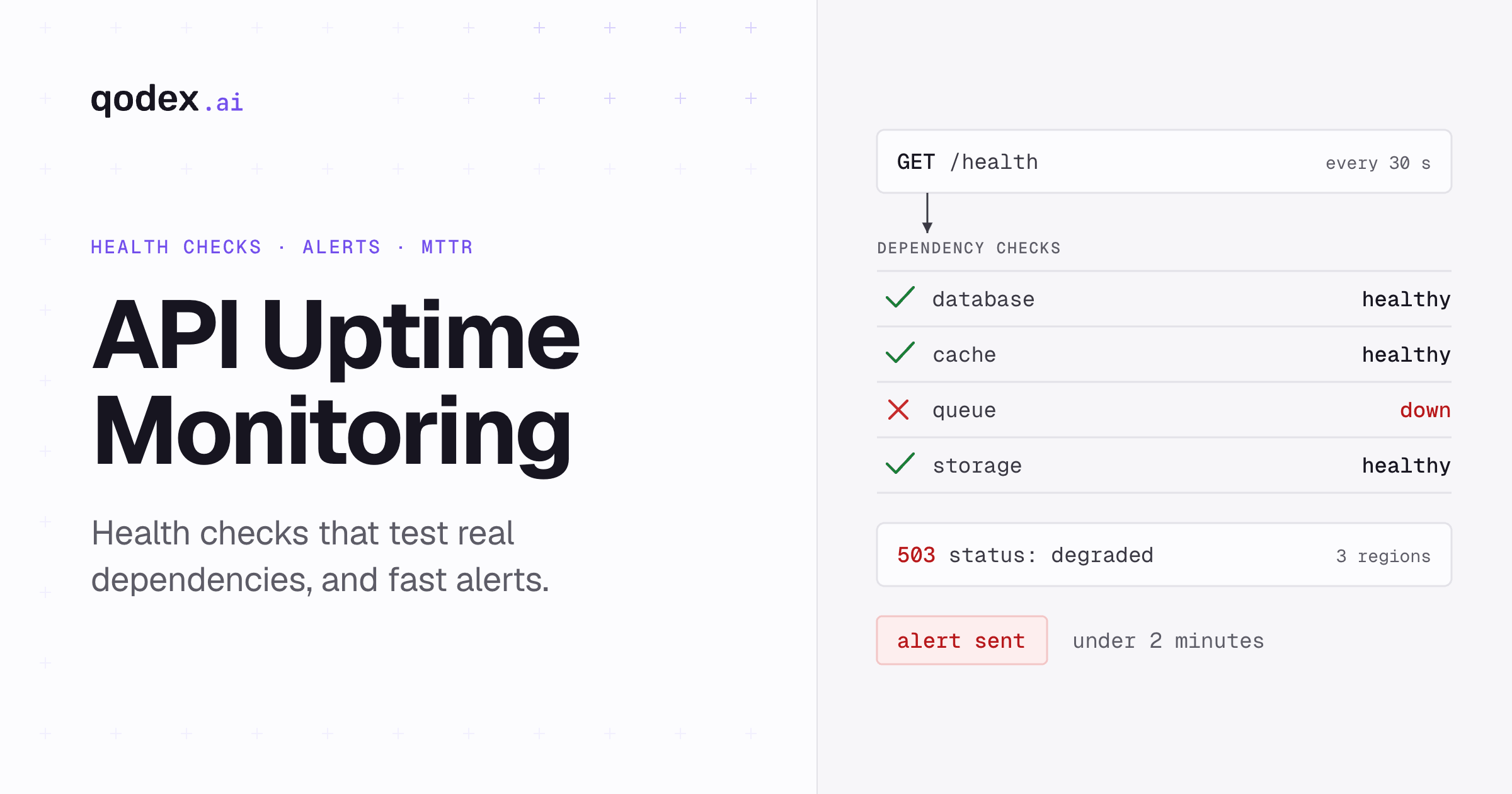
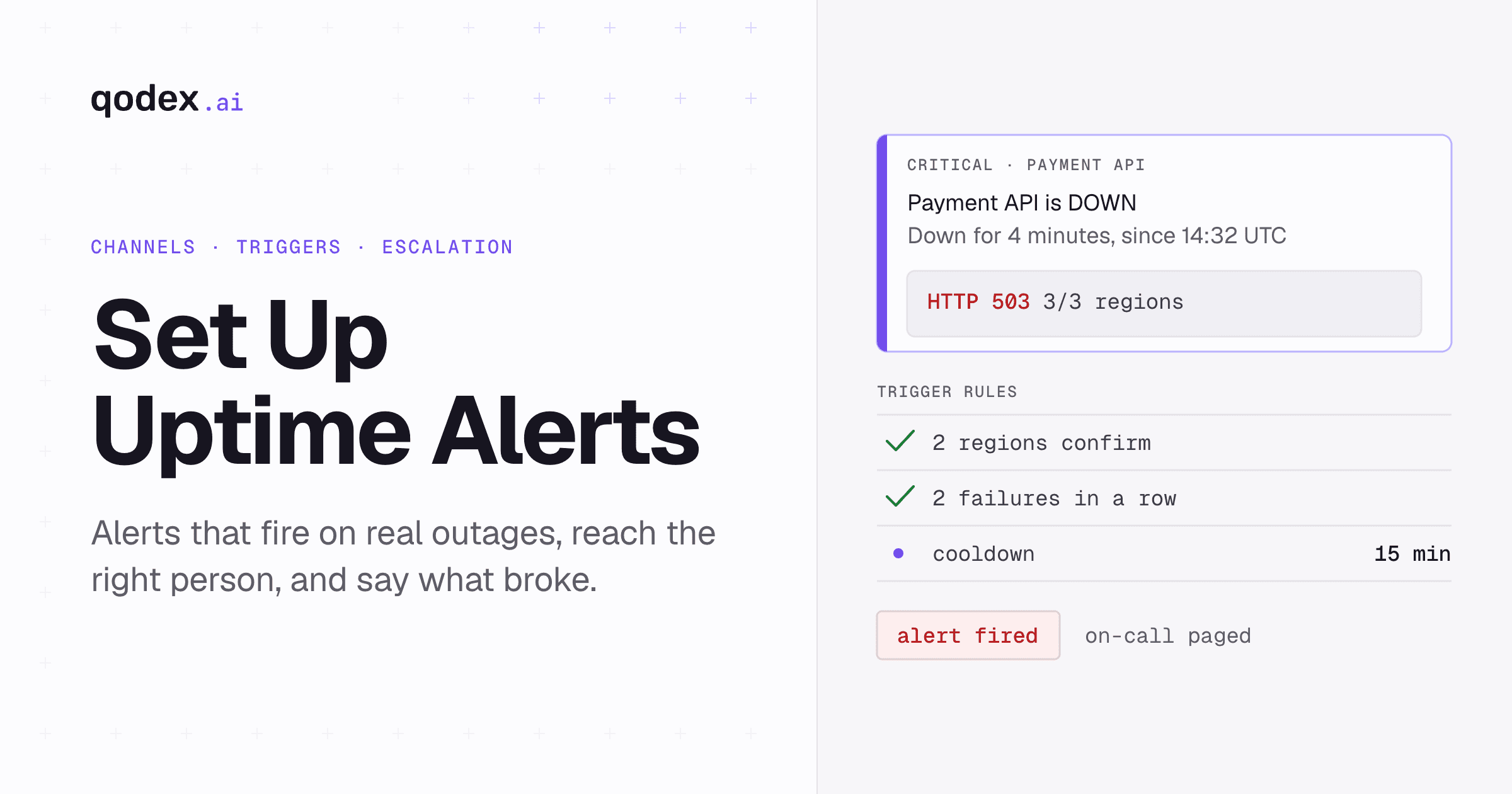
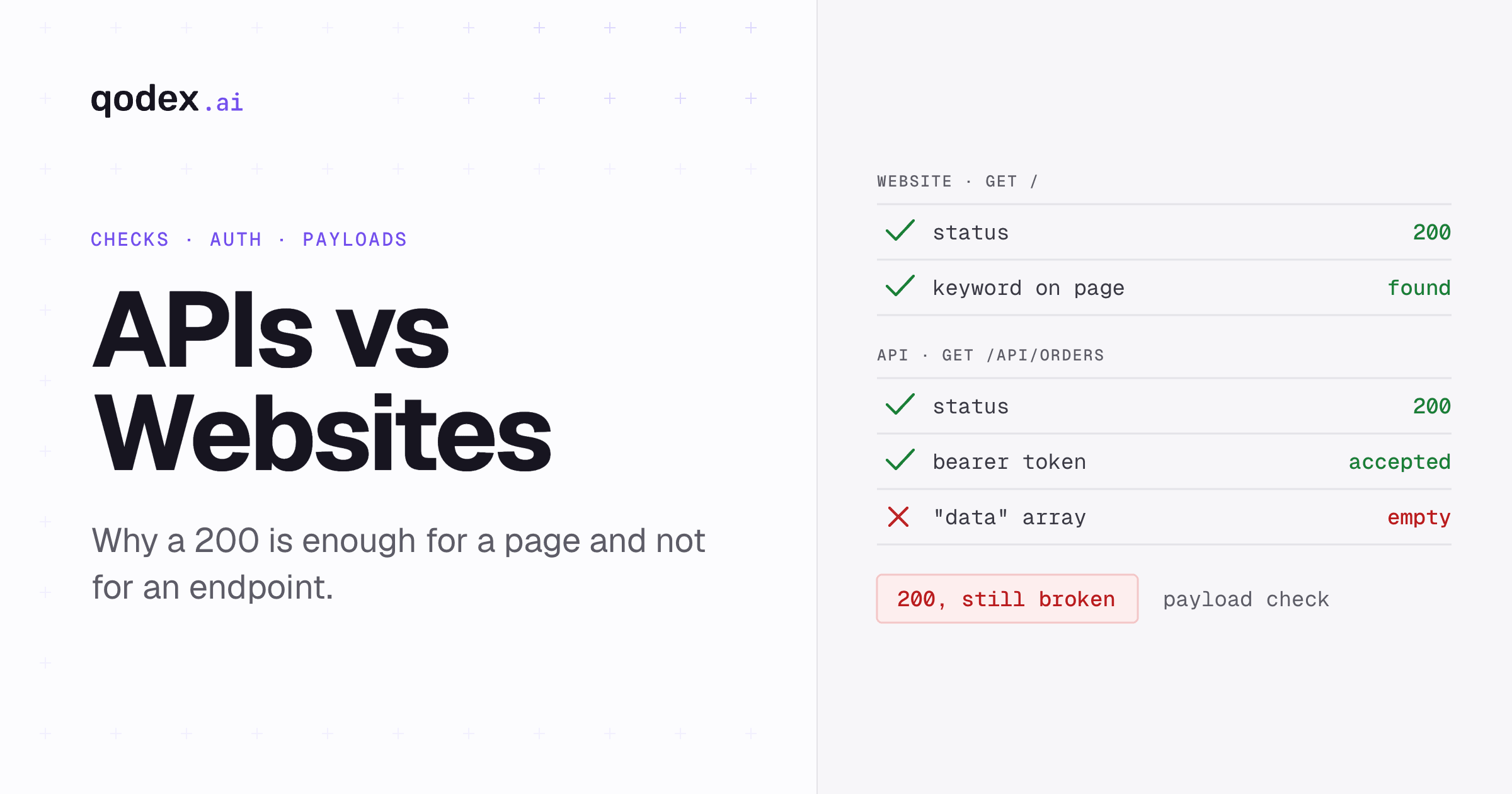
For details on how API and website monitoring differ, read our API vs website monitoring comparison. And once you have your tools selected, follow our step-by-step guide to setting up uptime alerts to make sure you are notified immediately when something goes wrong.
If you are monitoring a service you depend on but cannot instrument directly, our live status checkers let you confirm an outage in seconds. The most-checked services this quarter include Character.AI, Claude, Canva, CenturyLink, and eBay. Browse current results in our developer status directory.
Frequently Asked Questions
What is the best free uptime monitoring tool?
The best free tool depends on your needs. UptimeRobot offers 50 free monitors, Qodex.ai includes a hosted status page with its 15 free monitors, and Uptime Kuma is the best self-hosted option. Each excels in different scenarios.
How many monitors do free plans typically include?
Most free plans offer between 5 and 50 monitors. UptimeRobot provides 50, Freshping offers 50, Better Stack offers 10, and Qodex.ai includes 15.
Are free uptime monitoring tools reliable?
Yes, reputable free tools like UptimeRobot and Freshping run checks from multiple global locations. However, free plans often have longer check intervals (3-5 minutes) compared to paid plans (30 seconds).
What features should I look for in an uptime monitor?
Key features include multi-location checks, SSL certificate monitoring, status pages, integration with Slack/PagerDuty/email, API monitoring support, and reasonable check intervals.
Can free tools monitor APIs specifically?
Yes, any tool that monitors HTTP/HTTPS endpoints can watch an API route. Qodex.ai, UptimeRobot, and Uptime Kuma all handle API URLs on their free plans; advanced features like payload validation and multi-step checks usually require tools such as Checkly or paid tiers.
Is self-hosted uptime monitoring better than SaaS?
Self-hosted tools like Uptime Kuma give you full control and unlimited monitors but require server maintenance. SaaS tools are easier to set up but may have free-tier limits. Many teams use both -- SaaS for external monitoring and self-hosted for internal services.