Uptime Monitoring for APIs vs Websites: Key Differences Explained
API vs Website Monitoring: Side-by-Side Comparison
| Aspect | Website Monitoring | API Monitoring |
|---|---|---|
| What it checks | Page loads, visual rendering, user experience | Endpoint responses, data contracts, authentication |
| Validation method | Status codes + keyword/content on page | Status codes + JSON/XML payload structure + headers |
| Authentication | Usually none (public pages) | Tokens, API keys, OAuth, mTLS |
| Check complexity | Simple GET requests | GET/POST/PUT/DELETE with headers and body |
| Multi-step checks | Page load sequences | Chained API calls (auth > request > verify) |
| Failure visibility | Users see error pages | Silent failures -- apps break without visible errors |
| Primary consumers | Human visitors | Applications, mobile apps, partner integrations |
| Alert routing | DevOps + product + marketing teams | Engineering + DevOps teams |
| Blast radius | Affects web visitors only | Affects every app/service consuming the API |
| Recommended tool | UptimeRobot, Pingdom, Freshping | Qodex.ai, Checkly, Datadog Synthetics |
Introduction: Why the Distinction Matters
Uptime monitoring is not one-size-fits-all. While the goal is the same -- detecting when your services go down -- the approach for monitoring APIs versus websites differs significantly in complexity, validation methods, alerting strategies, and tooling.
Many teams make the mistake of treating API monitoring as just "another URL to check." They add their API endpoint to the same tool that monitors their website homepage and call it done. This is a recipe for silent failures that go undetected for hours or days.
Understanding the fundamental differences between API and website monitoring helps you build a monitoring strategy that actually catches problems. If you are new to uptime monitoring in general, start with our guide to what uptime monitoring is. For specific implementation guides, see our API monitoring guide and website monitoring best practices.
How Website Monitoring Works
Website monitoring is relatively straightforward. A monitoring service sends an HTTP GET request to your website URL and checks the response. The key things it validates:
Status Code
Is the server returning 200 OK? A 500 Internal Server Error or a 502 Bad Gateway means something is broken. A 301/302 redirect might be expected or might indicate a misconfiguration.
Page Content
Does the response body contain expected text? This catches the scenario where the server returns 200 but serves an error page, a maintenance page, or a blank screen. A simple keyword check (e.g., verify the page contains your company name) is surprisingly effective.
Load Time
How long does the page take to load? Slow pages affect user experience and SEO. Website monitors track response time and alert when it exceeds thresholds.
SSL Certificate
Is the SSL certificate valid and not expiring soon? An expired cert displays browser warnings that block most users.
Website monitoring is accessible to anyone. You pick a URL, set a check interval, and you are done. The checks are simple GET requests to public pages that require no authentication.
How API Monitoring Works

API monitoring is a fundamentally different challenge. APIs are programmatic interfaces designed for machines, not humans. This changes everything about how you monitor them.
Request Complexity
APIs use all HTTP methods -- GET, POST, PUT, PATCH, DELETE. A proper API monitor needs to send the right method with the right request body, headers, and query parameters. Sending a GET to a POST-only endpoint tells you nothing useful.
Authentication
Most API endpoints require authentication. Your monitoring tool needs to handle Bearer tokens, API keys, OAuth token refresh, and sometimes mutual TLS. This is the single biggest difference from website monitoring, where pages are typically public.
Response Payload Validation
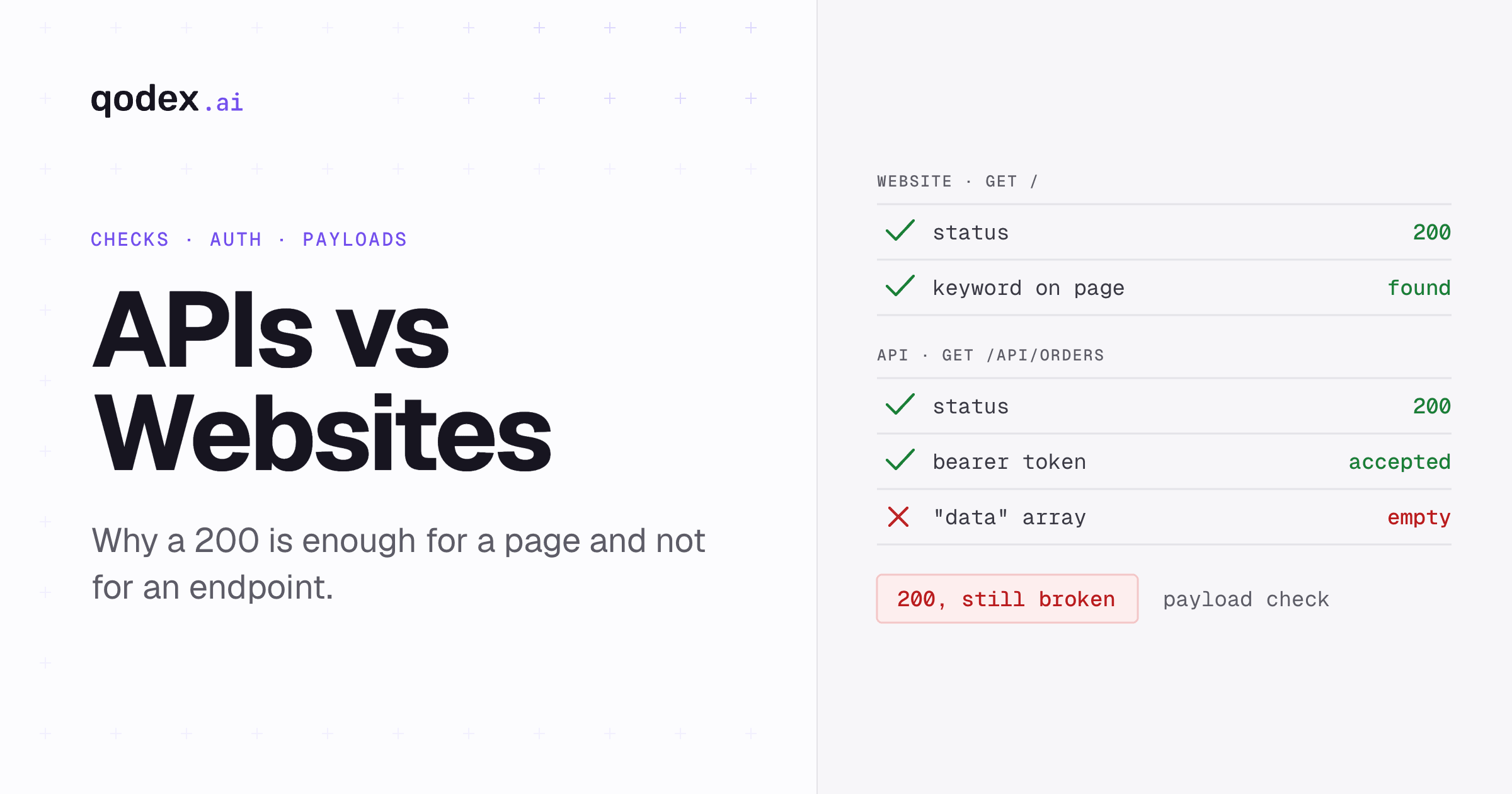
Checking for a 200 status code is necessary but insufficient. An API can return 200 OK with an empty response body, an error message in the JSON payload, or stale data. Effective API monitoring validates the structure and content of the response body:
Does the JSON response contain the expected fields?
Are the data types correct (string, number, array)?
Are critical values present and non-null?
Is the response size within expected bounds?
Multi-Step Workflows
Many API operations require chaining multiple requests. For example, testing an e-commerce checkout API requires: authenticate, create a cart, add items, apply a coupon, process payment. Each step depends on the previous step's response. Monitoring these workflows end-to-end catches integration-level failures that single-endpoint checks miss entirely.
Headers and Content Types
APIs communicate through headers. Your monitoring checks should verify that the API returns the correct Content-Type (application/json vs text/html), proper CORS headers for browser-based consumers, and appropriate caching headers.
Key Differences Deep Dive
Failure Visibility
When a website goes down, users see an error page. They know immediately that something is wrong. They might complain on social media, but at least the failure is visible.
When an API goes down, failures are silent. The mobile app shows a spinner that never stops. The dashboard displays stale data without any error message. The partner integration quietly drops transactions. Users might not even realize something is wrong -- they just see that "things are not working right." This makes API monitoring even more critical than website monitoring, because without it, failures can persist undetected for extended periods.
Blast Radius
A website outage affects website visitors. An API outage can affect every single application, service, and integration that depends on that API. A single API endpoint might serve your iOS app, Android app, web frontend, partner portal, internal dashboards, and third-party integrations simultaneously. The blast radius of an API failure is exponentially larger.
Monitoring Complexity
Website monitoring is a mature, well-understood problem. API monitoring introduces layers of complexity:
| Complexity Factor | Website | API |
|---|---|---|
| Request setup | Simple GET | Method, headers, body, auth |
| Response validation | Keyword presence | JSON schema, data types, values |
| Authentication | None (usually) | Tokens, keys, OAuth, certificates |
| Stateful workflows | Page load only | Multi-step request chains |
| Error detection | Visual (error pages) | Structural (payload analysis) |
| Test data management | None | May need test accounts, sandbox data |
Alert Routing
Website alerts often go to a broad group: DevOps, product managers, marketing (for SEO impact), and customer support. The response might be updating a status page and communicating with customers.
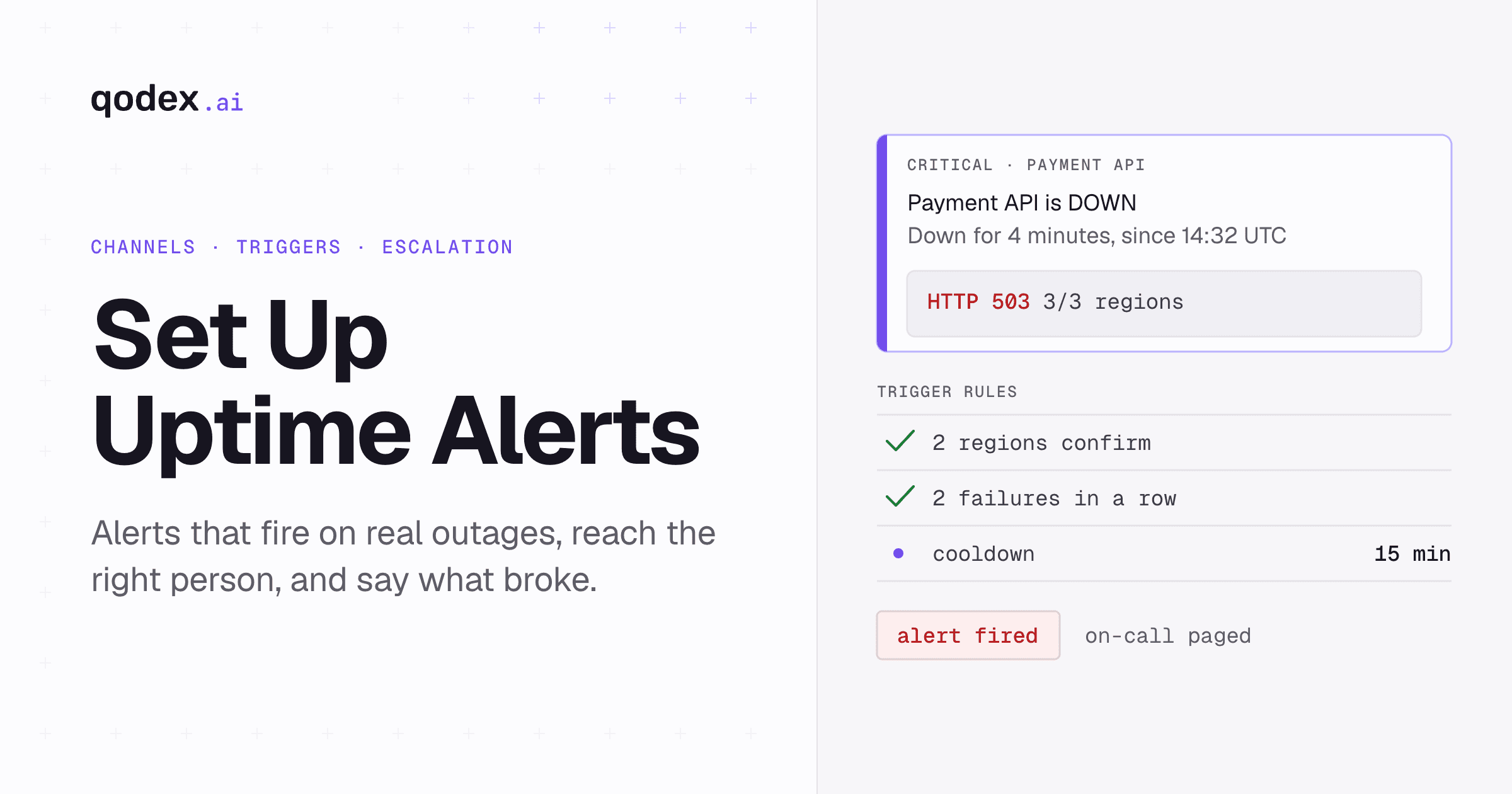
API alerts should go directly to engineering teams. API failures require technical investigation -- checking logs, examining deployment history, verifying database connectivity. Routing API alerts through non-technical channels adds unnecessary delay. For detailed alert configuration strategies, see our guide to setting up uptime alerts.
When to Use Each Type of Monitoring
Use Website Monitoring When:
You have a public-facing website that serves human visitors
You need to monitor page load performance and availability
SEO is a concern (search engines check availability)
You want to monitor landing pages, blogs, or marketing sites
The site does not require authentication to access
Use API Monitoring When:
You expose APIs to mobile apps, partner integrations, or other services
You run a microservices architecture with internal API dependencies
Your endpoints require authentication (tokens, API keys, OAuth)
You need to validate response payloads, not just status codes
Critical business logic spans multiple API calls
Use Both When:
You have a web application with both a user-facing frontend and a backend API
Your website consumes APIs to render content (SPA/SSR architectures)
You serve both human visitors and machine consumers
You need comprehensive coverage of your entire stack
Most modern applications need both. The question is not "which one?" but "how do I implement both effectively?"
Building a Unified Monitoring Strategy
The best approach combines website and API monitoring into a single, coherent strategy:
1. Map Your Architecture
Identify all the components that need monitoring: public websites, landing pages, API endpoints (both public and internal), authentication services, third-party dependencies, DNS, and SSL certificates.
2. Classify by Type and Criticality
For each component, determine whether it needs website monitoring, API monitoring, or both. Assign a criticality tier that determines check frequency and alert urgency.
3. Choose Tools That Cover Both
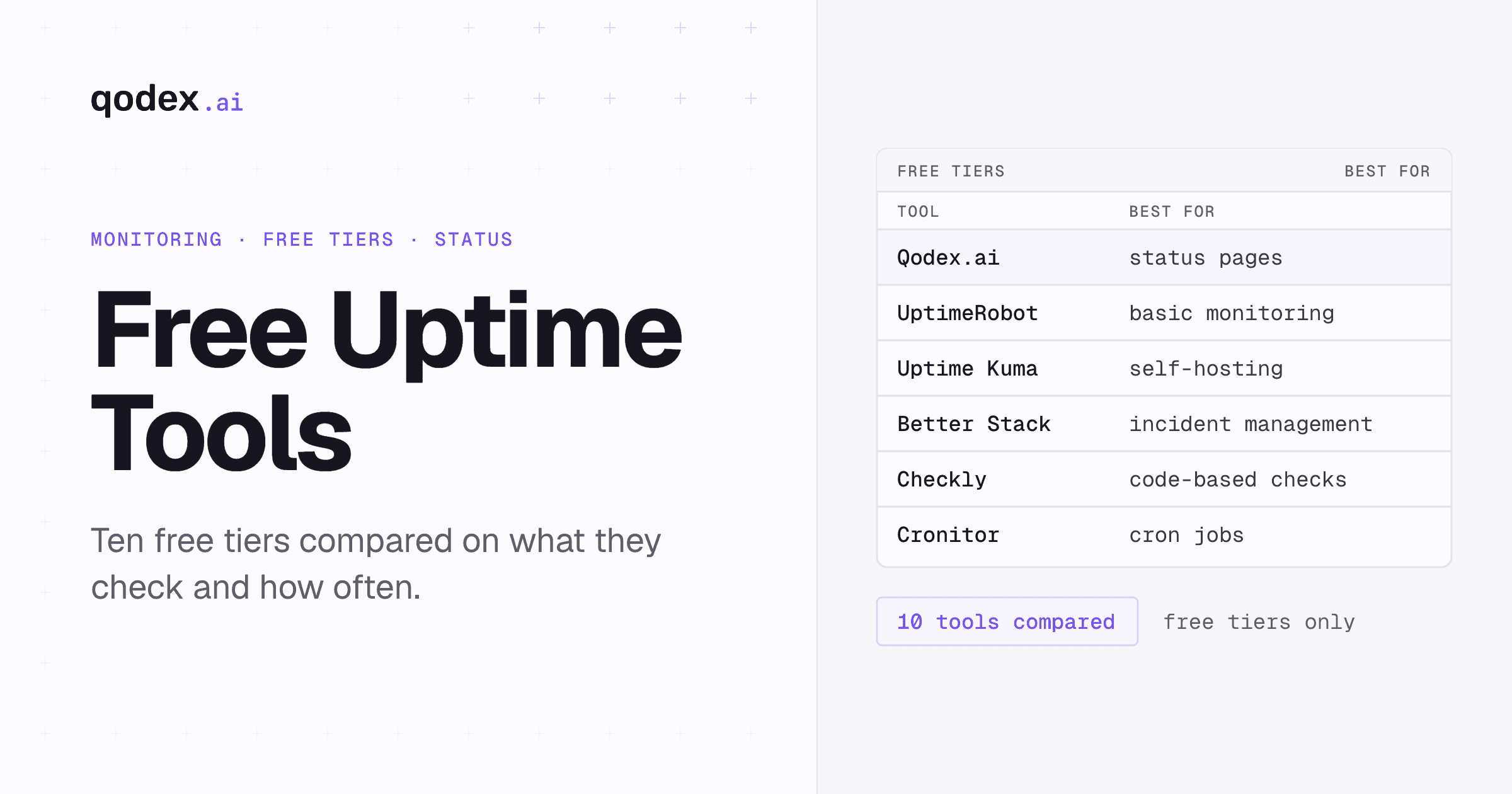
Qodex.ai excels at API monitoring with AI-powered endpoint validation, multi-step workflow testing, and authentication handling. For website-specific checks, pair it with a tool like UptimeRobot or Freshping that specializes in simple URL monitoring. See our free monitoring tools comparison for options.
4. Centralize Alerting
Route all alerts through a single incident management platform (PagerDuty, Opsgenie, or Better Stack). This gives your team one place to see all active incidents, regardless of whether they originate from website or API monitors.
5. Create a Unified Status Page
Your status page should show the health of all your services -- website, API, and infrastructure components. Users do not care whether the issue is in the "website layer" or the "API layer." They just want to know if the service works.
Related: Static vs Dynamic Websites: Key Differences and Pros & Cons
Common Mistakes When Monitoring Both
Using the Same Tool for Everything
A website monitoring tool that also "supports APIs" often just lets you check a URL with a custom header. That is not real API monitoring. If your APIs need payload validation, multi-step workflows, or OAuth, use a tool purpose-built for APIs.
Inconsistent Alert Policies
If your website monitor alerts instantly but your API monitor waits 10 minutes, you have a gap. Align your alerting policies so that equally critical services get equally fast detection.
Ignoring Internal APIs
Teams often monitor their public website and public API but ignore internal APIs. In a microservices architecture, internal API failures cascade to cause external-facing outages. Monitor internal health check endpoints with the same rigor.
Not Correlating Failures
When your website goes down, is it because the web server crashed or because the backend API it depends on is failing? Correlating website and API monitoring data helps you find the root cause faster.
Frequently Asked Questions
What is the main difference between API and website monitoring?
Website monitoring checks if pages load correctly for users (HTTP status, page content, load time). API monitoring validates programmatic endpoints -- checking response codes, JSON/XML payloads, headers, latency, and authentication flows. APIs require validating data contracts, not just visual availability.
Can one tool monitor both APIs and websites?
Yes, but most tools excel at one or the other. Qodex.ai is purpose-built for API monitoring with AI-powered validation. For website monitoring, tools like UptimeRobot and Freshping are straightforward. Many teams use a combination for comprehensive coverage.
Which is harder to monitor -- APIs or websites?
APIs are significantly more complex to monitor. They require handling authentication tokens, validating structured response data, testing multi-step workflows, managing test data, and checking rate limits. Website monitoring is comparatively simple GET-request-and-check operations.
Do APIs and websites need different alert strategies?
Yes. API alerts should go directly to engineering/DevOps teams via PagerDuty or Slack for immediate technical investigation. Website alerts may also need to reach product and marketing teams (for SEO and customer communication). API failures often have larger blast radius, so they typically warrant higher urgency.
Should I monitor internal APIs?
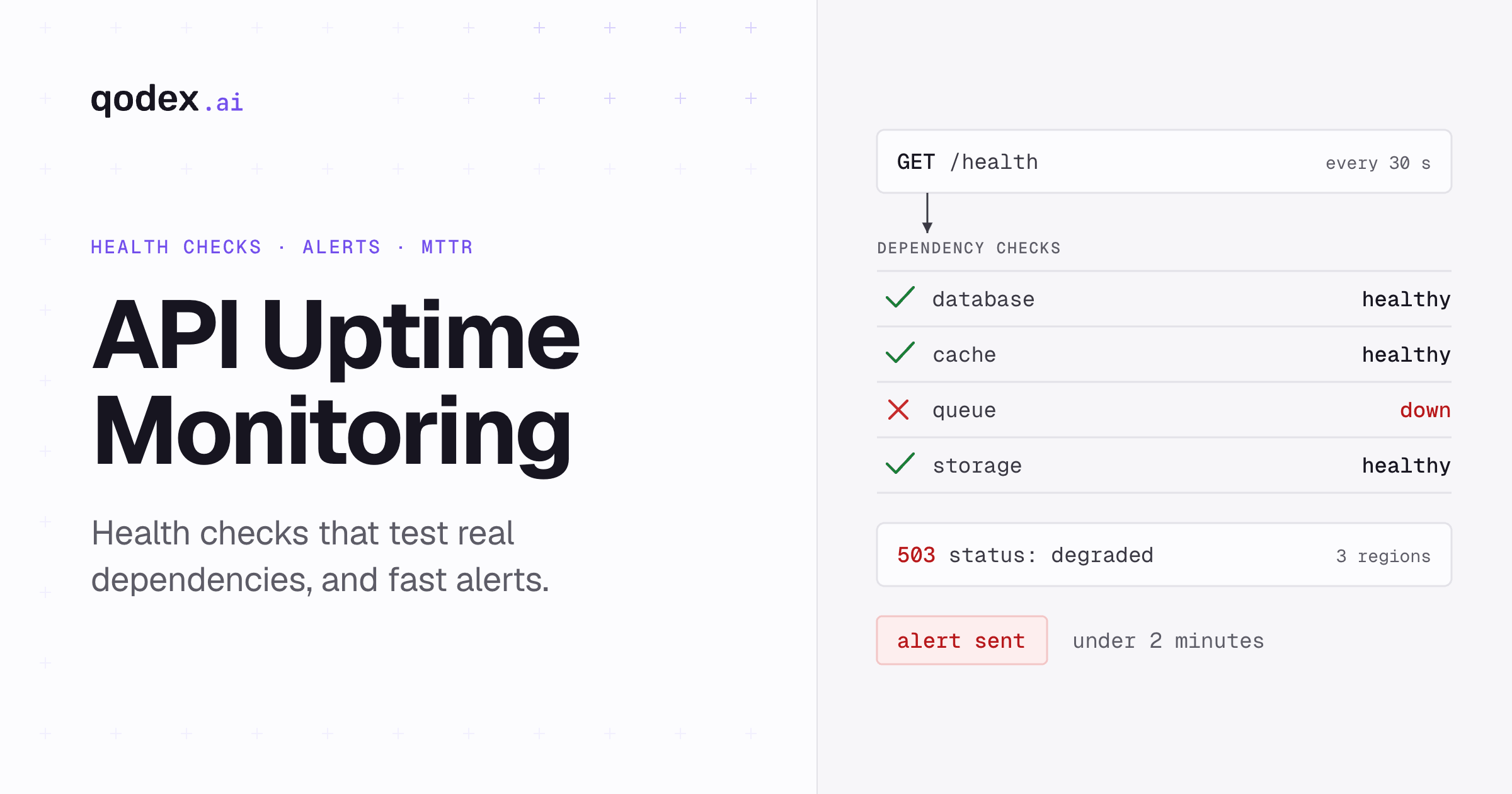
Absolutely. Internal APIs are the backbone of microservices architectures. A failing internal API can cascade and bring down multiple user-facing services. Monitor them with the same rigor as public APIs -- ideally with health check endpoints that verify dependency connectivity.
How does Qodex.ai handle both API and website monitoring?
Qodex.ai specializes in API monitoring with features like endpoint validation, response payload checks, multi-step API workflows, and authentication handling. It provides a unified dashboard for monitoring both API endpoints and web services, with AI-powered anomaly detection and automated status pages.