Website Uptime Monitoring: 12 Best Practices for 2026
Website Uptime Monitoring Best Practices: Quick Reference
| Practice | Recommendation |
|---|---|
| Check interval | 30-60 seconds for production sites |
| Check locations | 3+ geographic regions minimum |
| Validation | Content keywords + status codes + SSL |
| Alerting | Multi-channel with escalation policies |
| Status page | Public-facing, auto-updated |
| SLA target | 99.9% minimum (8.76 hrs downtime/year) |
| False positive prevention | Multi-region confirmation before alerting |
| Incident response | Documented runbook with escalation paths |
Why Website Uptime Monitoring Matters
Your website is your digital storefront, your support channel, your lead generation engine, and your brand's first impression -- all at once. When it goes down, everything stops. Customers cannot buy. Leads cannot sign up. Support tickets pile up. Search engines record the failure and may penalize your rankings.
Research from Google shows that 53% of mobile users abandon sites that take longer than 3 seconds to load. Full outages are even more punishing -- users who encounter a down site rarely come back to check again. They go to a competitor.
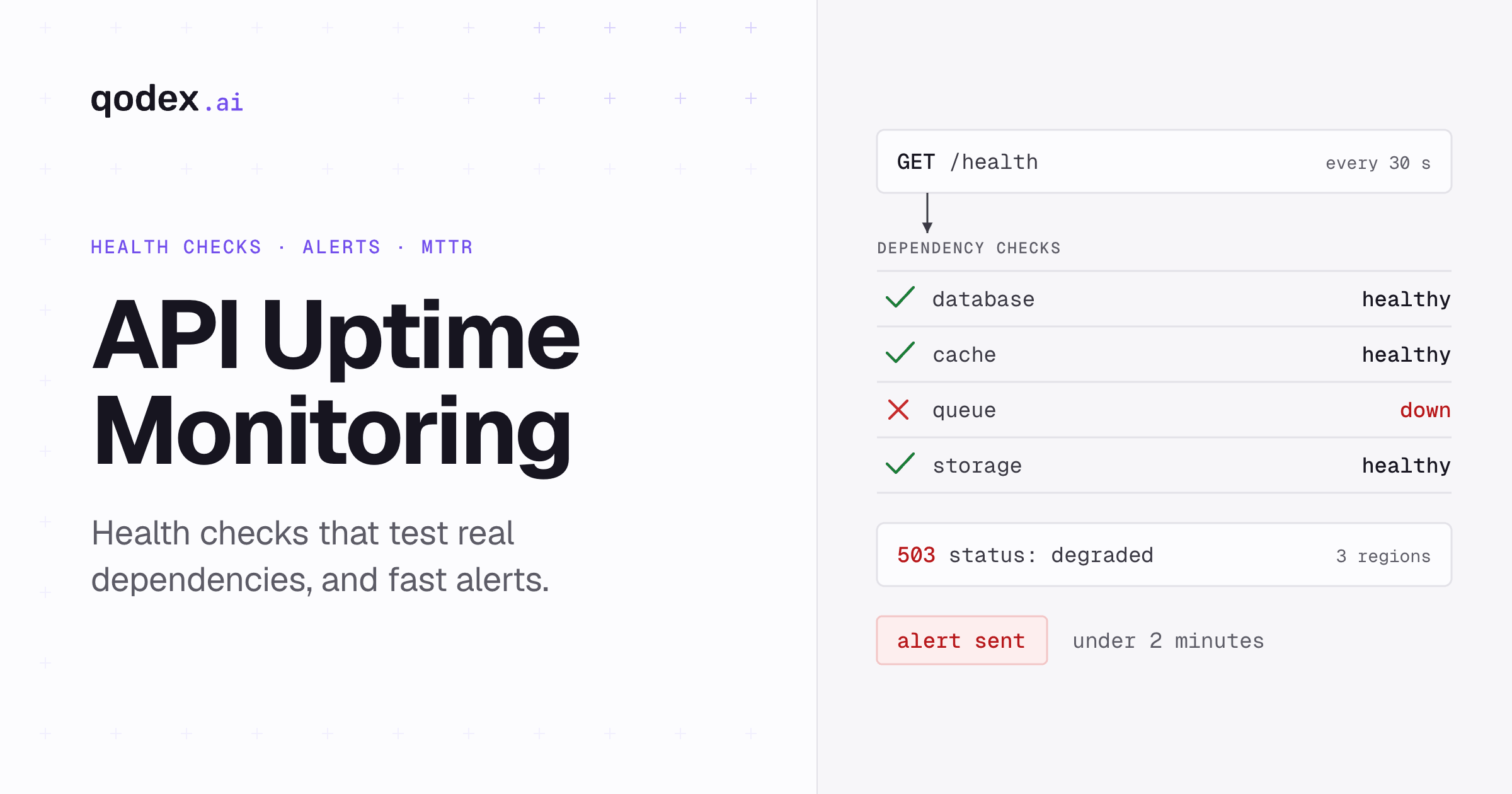
Website uptime monitoring gives you the ability to detect problems before your users do, respond to outages within minutes instead of hours, and maintain the reliability that users and search engines expect. If you are new to the concept, our guide on what is uptime monitoring covers the fundamentals. For teams that also manage APIs, understanding how website monitoring differs from API monitoring is important for building a complete monitoring strategy.
The 12 Best Practices
1. Monitor From Multiple Geographic Locations
Single-location monitoring is the number one cause of false positive alerts. A transient network issue between your monitoring provider and your server can trigger an alert even though your site is perfectly fine for every real user.
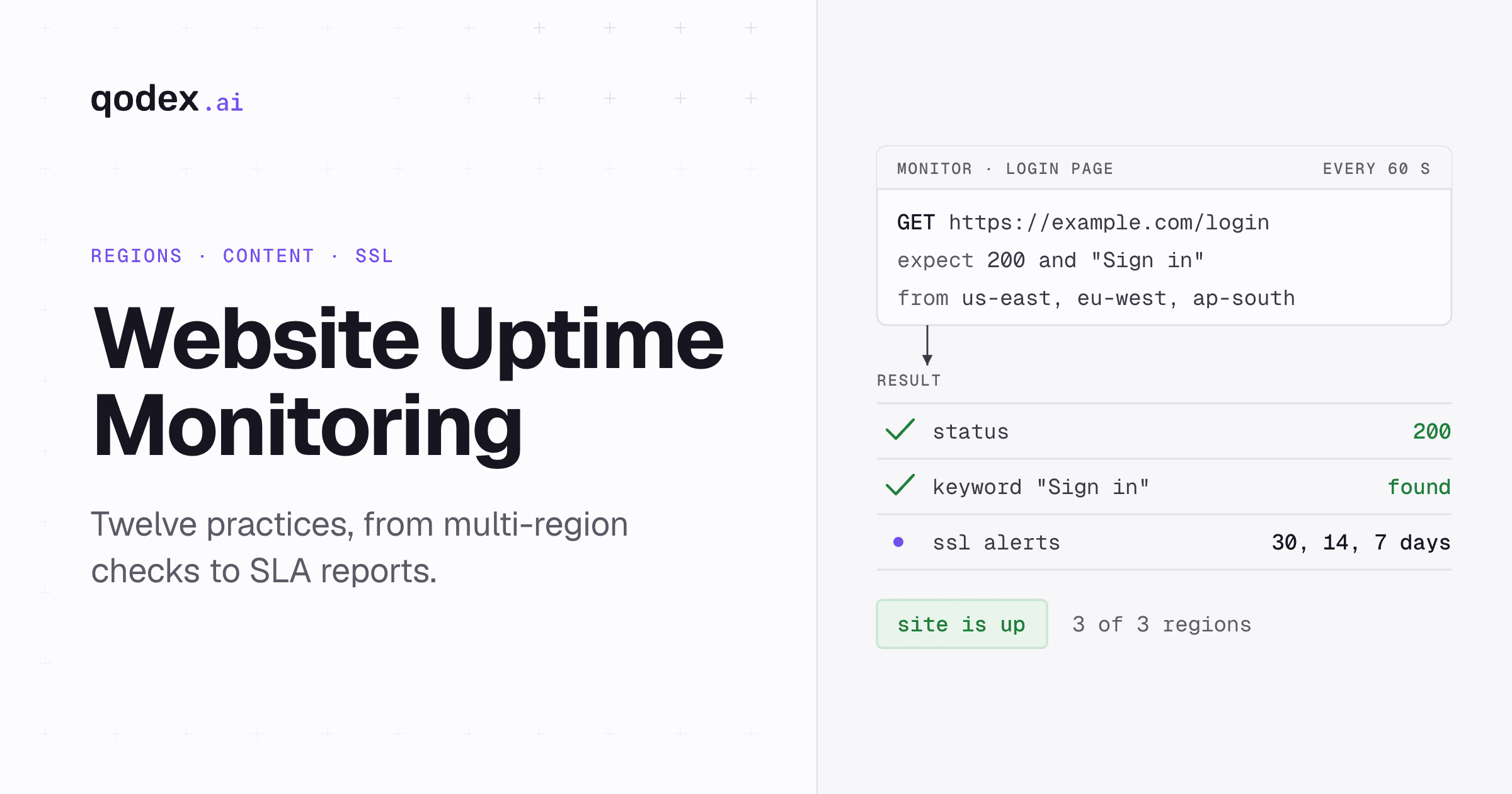
Configure checks from at least 3 geographic locations (e.g., US East, US West, and Europe). Only alert when 2 or more locations confirm the failure simultaneously. This single practice eliminates the majority of false alarms and ensures your team only responds to real outages.
Most monitoring tools, including Qodex.ai, support multi-region monitoring out of the box. If your tool does not, it is time to switch.
2. Set Appropriate Check Intervals
Check frequency should match the criticality of the site:
Production revenue-generating sites -- Every 30-60 seconds. Downtime directly costs money.
Marketing and content sites -- Every 1-3 minutes. Important but not minute-critical.
Staging and internal sites -- Every 5 minutes. Lower stakes, less monitoring overhead.
Development environments -- Typically no uptime monitoring needed.
Resist the temptation to set everything to 30-second intervals. Overly frequent checks on non-critical sites generate unnecessary data and can create noise in your monitoring dashboard.
3. Validate Content, Not Just Status Codes
A 200 OK status code does not guarantee your site is working. Your server could return a 200 with a blank page, an error message, a maintenance page, or cached stale content. Always configure content validation.
Add keyword checks that verify the page contains expected content. For example, check that your homepage contains your company name or a specific footer text. If the keyword is missing, the check fails -- catching scenarios where the server is responding but the application is broken.
4. Monitor SSL Certificates Proactively
An expired SSL certificate is functionally equivalent to downtime. Modern browsers display aggressive warnings that prevent most users from accessing your site. API clients will refuse to connect entirely.
Set up SSL certificate monitoring with alerts at 30, 14, and 7 days before expiration. Even if you use auto-renewal (e.g., Let's Encrypt), monitor it -- auto-renewal can fail silently due to DNS changes, server configuration issues, or rate limits.
5. Monitor Critical User Journeys, Not Just the Homepage
Your homepage might be served from a CDN cache while your application server is completely down. Monitor the endpoints that actually matter to your business:
Login page -- Can users authenticate?
Checkout or pricing page -- Can users complete purchases?
API endpoints -- Are backend services responding? See our API monitoring guide for details.
Search functionality -- Can users find what they need?
Contact and support pages -- Can users reach you?
A holistic monitoring strategy checks the pages and features that drive your business, not just the front door.
6. Implement Smart Alerting with Escalation Policies
Alerts are only useful if they reach the right person at the right time. Configure a tiered alerting system:
Immediate (0-2 min) -- Slack notification to the engineering channel + PagerDuty alert to the on-call engineer
Escalation (10 min no acknowledgment) -- Alert the team lead
Further escalation (20 min) -- Alert the engineering manager + SMS to senior engineer
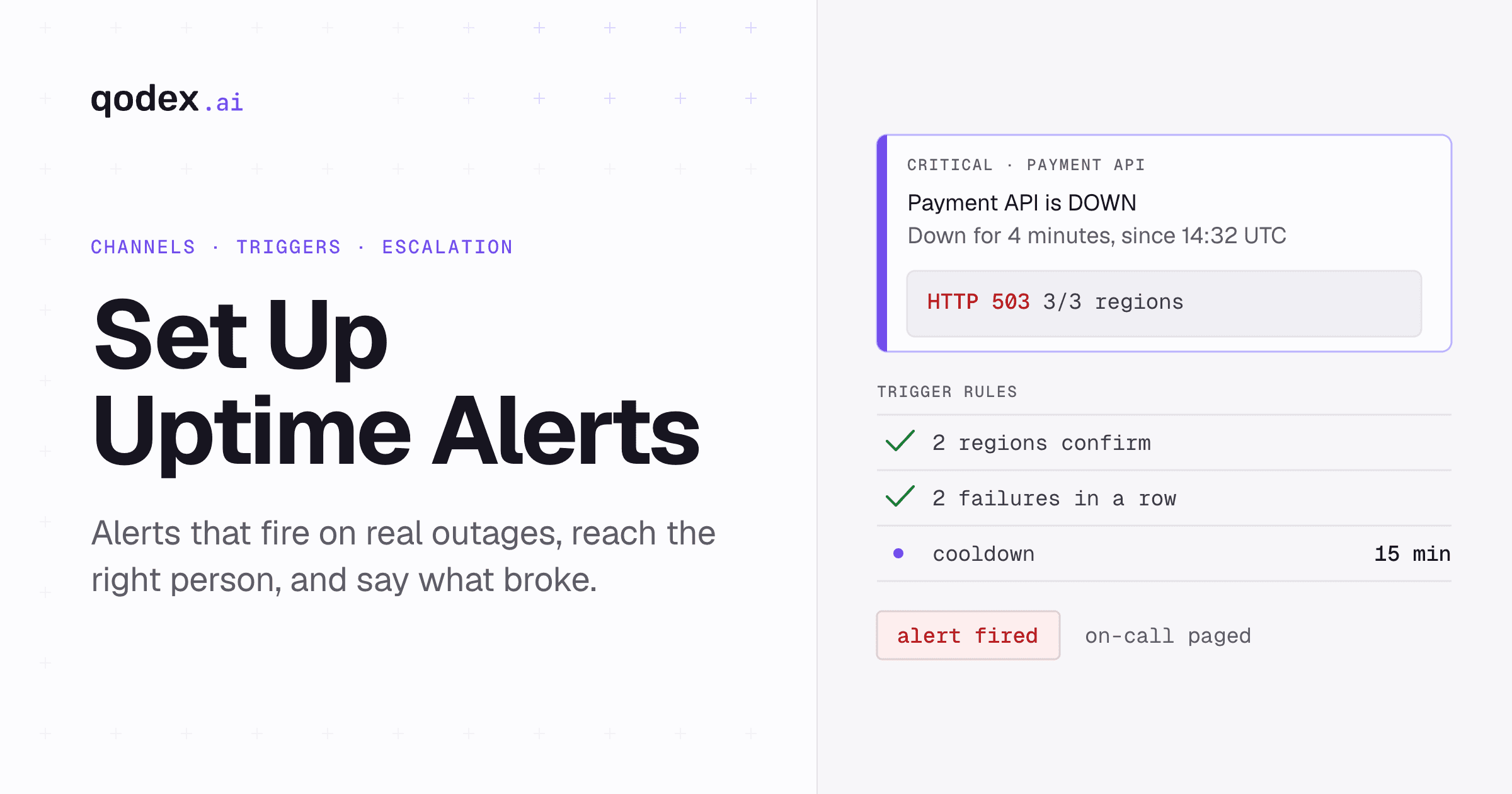
For a complete walkthrough of alert setup, see our guide to setting up uptime alerts.
7. Maintain a Public Status Page
A public status page accomplishes several things at once:
Reduces inbound support requests during outages (users check the status page instead of contacting support)
Builds trust through transparency (users appreciate knowing you are aware of and working on the issue)
Provides a communication channel for planned maintenance
Demonstrates reliability to potential customers (a green status page history is powerful)
Connect your status page to your monitoring tool so it updates automatically when monitors detect issues. Manual status page updates during an incident are an unnecessary distraction for your engineering team.
8. Track and Report on SLA Metrics
Know your numbers. Track your actual uptime percentage monthly and compare it against your commitments:
| Uptime Target | Allowed Downtime/Year | Allowed Downtime/Month |
|---|---|---|
| 99.0% | 3.65 days | 7.3 hours |
| 99.9% | 8.76 hours | 43.8 minutes |
| 99.95% | 4.38 hours | 21.9 minutes |
| 99.99% | 52.6 minutes | 4.4 minutes |
Generate monthly uptime reports and share them proactively with stakeholders. Do not wait for someone to ask. Proactive reporting demonstrates operational maturity and builds confidence in your team.
9. Reduce Alert Fatigue Systematically
Alert fatigue is when your team receives so many alerts that they start ignoring them -- including the real ones. This is one of the most dangerous patterns in operations. Prevent it by:
Requiring multi-region confirmation before alerting (eliminates transient network false positives)
Requiring consecutive failures (e.g., alert only after 2-3 consecutive failed checks)
Grouping related alerts (if 10 monitors on the same server fail, send 1 alert, not 10)
Setting cooldown periods (do not re-alert for the same issue within 15 minutes)
Reviewing alert rules monthly (remove or adjust alerts that consistently fire without requiring action)
10. Monitor DNS Resolution
DNS failures can make your site unreachable even when your servers are perfectly healthy. DNS issues are also notoriously hard to troubleshoot because symptoms vary by location and propagation timing.
Add DNS monitoring that verifies your domain resolves to the expected IP addresses. Alert when DNS resolution fails or when records change unexpectedly. This catches misconfigurations, domain expiration, and DNS hijacking attempts.
11. Document and Practice Your Incident Response Process
Monitoring is only half the equation. The other half is what happens when an alert fires. Document a clear incident response process:
Detection -- Monitoring detects the issue and fires an alert
Acknowledgment -- On-call engineer acknowledges within 5 minutes
Assessment -- Determine severity and impact
Communication -- Update the status page and notify affected stakeholders
Resolution -- Fix the issue or implement a workaround
Post-incident review -- Analyze what happened, why, and how to prevent recurrence
Practice this process regularly. Run gameday exercises where you simulate outages to verify that alerts fire correctly, the right people are notified, and the team can execute the response process smoothly.
12. Integrate Monitoring with Your CI/CD Pipeline
Connect your monitoring to your deployment pipeline. When a deployment goes out, your monitoring should be watching closely for any degradation. Best practices include:
Running a post-deployment health check before routing traffic to new instances
Increasing monitoring frequency temporarily during and after deployments
Automating rollbacks when monitoring detects failures within a deployment window
Correlating monitoring alerts with deployment events for faster root cause analysis
Choosing a Website Monitoring Tool

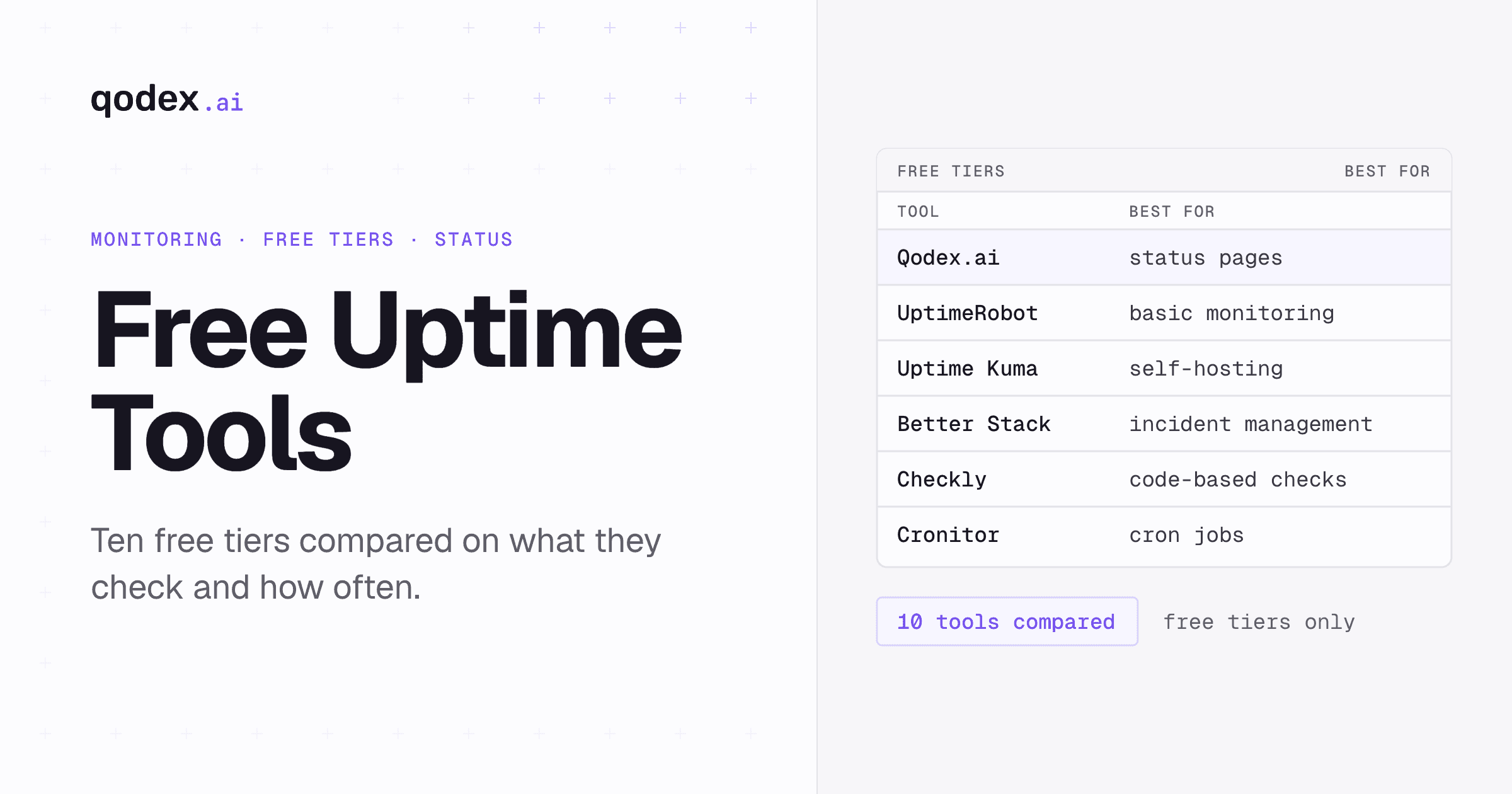
The right tool depends on your specific needs. For a detailed comparison of free options, see our guide to the best free uptime monitoring tools. Key factors to consider:
Multi-region monitoring -- Essential for reducing false positives
Content validation -- Not just status code checks
SSL monitoring -- Certificate expiry alerts
Status pages -- Built-in or easily integrated
Alert integrations -- Slack, PagerDuty, webhooks, email
API monitoring support -- If you also need to monitor APIs, choose a tool that handles both
For teams that manage both websites and APIs, Qodex.ai provides a unified monitoring platform with AI-powered checks, multi-step API monitoring, and automated status pages -- covering both website and API monitoring needs in one tool.
Frequently Asked Questions
How often should I check my website uptime?
For production websites, check every 30-60 seconds from multiple geographic locations. For staging or internal sites, 5-minute intervals are usually sufficient. Match check frequency to the business impact of downtime.
What is an acceptable uptime percentage?
Most businesses target 99.9% uptime, which allows about 8.76 hours of downtime per year. E-commerce and SaaS platforms often aim for 99.95% or 99.99%, which require sophisticated monitoring and rapid incident response.
Should I use a public status page?
Yes. Public status pages build trust with users by showing real-time system status, planned maintenance windows, and incident history. They also reduce inbound support requests during outages.
How do I reduce false positive alerts?
Use multi-location verification (confirm downtime from 2+ regions before alerting), set appropriate timeout thresholds, require consecutive failures, and implement retry logic. This prevents alert fatigue from transient network issues.
What should my incident response process look like?
A good process includes automated detection and alerting, clear escalation paths, a dedicated incident channel, status page updates, root cause analysis after resolution, and post-incident reviews to prevent recurrence.
How do I monitor website uptime without a tool?
You can write a simple cron job or script that sends HTTP requests and checks status codes, but dedicated monitoring tools provide multi-location checks, dashboards, alerting integrations, and historical data that DIY solutions lack. For production sites, a proper monitoring tool is strongly recommended.