How to Do Code Review Using AI: 7 Steps
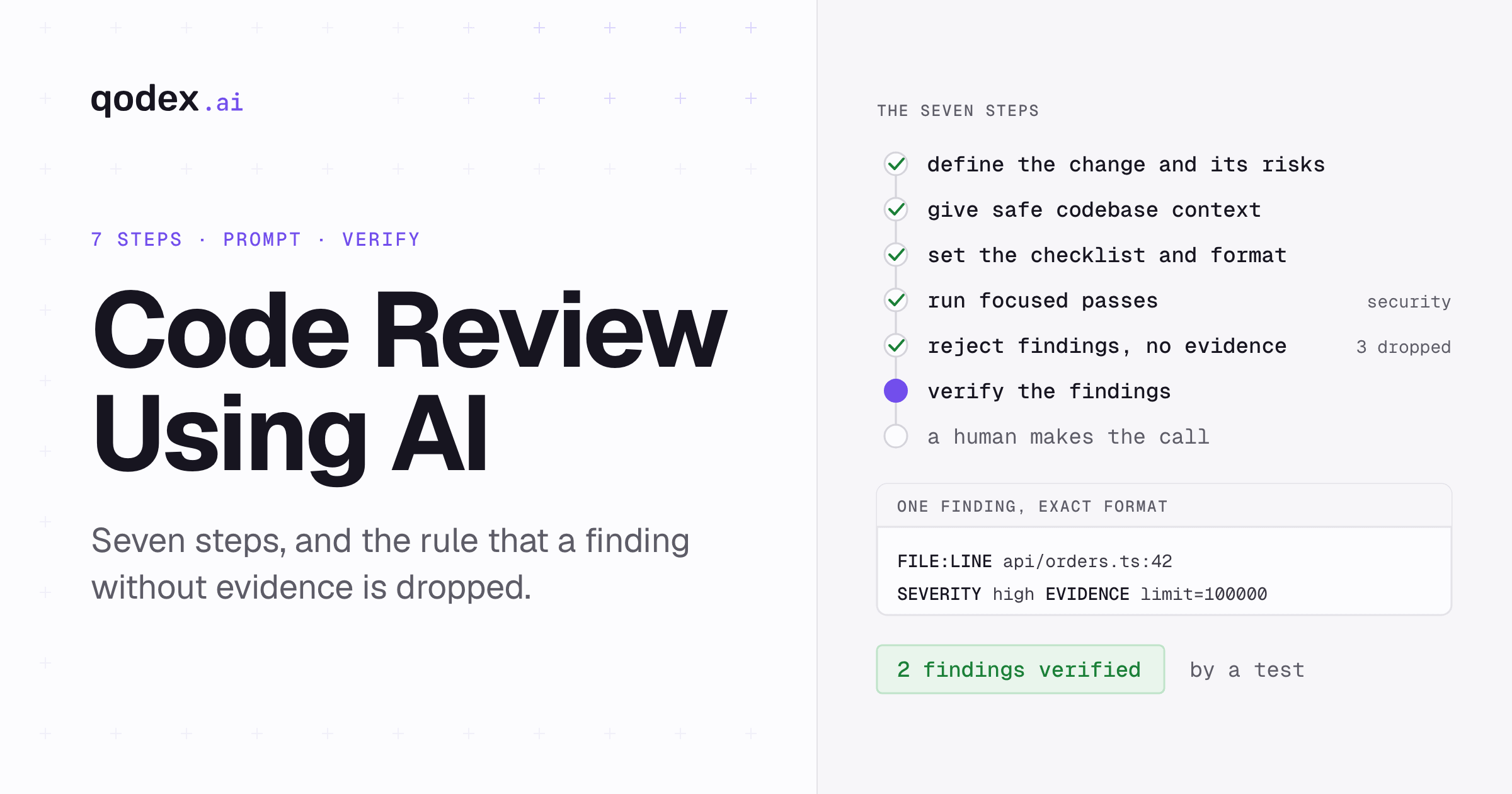
To do code review using AI, give the model the pull request goal, the acceptance criteria, the diff, the changed files, and your team rules. Ask for separate passes on correctness, security, performance, and tests. Require every finding to carry a file, a line, a severity, evidence, and a fix. Verify each claim by reading the code and running the tests. Then let a person decide design and merge readiness.
If you want this workflow to run automatically on every pull request, Qodex does it: static passes, a full read of every changed file, live probes against the preview, and a Check Run that can gate the merge.
The seven steps in one table.
| Stage | Context to provide | AI task | Evidence required | Human decision |
|---|---|---|---|---|
| 1. Define the change | Ticket, PR description, acceptance criteria, deploy shape | Restate the intent, list the risk areas | One line saying what the change is meant to do | Is that the right intent |
| 2. Add context | Diff, changed files in full, callers, interfaces, schemas, versions, team rules | Read the change against what surrounds it | The files it actually used | Is anything missing that matters |
| 3. Set the checklist | The checklist and the output format | Answer in one shape, skip what you told it to skip | Location, severity, impact, evidence, fix, confidence | Is the checklist right for this change |
| 4. Run passes | One focus per pass | Correctness, errors, security, performance, tests, maintainability | A separate finding list per pass | Which passes this change needs |
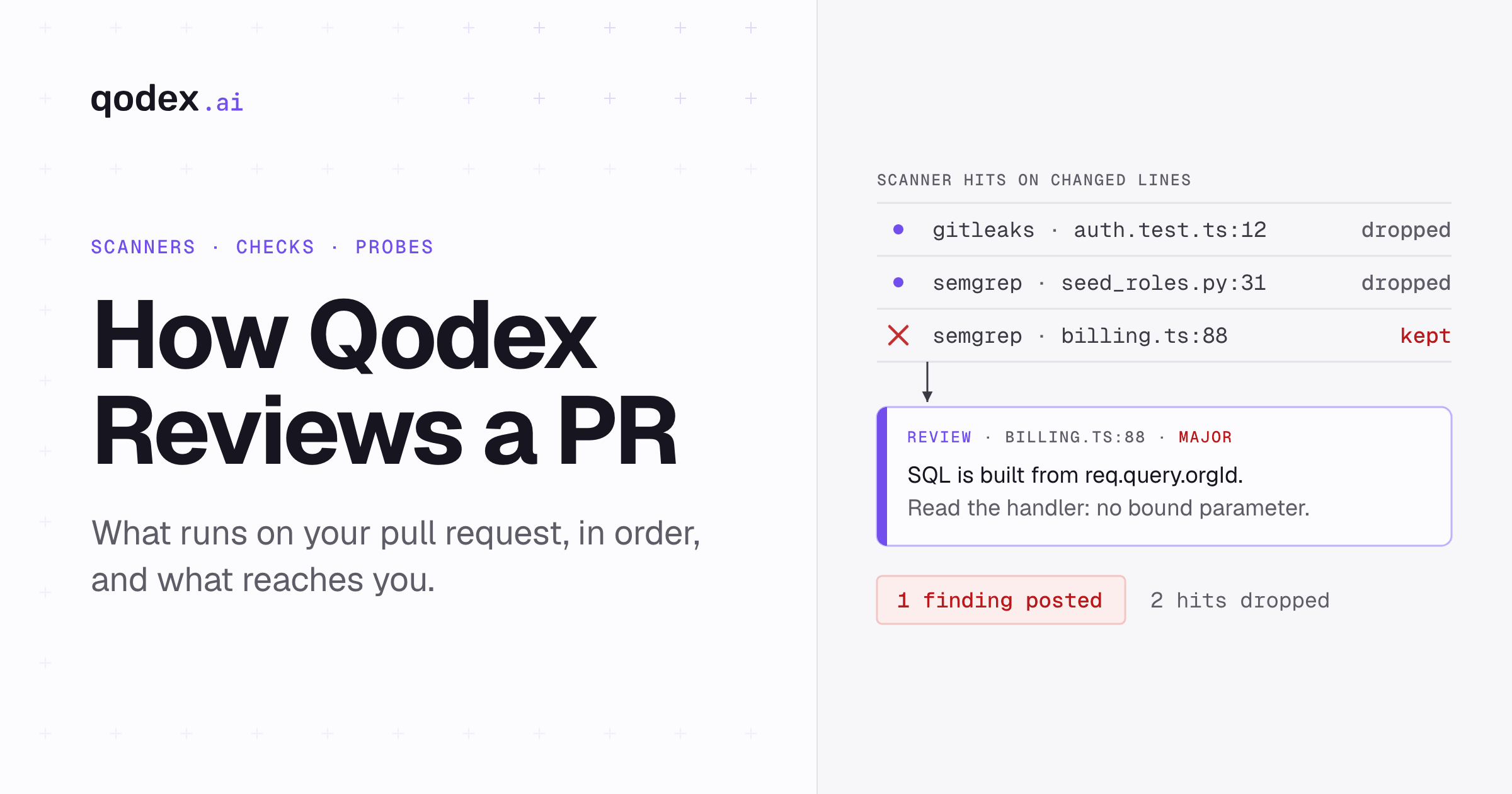
| 5. Filter | The findings it returned | Point at the code for each claim | File, line, triggering input, the rule it breaks | Which findings survive |
| 6. Verify | The repository and the test suite | Nothing, this step is yours | A failing test, a reproduction, or the code read in context | Which findings are real |
| 7. Decide | The verified list | Nothing | The review record | Design, tradeoffs, and the merge |
What code review using AI can and cannot do
An AI reviewer reads the pull request diff and the metadata around it, then writes feedback comments and suggested changes. That is GitHub's description of its own reviewer. The work it does well is mechanical: a null check that was missed, an unvalidated input, an error path that swallows the error. It also catches a name that no longer matches what the function does, and a pattern the rest of the repository has moved away from.
What it cannot do is decide whether the change should exist. Product intent, domain rules that live in somebody's head, and the cost of a tradeoff a year from now are not text-matching problems. Those stay with people, and Step 7 is where they get settled.
The model also gets things wrong with a straight face. GitHub calls this hallucination, meaning output that sounds plausible but is incorrect, unsupported, or fabricated, which in review shows up as comments about problems that do not exist. Steps 5 and 6 below exist because of that.
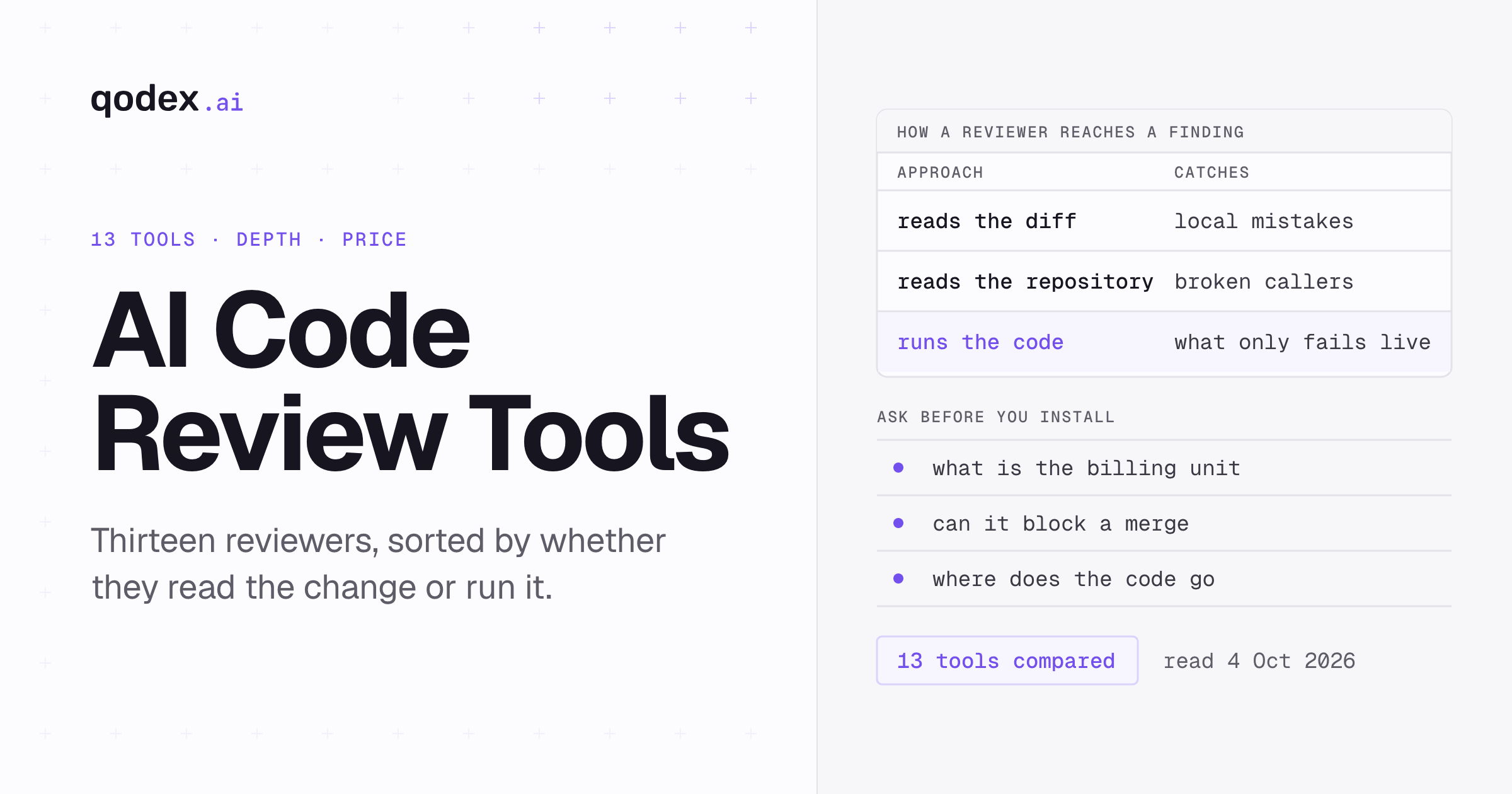
If you have not picked a reviewer yet, compare the best AI code review tools before you wire this workflow into your pull requests.
Step 1: Define the change and its risks
Do this before you open the diff. Read the ticket, the pull request description, and the acceptance criteria, then write one line saying what the change is supposed to do. If you cannot write that line, the review has no yardstick and the AI has nothing to measure against.
Then list where this change can hurt. A migration that rewrites a column. A change to an auth check. A new call inside a loop that already runs on every request. A payment path. Anything touching data one customer could see from another account. That list is short, and it decides which passes in Step 4 are worth running.
Note the deploy shape too: behind a flag, dark launched, or straight to production on merge. A change that ships the moment it lands deserves a slower review than one hiding behind a flag you can flip back.
Step 2: Give the AI safe codebase context
A model that sees only the diff will invent the rest of your codebase. Give it:
The goal and the acceptance criteria from Step 1.
The diff.
git diff main...HEADis the scope you want. The documentation says A...B is the same as diffing from the merge base of A and B, so you see the branch's own work rather than everything main has moved on to since.The changed files in full, not the hunks. A bug can depend on context the diff window does not show.
The callers of anything whose signature or behavior changed.
The interfaces, schemas, and migrations the change touches.
Language and framework versions. Behavior can differ between versions, so an answer that fits one may not fit another.
Team rules: the style guide, the error-handling convention, the logging rules, whatever you would otherwise type into a comment for the tenth time.
Strip the secrets before any of that leaves your machine. OWASP counts API keys, database credentials, IAM permissions, SSH keys, and certificates as secrets, and its guidance is to hold them in a central store under least privilege rather than scattered through files. A key pasted into a chat window is a leaked key, and rotating it costs more than the review saved. Customer data goes the same way: send a description of the shape, not the rows.
Step 3: Set a review checklist and output format
Two things make AI output usable: telling it what to look for, and telling it how to answer.
The checklist comes from what a human reviewer covers anyway. Google's list is design, functionality, complexity, tests, naming, comments, documentation, and style, with each assigned line read in the wider context around it. Hand the mechanical half of that to the model and keep design for yourself.
The output format matters more than people expect. Ask for one block per finding: file and line, a one-sentence description, a severity, the impact if it ships, the evidence, a suggested fix, and a confidence word. Words, not percentages. A model that returns a confidence percentage has measured nothing, and the number dresses a guess up as a measurement.
Say what to skip as well. Formatting the linter already fixes, test fixtures, generated files, vendored code, anything outside the diff. A reviewer that comments on all of those is a reviewer nobody reads by Thursday.
Step 4: Run focused review passes
One prompt asking for everything returns a shallow list of everything. Separate passes get depth, because the model holds one question at a time.
Intent and correctness. Does the code do what the description says? Which inputs break it? What happens at the empty case, the boundary, the duplicate, the retry?
Error handling. For each new call that can fail, what happens when it does? Look for swallowed exceptions, errors logged and then ignored, and partial writes with no way back.
Security. Input validation, authorization on the new path and not just authentication, injection, secrets in code, and data crossing a tenant or user boundary.
Performance. Queries inside loops, a new filter on an unindexed column, unbounded reads, work moved onto a hot path.
Tests. Does each behavior change have a test, and would that test fail if the change were reverted?
Maintainability. Naming, dead code, duplicated logic, comments that no longer describe the code under them.
Operability. What somebody on call would need when this breaks: the log lines, the metrics, the failure that is visible from outside. GitHub's own prompting guide lists operability alongside correctness, error handling, security, and performance.
Run the passes your risk list from Step 1 calls for. A copy change does not need a security pass.
Run them in that order. Correctness first, because a comment about performance on code that does the wrong thing is wasted reading. Security and performance next, followed by tests, maintainability, and operability, once you already know what the change does.
Every pass carries the same anatomy: the goal of the change, the expected behavior, the language and framework versions, the constraints, and the output schema you want back. That list is the one thing the published prompt guides agree on, so it is the part worth keeping in a file rather than retyping.
Start a fresh conversation for each pass, so the focus line is the only thing that changed between them. Paste the same context block each time. Keep each pass's findings in their own list, so you can tell which focus produced what when you filter them in Step 5.
One prompt covers all seven. Swap the focus line and paste the rest.
You are reviewing one pull request. Focus only on: SECURITY.

Goal of the change: [one line from the ticket]
Acceptance criteria: [bullets]
Stack: [language + version, framework + version]
Team rules: [concise rules]

Diff:
[paste]

Full text of the changed files:
[paste]

Rules:
- Report only issues you can point at in the code above.
- Skip style the linter handles. Skip files outside the diff.
- If you are unsure, say so and mark confidence low.

For each finding, output exactly:
FILE:LINE
WHAT: one sentence
SEVERITY: critical | high | medium | low
IMPACT: what a user or the system experiences
EVIDENCE: the lines or the input that trigger it
FIX: the smallest change that resolves it
CONFIDENCE: high | medium | low

If you find nothing for this focus, say: no findings.
For a large pull request, run one high-level pass over the whole diff to get the map, then run the focused passes file by file or module by module. Do not paste the whole thing into a single prompt and trust the middle of it.
Step 5: Reject findings without evidence
Some of the noise in AI review is not wrong so much as unsupported. "This may cause a race condition" is a hypothesis. Acting on it costs a developer the digging that the review was supposed to save.
Set the bar before you read the list. A finding counts when it names the file and line, the input or path that triggers it, and the rule or behavior it breaks. Anything short of that is a question, and questions go in a second pile you work through only if the change warrants it.
Rather than argue with the model, ask it for the missing piece: which request produces that state, which caller passes null, which line holds the lock. It either produces the path or it folds. Both are useful, and the second resolves quickly.
Watch severity inflation while you are there. Models reach for critical freely. Rank findings by what a user would experience, not by the word the model picked.
Step 6: Verify the findings
Whatever survived Step 5 is still a claim. GitHub's guidance on its own reviewer says the feedback can be inaccurate or can miss problems, and that a person stays in the loop. Verification is that loop, and it is your work, not the model's.
Read the code around the line, not the line. A good share of false positives die here, because the case the model worried about is handled nearby.
Run the deterministic tools. A linter, a type check, a static analyzer, and the test suite settle more arguments than a second model does, and they give the same answer twice.
Reproduce it where you can. A test you add for the finding is the cleanest evidence available, and it stays in the repository afterwards.
Read any suggested fix as new code. It gets the same review as the change it patches. A fix a model wrote and nobody read is how one bug becomes two.
Mark each finding confirmed, rejected, or open, and keep the rejected ones while you are still tuning. When the same shape of rejection keeps coming back, the prompt in Step 3 needs a line telling it to stop.
Step 7: Let a human make the final call
The AI has cleared the mechanical layer. What is left was never mechanical.
Start with the design. Google's guide is direct about it: the overall design of the change is the most important thing in the review. The question to settle is whether the change leaves the code health of the system better than it found it. Does this belong here, or in a library? Does it fit what the system already does, or does it add a second way to do the same thing?
Then intent. Code can be correct and still solve the wrong problem. Then the tests: are they the right tests, and would they fail if the code broke? The same guide puts it plainly, tests do not test themselves, and a person has to check that they are valid.
Approve when the change improves things, not when it is flawless. There is no such thing as "perfect" code, only better code, and holding a branch for polish costs the team more than the polish returns.
Roll out code review using AI without creating noise
The way this fails on a team is not that the AI is wrong. It is that the comments stop being read.
Start advisory. Run the seven steps with nothing gated until you have verified enough findings under Step 6 to say which classes the reviewer gets right on your code. That sample is the exit condition, not a date on the calendar.
Sort what comes back into three buckets: confirmed bugs, correct but not worth a comment, and wrong. The middle bucket is where noise breeds. Turn style and convention findings into linter rules, or into the skip list in Step 3, because a machine that can fix something should not be commenting on it. The wrong bucket goes back into the prompt as the line that tells the model to stop.
Gating is a separate decision from this workflow. Block the merge only on the classes Step 6 has confirmed, leave the rest as comments, and keep an override a person can use with a reason attached.
Measure two things: the time from pull request opened to approved, and the share of AI findings your team accepted. Keep a note of defects that reached production and whether the review saw them, since that is the number that says whether the review earns its cost. When you are ready to run this on every pull request in CI, the automated code review guide covers the repository-rule and pipeline mechanics.
Frequently Asked Questions
Can AI replace human code review?
No. It is good at mechanical work: missed null checks, unvalidated input, error paths, patterns that drifted away from the rest of the repository. It is weak wherever judgment is needed, and the design of the change is the most important thing a review covers. GitHub's own guidance says its reviewer's output can be inaccurate or can miss problems and needs human oversight. Use it as the first pass, never as the last word.
What should I include in an AI code review prompt?
The goal of the change and its acceptance criteria, the diff, and the full text of the changed files. Add the callers of anything whose behavior changed, the interfaces and schemas involved, the language and framework versions, and your team's rules. Say what output format you want back, and what to skip. Leave out secrets and customer data.
Can I use AI to review private or proprietary code?
That depends on the terms of the service you send it to, so read them and check with whoever owns that call at your company. Whatever you decide, strip the secrets first. OWASP treats API keys, database credentials, IAM permissions, SSH keys, and certificates as secrets to be held in a central store under least privilege, and a key pasted into a prompt has left that store.
How do I reduce false positives and noisy comments?
Three moves are worth making first. Give the model more context, since missing context is what it fills in with guesses. Require evidence in each finding and drop the ones that arrive without it. Tell it what to skip, starting with the formatting your linter already fixes. After that, watch which findings you keep rejecting and add a prompt line for each repeat offender.
Should AI code review block a merge?
Only on findings that were verified, and only for the classes the reviewer has a track record on. Blocking on unverified model output teaches the team to click past the gate, which leaves you worse off than having no gate. Start advisory, watch what comes back, then gate the narrow set you trust.
How do I review a large pull request with AI?
Run one high-level pass over the whole diff to get the map of what changed and where the risk sits. Then take the risky files or modules one at a time with the focused passes. Better still, ask the author to split it. A pull request small enough to review properly beats any prompt.