Cypress vs Playwright: Which Should You Choose in 2026?
Cypress vs Playwright: Quick Comparison
| Dimension | Cypress | Playwright |
|---|---|---|
| Architecture | Runs inside the browser, alongside your app | Runs out-of-process, drives browsers over a remote protocol |
| Languages | JavaScript and TypeScript only | JavaScript, TypeScript, Python, Java, C# |
| Browsers | Chrome family, Firefox, Edge; WebKit (Safari) experimental | Chromium, Firefox, and WebKit (real Safari engine) |
| Multi-tab / multi-origin | Limited by the in-browser model | Native support for multiple tabs, windows, and origins |
| Debugging | Time-travel debugger, DOM snapshots, real-time reload | Trace Viewer, video, screenshots, step-through after the run |
| Parallelization | Free locally; orchestrated parallel runs via paid Cypress Cloud | Built-in parallel workers and sharding, free |
| Best for | Frontend developers who live in JavaScript and want the best interactive debugging | Teams needing true cross-browser coverage, multiple languages, and free CI scaling |
Cypress and Playwright are the two frameworks most teams actually choose between for end-to-end web testing in 2026. Both are modern, both ship auto-waiting, and both are far nicer to live with than the Selenium-era stack. The honest answer to "which is better" is that they optimize for different things: Cypress optimizes for developer experience inside a single browser tab, and Playwright optimizes for breadth, true cross-browser coverage, multiple languages, and free scaling. This guide compares them dimension by dimension so you can match the tool to your stack instead of following hype.
Architecture: In-Browser vs Out-of-Process
The single most important difference is where the test code runs, and almost every other tradeoff flows from it.
Cypress executes your test code inside the browser, in the same run loop as your application. That tight coupling is exactly what makes its debugging experience so good: the test can see the app's DOM and network directly. But the same coupling is why some scenarios are awkward. Historically Cypress was single-origin and could not freely cross domains in one test; newer versions added cy.origin() to handle multiple origins, but it is still more constrained than driving the browser from outside. Multiple browser tabs remain a known limitation rather than a first-class feature.
Playwright runs your test code in a separate Node (or Python, Java, C#) process and controls the browser over a remote protocol, the same out-of-process model Selenium and Puppeteer use, but with a faster, modern API. Because the controller sits outside the page, Playwright handles multiple tabs, multiple windows, multiple origins, and even multiple independent browser contexts in a single test without special workarounds. That out-of-process design is what unlocks its true cross-browser and multi-context capabilities.
Developer Experience and Debugging
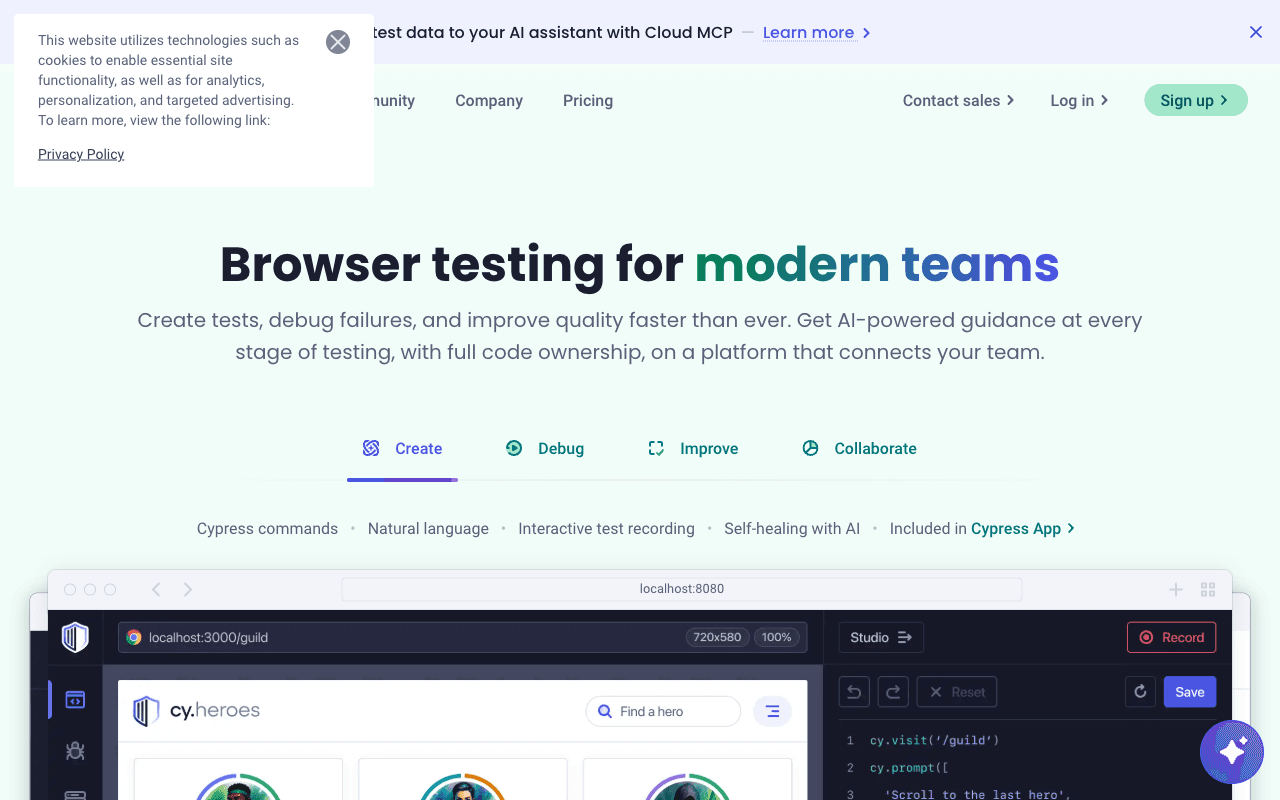
This is Cypress's home turf. Its in-browser Test Runner gives you time-travel debugging: hover over any command in the command log and the app snaps back to its exact DOM state at that step. Add real-time reload on save, automatic DOM snapshots, and readable error messages, and you get the most pleasant interactive debugging loop in the category. For a frontend developer iterating on a single flow, nothing else feels this immediate.
Playwright's debugging is excellent but differently shaped. Its standout tool is the Trace Viewer, which records a full timeline of a run, DOM snapshots, console logs, network activity, and screenshots, that you open after the fact. There is also a UI mode for watch-and-rerun, the Inspector for stepping through live, and a codegen recorder that writes selectors as you click. The difference in feel: Cypress shines while you are writing the test in the browser, Playwright shines when you are diagnosing a failure (especially a CI failure) after the run. Both are strong; pick by which workflow you spend more time in.
Cross-Browser Coverage
Playwright wins this cleanly. It bundles patched builds of Chromium, Firefox, and WebKit, and WebKit is the actual engine behind Safari, so you get genuine Safari-family coverage on Windows, macOS, and Linux without a Mac in the loop.
Cypress runs reliably on Chrome, Edge, Electron, and Firefox. Its WebKit support exists but is still labeled experimental, so if Safari coverage is a hard requirement, Cypress is the weaker choice. For teams that only care about Chromium-based browsers, this gap may not matter at all.
Speed and Reliability
Both frameworks are fast and both auto-wait for elements before acting, which removes most of the manual sleep calls that made older suites flaky. In practice Playwright tends to edge ahead on raw execution because of its out-of-process model and aggressive parallelism, while Cypress runs each spec file in a fresh browser instance, which is clean but adds overhead. Resist the urge to pick a framework on benchmark numbers alone: real-world suite speed is dominated by how you write tests, how much you parallelize, and your CI hardware, not by the tool's headline throughput. Both are auto-waiting and both are reliable when used well.
CI, Parallelization, and Cost
This is where the money difference shows up. Playwright has built-in parallel workers and test sharding in the open-source framework, so you can fan a suite across CI machines for free, no account, no per-run billing. You wire up sharding in your CI config and you are done.
Cypress also runs in parallel, but coordinated parallelization (load-balancing specs across machines so they finish evenly) is an orchestration feature of Cypress Cloud, the paid SaaS layer. You can script your own parallelization without it, but the smooth, balanced experience most teams want is a paid tier. Cypress Cloud also adds flake detection, analytics, and recorded runs. So the framework is free in both cases; the difference is that Playwright's scaling is free out of the box while Cypress's best scaling experience has a per-seat or per-result cost.
Ecosystem and Maturity
Both have large, active communities and first-class TypeScript support. Cypress has a deep plugin ecosystem and first-class component testing for React, Vue, Angular, and Svelte, plus years of accumulated tutorials and Stack Overflow answers, an advantage if your team is already JavaScript-native. Playwright is younger but backed by Microsoft, ships features at a rapid cadence, and its multi-language bindings make it the obvious pick for backend-heavy or polyglot teams that do not want to write tests in JavaScript. Both are safe, well-funded bets in 2026.
When to Choose Cypress
Your testers are frontend developers who live in JavaScript or TypeScript.
Interactive, time-travel debugging while authoring tests is your top priority.
You want first-class component testing alongside end-to-end tests.
Your app is Chromium- and Firefox-focused, and Safari coverage is not a hard requirement.
You are comfortable paying for Cypress Cloud when you need orchestrated parallel runs.
When to Choose Playwright
You need true cross-browser coverage, including real WebKit/Safari.
Your team wants tests in Python, Java, or C#, not just JavaScript.
Your flows involve multiple tabs, windows, or origins.
You want free, built-in parallelization and sharding in CI without a paid orchestration layer.
You care most about diagnosing failures after the fact with the Trace Viewer.
A Third Path: Continuous Testing with Qodex
Both Cypress and Playwright assume a human writes and maintains every test. That authoring and maintenance work, not the framework license, is the real cost. Qodex is an AI-native option that attacks that assumption directly. You describe what to test in plain language, and the agent explores your real, running app in a browser and authors the tests from that intent, generating runnable scenarios with assertions. Saved scenarios replay deterministically, with no model call on reruns, so regression runs stay fast and cheap as the suite grows.
The point is not to win a feature checklist against Cypress or Playwright; it is to remove the maintenance grind. Qodex runs continuous testing on every pull request against your actual application, covers UI, API, and security checks from one agent, and classifies each failure as a real bug, a stale test, or an environment issue instead of dropping a red build in your lap. Less hand-written selector upkeep, fewer flaky reruns to triage. If your bottleneck is writing and maintaining tests rather than choosing a framework, Qodex is worth a look.
The Verdict
There is no universal winner. Choose Cypress if your frontend developers own the tests and the interactive debugging workflow matters most to you. Choose Playwright if you need real cross-browser coverage, multiple languages, multi-tab flows, or free CI scaling. And if the friction is the tests themselves rather than the tool, an AI agent that authors and maintains them is a path neither framework alone gives you.
Frequently Asked Questions
Is Playwright better than Cypress?
For broad coverage, Playwright is usually the stronger pick: it offers true cross-browser testing including WebKit, multiple language bindings, native multi-tab and multi-origin support, and free built-in parallelization. Cypress is better if your team values its in-browser, time-travel debugging experience and lives in JavaScript. Neither is universally "better"; they optimize for different priorities.
Why is Cypress easier to debug than Playwright while writing tests?
Because Cypress runs inside the browser alongside your app, its Test Runner can snapshot the DOM at every command and let you time-travel through each step in real time as you author. Playwright runs out-of-process, so its equivalent power, the Trace Viewer, is most useful for diagnosing a run after it finishes rather than during live authoring.
Does Cypress support cross-browser testing like Playwright?
Partially. Cypress runs reliably on Chrome, Edge, Electron, and Firefox, but its WebKit (Safari) support is still experimental. Playwright bundles Chromium, Firefox, and WebKit and treats all three as first-class, so if real Safari coverage matters, Playwright is the safer choice.
Is parallelization free in Cypress and Playwright?
Playwright includes parallel workers and sharding in the free open-source framework. Cypress can run in parallel too, but coordinated, load-balanced parallel runs are an orchestration feature of paid Cypress Cloud. The frameworks themselves are free in both cases; the difference is the cost of the smooth scaling experience.
Can an AI tool write Cypress or Playwright tests for me?
Yes. Qodex's agent explores your running app in a real browser, authors test scenarios from your plain-language intent, and replays them deterministically without a model call on reruns. It runs continuous testing on every pull request across UI, API, and security, and classifies failures so you spend less time hand-writing and maintaining tests.