
Request data generation
Qodex can generate API request data automatically, and you can edit or supply values manually. The best workflow is often hybrid: let Qodex build the shape, then adjust the fields that depend on your business rules.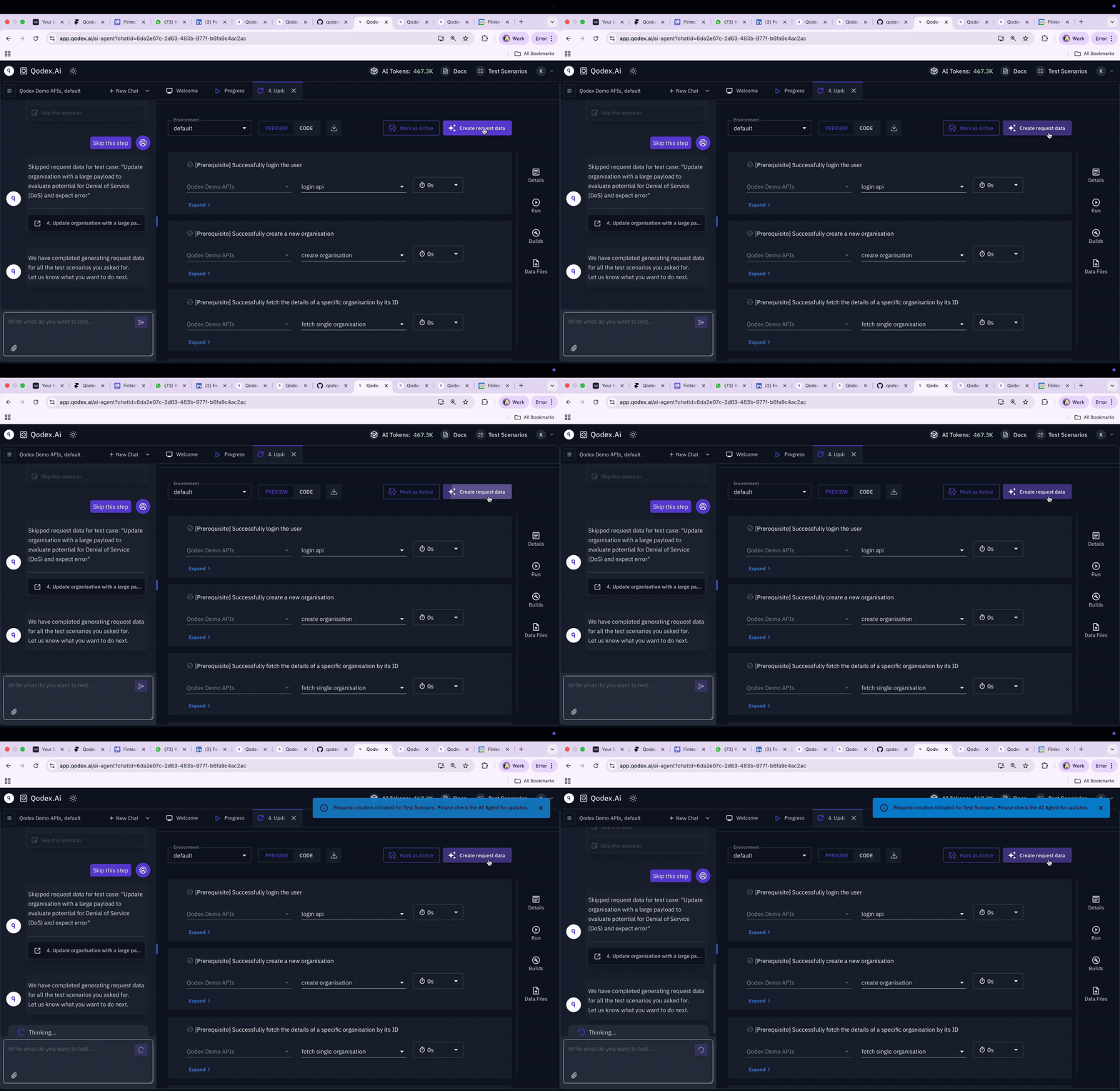
How it works
A request needs four things populated before it can run: params, headers, body, and auth. Qodex builds those values from three sources, in priority order:- Captured values from earlier steps in the same scenario (
${token},${userId}). - Manual values you typed into the step or the endpoint catalog row.
- Generated values from the agent, derived from the endpoint’s spec schema.
Generated data from the agent
When the agent authors a scenario, it reads the endpoint’s request schema from the catalog row and fills realistic values for every required field. Generated data respects:- Field types: strings, numbers, booleans, arrays, nested objects.
- Schema constraints: enum values, format hints (
email,uuid,date-time), min/max bounds. - Auth requirements: any auth declared in
securitySchemesorrequest.authis preserved structurally on the step. - Inter-step dependencies: if step 2 needs a
userId, the agent adds a capture on step 1 instead of inventing a value.
- Happy path with valid required fields.
- Validation error with a missing or invalid required field (expected 400 or 422).
- Auth required with no token (expected 401).
- IDOR with a different user’s resource ID (expected 403).
- Input validation with attack-shaped payloads (expected 400, not 500).
active.
Manual data
Skip the agent when you already know the exact payload.- Open the scenario in the editor.
- Click into a step.
- Use the tabs:
- Params: query and path parameters.
- Headers: request headers.
- Body: pick a mode (
json,text,xml,form-urlencoded,multipart,binary) and edit the content. - Auth:
none,inherit,basic,bearer, orapiKey.
- Use
${var}to reference an environment variable or a captured value from an earlier step. - Save.
- You’re testing a specific edge case the agent wouldn’t reach (a payload that exploits a parsing quirk).
- You have a known-good fixture you want to use verbatim.
- The endpoint’s schema is wrong or out of date, and you don’t want to wait for the spec update.
Combining the two
Common pattern: let the agent generate the body, then hand-edit the field that matters to your business logic. A real example: an order endpoint where the agent generates a valid 5-line cart, but you want the test to specifically exercise the case where every line has the same SKU. Let the agent scaffold the structure (header, auth, body shape), then edit theitems[] array to repeat one SKU. The captures, expectations, and auth stay untouched. Your edit persists across re-runs.
The agent is fastest at structure and weakest at business-specific values. The hybrid flow lets Qodex handle the shape while you keep control of meaning.
Reusing data across scenarios
Two patterns:- Environment variables: declare reusable constants (test emails, fixture IDs, feature flags) once on the environment as
variables. Reference with${var}in any step. - Postscripts on saved Playground requests: write captured values back into the environment after a one-off Playground call (see Chaining and postscripts).
Related
Scenarios
Where step data lives.
Chaining and postscripts
Pass captured values between steps.
Test rules in plain English
The assertions the data has to satisfy.
API Playground
Build a request by hand before promoting.