
OWASP API Top 10 in Qodex
Qodex uses the OWASP API Top 10 as a practical testing map. For each risk category, the agent can create probes, save scenarios, verify whether the app blocks the attack, and open findings when the attack succeeds. This page focuses on how Qodex runs those checks. OWASP remains the source of truth for the formal category definitions.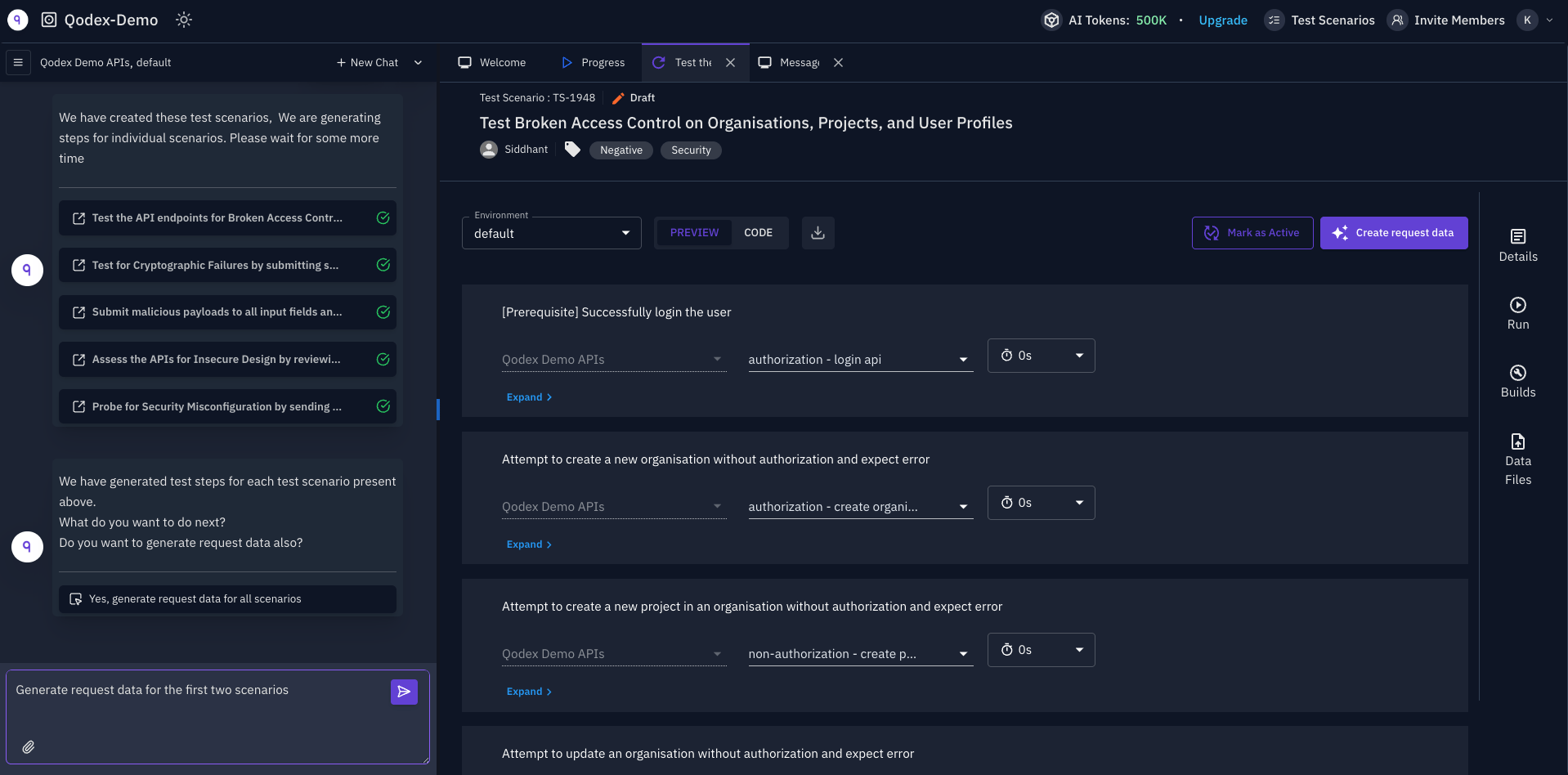
Start in chat
Security testing runs through the API security testing skill. Pick Security Testing from the skill list in a new chat, type/security, or just describe the work:
What Qodex checks
Beyond the ten API categories, the same catalogue covers cross-tenant access, file upload abuse, credential leakage in responses, OAuth scope over-request (found in linked code), and browser-confirmed issues such as stored script, CSRF, and cookie flags. Response headers and clickjacking belong to Security scans, and vulnerable dependencies belong to Code scan.
How a finding is created
When a probe proves a vulnerability, Qodex files a finding with the facts needed to reproduce it:- Severity such as
critical,high,medium,low, orinfo, rated by impact and who can reach it. - OWASP category and attack type.
- Affected endpoint or flow.
- Request and response evidence.
- The basis: the rule, endpoint note, or your words that say the behavior is not allowed.
- Reproduction steps.
- Suggested remediation.
How scenarios are saved
Each confirmed or blocked probe can become a scenario. The expected result is always the secure behavior. For example, a BOLA scenario expects403 or 404 when User B tries to read User A’s resource.
If the app returns 200, the scenario fails and Qodex opens a finding. The assertion is not relaxed to match the vulnerable behavior.
How to scope a run
Security testing can be broad or narrow. For a safer, clearer run, name the exact surface:Related
Security scenarios
Learn how OWASP probes become saved scenarios.
Inverted semantics
Understand why pass means blocked and fail means vulnerable.
Sensitive endpoints
Scope destructive and invasive checks by environment.
Findings
See where confirmed vulnerabilities are tracked.