
Re-run failed tests
Re-running helps you confirm whether a failure is fixed, flaky, stale, or tied to a temporary environment issue. There are two useful patterns: rerun the original plan from a previous test run, or start a new run scoped to scenarios whose last run failed.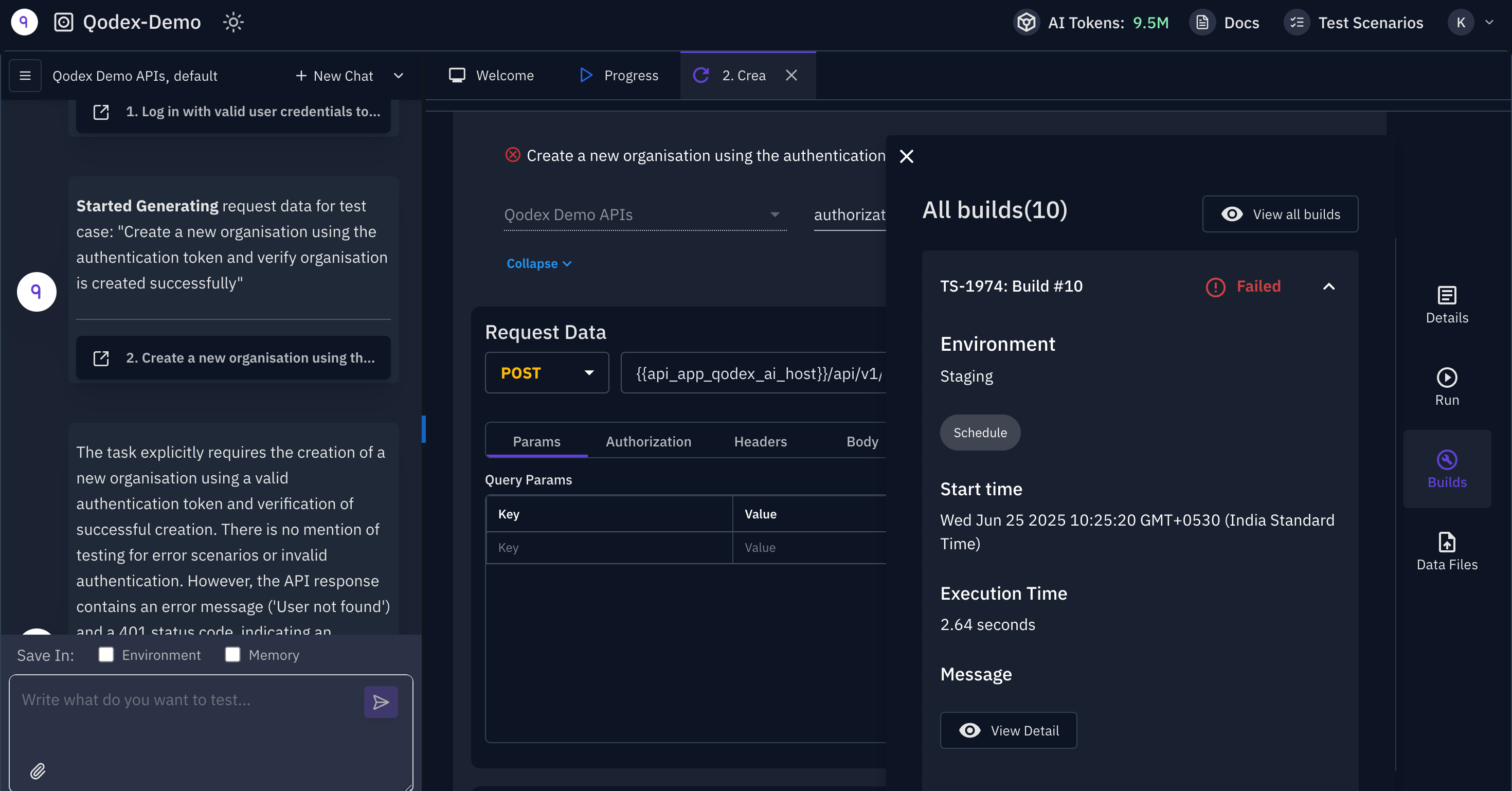
Rerun the original plan
Open a test run and click Rerun. Qodex creates a new run using the original plan and environment. The new run keeps:- The same planned scenarios.
- The same environment.
- The same grouping behavior.
- The same CSV snapshot when the original run used one.
- A new title prefixed with
Rerun:.
Run only scenarios that failed recently
If you want to focus only on current failures, open Test > Scenarios, set the Last run filter to Fail, then click Run all. The run goes to the environment selected at the top of the page. This creates a new scoped run from the filtered scenario list. It is useful after a fix, when you do not want to run the entire suite again.Compare artifacts
Open the original run and rerun side by side. Compare:- Step screenshots.
- API request and response evidence.
- UI DOM, console, and network artifacts.
- Failure labels.
- Findings created or verified by each run.
Related
Run a single scenario
Reproduce one failed scenario in isolation.
Run tag-filtered scenarios
Rerun a known subset such as regression or critical.