Curl Converter: Convert Curl to Code
Paste one bash-style curl command and read it back as JavaScript fetch, Node axios, Python requests, Go net/http, PHP cURL or Playwright. The command is processed in your browser and is not sent to a server, and the tool does not run the request.
- Paste a bash-style curl command, or load the sample one.
- Pick an output language and read the parsed request beside it.
- Check the warnings and limits, then copy the code.
How to convert curl without changing the request
Paste one bash-style curl command and the converter above writes the same request as JavaScript fetch, Node axios, Python requests, Go net/http, PHP cURL or a Playwright test. The command is processed in your browser and is not sent to a server, and the tool does not run the request. The rest of this page covers what it accepts, a worked example, and the places where converted code cannot behave exactly like curl.
What Is a Curl Converter?
A curl command is a request written for a terminal. A curl converter reads that text, works out the request it describes, and writes the same request in a programming language. The request itself is never made. Conversion is a translation job, not a client.
The distinction matters when you are debugging. Copying a call out of browser DevTools as curl reproduces something your app did; converting it gives you that same call as code for a script or a test. If the code then behaves differently, the difference sits in the client library, and each target lists the cases this tool knows about.
How This Curl Converter Works
Three steps, all of them in your browser. A bash tokenizer splits the command into words and handles single quotes, double quotes with backslash escapes, the ANSI-C quoting Chrome uses for exotic bytes, line continuations and comments. The parser reads the options into one request model: method, one URL, the headers in your order, the body, credentials from -u, and the flags that change what goes on the wire. Six generators render that model, so every tab describes the same request.
The request panel next to the code shows what the parser understood: method, URL, body size, header count, whether redirects are followed, and the overall and connect timeouts if the command set them. Read it before you copy anything. When the panel disagrees with what you meant, the generated code will disagree too.
The command is processed in your browser and is not sent to a server, and the tool does not run the request or call your API. One checkbox replaces recognised authentication headers and -u credentials in the server-side outputs with environment-variable reads; it does not cover URLs, bodies, unrecognised headers, or browser fetch, which gets a placeholder constant instead.
What the Converter Supports
Six outputs: JavaScript fetch, Node axios, Python requests, Go net/http, PHP cURL and Playwright APIRequestContext. The Playwright target is a whole test file with an assertion on the status, not a bare request.
The options it reads are the ones DevTools and API documentation actually produce. Method and headers: -X and -H, including repeated headers, a trailing semicolon for an empty value, and an empty value that drops a header curl adds itself. Bodies: -d, --data-raw, --data-binary, --data-ascii, --data-urlencode, --json, -F and --form-string. Transfer behaviour: -G, -I, -L, -k, --compressed, -b, -A, -e, --url, -m, --connect-timeout and -u. Short options combine, so -sSL works, and a value can be attached, so -XDELETE works.
Other recognised curl-only options become notes or warnings; unknown options are refused by name. The flags -s, -S, -v, -i, -f, -O, -N, -o, -w and the HTTP version switches change how curl behaves, not what it puts on the wire, so they become notes. The options --retry, --proxy, --cacert, --cert and --key raise a warning instead of invented code, because the equivalent belongs in your runtime configuration.
Worked Example: A JSON POST With Bearer Auth
Paste this command:
curl 'https://api.example.com/v1/orders' \
  -X POST \
  -H 'Authorization: Bearer sk_live_2f9a' \
  -H 'Content-Type: application/json' \
  --data-raw '{"sku":"A-1","qty":2}'
The Python requests tab returns this, copied from the tool:
import requests

url = "https://api.example.com/v1/orders"
headers = {
    "Authorization": "Bearer sk_live_2f9a",
    "Content-Type": "application/json",
}
data = "{\"sku\":\"A-1\",\"qty\":2}"

response = requests.request("POST", url, headers=headers, data=data, allow_redirects=False, timeout=30)
print(response.status_code, response.text)
The mapping is one to one. The -X POST becomes the method argument, each -H an entry in headers in your order, and the --data-raw value a string rather than a dict, so the bytes on the wire are the bytes you pasted. Two arguments are added instead of translated, and the tool says why: allow_redirects=False, because requests follows redirects and this command has no -L, and timeout=30, because requests waits forever without one.
The request panel beside it reads POST, https://api.example.com/v1/orders, a body of 21 characters, 2 headers, redirects not followed. Tick the environment-variable box and the Authorization line becomes os.environ["AUTHORIZATION"], with the import added above it. Rotate any live key you paste into a tool you do not control, this one included.
Limits and Plain Errors
The converter refuses input it cannot parse correctly, and the message names the reason. Each target lists its own known runtime differences beside the code.
Refused outright: Windows cmd syntax, meaning curl.exe, caret escapes, caret line continuations or %NAME% variables; options it does not know; shell variables; command substitution; subshells; pipelines; command separators; a line break that is not a backslash continuation, because in a shell that starts a second command; redirection; more than one URL; a scheme that is not HTTP or HTTPS; and a command that mixes -F with -d. Unknown options are refused by name rather than ignored: ignore an option whose argument count you cannot know and it swallows the URL, leaving you working code aimed at the wrong address.
Warned about rather than refused: -b pointing at a cookie file, -u with no password, a URL holding brackets or braces without --globoff, and a body or form part read from a local file with @ or <, because the generated code opens that path at run time and browser fetch cannot.
Each output also states its own limits. Browser fetch cannot set a Cookie header, send a body with GET, skip certificate checks or read environment variables, so those parts are left out and listed, and cross-origin browser fetches are subject to CORS. Python requests has no timeout of its own. Go treats a 4xx as an ordinary response, so you read StatusCode yourself. In Playwright, ignoreHTTPSErrors and cookie storage belong to the context rather than to one request, and a command with no -m gets timeout: 0, so the test does not inherit Playwright's 30 second default. Only PHP cURL has a separate connect phase, so --connect-timeout is translated there and listed as a limit everywhere else. A header name sent twice survives as two headers in fetch, Go and PHP; axios, requests and Playwright hold one value per name, so the values are joined and the tab says so. A Content-Type you wrote yourself is dropped for a multipart body, because only the client knows its boundary.
When to Move From Conversion to Automated Tests
A converted snippet reproduces one request, once, with the values you pasted, which is enough to debug a call or start a script. It turns into a test when you add what a snippet has no room for: an assertion about the response, a fresh token per environment, data you create and clean up, and a run on every change. Our guide to API automation testing covers that move, and the curl commands worth knowing covers the terminal side of it.
Qodex is the other end of the same job. Import a spec, a Postman collection, a spreadsheet, or one sentence. Runnable scenarios, run against every PR preview, replayed. Generated tests are standard Playwright and HTTP code, parameterized per environment, synced to git, and exportable.
Start with your own API, or see how Qodex API testing works.
Frequently Asked Questions
Is this curl converter client-side?
Yes. Tokenizing, parsing and code generation all run in your browser. The command is processed in your browser and is not sent to a server, and the tool does not run the request or call your API. Nothing about the conversion needs a server, so no part of your command reaches one.
Which curl options are supported?
The ones DevTools and API docs produce: -X, -H, -d, --data-raw, --data-binary, --data-ascii, --data-urlencode, --json, -F, --form-string, -G, -I, -L, -k, --compressed, -b, -A, -e, --url, -m, --connect-timeout and -u. Short options combine and attached values work. Other recognised curl-only options become notes or warnings, and unknown options are refused by name rather than ignored.
Why does it reject my Windows cmd command?
Because cmd quoting is not bash quoting: the caret escapes, double quotes nest differently, and %NAME% expands. Reading cmd text with bash rules would build a different request from the one you ran. In DevTools choose "Copy as cURL (bash)" and paste that instead. A plain refusal is safer than a guess at what the caret meant.
How do I convert curl to Python requests?
Paste the command and open the Python requests tab. You get an import, the URL, a headers dict, the body as a string and one requests.request call. Two arguments are added and labelled: allow_redirects, because requests follows redirects while curl does not, and a 30 second timeout.
Why can fetch fail when the curl command works?
A browser is not a terminal. Cross-origin browser fetches are subject to CORS, so the server has to allow your origin. The browser sets the Cookie header itself and refuses a script value, a body cannot go with GET, and certificate checks cannot be skipped. The tool lists each of these beside the code.
Does the converter run my request or expose my API keys?
No. The tool does not run the request or call your API, and the command is processed in your browser and is not sent to a server. Tick the environment-variable box to keep recognised authentication headers out of the generated code, and rotate any live key you have pasted into a tool you do not control, this one included.
Can it convert file uploads, variables or multiple URLs?
Multipart fields from -F convert, and a part read from a local file with @ or < converts with a parser warning, since browser fetch cannot open a path. Shell variables are refused, because the tool cannot know their values. Two URLs are refused as well: curl would make two requests, so convert them one at a time.
When should I turn a converted request into an automated API test?
When one request stops being enough. Assertions about the response, tokens that differ per environment, data created and cleaned up around the call, a run on every pull request, evidence when it fails: none of that fits in a snippet. That is the point to move the request into a suite.
Related Articles
Turn one request into a test suite
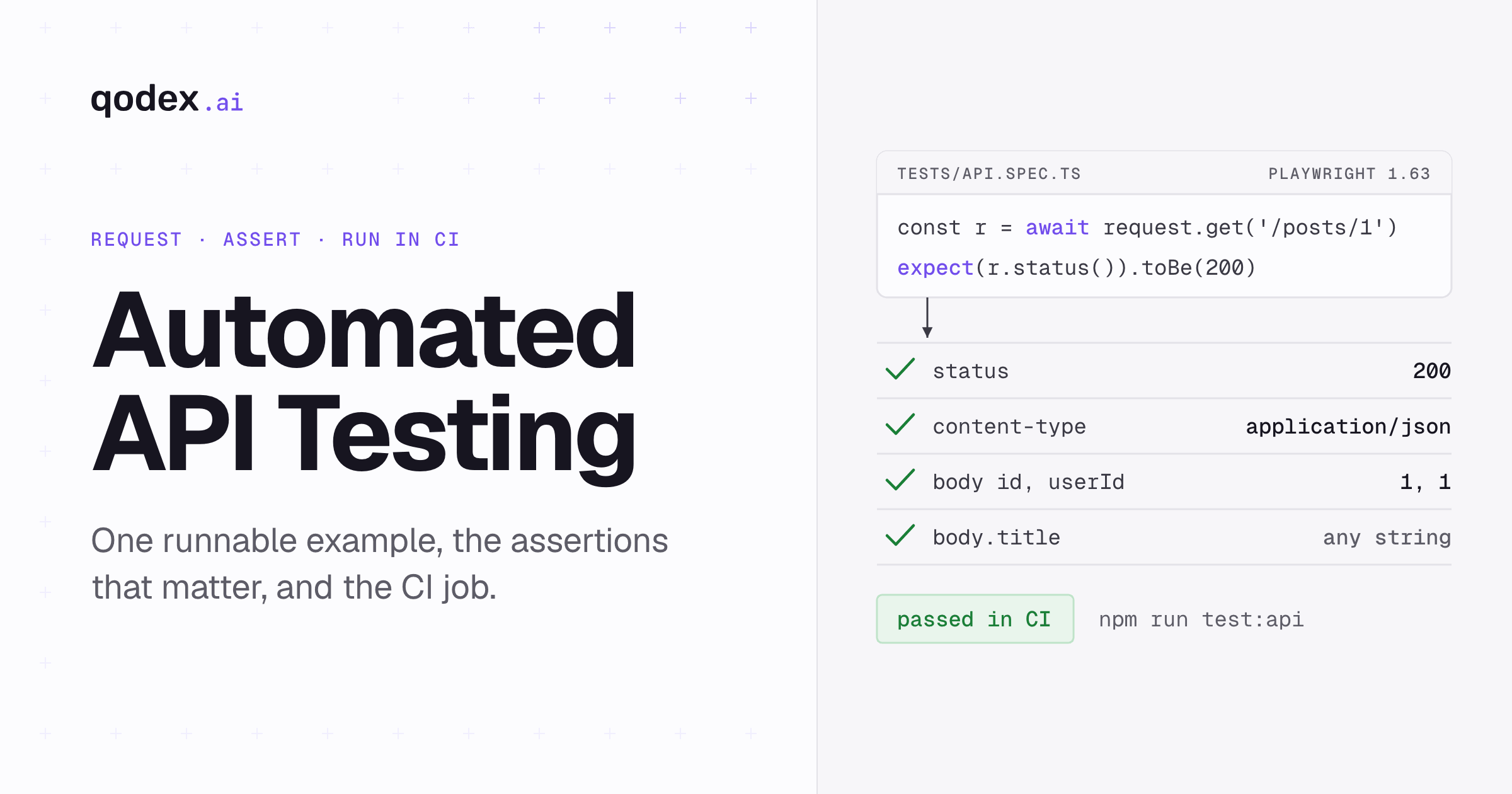
Import a spec, a Postman collection, a spreadsheet, or one sentence. Qodex writes runnable scenarios, runs them against every PR preview, and replays them.