Automated Code Review: How It Works and When to Use It
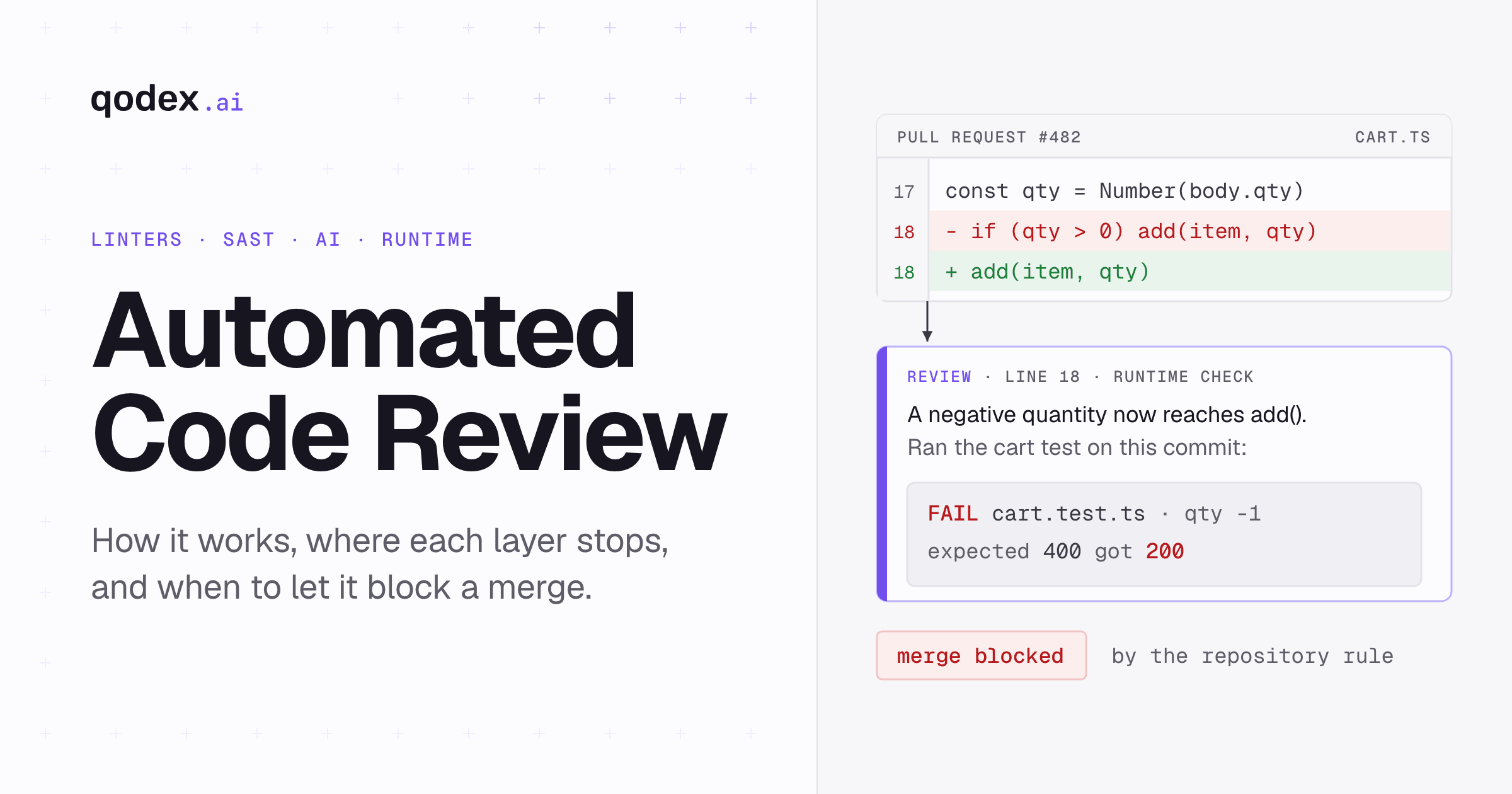
Automated code review uses software to inspect code changes before merge. It can enforce formatting and rules, trace data and control flow, flag likely bugs with AI, and report results in the IDE, CI, or pull request. Use it for fast, repeatable checks on every change. Keep human reviewers for intent, architecture, product behavior, and any finding whose correctness the tool cannot prove.
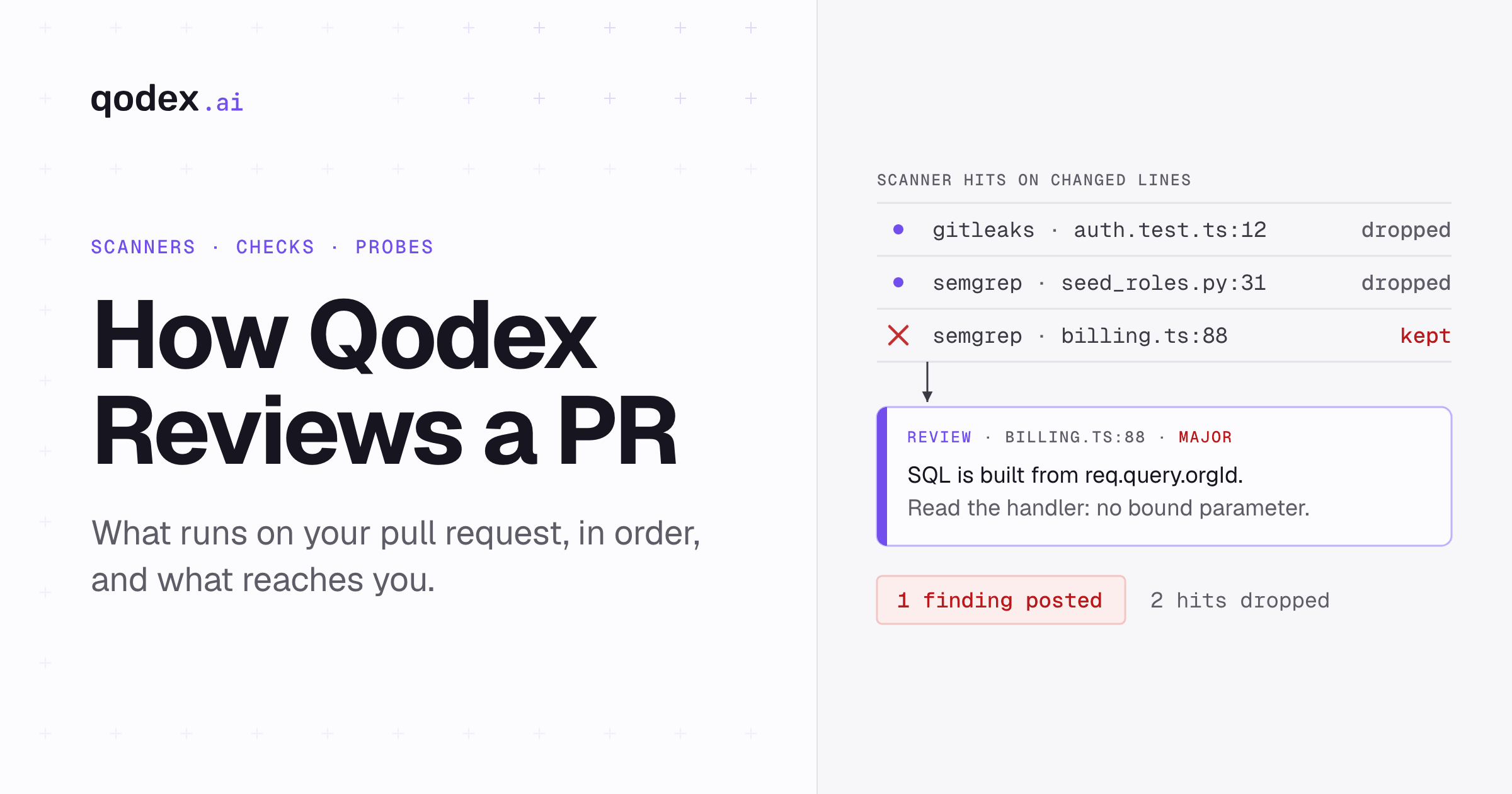
Qodex runs six passes: static analyzers, a full read of every changed file, a blast-radius pass over the code graph, two frontier models, live probes against the preview, and a Check Run that can gate the merge.
What Is Automated Code Review?
Automated code review is software inspecting a change and reporting findings without a person driving it. A tool reads the code or the diff, applies repeatable checks, and posts what it found. Sonar, which sells one kind of these tools, describes the job as systematic inspection for bugs, security vulnerabilities, and deviations from coding standards. That definition fits rule-based tools well. It is narrower than the category as teams actually use it, which now includes reviewers built on large language models.
Two words get mixed up here. Automatic review means the check fires on its own, on a schedule or on a trigger such as a pull request opening, and reports what it sees. Autonomous or agentic review means the tool decides what to look at, gathers its own context, and sometimes proposes or applies changes. A linter in CI is automatic. A reviewer that pulls issue tracker context and drafts a fix is closer to autonomous. The distinction matters because the second kind needs more supervision, not less.
The boundary with human review is well documented. Google's engineering practices put design first. A reviewer checks that the code is well-designed and that the functionality is good for the users of the code. They also check that the change is no more complex than it needs to be, that tests are sensible, that names and documentation are clear, and that the change does not degrade the health of the system. Those are judgments about intent and fit. A tool can raise candidates. It does not settle them.
How Automated Code Review Works
The flow has a common shape. Something triggers the review: a commit, a push, a pull request opening, or a person asking for it. The tool collects the changed code and whatever context it can reach, which may be the diff alone, the surrounding files, a repository index, or an external system. It analyzes. It publishes findings as comments, annotations, or a status on the pull request. Then, optionally, a repository rule decides whether those findings can block the merge.
That last step is separate from the tool. On GitHub, blocking comes from rulesets, which can require reviews before a pull request merges. The reviewer reports; the repository policy decides. Teams that conflate the two end up gating on findings they have not learned to trust yet.
Underneath the shared flow sit four different mechanisms. Teams often run more than one.
Linters and Formatters
A linter parses the code and matches it against rules: unused variables, inconsistent quoting, a comparison that is probably wrong. A formatter rewrites layout to a fixed style so the question never reaches review. Both are deterministic. The same input gives the same output, which makes them cheap to run on every commit and safe to make a required check early. Their limit is that a rule only knows its own pattern. It cannot tell you a function returns the wrong number, only that the shape of the code matched something in the list.
Static Analysis and SAST
Static analysis examines code without running it. Deeper tools parse into abstract syntax trees, control-flow graphs, and data-flow models, then track values across functions and files. That is what lets a scanner follow user input from an HTTP handler into a SQL string several calls away. Security-focused static analysis, usually sold as SAST, applies the same machinery to vulnerability patterns such as injection, unsafe deserialization, and weak input validation. It is still pattern matching, but over a model of the program rather than over text.
AI Review
An AI reviewer sends the change to a language model with some context and turns the response into comments. GitHub's Copilot code review is one example: it identifies issues in a pull request, suggests fixes, and can gather project context from repository instructions, agent skills, and MCP servers. GitHub is direct about the limits in its own documentation. Copilot is not guaranteed to spot all problems, it sometimes makes mistakes, and the instruction is to "supplement Copilot's feedback with a human review".
Cost and coverage are product decisions, not properties of the category. GitHub estimates a Lite review at $0.05 to $1 of AI credits and a Balanced review at $0.25 to $5, excluding Actions minutes, and says those ranges may change as models evolve. It also skips some files entirely, including dependency manifests such as package.json and Gemfile.lock, log files, and SVGs. Read the equivalent page for whichever reviewer you pick, because the answers differ.
Runtime Verification
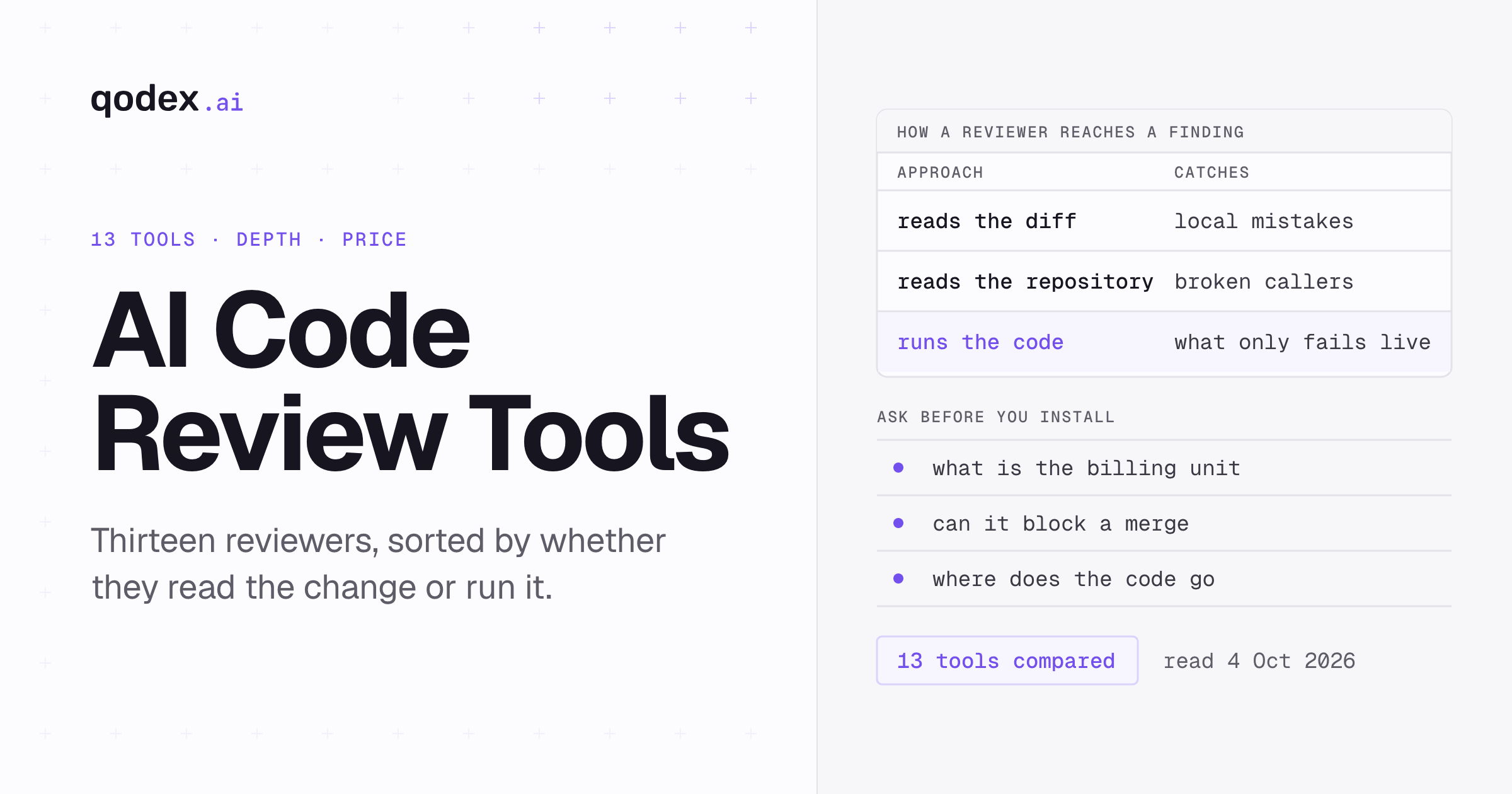
Nothing above runs your code. Tests, contract checks, and probes against a deployed preview do. That is why they catch a different class of problem: a handler that type-checks and still returns a 500, an authorization path that reads clean and grants access it should not, a break that only appears when two services talk. Treating this as a review layer rather than a separate stage is an editorial choice, not a settled taxonomy. It is a useful one, because the evidence a run produces is a failing request rather than a hypothesis.
When Should You Use Automated Code Review?
The case is strongest where the work is repetitive and the rule is clear. If the same style comment keeps appearing in pull requests, a formatter ends the argument permanently. If your team has a coding standard that nobody can recite from memory, a linter turns it into something enforceable. These are cheap wins and they compound, because the human reviewers stop spending attention on them.
Volume is the second trigger. A small team merging a few changes a week can review everything by reading it. As the volume rises, review becomes the bottleneck, and the queue grows fastest for the reviewers everyone trusts. Automated passes shorten the human read rather than replacing it, which is the part that moves the queue.
Security is the third. Deep static analysis follows data across files in ways a reader will not reliably reproduce under time pressure, and it does it on every change instead of on the ones someone remembered to check. It is a floor, not a guarantee. OWASP still publishes its Code Review Guide as version 2.0 from July 2017. It puts the point plainly: while security scanners improve every day, manual security code review still deserves a prominent place in the development lifecycle.
The case is weaker when correctness depends on behavior nobody has encoded. If the risky part of your change is whether a pricing rule matches what the business agreed, no static tool will tell you. Write the test, or send it to a person who knows. Risk is the filter: the higher the cost of being wrong, the more of the review should be evidence rather than inference.
Automated Versus Manual Code Review
The comparison is usually framed as a contest, which is the wrong frame. Automated checks and human reviewers fail at different things. A rule engine never gets bored on a long diff and never skips the mechanical parts of it. A person understands what the change is for. Neither substitutes for the other, and a team that drops one to buy the other notices the gap.
The practical question is which method owns which finding, and which findings are safe to block a merge on. The table below sorts that out. Note that the last row, human review, is a method on the same list, not the thing the other rows are trying to beat.
| Review method | Runs code? | Best at | Common blind spot | Where it runs | Safe merge-gate use | Still needs a human? |
|---|---|---|---|---|---|---|
| Formatter or linter | No | Style, layout, simple rule violations | Anything needing intent or behavior | Editor, pre-commit hook, CI | Safe to gate once the ruleset is tuned | Rarely, beyond agreeing the rules |
| Static analyzer or SAST | No | Known bug and vulnerability patterns traced across files | Logic that is correct in pattern and wrong in purpose | CI, scheduled scans, pull request | Gate on high-confidence rules; triage the rest | Yes, to confirm severity and exploitability |
| AI pull-request reviewer | No | Readability, missing handling, orienting summaries | Unverified claims; context it was never given | Pull request, editor | Advisory first; gate only proven categories | Yes, every finding is a suggestion |
| Tests or live verification | Yes | Runtime failures, regressions, integration breaks | Behavior nobody wrote a test for | CI, preview deployment | Safe to gate on a real failure | Yes, to judge whether the test or the code is wrong |
| Human review | Sometimes | Design, intent, product fit, system health | Fatigue, volume, mechanical detail | Pull request, design review | Required approvals via repository rules | It is the human |
Types of Automated Code Review Tools
Vendors group themselves by mechanism, and the shortlist follows the layers above. Formatters and linters are language-specific: Prettier, Black, ESLint, gofmt. Static analysis and SAST products work over a model of the program rather than over text, with Sonar, Semgrep, CodeQL, and Snyk the common names. AI pull-request reviewers include GitHub Copilot code review, CodeRabbit, Qodo, and Greptile. Check each vendor's own pricing page before you assume what a layer costs. Verification tooling is the odd one out, because it is often your own test suite rather than a purchase.
Two things make the buying decision harder than the list suggests. The first is that boundaries blur. A product sold as static analysis may run a model as well, and a product sold as an AI reviewer may bundle rule engines, so two products described the same way can work nothing alike. Ask what actually runs, not what the page calls it.
The second is that specialist needs cut across the groups. Database change review, compliance reporting, and binary analysis are separate product categories with separate tools. Check whether the pull-request reviewer you are considering covers them at all before you assume it does. Language depth varies too. Ask which rules and which data-flow analysis a tool runs on the languages in your repository, and try it on your own code rather than on the demo.
For a product-by-product comparison, see our best AI code review tools roundup, and our free AI code review guide for what each free tier allows.
How to Roll Out Automated Code Review
Turning everything on at once is the common way to fail. A team that meets automated review as a flood of comments on their first pull request learns to scroll past it, and that habit is harder to undo than it was to create. Add layers in order of how certain they are, and earn the right to block before you block.
Start With the Deterministic Floor
Put a formatter and a linter in CI first. Tune the ruleset before you enforce it: turn off what your team disagrees with, keep what catches real defects, and only then make it a required check. This layer builds trust because it behaves the same way every time.
Add Deeper Static Analysis in Advisory Mode
Static analysis and SAST come next, reporting but not blocking. Expect a backlog on the first full scan of an existing codebase. Work it down by severity rather than trying to reach zero, and keep the rules you acted on.
Pilot an AI Reviewer on a Few Repositories
Install the AI reviewer on a small set of repositories, not the whole organization. Let it post summaries and inline comments with nothing gated. What you are measuring during the pilot is whether developers read the comments, not how many there are. Our guide to how to do code reviews using AI covers the mechanics of grounding a reviewer in real context, which is what separates a useful one from a noisy one.
Tune From What Developers Actually Do
During the pilot, watch which comments get acted on and which get dismissed. Raise the threshold on categories people ignore, exclude generated and vendored paths, and feed dismissals back if the tool supports it. A quieter reviewer that is usually right keeps its audience. Pair it with a shared human checklist so people know which items a tool can prove and which need a person; ours is at code review checklist.
Gate Deliberately, Category by Category
Only now configure repository rules to block. Gate on the categories that have proven themselves, typically hard static failures and failing tests, and leave the rest advisory. Decide separately whether a bot approval counts toward your required approvals. On GitHub, Copilot approvals are in public preview and do not count by default, though administrators can enable them to satisfy an approval rule. Enabling that is a policy choice worth making on purpose rather than discovering later.
Metrics That Show Whether It Works
Comment count is not a result. A tool can post comment after comment and prevent nothing. Five measures tell you more, and all of them are ratios or times rather than totals.
Finding precision. Of the findings the tool reports, the share that are real. Count a finding as real if a developer changed the code because of it or confirmed the issue. This is the number that decides whether people keep reading.
Action rate. Comments resolved or addressed, divided by comments posted. It tracks precision but is easier to pull from the pull request data you already have. A falling action rate is the earliest sign of fatigue.
Pre-merge catches. Defects found before merge as a share of all defects found. Automated review exists to move this ratio earlier.
Escapes. Defects that reached production which the review could have caught, counted per release or per month. If this does not move after rollout, the review is decoration.
Feedback time. Minutes from pull request opening to the first automated comment. A review that lands after the author has moved on costs more attention to act on.
Resist publishing thresholds. What counts as acceptable precision depends on your codebase, your rule set, and how noisy the alternative is, and no independent benchmark compares these tool categories on one representative corpus. Track your own trend and compare it against itself.
Common Failure Modes
Automated review fails in a small number of repeatable ways. Many of them are process problems, so a different tool does not fix them.
Noise. Too many low-confidence comments and people stop reading all of them, including the correct ones. The fix is fewer categories and higher thresholds, not asking the team to try harder.
Rubber-stamping. Reviewers defer to the bot and stop reading. The bot becomes the only reviewer, and its blind spots become nobody's job. Keep a person on design and intent.
Coverage theater. Reporting pull requests scanned and comments posted instead of defects caught. The dashboard improves and the escape rate does not.
Missing context. A reviewer that cannot see the calling code, the config, or the ticket will flag things the surrounding system already handles. Before blaming the model, check what it was given.
Gating on guesses. Blocking a merge on an unverified hypothesis teaches people to route around the gate, and the gate then protects nothing. Block on what you can prove.
Assuming a reader catches runtime bugs. A tool that never executes the code cannot confirm an authorization regression or a cross-service break. A 2025 arXiv study of Copilot code review across labeled vulnerable datasets found it reviewed 878 of 898 files in one Wireshark test suite and generated no comments at all. That is one product at one point in time, not a verdict on AI review, but it is a clear illustration of what a reader cannot see.
Frequently Asked Questions
What is automated code review in simple terms?
Automated code review is software inspecting a code change and reporting findings before a person approves it. The tool applies repeatable checks to the code or the diff, posts comments or a status on the pull request, and optionally feeds a repository rule that can block the merge. It shortens the human read rather than replacing it.
How does automated code review work?
A trigger fires, usually a commit or a pull request opening. The tool collects the changed code plus whatever context it can reach, analyzes it with rules, data-flow models, a language model, or a test run, and publishes findings. A separate repository policy, such as a GitHub ruleset, decides whether those findings can block the merge.
What are the benefits of automated code review?
Every change gets the same checks, so coverage does not depend on who was on rotation. Feedback arrives as soon as the check runs, without waiting for a reviewer to be free. Mechanical findings are cleared before a person opens the diff, so human attention goes to design and intent. Standards become enforceable instead of remembered.
Can automated code review replace manual review?
No. Tools are strong on repeatable checks and weak on judgment. Google's engineering practices put design, functionality for users, complexity, test quality, and long-term code health at the center of a review, and those are human calls. GitHub says the same thing about its own reviewer: supplement its feedback with a human review.
Is automated code review the same as AI code review?
AI code review is one part of automated code review. The wider category includes formatters, linters, and static analysis, which apply fixed rules rather than a model. AI review means a language model reads the change and comments. Many teams run both.
What is the difference between a linter, static analysis, and AI review?
A linter matches code text against rules and is deterministic. Static analysis builds a model of the program, including syntax trees and control-flow and data-flow graphs, and traces values across files. AI review sends the change to a language model, which produces suggestions rather than proofs. The first two repeat exactly; the third does not.
Can automated review find security and logic bugs?
Static analysis and SAST find known vulnerability patterns, including injection and unsafe deserialization, by tracing data flow. AI reviewers surface some security smells and some logic slips, without guarantees. Neither confirms exploitability. A published study of one AI reviewer found it silent across most files in a vulnerable C test suite, which is why OWASP still argues for manual security review alongside scanners.
Should automated findings block a merge?
Block on findings you can prove: hard static rule failures and failing tests. Keep AI suggestions advisory until a category has shown it is reliable on your codebase, then gate that category alone. On GitHub the gate is a repository ruleset rather than a tool setting, so decide it as policy.
Which metrics should an engineering team track?
Finding precision, action rate, pre-merge catches, escapes, and feedback time. Track them as a trend on your own repositories. Avoid borrowed thresholds, because no independent benchmark compares linters, static analyzers, AI reviewers, and test-backed verification on a shared corpus.
How do I choose a tool for Python, Java, databases, binaries, or compliance?
Start with the mechanism you need, then check depth on your stack. Ask which rules and which data-flow analysis run on your languages, and try the tool on your own repository before you buy. Database change review, binary analysis, and compliance reporting are separate product categories, so check whether one reviewer covers them or you need separate tools.
Conclusion
Automated code review is a set of layers, not one product. Formatters and linters give you a cheap floor. Static analysis traces what a reader cannot hold in their head. AI reviewers suggest, and you verify. Tests provide runtime evidence for covered behavior. Pick the layers that match the risk in your changes, gate only on what you can prove, and keep people on design, intent, and whether the change was the right idea. If you need a different quality gate or deployment model, compare the current SonarQube alternatives.