OpenAPI Validator for JSON and YAML
Paste or drop an OpenAPI 3.0 or 3.1 document. It is checked in this tab against the official schema for its version, then against a second pass of practical rules. The document is processed in your browser and is not sent to a server.
- Paste or drop your JSON or YAML OpenAPI document, or load the sample one.
- Read the verdict, then each finding with the rule behind it and its line and column when available.
- Fix the document and validate again, then move the same check into CI.
Validate the document before you test the API
The validator above reads one OpenAPI 3.0 or 3.1 document, as JSON or as YAML, and checks it in two layers: the official OpenAPI JSON Schema for the version it declares, then a separate pass of rules that schema cannot express. Every finding carries the rule that produced it, a JSON Pointer, and the line and column when available. The document is processed in your browser and is not sent to a server.
What an OpenAPI Validator Checks
An OpenAPI document describes an HTTP API. It is a JSON object, written as JSON or as YAML, and validating it means checking that description against the specification: required fields present, values the right shape, references pointing at something that exists. It is a check on the document, not on the API.
Two version numbers sit near the top and they mean different things. The openapi field names the specification version the document follows, such as 3.1.1. The info.version field names the version of your own API, such as 4.2.0. Only the first decides which rules apply.
Format is not a separate question. JSON and YAML describe the same object model, so a document is read either way and the tool tells you which reader it used. A file that looks like JSON has to be valid JSON.
How This Validator Works
It reads the text first. The format is taken from the first non-whitespace character, the document is parsed with line numbers kept, and a duplicate key is reported as a parse error rather than being silently collapsed to the last one. When parsing fails, including on a duplicate key, the verdict is "Could not read it", you get the parser's message and the line, and validation stops there.
Then it reads the openapi value and picks a validator. A 3.0.x document goes to the official 3.0 schema, revision 2024-10-18. A 3.1.x document goes to the official 3.1 schema-base, revision 2026-08-03, which checks Schema Objects as well. A 3.1 document that declares a jsonSchemaDialect other than the OAS base dialect is checked with the schema that leaves Schema Objects alone, and the page says so instead of reporting errors against rules you did not choose.
The second layer is the semantic pass, named separately because the official schema covers mandatory structure only. It reports references that do not resolve, loops of references, references pointing outside the document, a path template with no matching required path parameter, a declared path parameter no template uses, two paths that collide once the parameter names are stripped, a repeated operationId, a security requirement naming a scheme nobody declared, a tag used but never declared, and a directly defined request body whose media types have no example. The rules are version aware: an operation with no responses is an error under 3.0 and a warning under 3.1.
The verdict itself is one of valid, valid with notes, incomplete validation, not valid, not supported, could not read it, or could not validate. The last one is what a YAML alias pointing at its own anchor gets: the document then contains itself, and neither layer can walk it until that loop is removed.
Limits and Privacy
The document is processed in your browser and is not sent to a server. The tool does not call your API or fetch external references.
That last point has one consequence worth stating plainly. A reference pointing at another file or at a URL is reported and never followed. An error-free document containing one gets the verdict incomplete validation rather than valid. A document that also has errors keeps the verdict not valid, and the detail line and findings still say the check was incomplete. Either way part of the description was never read, so bundle the description into one document if you want a complete answer.
The other boundaries are short. The input limit is 5 MB. Swagger 2.0 is detected and reported as not supported rather than checked against rules written for a different format, so convert it to 3.0 or 3.1 first. A version newer than 3.1 is refused for the same reason. A very long list of structural errors is capped at 150 findings, and the page says how many are not listed.
Last, a valid document is not a working API. Nothing here calls your servers, compares a real response with the schema it claims, or proves the deployed code follows the description.
Worked Example: Fix a Broken Path Parameter
Paste this 3.1 document:
openapi: 3.1.1
info:
  title: Pet Store
  version: "1.0.0"
paths:
  /pets/{petId}:
    get:
      operationId: getPet
      responses:
        "200":
          description: One pet
The verdict is Not valid, with the detail line "1 error in OpenAPI 3.1.1" and this finding:
error  semantic/path-parameter-undeclared
/paths/~1pets~1{petId}/get   line 8

/pets/{petId} contains {petId}, but GET /pets/{petId} declares
no path parameter named petId.
The location is a JSON Pointer, where ~1 is an escaped slash, so it reads as the get operation under the path /pets/{petId}, which starts at line 8. The official schema misses this: a path item with no parameters list is structurally fine. The semantic pass is what catches it.
The fix is six lines under the operation:
      parameters:
        - name: petId
          in: path
          required: true
          schema:
            type: string
Validate again and the verdict is Valid, with the detail "OpenAPI 3.1.1 is valid against the official schema and passes every check here." The inventory beside it reads one path, one operation, no schemas. Leaving required: true out produces structural and semantic findings instead: the schema layer reports the missing property, and the semantic pass gives the reason, which is that every template parameter in a path is always required.
When to Move From Validation to Automated Tests
Treat this as the preflight. A clean verdict means the document passed the checks shown here. It can be used as a preflight before generating documentation or client code. Bugs can still appear between the description and deployed behavior: a field the code returns as a string while the document calls it an integer, or a role that reaches data it should not.
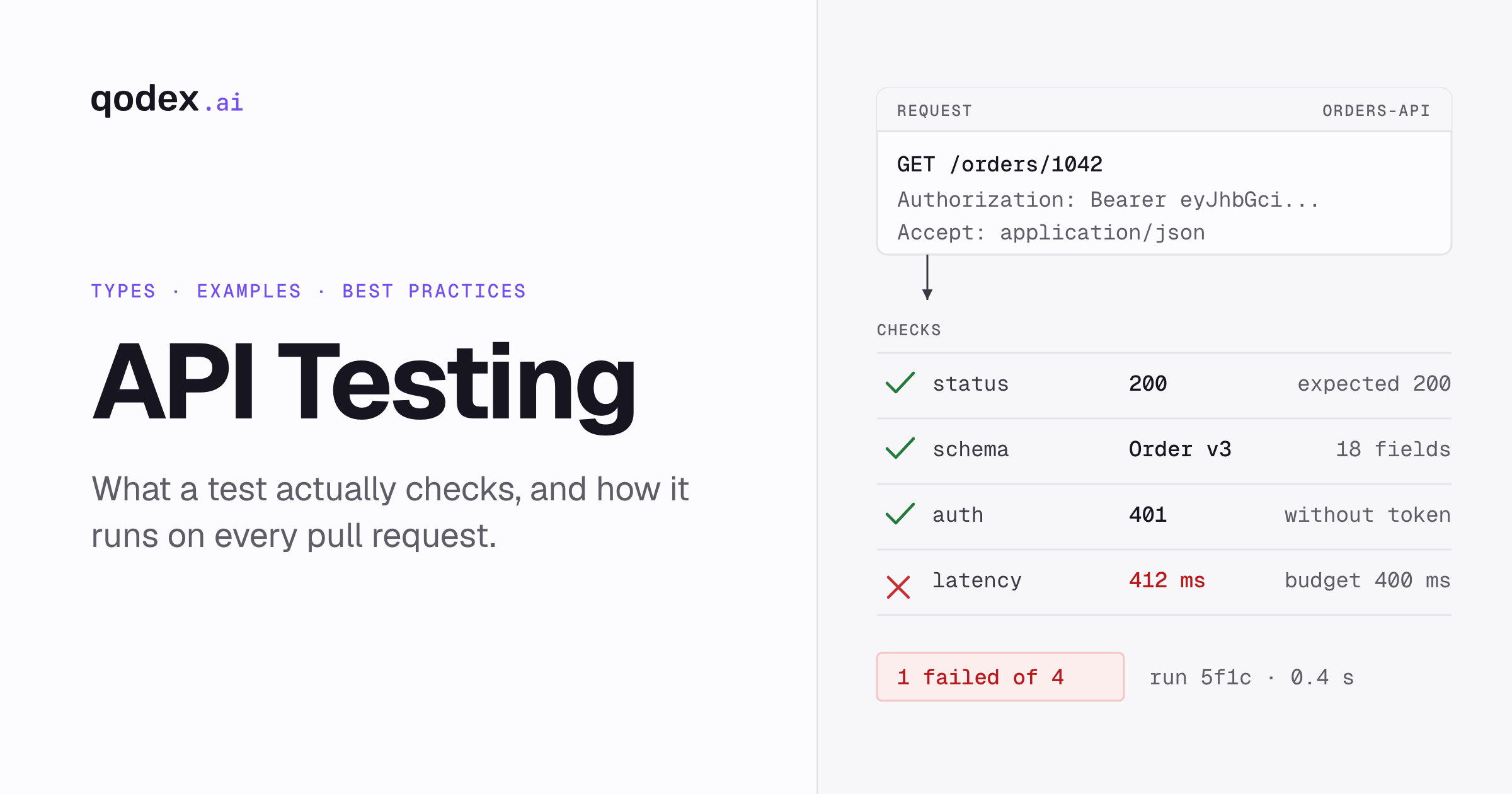
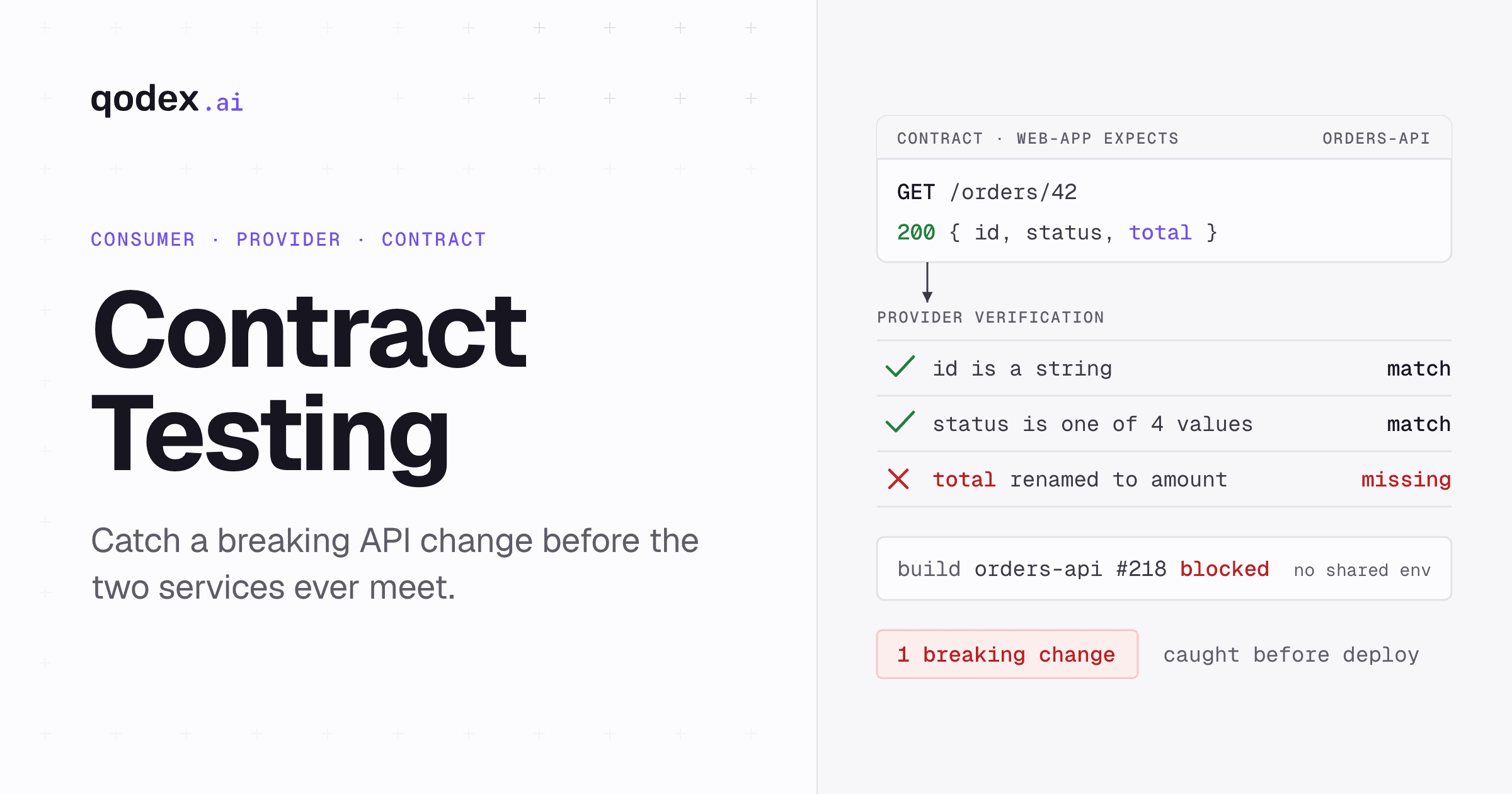
Closing that gap takes real requests against a real deployment. Validate the document in CI so a broken description never merges, then check responses against it on every change, which is what contract testing does. Our API testing guide covers the cases beyond response shape, and the API testing tools roundup covers what to run them with.
Qodex is built for that second step. API tests written from your spec, run on every pull request. Import a spec, a Postman collection, a spreadsheet, or one sentence, and the output is the same in every case: runnable scenarios with contracts, auth and role boundaries, and performance budgets from one agent. Generated tests are standard Playwright and HTTP code, parameterized per environment, synced to git, and exportable.
Turn your validated spec into tests, or see how Qodex API testing works.
Frequently Asked Questions
What is an OpenAPI validator?
A check on the document, not on the API. It reads an OpenAPI description and reports where it breaks the specification: missing required fields, values of the wrong shape, references that point nowhere. A clean result means the file is readable and consistent, not that the deployed API matches it.
Does this validator support OpenAPI 3.0 and 3.1?
Both, and it picks the official schema from the openapi value in the document: revision 2024-10-18 for 3.0 and schema-base revision 2026-08-03 for 3.1. Patch releases in one minor line share a feature set, so 3.0.0 through 3.0.4 and 3.1.0 through 3.1.2 are all handled the same way.
Can I validate both JSON and YAML?
Yes. The format comes from the first non-whitespace character, and the tool reports which reader it used. A duplicate key is reported as a parse error rather than collapsed silently, and validation stops there. A document that looks like JSON has to parse as JSON; it is not accepted as loose YAML instead.
What is the difference between structural and semantic validation?
Structural validation runs the document against the official OpenAPI JSON Schema, which covers mandatory requirements. Semantic validation is the second, separately named pass for what a schema cannot express: unresolved references, path templates with no matching parameter, repeated operation ids, undeclared security schemes. Each finding says which layer produced it.
Are external $ref files fetched?
No. The tool does not fetch external references. A reference pointing outside the document is listed as seen but not checked. An error-free document then gets incomplete validation instead of valid; a document with errors stays not valid and still reports the incomplete check. Bundle the description first for a complete answer.
Does my API specification leave the browser?
No. The document is processed in your browser and is not sent to a server. Parsing, the schema layer and the semantic pass all run in this tab. The tool does not call your API or fetch external references, which is also why a reference pointing at another file is never followed.
Can a valid OpenAPI document still describe a broken API?
Yes, easily. Validation reads the description and nothing else. The deployed code can return a string where the document promises an integer, keep answering on an endpoint the document dropped, or let the wrong role through. Only real requests against a real deployment find those.
When should I add OpenAPI validation to CI?
As soon as more than one person edits the document. A validation step on every pull request stops a broken description merging and breaking the generated clients, documentation and tests downstream. Pair it with response checks against the same document, so the code and the contract are held together.
Related Articles
Turn the validated spec into tests
API tests written from your spec, run on every pull request. Import a spec, a Postman collection, a spreadsheet, or one sentence, and get runnable scenarios back.