
Playwright Locators: Builder and Reference
Paste an HTML fragment and get the Playwright locator we would write for it, the safer fallbacks beside it, a match count for each, and copy-ready TypeScript or Python.
- Paste an HTML fragment, or load the example.
- Pick the element you want to locate.
- Copy the recommended locator and its CI check.
Playwright locator reference: priority, chaining and strict mode
A locator is how a Playwright test says which element it means. Choose badly and the test breaks the next time someone renames a class. The builder above turns a pasted HTML fragment into the locator we would write, counts how many elements each candidate matches, and gives you the code in TypeScript or Python. The reference below covers the priority order, chaining and filtering, strict mode errors, and CI checks.
What Are Playwright Locators?
A locator is a description of how to find one or more elements, not a saved reference to a node. Playwright runs the search again immediately before every action and assertion, which is why a locator survives a re-render and why auto-waiting is built on it. The wider picture is in our UI testing guide.
Two words carry the weight. The role is what an element is: a button, a checkbox, a heading. The accessible name is what it is called: Sign in, Email, Add to cart. That name can come from visible text, an aria-label attribute, an aria-labelledby reference, an associated label element, or a text alternative such as alt. Roles are defined in WAI-ARIA 1.2 and names are worked out by the W3C accessible name computation, so a role locator uses the information a screen reader reads out.
How This Playwright Locator Builder Works
Paste a fragment, pick the element, read the candidates. Every card shows the code, how many elements it matches in your snippet, and why it did or did not win. The winner is the first family in the order below that matches exactly one element.
That order is what Qodex recommends. Playwright does not publish it as a ranked list. Playwright's own rule is broader: prefer user-facing attributes and explicit contracts. Its code generator prioritizes role, text and test ID, and it improves a locator when several elements match.
The limit is worth stating plainly. The builder knows only the fragment you paste. Live JavaScript state, external stylesheets, iframes and shadow DOM are invisible to it, so a locator that looks unique here can still match two things on the running page. That is what the CI check is for. Playwright's role locators also skip ARIA-hidden elements unless you pass includeHidden.
Our guide to other ways to find locators covers the extensions that inspect a live page instead.
Playwright Locator Priority: Role to CSS
Take a signup form with a labelled email field. Three locators reach it:
page.getByRole('textbox', { name: 'Email' });  // role and name
page.getByLabel('Email');                      // the label contract
page.locator('.form-control:nth-child(2)');    // position and class
The first two describe what a person sees and what the form already promises. The third describes the shape of the markup on the day you wrote it. Move the field, add a wrapper or rename the class, and only the third one breaks.
Repeated components are where the order earns its keep. Two product cards, each with an Add to cart button, give you the same role and the same name twice. The fix is not a longer CSS path. It is a scope:
page.getByRole('listitem')
  .filter({ hasText: 'Aurora Desk Lamp' })
  .getByRole('button', { name: 'Add to cart' });
Test IDs sit below role, label, placeholder and text for one reason: they are an explicit contract that survives a redesign, and they test nothing a user can see. A button that has lost its accessible name still passes a test ID assertion. Keep them for the cases where no user-facing attribute is stable.
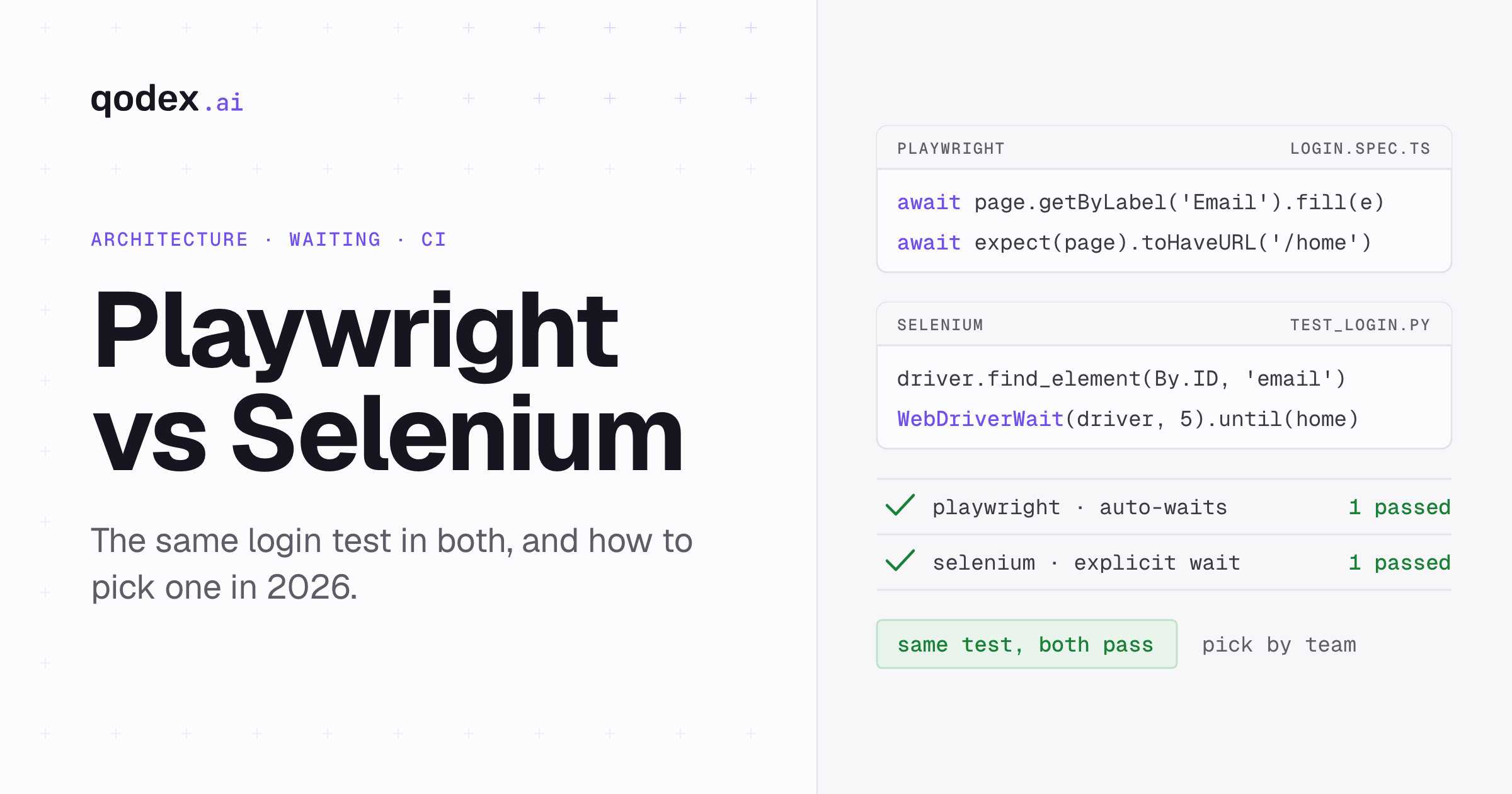
CSS and XPath come last because they are tied to structure. They pass today and break after a wrapper change, and the failure says nothing about whether the feature works. Selenium users notice the difference here, since its By selectors start from the DOM while Playwright's locators start from what the user perceives, which our Playwright versus Selenium comparison covers in detail.
Learn the getByRole options once. Beyond name and exact, you can filter on includeHidden, checked, disabled, expanded, level, pressed and selected, so one locator asserts a state instead of just finding a node. Role locators also flag missing ARIA names, but our roundup of accessibility testing tools covers the real audit.
Chaining and Filtering with has, hasText, and nth
Chaining narrows a search to a region. Each call runs inside the previous match:
page.getByRole('dialog')
  .getByRole('button', { name: 'Confirm' });
Filtering keeps the same set of elements and drops the ones that fail a condition. Use hasText when the distinguishing text sits inside the container, and has when the distinguishing thing is another element. The locator you pass to has is relative to the outer match, not to the page:
const row = page.getByRole('row').filter({ hasText: 'INV-2043' });
const paid = page.getByRole('row').filter({ has: page.getByText('Paid') });
Both have negative twins. hasNotText and hasNot drop the matches that do contain the text or the element, which is the cleaner way to write "the row that is not archived".
The nth method is the last resort. It is zero-based, so nth(1) is the second match, and it opts out of strictness instead of resolving the ambiguity. Playwright's advice is to find a unique locator: a reordered list turns a passing nth(1) into a test that quietly checks the wrong element.
One more sharp edge: or() matches either of two locators, so it can return both at once and trigger strictness on an action. When you are handling two possible states, assert the state instead.
How to Fix Playwright Strict Mode Errors
Four failures cover almost every locator bug.
Strict mode violation. An action aimed at one element matched more than one. Add a name, set exact, chain to a container, or filter. Counting is different: count() and toHaveCount() are happy with many matches, so this error always comes from an action or a single-element assertion.
No match at all. The role, name, text, frame or rendered state is not what you assumed. A zero count is not a strictness error, and the fix is usually to check the accessible name rather than to change locator family.
The hidden duplicate. Two elements share a name and one is ARIA-hidden, so the count changes with includeHidden. Name matching is a case-insensitive substring by default, which quietly widens the match; exact makes it a whole string.
The brittle fallback. A long CSS or XPath chain passes now and breaks when someone adds a wrapper div. Treat every structural selector as a note to come back and replace it.
Strictness is a feature. A test that silently clicks the first of three matching buttons is worse than one that stops and says the page is ambiguous, a trade our Playwright versus Cypress comparison covers.
Security: How Your Pasted HTML Is Handled
Parsing and locator generation run in your browser. The snippet is not uploaded, and it is kept out of analytics and error payloads.
The tool treats pasted HTML as hostile. It is parsed into an inert document with DOMParser and never mounted, so scripts and inline handlers never run. Before anything is analyzed, script, style, link, meta, iframe, object, embed and noscript nodes are removed, and src, srcset and href attributes are stripped from media elements. When that happens the tool says so. Every string taken from your snippet is rendered as text.
Two sources set those rules. MDN's note on DOMParser warns that a parsed document can still fetch resources through elements such as images, and that scripts do run once you insert parsed nodes into a live page. OWASP's DOM-based XSS guidance is to write untrusted data with textContent rather than innerHTML, which is what the element tree and the code cards do.
How to Verify a Playwright Locator in CI
CI, short for continuous integration, is the automated run that executes your suite on every push. A locator is only proven once it has run there against the real page. The tool gives you the check to paste:
const target = page.getByRole('button', { name: 'Add to cart' });
await expect(target).toHaveCount(1);
await expect(target).toBeVisible();
Assert with toHaveCount() rather than reading count() into a variable. The assertion retries until it passes or times out; a raw count is one snapshot taken whenever that line ran.
The baseline commands are npx playwright install --with-deps to fetch the browsers and npx playwright test to run the suite. Playwright's maintainers recommend a single worker in CI for stability and reproducible results, which is their recommendation and not a number we measured.
Save a trace on failure. It shows the DOM at the failing step, which turns "flaky test" into a five-second diagnosis. Our guide to CI/CD testing covers wiring that into a pipeline.
How Qodex Writes Locators
Qodex explores your running application, writes Playwright scenarios that reach for role and label locators first, and replays them on every change. When a locator stops matching exactly one element, the failure arrives with the screenshot and the DOM at that step, so you read evidence instead of reproducing the run by hand.
Start a free trial and let the agent write the locators for your app, or see how Qodex UI testing works.
Frequently Asked Questions
What is a locator in Playwright?
A description of how to find an element, not a saved reference. Playwright resolves it again before every action, which is what makes auto-waiting work.
Which Playwright locator should I use first?
A role locator with a name, such as getByRole('button', { name: 'Sign in' }). Then label, placeholder and text, with test ID and CSS as fallbacks.
How does getByRole find an element's accessible name?
Through the W3C accessible name computation: aria-labelledby, aria-label, an associated label, alt text, the element's own visible text, then title. It is the name a screen reader announces.
Why does Playwright report a strict mode violation?
Because an action or single-element assertion matched more than one element. Narrow it with a name, exact matching, a container scope, or a filter.
When should I use has or hasText?
When the target repeats across cards or rows and the text that tells them apart lives in the container. Filter the container, then chain to the target.
Is nth() safe to use in Playwright?
Only as a last resort. It is zero-based and opts out of strictness, so a reordered list points the same test at a different element without failing.
Does pasted HTML leave my browser?
No. It is parsed into an inert document in your browser, never rendered, and never uploaded to Qodex or included in analytics.
How do I verify a generated locator in CI?
Run it against the real page and assert toHaveCount(1) and toBeVisible(). Save a trace on failure so a mismatch arrives with the DOM at that step.
Related Articles

Let the agent write your locators
Qodex explores your running application, writes Playwright scenarios that reach for role and label locators first, and replays them on every change.