8 CodeRabbit Alternatives: Free, Open Source, and Paid
The best CodeRabbit alternative depends on why you are switching. Qodo suits teams that want multi-repository governance. Qodex adds review against a running preview. Greptile focuses on repository context. Bito is cheaper per seat, while GitHub Copilot is easiest for existing Copilot teams. Compare free access, Git hosts, review limits, security depth, and self-hosting before choosing.
Every price and limit below was read off the vendor's own page on 15 September 2026. Where a vendor publishes no number, this guide says so rather than guessing. One disambiguation first: Qodex (qodex.ai, this site) is not Qodo (qodo.ai, formerly CodiumAI), and both are in the list below.
CodeRabbit Alternatives at a Glance
| Tool | Review approach | Best for | Paid start and unit | Permanent free option | Git hosts | Open source | Self-hosted | Usage limit | Main caveat |
|---|---|---|---|---|---|---|---|---|---|
| CodeRabbit (baseline) | Agentic review on PRs, IDE, CLI | Teams spread across several Git hosts | $24 per developer a month, annual | No, 14-day trial | GitHub, GitLab, Azure DevOps, Bitbucket | Free on public repos | Enterprise | 5 to 12 reviews per developer an hour | Security review per PR starts at $72 |
| Qodo | Agentic review with a context engine | Teams up to 30 users | $30 a month for 2,500 credits | No, 14-day trial | Not on the pricing page | Free for qualified projects | Enterprise | 2,500 credits, about 18 reviews | Credit usage makes monthly review volume harder to predict |
| Qodex | Six passes, including live probes on the preview | Findings checked against a running system | $30 per developer a month | Yes, 20 reviewed PRs per developer a month, up to 2 developers | GitHub app | Not stated | Enterprise | 50 reviewed PRs per seat, pooled | Setup is the GitHub app |
| Greptile | Diff review against a repository graph | Large, tangled codebases | $30 per seat a month | Yes, 1 developer, 50 credits | GitHub | Free for MIT or Apache non-commercial | Enterprise | 50 credits per seat, then $1 each | A TREX review spends 3 credits |
| CodeAnt AI | Review plus security and metrics | Review and AppSec on one invoice | Price on request | No, 14-day trial | Not on the pricing page | 100% off for open source | Not stated | Not stated | Its review prices do not render |
| Bito | Diff review with codebase indexing | Teams starting at $12 per seat | $12 per seat a month, annual | No, 14-day trial | GitHub, GitLab, Bitbucket | Not stated | $5 per seat add-on | 5,000 lines per seat, then $5 per 1,000 | Two products, two pricing models |
| GitHub Copilot code review | Native review inside GitHub | Teams already on Copilot | $10 a month, $19 per granted seat | Only Review selection in VS Code | GitHub | Not stated | No | GitHub AI credits by plan | Paid AI use is metered in credits |
| Sourcery | Line-by-line review with summaries and diagrams | Review as code health | $12 per seat a month | No, free trial | GitHub, GitLab | Free on public repos | Enterprise | Review rate limits by plan | Security scans cap at 10 repos on Pro |
| CodeScene | Behavioral code analysis over time | Hotspots and delivery risk | $19 per active author a month, yearly | No, free trial | Not on the pricing page | Community Edition | On-prem or cloud | Billed per active author | Not per-PR review depth |
Two columns need a definition. "Permanent free option" means a free plan you can keep using on private code, not a trial. "Open source" means an open-source edition or free access for open-source projects. "Not on the pricing page" means the vendor may support it and the page does not say.
What CodeRabbit Offers Now
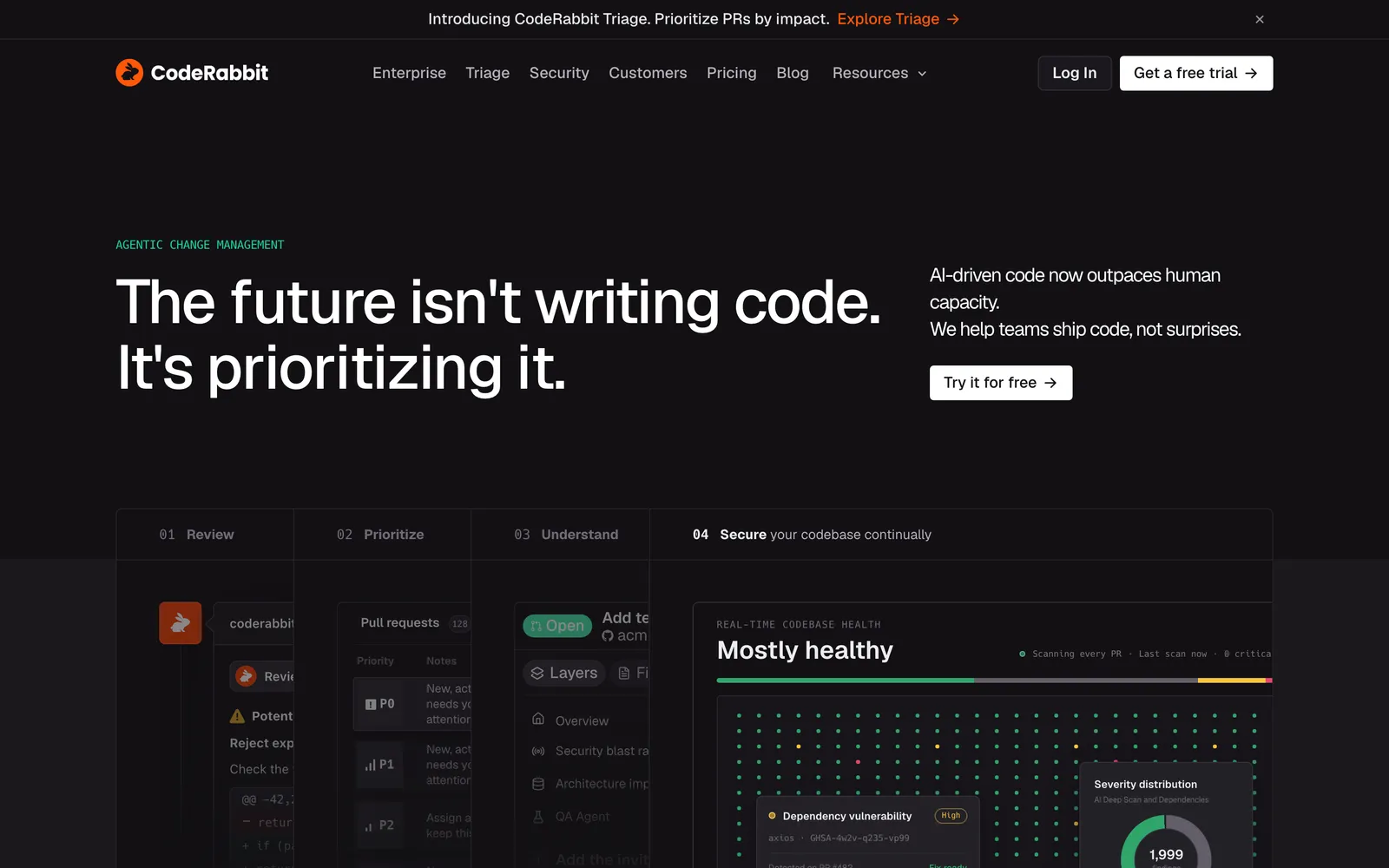
CodeRabbit now describes itself as agentic change management rather than a pull request reviewer. Its documentation covers AI reviews, Triage, Change Stack, continuous security monitoring, pre-merge checks, post-merge actions, an IDE extension, and a CLI. The quickstart lists GitHub.com, GitHub Enterprise Server, GitLab.com, self-managed GitLab, Azure DevOps, Bitbucket Cloud, and Bitbucket Data Center.
The plans were renamed in 2026. Pro became Essentials and Pro Plus became Team. The ladder is Essentials at $24 per developer per month billed annually, or $30 monthly. Team is $48 annually or $60 monthly. Advanced is $72 annually. Enterprise is a custom quote. You are charged only for developers who create pull requests, and seats can be reassigned.
Free access works one way. Sign up with GitHub or GitLab, install CodeRabbit on a public repository, and public repositories get free reviews forever. There is no permanent free plan for private repositories on the current pricing page, only a 14-day trial with no credit card on every paid plan.
Two limits matter when you model cost. Each plan includes a per-developer hourly review allowance: 5 an hour on Essentials, 8 on Team, 10 on Advanced, and 12 on Enterprise, all under a fair usage policy. Past that, usage-based reviews continue at $0.25 per reviewed file, with a spending cap an admin sets. Add-ons are priced separately: the security scan is variable usage-based pricing, and CodeRabbit Agent is $0.40 per agent minute. Continuous security monitoring and a security review on each pull request are Advanced and Enterprise only.
Why Teams Look for a CodeRabbit Alternative
These are buying constraints, not complaints. Each one points at a different tool.
Cost per developer. $24 per developer a month scales with headcount, and the plan that includes a security review on each pull request is $72. Bito and Sourcery start at $12, and CodeScene at $19 per active author, a narrower count.
You need free, permanently. CodeRabbit's free offer covers public repositories. If your code is private and the budget is zero, you need a real free plan: Qodex at 20 reviewed pull requests per developer a month for up to 2 developers, or Greptile Starter at one developer and 50 credits.
You want an open-source option. Free access for open-source projects exists at CodeRabbit, Qodo, Greptile, CodeAnt, Sourcery, and CodeScene. An edition you run yourself is rarer. CodeScene's Community Edition is free for open-source projects, which is not the same as a source licence.
Review depth. Most tools here read the change, with more or less surrounding context. If your failures only show when the code runs, the reviewers that add execution or whole-repository analysis earn the look.
Deployment and host fit. Self-hosting is an Enterprise feature almost everywhere, with Bito the exception at $5 per seat a month. On Bitbucket the confirmed options narrow fast.
Comment volume. Any reviewer that posts enough low-confidence comments gets skipped. Look for severity controls, custom rules, and a merge gate on the findings that matter.
The 8 Best CodeRabbit Alternatives
1. Qodo
Qodo, formerly CodiumAI, sells agentic pull request review with a context engine over your repositories, a rules system, and review skills that run inside a coding agent through its CLI toolbox. It reads the repository around the change, and the rules system is the part teams stay for: one set of standards across every repository.
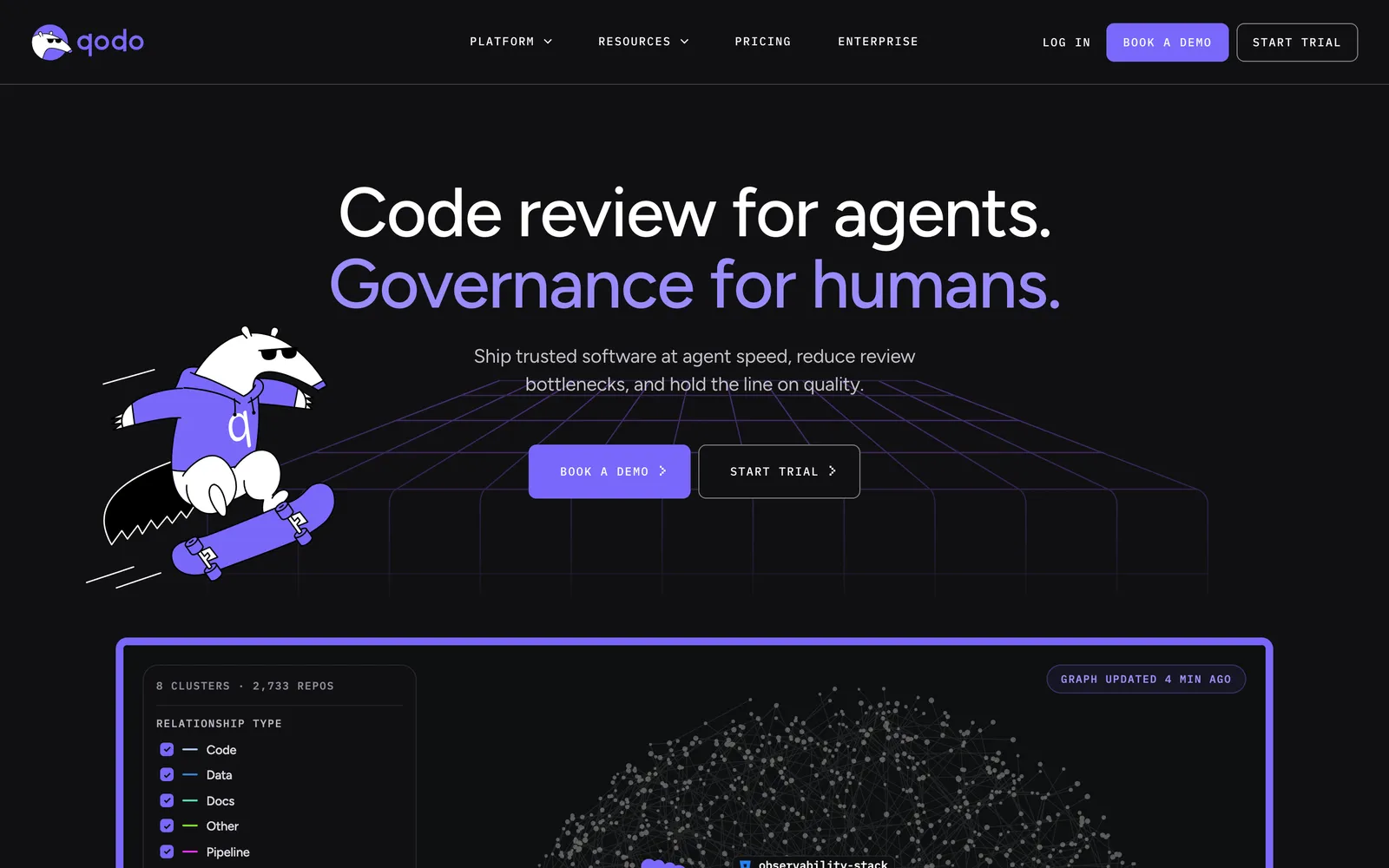
Price and unit: Pro Team is $30 a month for 2,500 pooled credits, which Qodo estimates at about 18 reviews. Larger packs are 5,000 credits for about 36 reviews and 20,000 for about 144. Extra credits are $0.012 each. The plan is designed for up to 30 users, with Enterprise beyond that. Read 15 September 2026.
Free access: a 14-day trial with unlimited credits and no card. Qodo states plainly that it has no permanent free tier. Qualified open-source projects can apply for free access.
Deployment: Enterprise adds SSO and SAML, audit logs, bring your own LLM keys, Gerrit support, and single-tenant or on-premises deployment.
Main limit: the unit is a credit, not a pull request, so a busy month is harder to predict than a per-seat plan.
Best for: teams under 30 people who want governance across repositories and can live with a meter. More in our Qodo alternatives guide.
2. Qodex
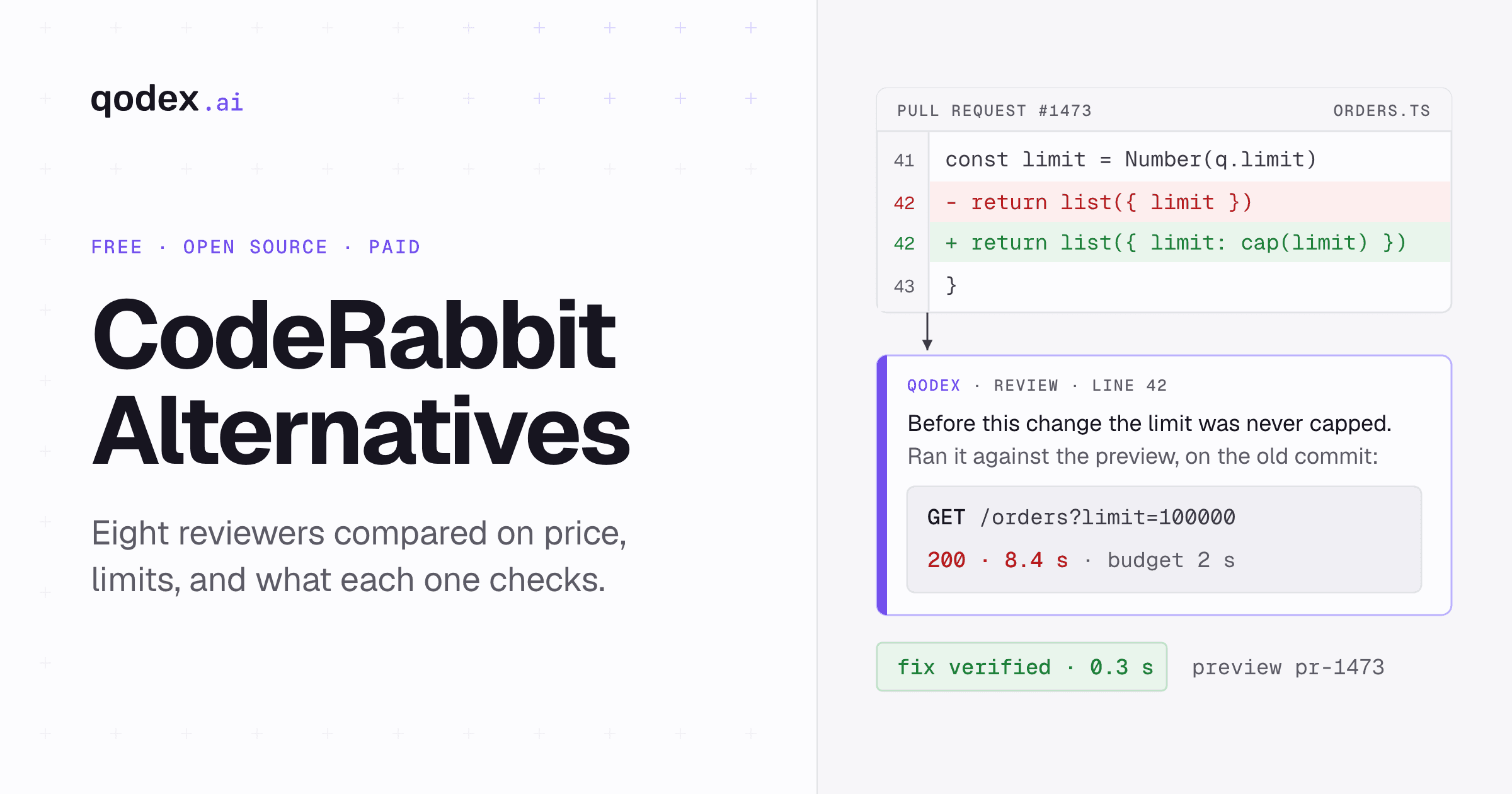
Qodex is this site. The positioning is one line: "Every pull request, reviewed against a running system." Most reviewers here read the change. Qodex AI code review runs more than a dozen static analyzers, a full read of every changed file, a blast-radius pass, two frontier models, and live probes against the preview. Six passes before a single comment is posted.
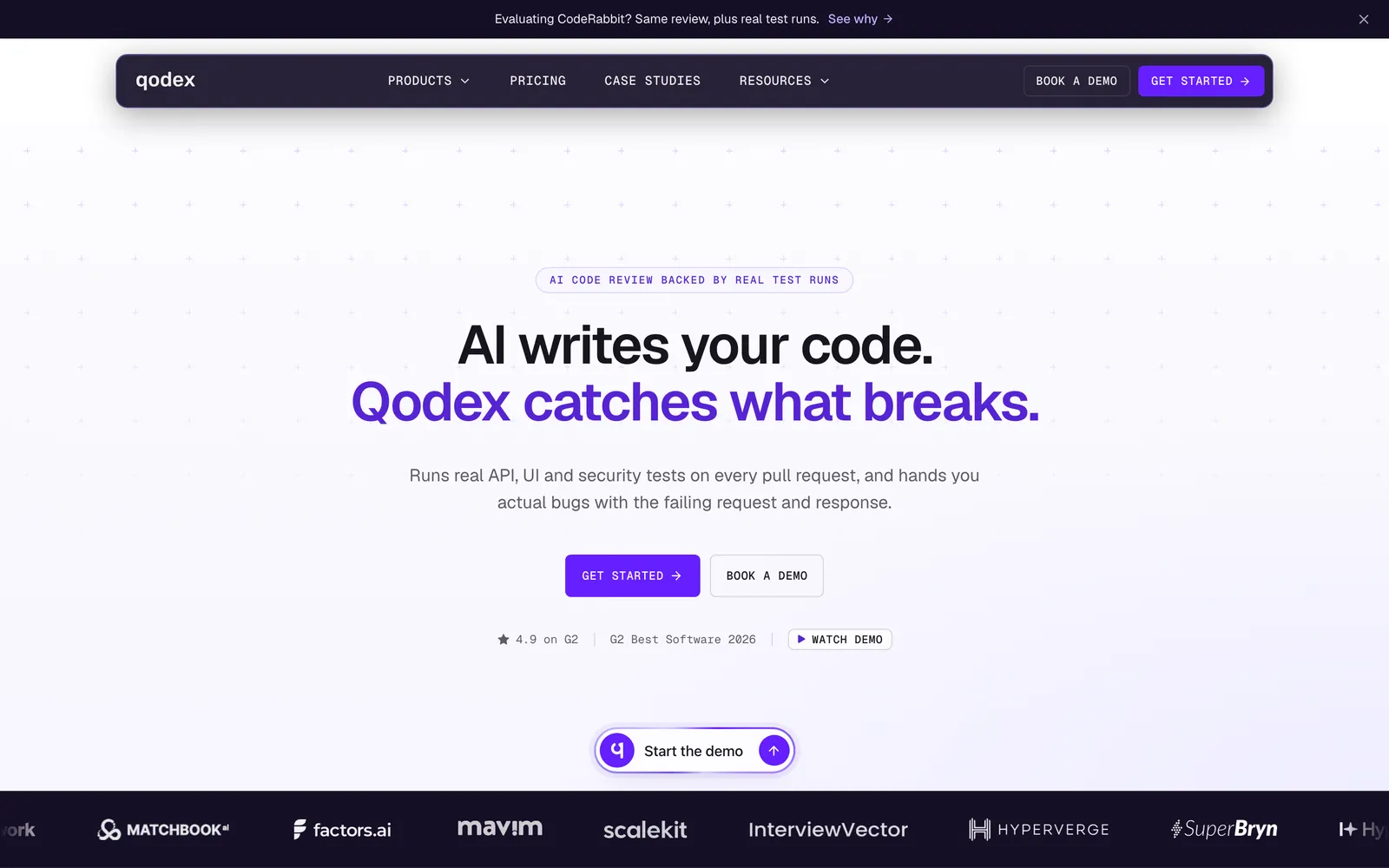
Price and unit: Pro is $30 per developer per month, with 50 reviewed pull requests per seat, pooled across the team, and $1 per additional pull request. A seat is a developer whose pull request Qodex reviewed that month, counted at month end, not a login. Developers with fewer than 3 reviewed pull requests a month are free, and so are reviewers, PMs, readers, and bots like Dependabot. Nothing is metered by lines or files.
Free access: a free plan for up to 2 developers, each with 20 reviewed pull requests a month, 2 automatic reviews each, unlimited repositories, and no card. Pro adds a 14-day free trial with no card, for up to 100 reviewed pull requests.
Setup: the GitHub app, which takes minutes. Nothing goes into your application and no runner goes into your CI. Merge gating is configured per repository in .qodex.yaml, and the next pull request gets reviewed.
Main limit: setup is the GitHub app. Self-hosting and SSO are Enterprise.
Best for: teams on GitHub whose problem is review comments that turn out to be wrong, or bugs that only appear once the code runs. Connect a repository free. The mechanics are in AI code review grounded in executed tests.
3. Greptile
Greptile builds a graph of your repository and reviews each change against it, which is what lets it comment on a changed function's callers or a break from a pattern used elsewhere. It also ships a CLI, custom rules, and a security review.
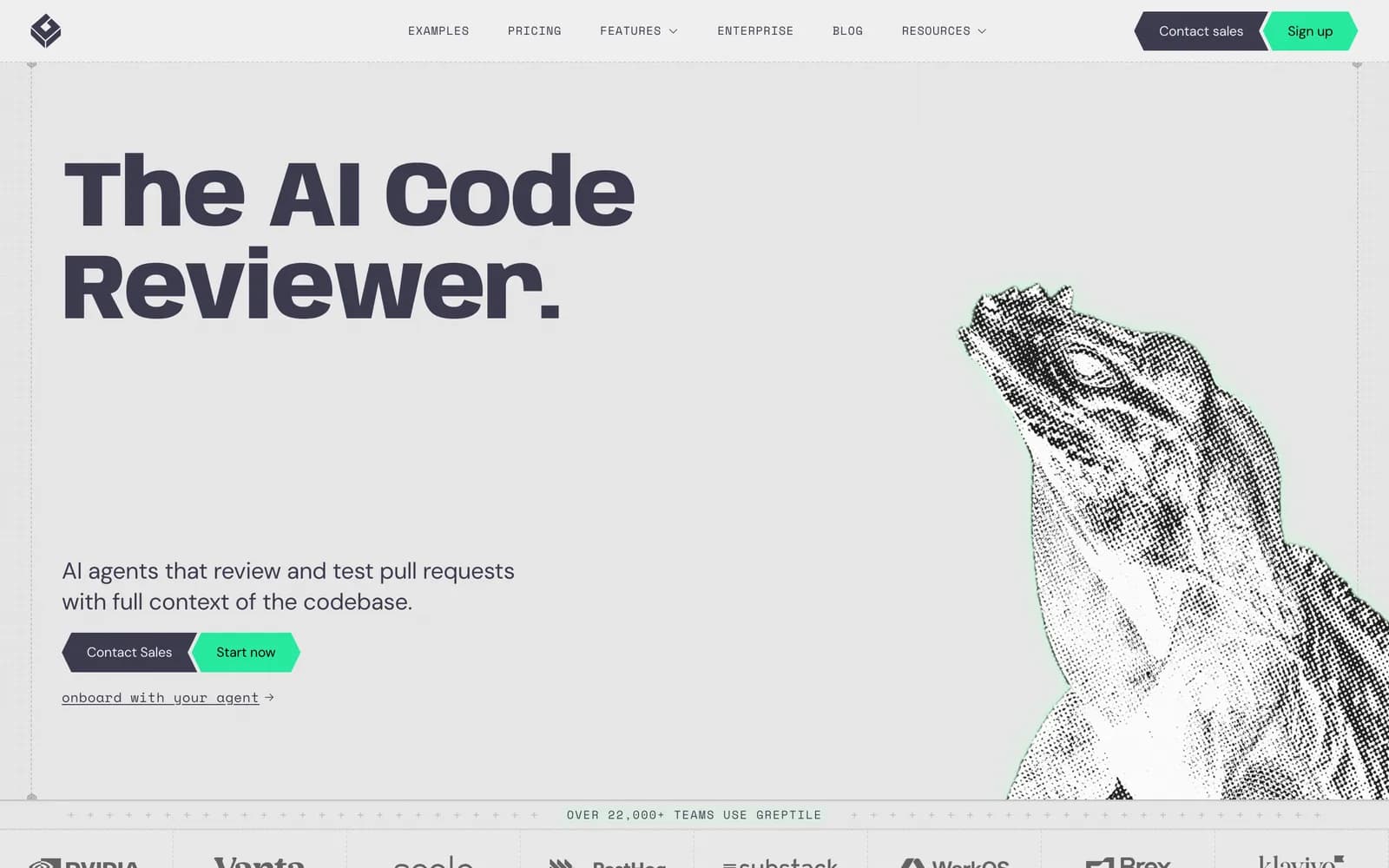
Price and unit: Pro is $30 per seat per month with 50 credits included per seat. One standard review spends 1 credit and one TREX review spends 3. Extra credits are $1 each. Repositories and users are unlimited on Pro.
Free access: Starter is free for one active developer, with unlimited repositories and 50 credits a month. Qualified non-commercial MIT or Apache projects can apply for free access, and pre-Series A startups under $2M revenue get 50% off.
Deployment: Enterprise adds self-hosting in your own infrastructure, SSO and SAML, and GitHub Enterprise support.
Main limit: the credit maths needs doing before you sign. A team leaning on TREX reviews spends its credits three times faster, and the pricing page lists GitHub only.
Best for: large, tightly coupled codebases where diff-local review keeps missing cross-file consequences. More in our Greptile alternatives guide.
4. CodeAnt AI
CodeAnt AI answers a different question: what if review and security were one purchase? Its pricing page sells five products side by side, AI pentesting, code review, code security, code quality, and developer metrics, with OWASP Top 10 coverage on the pentest side.
Price and unit: price on request. The pentest product publishes a per-scan model where low and medium findings are free and high and critical findings unlock on payment. The code review plan table did not render its numbers on 15 September 2026, so the $10 and $24 figures that circulate in roundups are not carried here.
Free access: a 14-day trial with no card, 100% off for open source, and a startup discount.
Main limit: breadth. Five products means more to configure and more findings to triage, and the code review prices are not published.
Best for: teams that want review and security on one invoice, and who will ask sales for a number.
5. Bito
Bito runs AI code reviews in the Git host, the IDE, and the CLI, with codebase-aware feedback and one-click fixes. Its separate AI Architect product builds a knowledge graph for design and impact work, priced on usage rather than per seat.
Price and unit: the code review Team plan is $12 per seat per month billed annually, or $15 monthly. Professional is $20 annually or $25 monthly and adds custom review guidelines, learning from feedback, Jira and Confluence integration, and CI/CD pipeline reviews. Both include 5,000 reviewed lines per seat per month, then $5 per extra 1,000.
Free access: Professional has a 14-day trial with no card. There is no permanent free plan on the pricing page.
Deployment: Professional offers self-hosting as a $5 per seat monthly add-on, the cheapest on this list. Enterprise adds SSO and SAML and on-premises deployment.
Main limit: the meter is reviewed lines, so a refactor that touches thousands of them burns the allowance quickly.
Best for: cost-conscious teams on GitHub, GitLab, or Bitbucket. More in our Bito alternatives guide.
6. GitHub Copilot Code Review
GitHub Copilot code review is the shortest path to an AI reviewer if Copilot is already on the invoice. It lives in github.com, needs no third-party app, and you request it from the reviewers panel.
Price and unit: Copilot Pro is $10 a month, Pro+ is $39, and Max is $100. For organizations, Business is $19 per granted seat and Enterprise is $39. Code review is included on the paid plans.
Free access: Copilot Free exists, but its code review is limited to "Review selection" in VS Code, not review on a pull request.
Main limit: GitHub meters paid AI use in GitHub AI credits, 1,000 on Pro and 1,900 per user on Business. Review is included in the plan but not outside the credit model, so heavy agentic use has a cost. It runs inside GitHub pull requests.
Best for: teams already on Copilot that want a competent first pass and nothing new to administer.
7. Sourcery
Sourcery reviews private repositories line by line and posts summaries and diagrams of the change alongside the comments. It bundles security scanning into every plan.
Price and unit: Pro is $12 per seat per month and Team is $24, with annual billing 20% cheaper. Pro covers private repositories, custom review rules, and biweekly security scans on 10 repositories. Team adds repository analytics, scans across 200 or more repositories, daily scanning, three times the code review rate limits, and bring your own LLM.
Free access: Sourcery is free on open-source projects, in the IDE and on GitHub or GitLab. Paid plans start with a free trial.
Deployment: Enterprise adds self-hosting, priority support, and invoice billing.
Main limit: security scanning caps at 10 repositories until Team, and the product is narrower than the platforms above.
Best for: teams whose review culture is about code health rather than bug hunting.
8. CodeScene
CodeScene is the odd one out, deliberately. Instead of judging one change, it analyses how the codebase evolves: which files change constantly and carry high complexity, where knowledge sits with one person, and how that maps to delivery risk. It reviews pull requests too, but the org-level view is the reason to buy it.
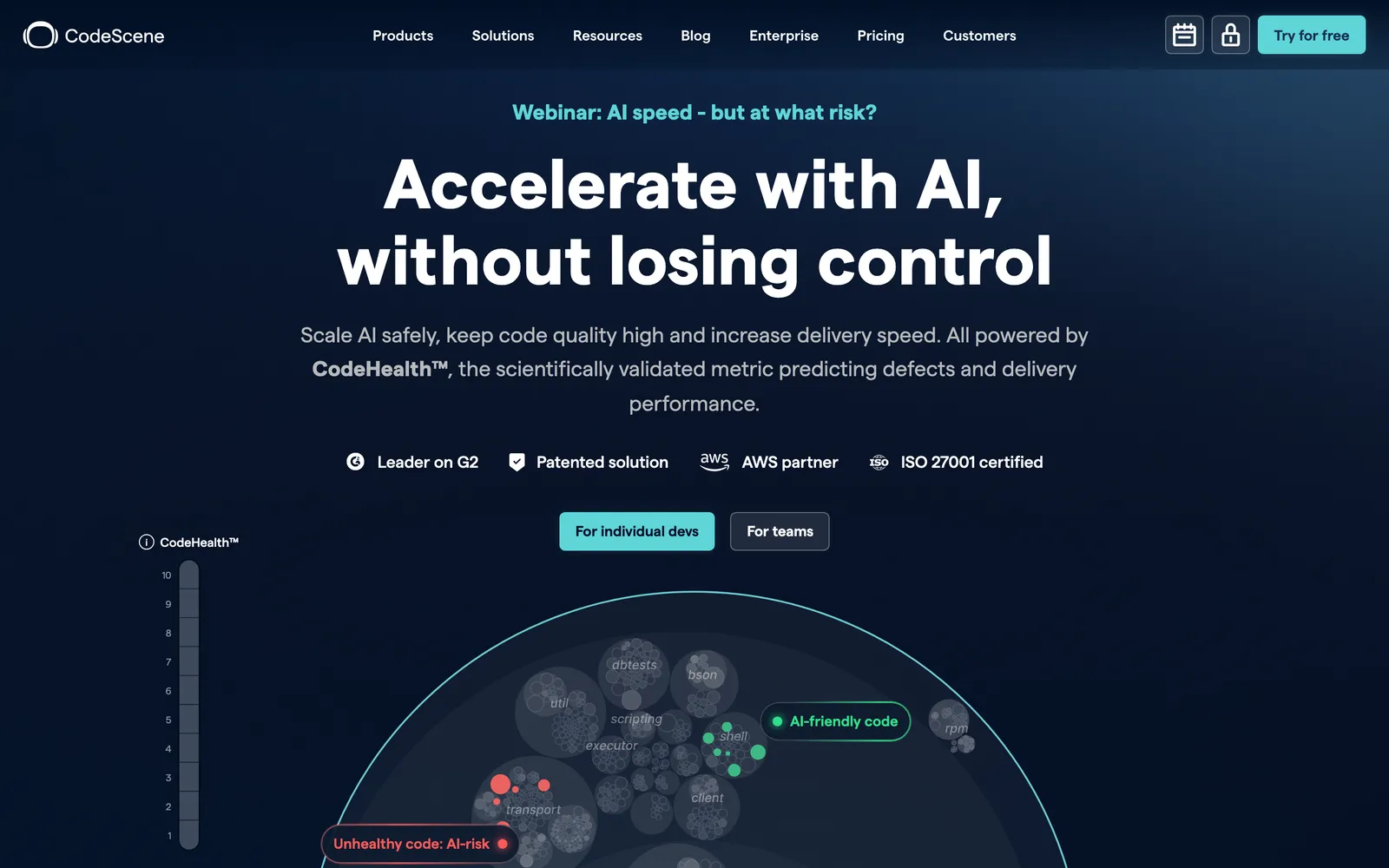
Price and unit: in the US, Standard is $19 per active author per month billed yearly, or $21 monthly. Pro is $29 yearly or $32 monthly. International pricing is EUR 18 or EUR 20 for Standard and EUR 27 or EUR 30 for Pro. An active author is anyone who committed in the past three months, counted once, and historic authors are free.
Free access: Community Edition is free for open source, with a free trial on Standard or Pro and a free package for students.
Deployment: on-premises or cloud, chosen at purchase.
Main limit: the org-level view is the product, and the billing unit is different enough that comparing it to a per-developer price is misleading.
Best for: engineering leaders who need to see where risk and knowledge concentrate.
Which CodeRabbit Alternative Fits Your Team
Pick by the constraint that made you look, not by the longest feature list.
Budget is zero and the code is private: Qodex, with 20 reviewed pull requests per developer a month for up to 2 developers, or Greptile Starter if one developer is enough.
The project is open source: CodeRabbit is free forever on public repositories, so start there and add Sourcery, which is free on public repositories too, or CodeScene's Community Edition.
The bill is the problem: Bito or Sourcery at $12 per seat, or Copilot code review if Copilot is already on the invoice.
You are not on GitHub: Bito names GitHub, GitLab, and Bitbucket, Sourcery names GitHub and GitLab, and Qodo adds Gerrit on Enterprise. Confirm your host in the vendor's documentation first.
The review needs to be checked, not guessed: Qodex probes the preview deployment and can gate the merge on what it verified.
Cross-file consequences keep slipping through: Greptile, with its repository graph.
Review and security on one invoice: CodeAnt AI, if you will ask for a quote.
You manage a portfolio, not a queue: CodeScene, for hotspots and delivery metrics.
Self-hosting is a hard requirement: Bito's $5 per seat add-on is the cheapest route. Everywhere else it is Enterprise.
The category splits on one question: does the reviewer only read the change, or does it also check what the change does? That is the axis worth buying on, and it costs less to test than to argue about. The wider field is in our best AI code review tools roundup, with newer entrants in Graphite, CodeReviewBot, Korbit, and Cursor Bugbot alternatives.
Frequently Asked Questions
What is the best CodeRabbit alternative?
There is no single winner, so match the tool to the limit you hit. For governance across repositories, Qodo. For review checked against a running preview, Qodex. For whole-repository context, Greptile. For review and security on one invoice, CodeAnt AI. For the lowest per-seat price, Bito or Sourcery at $12. For no new vendor, Copilot code review.
Is there a free CodeRabbit alternative?
Yes, two with real free plans for private code. Qodex reviews 20 pull requests per developer a month, for up to 2 developers, across unlimited repositories with no card. Greptile Starter is free for one active developer with 50 credits a month. Copilot Free only offers "Review selection" in VS Code, not pull request review. CodeRabbit, Qodo, CodeAnt, Greptile and Bito Professional each publish a 14-day trial; Sourcery and CodeScene publish a free trial with no stated length. CodeRabbit gives free reviews forever on public repositories, so for open source the honest answer is often to run more than one. Our free AI code review guide compares every free tier.
Is there an open-source CodeRabbit alternative?
Free access for open-source projects is common. CodeRabbit and Sourcery are free on public repositories, Qodo and Greptile grant it through an application, CodeAnt offers 100% off, and CodeScene's Community Edition is free for open-source projects. No source-licensed edition was verified. If self-hosting matters more than the licence, Bito's $5 per seat add-on is the cheapest published route. Published self-hosting options vary by plan.
How much does CodeRabbit cost in 2026?
Read on 15 September 2026: Essentials is $24 per developer per month billed annually, or $30 monthly. Team is $48 annually or $60 monthly. Advanced is $72 annually, and Enterprise is a custom quote. You pay only for developers who open pull requests. Each plan carries an hourly allowance, 5 reviews per developer on Essentials up to 12 on Enterprise, after which usage-based reviews cost $0.25 per reviewed file.
Which alternatives support GitLab and Bitbucket?
Bito's pricing page names GitHub, GitLab, and Bitbucket. Sourcery names GitHub and GitLab. Copilot code review runs inside GitHub pull requests, and Qodex installs as a GitHub app. Qodo, Greptile, CodeAnt, and CodeScene publish no host list on their pricing pages, so check their documentation first. CodeRabbit's quickstart lists GitHub.com, GitHub Enterprise Server, GitLab.com, self-managed GitLab, Azure DevOps, Bitbucket Cloud, and Bitbucket Data Center.
CodeRabbit versus Qodo, Qodex, Greptile, or GitHub Copilot: which fits?
CodeRabbit lists seven Git hosts in its quickstart, at $24 per developer a month. Qodo is $30 a month for a credit pool up to 30 users, so it fits smaller teams that want rules across repositories. Qodex is $30 per developer for 50 reviewed pull requests each, pooled, and probes the preview, so it fits GitHub teams who want findings verified. Greptile is $30 per seat with 50 credits for repository-graph context. Copilot starts at $10 and meters paid AI use in credits.
Conclusion
Shortlist by constraint. Zero budget on private code leaves two names. A Bitbucket shop leaves fewer. Then run the shortlist on one real repository for a fortnight, because every claim on this page, ours included, is a vendor claim until your own pull requests test it.