Interactive Code Review Checklist
Work a pull request through correctness, tests, security, performance, readability and API contracts, then copy the result into a review comment or hand it over as a link.
- Pick the language and the change type for this pull request.
- Mark each item done, or not applicable with a reason.
- Copy the Markdown into your review, or share the link.
Code review reference: what to check and what to automate
What Is a Code Review Checklist?
A code review checklist is a fixed set of questions a reviewer asks before approving a change. It covers correctness, tests, security, performance, readability and API contracts, so the review does not drift toward whatever the reviewer happened to notice first. The checklist above groups those six areas, labels who can answer each item, and copies the result into a pull request comment. Our automated code review guide covers the tooling side of the same job.
A checklist is a prompt, not a proof. The most linked checklist on the web says as much about itself: it is not exhaustive. What it does is stop the obvious questions being skipped. The bar it serves comes from Google's standard of code review: approve when the change improves the health of the codebase, not when every preference is satisfied.
How to Use This Interactive Checklist
Pick a language and a change type at the top. The list narrows to what applies, and a language adds the traps specific to it. Nothing you mark is lost when a filter changes; the summary line counts the answers saved outside the current view.
Read the pull request before the code. GitHub's review quickstart puts the description, the linked issue and the existing comments first, because a diff read without its intent produces confident comments about the wrong thing.
Mark Done only with evidence. A ticked box should mean you looked, not that the item sounded fine.
Mark N/A only with a reason. The tool asks for one, so a skipped item leaves a trail the author can argue with.
Set the depth by risk. A dependency bump, an authentication change and a typo fix do not deserve the same list. Sourcegraph calibrates the same way, layering separate frontend, backend, security and migration lists on top of a master list.
Read the unchecked block before approving. Copy Markdown puts unchecked items first, so the open questions lead your comment instead of trailing it.
Paste the copied Markdown into the pull request description or a review comment. To get the list on every pull request, move it into .github/pull_request_template.md, which GitHub inserts into each new pull request body. Copy share link stores the state in the URL fragment instead, so a second reviewer opens the page with your marks in place.
What to Check Before Approving a Pull Request
Correctness. Compare the behavior with the intent. Google's reviewer guide asks whether the change works for its users, whether edge cases and concurrency were considered, whether every assigned line was read, and whether the change makes sense in the context of the file and the system, not the diff alone.
Tests. A green suite proves the tests passed. It does not prove they are useful. Google is explicit that a person has to judge whether a test would actually fail when the code it covers breaks. The Turing Way checks coverage and correct results as two separate questions for the same reason.
Security. Authorization placed before the protected work, execution stopped after a failed check, server side validation, safe output encoding, secrets kept out of code and logs. The next section takes these one at a time.
Performance. The CMU embedded review checklist asks whether worst case execution time is bounded and calls out unbounded loops and recursion. Sourcegraph adds repeated remote and database calls inside hot paths.
Readability. Names that state intent, flow you can follow without a debugger, one job per function, dead code removed, comments that explain why. Google also asks that a large reformat be split from a behavior change, so the change that matters stays visible in the diff.
API contracts. The Turing Way asks whether interfaces are documented, necessary, complete and used consistently. OWASP adds endpoint validity, input validation and access control for anything exposed as a service. The compatibility call stays with a person: old clients keep working, or the break gets a version.
Common Code Review Errors
Reviewing only the changed lines. A change can be locally reasonable and wrong once you read the rest of the file or the callers. Google and Sourcegraph both ask for the wider context.
Spending the review on whitespace and taste. Google's standard says technical facts and data outrank personal preference, and that the style guide is the authority on style. If the argument is about formatting, the argument is over.
Trusting a passing test. Read the assertion. A test that would pass with the feature deleted has told you nothing.
Mixing a reformat with a behavior change. The real change hides in the noise, and the revert takes the formatting with it.
Treating one checklist as universal. The Turing Way notes that some items will not apply to every project or language. That is what the N/A reason is for.
Letting size defeat attention. The CMU embedded guide recommends 100 to 400 lines per review session of one to two hours for its process. Treat the number as one domain's recommendation, and the point behind it as general: past some size, reviewers skim.
Security Checks for Every Review
Start at the trust boundary. Who can call the changed path, what data crosses it, and what happens after an authorization check fails. The OWASP Code Review Guide asks whether authorization is placed correctly, whether it runs before input is processed, whether it covers every resource the request touches, and whether execution actually stops when the check fails. A check that logs and then continues is not a check.
Then trace untrusted data from source to sink. OWASP asks for server side validation of type, length, format and range, for safe database access, and for output encoded correctly for the context it lands in. Client side validation is a convenience for the user and evidence of nothing.
Then the surrounding material: secrets kept out of code, logs, tests and client bundles, sensitive data minimized and encrypted where required, sessions and cookies using the protections the framework offers, and dependency versions someone has actually looked at.
Finally, be honest about what automation proves. OWASP says tools can process a lot of code but still need human verification, because they do not understand context and have blind spots. A clean scan is a starting position, not a verdict.
What AI Can Check and What Needs a Human
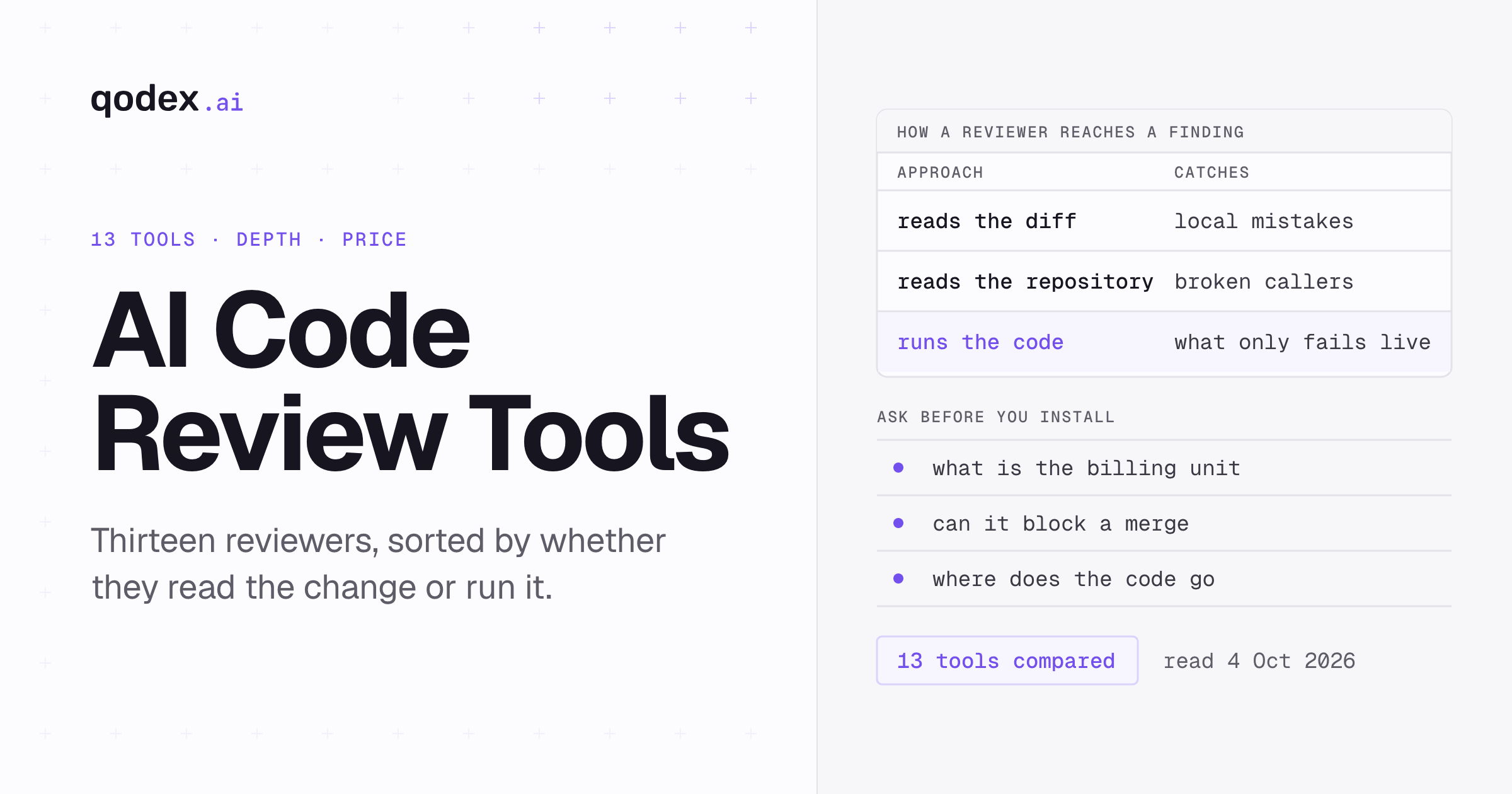
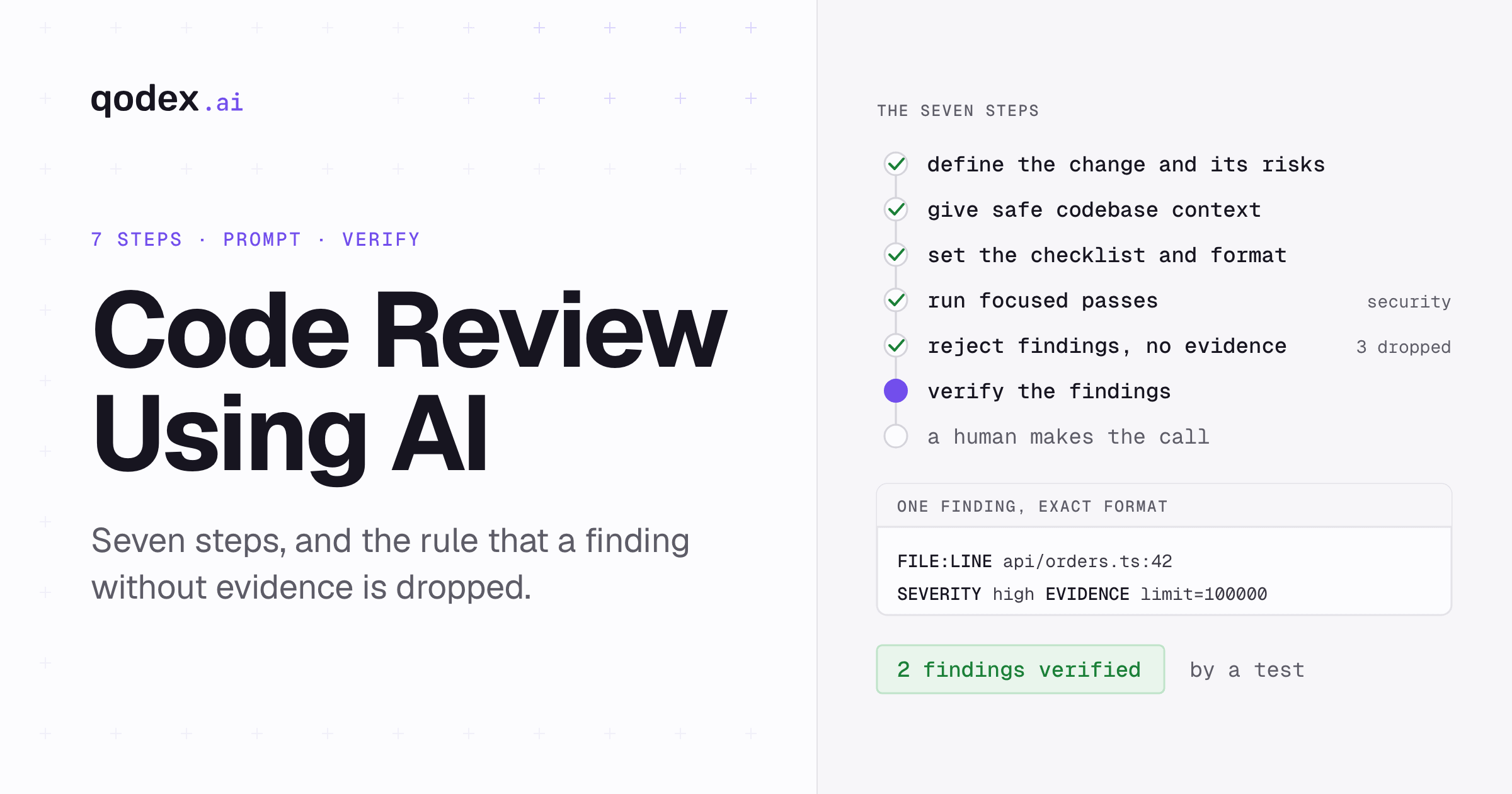
An AI reviewer is good at the first pass over repeated patterns: likely bugs, unhandled error paths, missing tests, suspicious data flow, duplication, naming and stale documentation. Every one of those is a finding to verify, not a pass certificate. Our roundup of AI code review tools compares what the current field actually catches.
What stays with a person is intent, architecture fit, user impact, privacy, exploitability, whether the tests prove the right behavior, and whether the remaining risk is acceptable. Google asks for qualified reviewers on privacy, security, concurrency, accessibility and internationalization, and says plainly that humans must ensure tests are valid. For high risk areas, pull in the specialist: the widely forked mgreiler checklist keeps an Experts' Opinion section for exactly that.
How to Use the Checklist in CI
Move everything repeatable ahead of human review: build, type checks, formatter, lint, unit and integration tests, contract tests, secret and dependency scans, and any benchmark with a defined threshold. These are the items marked auto in the tool.
Then make them required status checks on the protected branch. GitHub requires those checks to be successful, skipped or neutral before a merge, and branch protection can separately require approvals and code owner review for the paths a change touches. That turns the auto lane into a gate and leaves the rest to people.
What not to do is convert human items into CI checkboxes nobody can fail. OWASP is direct about it: a build can pass while security flaws remain, and a minimum standard review is not a risk based secure review. A box that always passes is worse than no box, because it looks like coverage.
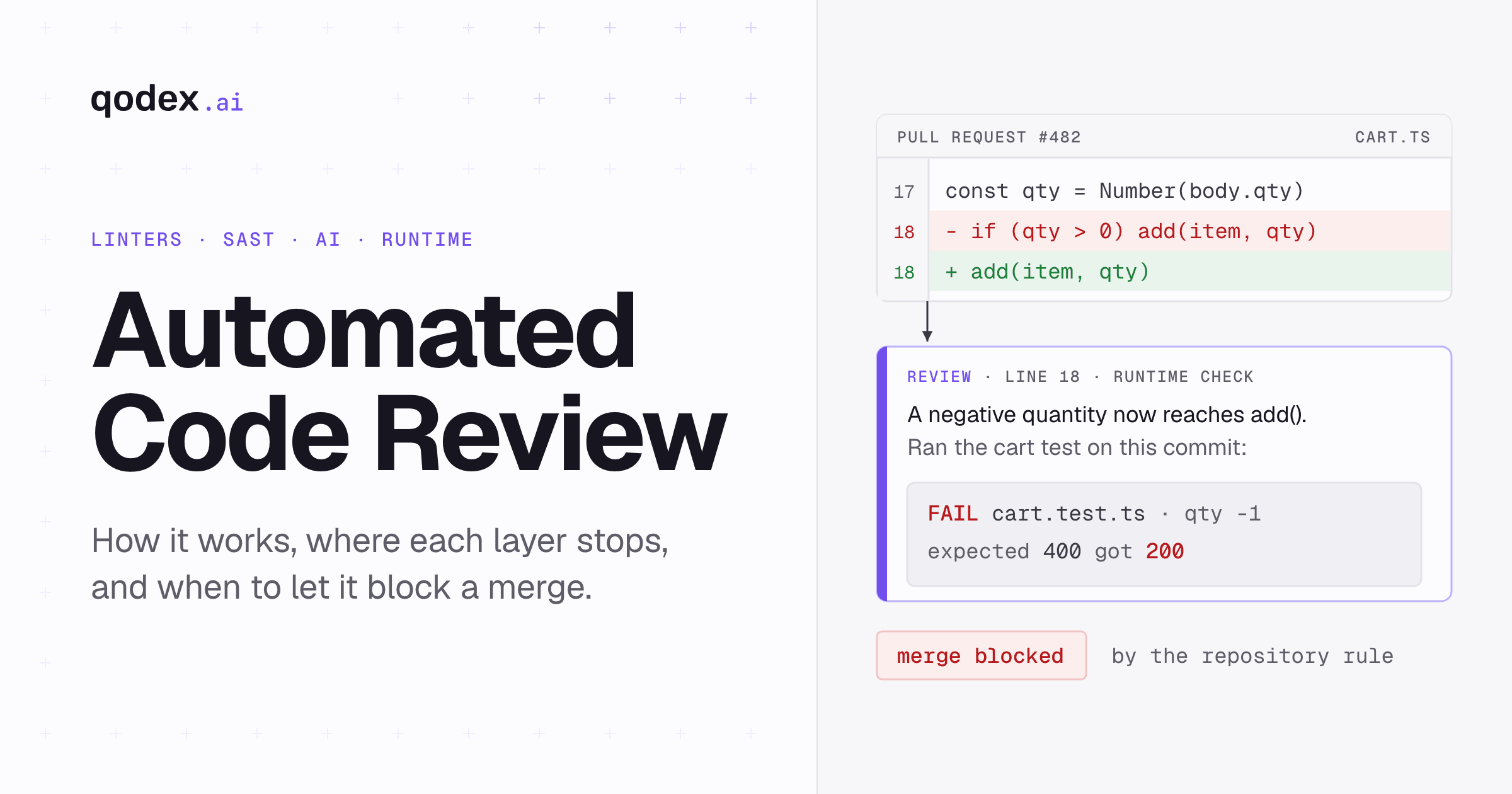
Next step: the automated code review guide covers how to roll the tooling out without drowning the team in comments.
How Qodex Reviews Pull Requests
Qodex reviews a pull request against a running system. It reads the diff, then runs the tests and the API and UI scenarios the change touches, and comments with the failing request or the screenshot attached. The practical effect on this checklist is that the auto and AI first lanes arrive largely answered, with evidence rather than a guess, so the reviewer spends the review on the human lane where judgment is actually required.
Start a free trial and connect a repository, or see how Qodex AI code review works.
Related Comparisons
Comparing tools? See CodeRabbit alternatives and Cursor Bugbot alternatives.
Frequently Asked Questions
What should a code review checklist include?
Correctness, tests, security, performance, readability and API contracts, with the depth set by the risk of the change. A dependency bump and an authentication change should not get the same list.
How do I review a pull request step by step?
Read the description and the linked issue, then the tests, then the code in the context of the file and its callers. Run the checklist last and post the unchecked items as your comment.
Which code review checks can be automated in CI?
Anything with a repeatable pass or fail: build, type checks, lint, unit and integration tests, coverage thresholds, secret and dependency scans, schema diffs, and contract tests.
What can an AI code reviewer check automatically?
Likely bugs, unhandled errors, missing tests, suspicious data flow, duplication and confusing names. Each of those is a finding for a person to confirm, not an approval.
Which checks still need a human reviewer?
Intent, architecture fit, user impact, privacy, exploitability, whether the tests prove the behavior they claim to, and whether the remaining risk is acceptable to ship.
How do I add this checklist to a GitHub pull request template?
Copy the Markdown from the tool and save it as .github/pull_request_template.md in the repository. GitHub then shows it in the body of every new pull request.
Does this checklist send my selections or code to Qodex?
No. The state lives in your browser and, if you share it, in the fragment of the link. Fragments are handled by the browser and are not sent to the server with the request.
Can I share a completed checklist without an account?
Yes. Copy share link puts the current state in the URL fragment, and anyone who opens that link sees the same marks, filters and reasons.
Related Articles
Review pull requests against a running system
Qodex reads the diff, runs the tests and the API and UI scenarios the change touches, and comments with the failing request or the screenshot attached.